William Thorup

Illustrator, Motion Graphics Designer, Animator, and VFX Artist

Author: William

  • Competitions and What Not.

    Competitions and What Not.

    Been a little while since my last post.  Thought I should fill you all in on what has been happenng the last week or so.

    First, my brother and I have been very busy finishing up our second app, and, not to brag, its pretty awesome.  I will be posting the graphics I put together for it soon, along with a link to the app, soon.

    I am also participating in some of the cghub competitions.  This is the one that I am currently involved with along with a group of my friends from drawnight.  I also encourage anyone else that is reading this blog to head on over to cghub.com and take a look at the prvious competitions, and consider joining in on the fun.

    I am really enjoying it because I am trying to take a more thought out approach to creating my character and painting.  And to put it simple, it hasn’t been easy.  I am recording most of my work on it, and you will see what I mean.

    But for the mean time here is a little teaser at what I have been doing.   Enjoy!

  • Adobe Photoshop Touch – Sketch and Review

    Adobe Photoshop Touch – Sketch and Review

    I have been trying out different drawing applications on my Thinkpad.  Seeing what does what, and I thought that I should try Adobe Photoshop Touch and let you all know what I think so far.

    (Done in Adobe Photoshop Touch on a Lenono Thinkpad 10.1 Tablet with stylus)


    I will start with the only function that effects the usually digital painting workflow that I am used to.  Lack of any varity of brushes.  Your left with the basic round brush.  Granted, I use this this kind of brush often, it would be nice to have a pallet knife brush or something of the sort to bring a little variety to edge and texture.  But there is a reason why it is called “Photo”shop, and I understand it isn’t geared to artists like Sketch Book Pro is.  As many photographers have no need for different brushes.
    But, with that being said, I am sure they will probably introduce a way to import .abr files in the future. Or at least provide a basic variety of brushes to choose from, like Sketch Book Pro.
    But for the positives, there are many.  First, the stylus is much more responsive.  I am guessing this is probably a software thing because, even though Sketch Book Pro responds well enough, Photoshop Touch seems to respond better.
    The menus for layers tools and other options, are very thought out, and don’t seem to slow my workflow down.  In contrast, I feel that the way Sketch Boo Pro handles menus seems to slow me down.  Photoshop Touch allows you to quickly hide individual menus independently.  So, if you aren’t messing around with your layer dialog, but you need to be adjusting you brush options constantly, you can hide the layer bar while keeping the brush options open.  I was surprised how useful this function is.  Also, another little plus I enjoy is the full screen mode.  Makes it easy to show off your work with out all the little panels on side ruining the experience.
    There are a variety of blending options for layers, as well as a way to apply effects (dodge/burn) to your brush.  Also, you are given filters (blur, sharpen and other more artistic filters)  along with a host of color adjustment options.  Options you would expect in a photo manipulation program.  And options I would use from time to time, especially the color adjustment options.
    The selection tools are great, none of which I have seen in any other Android painting app.  And you can crop your image as a whole and rotate, scale and adjust layers.
    In my opinion it is one of the best image minipulation apps on the market right now, but with a few downsides for artists.  One being the lack of multiple brush types.  Also, one other downside, I just thought, of is line smoothness.  I am not sure why, but when a line is drawn on the canvas it always comes out a little jittery, and I see this in other programs as well.  Sketch Book Pro compensates pretty good with a line smoothing option.  Photoshop Touch doesn’t have this.  And like many other Android painting apps, the line never seems to come out quite the way you want it.  But it is something that I can adjust to, and for most artists it is definitely not a deal breaker.
    But with those few drawbacks aside, it is still a very usable app for sketching and even more complacated pieces of art.
    Again, I am planning on doing a few videos of both apps in action.  State tuned!
  • Thinkpad Sketches

    Thinkpad Sketches

    Again, haven’t been updating much.  I have been busy working as a Digital Imaging Technician (DIT) on the Boys at the Bar film.  A Richard Dutcher film.  Just a few more night shoots, and that will be done.  But on my down time between different shots or when I am not swapping or dumping footage,  I take the time to draw.

    So here are a few sketches and  a more finished painting.  All done on the the Lenovo Thinkpad Tablet, with a pressure sensitive stylus, in Autodesk Sketchbook Pro.


    I picked up the tablet and the pen for about $300, and it has been fantastic.  The lag between the stylus and the actual drawing is practically unnoticeable and I have found it really easy to adjust to.  The only issue I have with drawing on the tablet, actually has nothing to do with the tablet, but with Sketchbook Pro.  It doesn’t have any kind of palm detection.  So, in order to combat this, I am required to wear a cotton glove with the index, middle and ring finder cut off.  This keeps any part of my hand from actually touching the screen.

    But overall, if you want a digital sketchbook, at a really good price, this Tablet is a great choice.  And currently the only choice with pressure sensitivity and a 10.1 inch screen.

    I’ll see about doing some videos of me drawing with this tablet.

  • Thor Media’s first Android App!

    Thor Media’s first Android App!

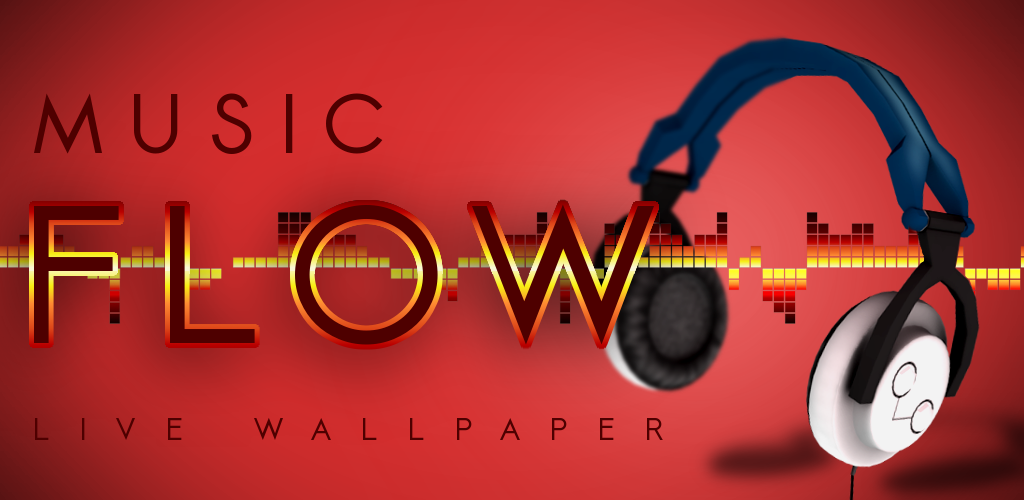
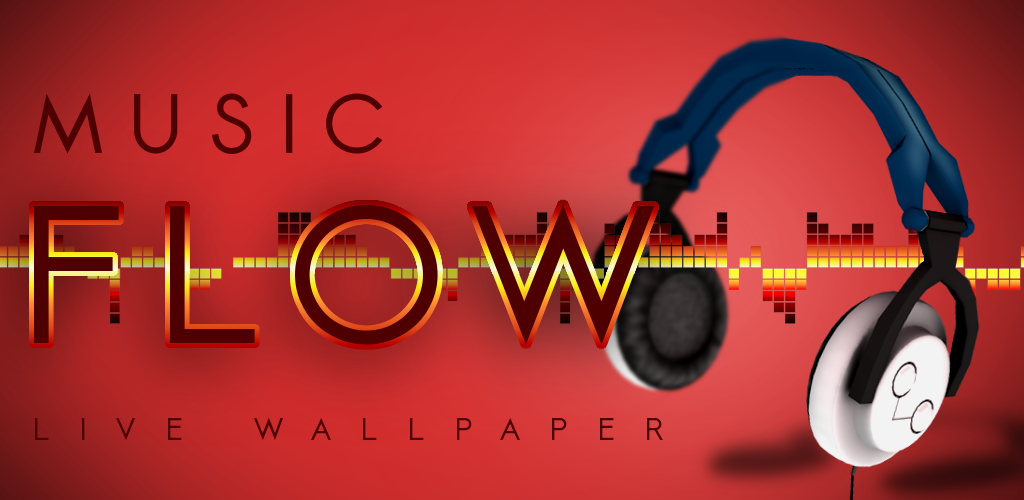
    Well, it has been out for well over a week now, but I thought I would still post about it, since version 1.5 was just released.

    I have had the opportunity to take charge of the art direction and do allot of the modeling and texturing for  the wallpaper.  This specific live wallpaper is directed towards anyone who is passionate about music.  The wallpaper showcases different instruments and objects related to music and was built to be very visually appeasing.  So if you are interested and have an Android phone, click here and get your copy of one of the best live wallpapers for Android today.

    Here are some stills of a few of the objects I modeled.  All objects are under 2000 faces and textures are 512x512px or less.

    Low-poly modeling, with a limit, is a challenge.  Especially when you are dealing with n-gons.  I discovered that when baking textures, n-gons are your worst enemies.  But overall it is fun to try to push your models and trying to figure out where you need detail and where you don’t, to get the most out of your models.

    Another note about this stuff.  I recently switched over to Kubuntu to see what kind of perks it might have.  I am falling in love with it.  Visually speaking it is quite appealing.  I am not sure if it has any performance advantages over other distros, but it does have really nice tools for Wacom tablets, and has other perks, if you are working with Krita.  I am hoping to do some time lapses in the future, and they will probably all be in Kubuntu.  Keep and eye out for that.

    One last thing,  if you haven’t tried the recently released 2.8 version of Gimp, I highly suggest it.  Its really  nice.

  • Light Study

    Light Study

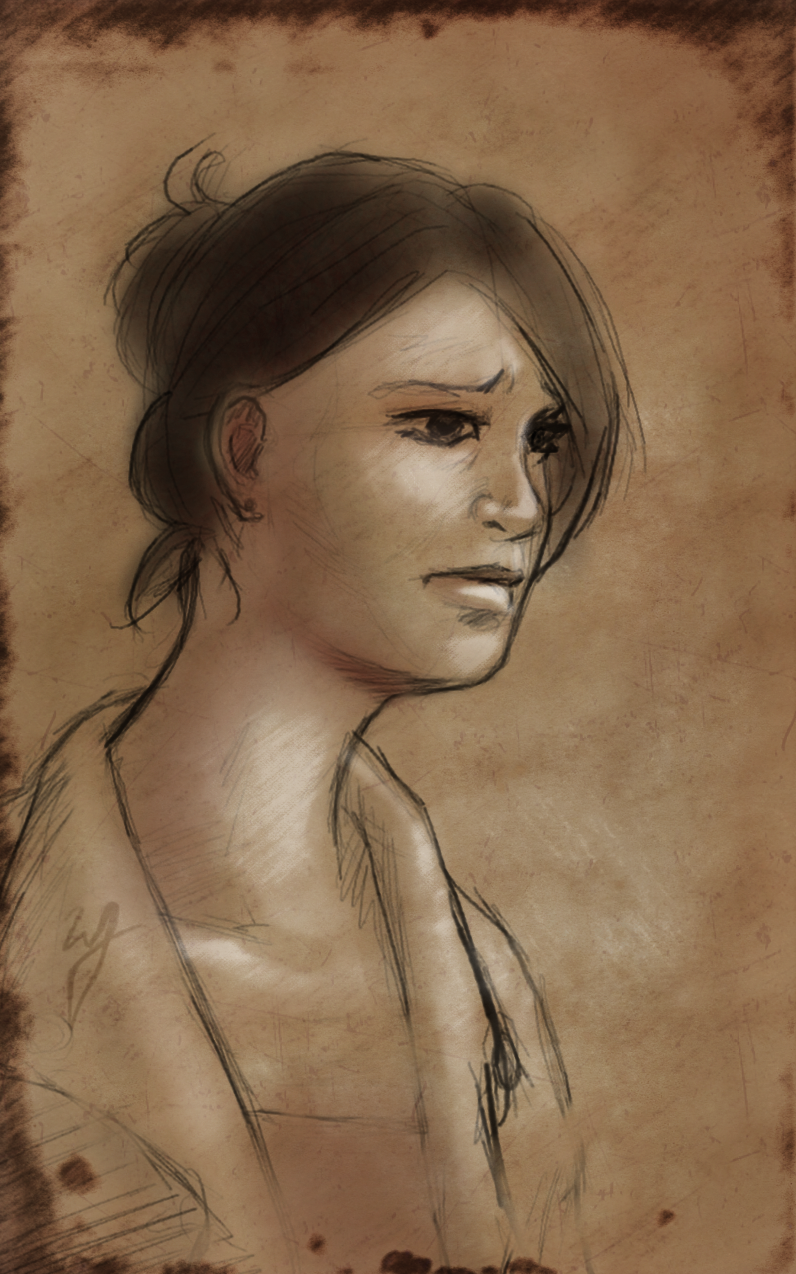
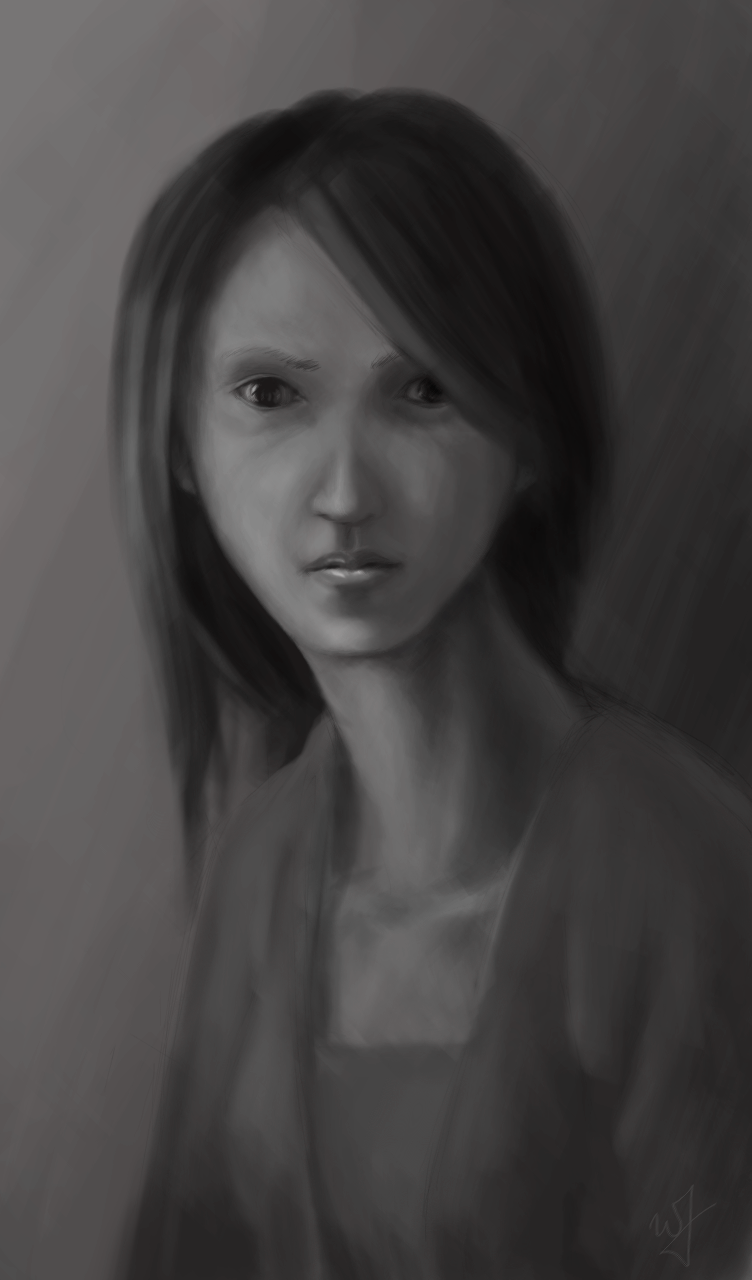
    I love doing portraits without reference.  Every time, I find it exhilarating to see the face that comes out of a random sketch.  I often feel that I am almost obligated to put a story to the face.  I’m trying to develop the habit, when I do paintings like this, to have some sort of story running in the back of my mind.  To drive the emotion of the subject, among other characteristics of the painting.

    Approx. 4 Hours to completion.

    I actually started this light study on my Acer Iconia A500 tablet in Sketchbook Pro, and then transferred it into the Gimp.

  • Another Portrait

    Another Portrait

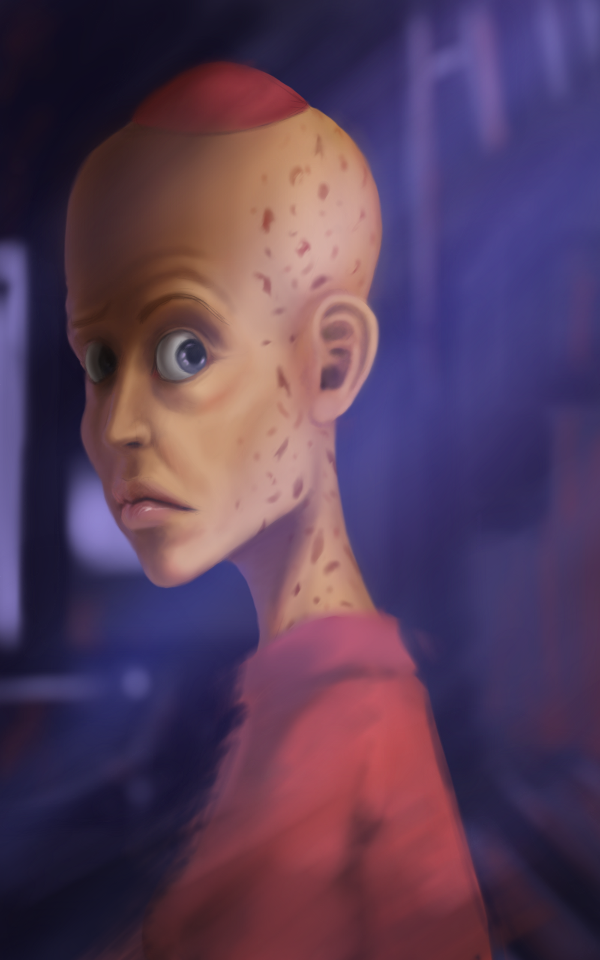
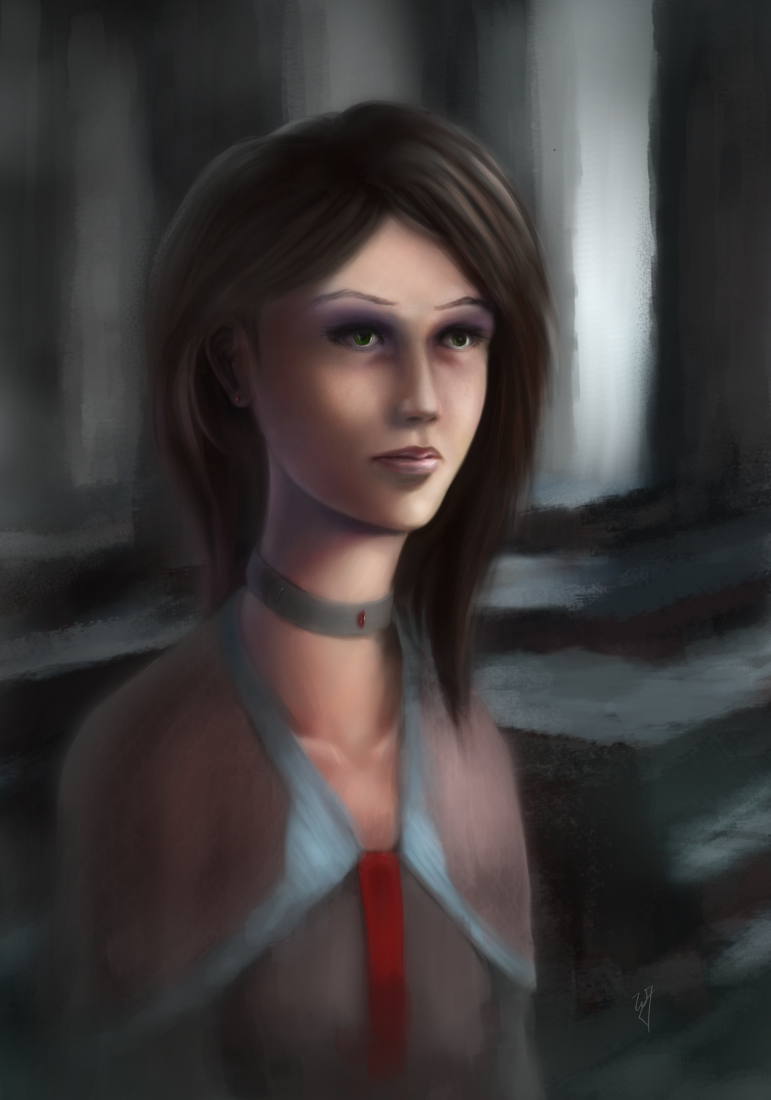
    Ah…  I have had quite allot of free time the last few days.  So I decided to do a more serious painting.  At least a little more serious than the stuff that I have been doing lately.

    This portrait was a study of light and color.  I wanted to have a good mix of both warm and cooler colors and have them work together effectively while still providing a pleasant contrast in the painting overall.

  • Simply Grown Films Logo Bumper

    Simply Grown Films Logo Bumper

    Sorry for the long delay in posting. Been busy trying to finish up the Templar Nation project. But that is all coming to a close, and I will be able to move onto other projects.

    But, with the little free time I have, I have been taking time on some smaller projects and practices. And this is one example of the fruits of that free time. I haven’t taken much time to do any 2D animation for almost 3 years, and I thought I would practice some really simple stuff. This definitely isn’t character animation, but it is still fun to look at.
    If you are curious about what programs I used to make this.  Blender, Pencil and The Gimp
    Just a little glimpse at what will be coming in the future on my blog.  Android app development, concept art and some 3D art as well.  So thank you for reading, and stay tuned for some good stuff in the near future.
  • Mage Outfit – Concept Art

    Mage Outfit – Concept Art

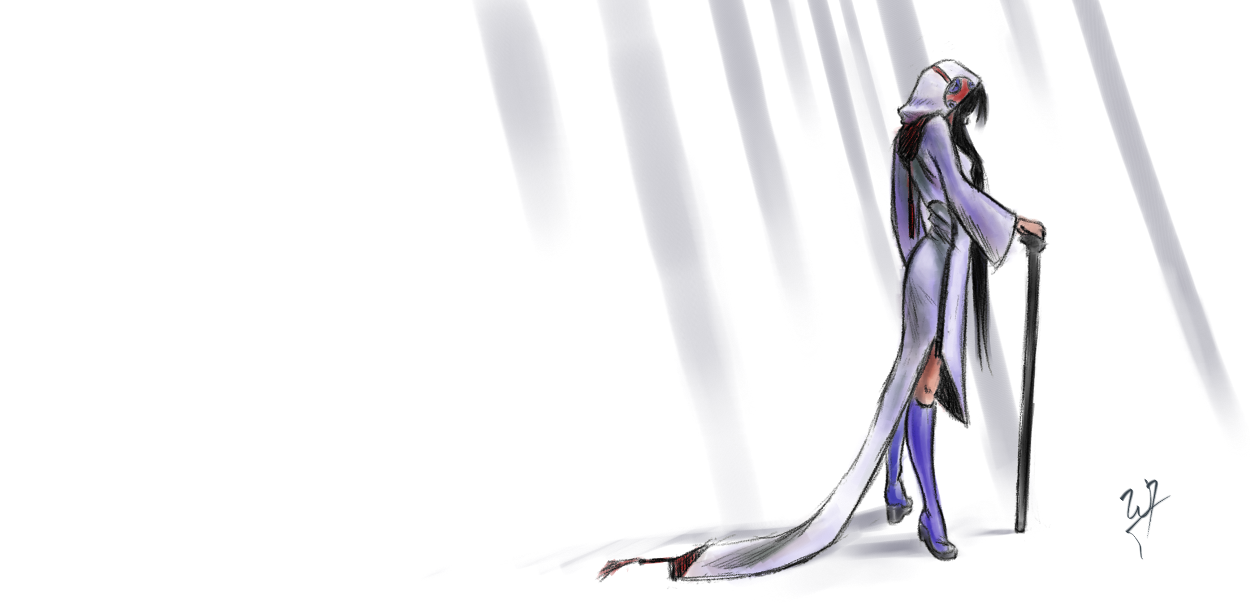
    I thought I would whip up another video for you all.  This was mainly done in MyPaint, with some touch up work done in the Gimp. I love recording my sessions, and I thought I would record a piece of concept art that certainly breaks away from the usual way I do things.


    This one obviously centers more around the outfit, than the character.  My goals where, have a simple color scheme and a strong silhouette.

    To bring out the shape, I stuck to a line-art.  Line-art reads easily, when done right, so for a very short piece (1 hour) I needed to make sure, that who ever looked at this piece, could easily understand the form of the clothing.  Another reason for the line-art style is because I haven’t done anything serious, in line-art, for a while.

    And for the silhouette part of things, I thought that exaggerating one part of the clothing would add what the character needed for a unique silhouette.  Can you imagine someone with this getup walking past you.  The long tail of the skirt flowing just above a stone floor, making a very distinct but soft sound as the material brushes against the floor.  The very sound would become apart of the character wearing this clothing.

    Another detail to the silhouette is the cane.  When I knew I was going for a mage, I didn’t want the “traditional” staff, that a mage or wizard would have.  So, one of the reasons for the cane was to break away from that tradition.

    Again, any comments, critique or questions are welcome!

  • Expression Sketches

    Expression Sketches

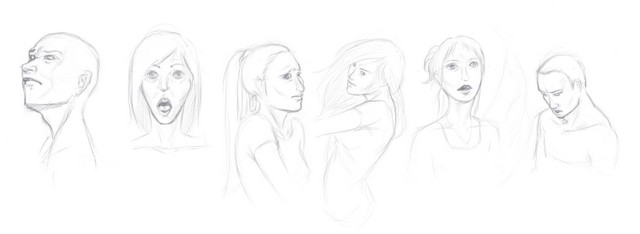
    Sorry for the lack of posts.  Busy on this Templar Nation project.  And there is not allot of drawing mixed into that, unfortunately.

    But here are a few sketches I did today in MyPaint.


  • Desert Flyer

    Desert Flyer

    Here is something that I started during draw night yesterday.  I has a little of John Carter of Mars inspiration in it.  Its a pretty good movie for those who are considering to go watch it any time soon.

    Here is the Alchemy sketch, yet again.

    It took about three hours to produce this painting.