William Thorup

Illustrator, Motion Graphics Designer, Animator, and VFX Artist

Tag: 13HD

  • Krita | Character Illustration | Jouster

    Krita | Character Illustration | Jouster

    Some more stuff for our Atari Jaguar project. I have been working on story ideas and concept drawings for our jousting game, and this design came to mind.
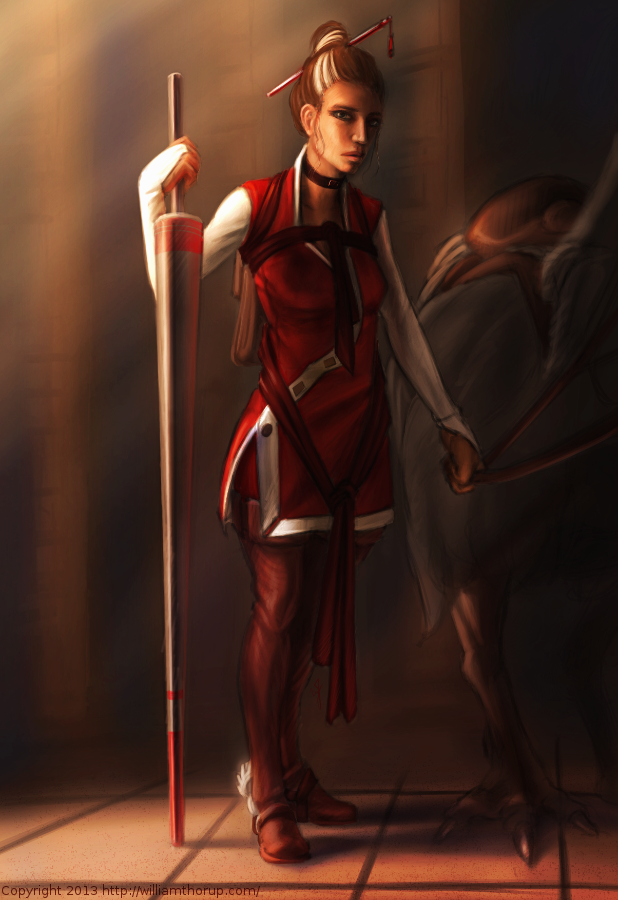

    Jouster_web


    If you haven’t already, head over to http://bitjag.com/ and check out the three projects that we have in the works. Not a whole lot of visual concepts yet, but stories are being put together and their general concepts are listed on that site.

    What I enjoyed most a about this painting was the lighting. The composition and the pose could be better, but I think the good lighting helps make up for that. It really brings the viewer’s eyes to key and attractive points in the painting, and overall, it is very comfortable to look at.


    On another note, if you haven’t noticed already, most of my most recent paintings have all been done in Krita. I am in love with the program, the interface and default shortcuts work great with my Cintiq 13 HD, and overall it seems like a much smoother experience than Gimp lately. Gimp has been having some serious issues with my hybrid ATI graphics setup, and so, I mainly use gimp for my graphic design work.

    Don’t get me wrong though. Gimp is a great program, and it has been especially useful lately because of all the web graphics that I have been doing. Krita just provides a workflow that feels smoother and faster to me, and I think that I will be using it for many of my paintings in the future.
  • New Cintiq 13HD

    New Cintiq 13HD

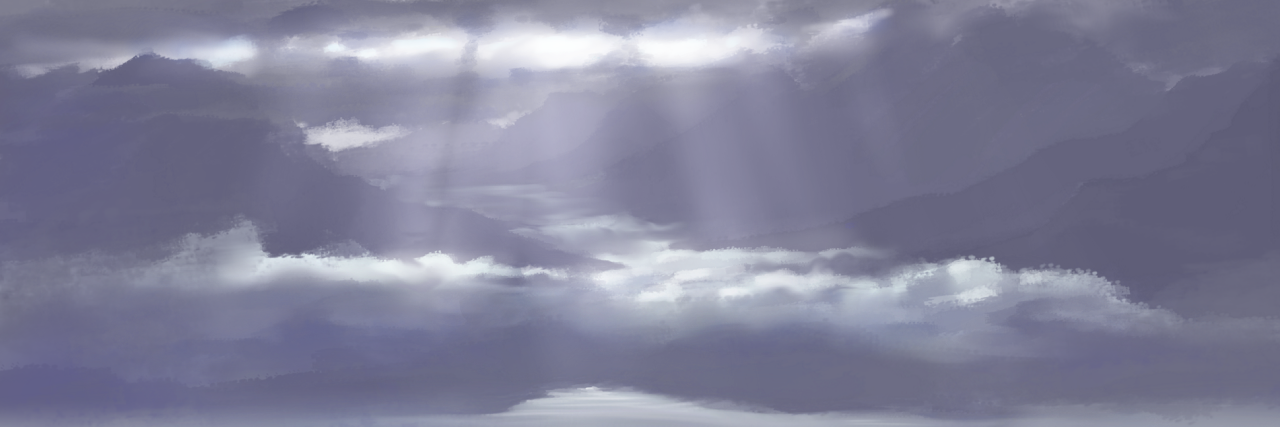
    sunrise_web

    I am going to brag a little bit, only because this is such an awesome device. But before that, I apologize for the lack of posting. We have officially started our next project, so, I have been doing allot of writing, organizing, and discussions, to make sure we give this project a good start.


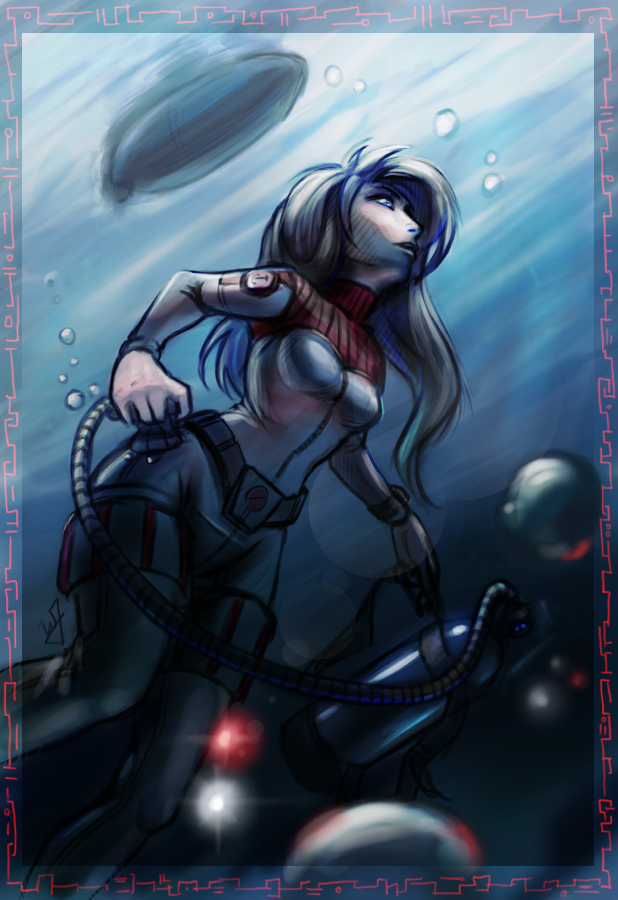
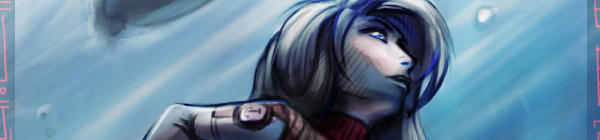
    Scuba girl_web

    This Cintiq 13HD has been very fun to work on. Having worked on an Intuos for such a long time, it takes a bit to adjust to working on a display, but it comes with some advantages.

    The first thing that I noticed was how much easier it is to do line work. It is more accurate. The reason for the increase in accuracy is because the disconnect created by drawing on one surface while looking at a different surface, is gone. This makes it more like a traditional medium, which, for some artists, can be very attractive.

    Pro number two, is how portable this thing is. It is the same width and height as my 15.6 HP ENVY 15, and they easily fit side by side in my bag. I take it between work, Draw Night, parent’s house, and my house with out worrying about it at all. It does add a few extra cable to my bag, and is slightly heavier than my medium Intuos 4 tablet.

    Which brings me to my next point. This device is deceivingly light. And, even thought I don’t do this often, I can easily draw with it sitting on my lap. This is the big plus to this device, light and portable.


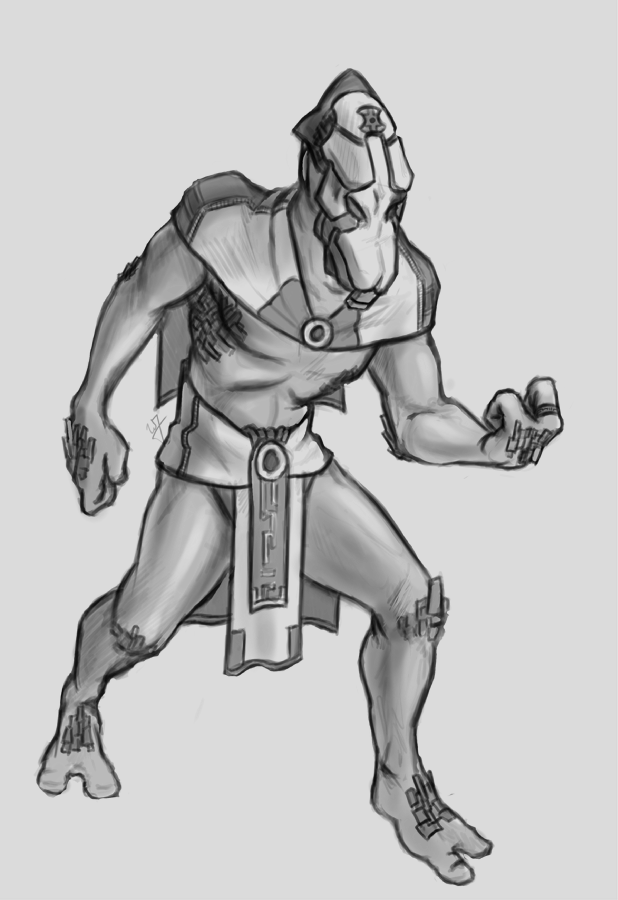
    monster_web

    Now some down sides. The screen is a bit dim. Most of the time I don’t mind it, just because it is still brighter than most LCD’s. I heard somewhere there is a way to adjust this, but I haven’t been able to find a service manual to adjust brightness. There isn’t anyway to change the brightness with Wacom software unfortunately.

    This one isn’t really a con, seeing it will be resolved soon. Getting it to work in Linux was a bit of a chore. Because of how new the device is, native support won’t be around for a little while. I was able to build the latest driver from source, and then I have had to trouble shoot the Settings GUI so I could map the buttons. A bit frustration at first, but I eventually got everything working right, and it works great in Kubuntu 13.04. It also works great in programs like the Gimp, MyPaint, and Krita.

    The one big downside to this device is the connector for the proprietary cable, and how it connects to the device. It is a bit flimsy, and one good bump would definitely render it useless. With some extra care though, this can be avoided, and shouldn’t be a problem for most people.

    Overall, it has been a joy to use, and for the price point it is a very good device. Great color, great portability, and a great price. I would definitely suggest it to anyone interested in getting a Cintiq, and not wanting to spend more than $1000.