There are different kinds of goals in relation to art. One of those goals could be study goals, like, I am going to focus on drawing hands, or learning to render light and shadow correctly. I would talk about a goal that can have a much deeper effect on the viewer, than say the anatomically perfect hands you drew last week.
The kind of goal that should apply to just about every painting, drawing or sketch that you produce. This kind of goal can be established with one question, what do you want the viewer to think, feel or do when they see your work.
Of course, sometimes an artist throws all care to the wind and just creates, and there is nothing wrong with that, but even approaching your art with that attitude is going to come across to your viewer in the final work. How powerful could your art be if you took charge of what your work is conveying to the viewer on an emotional level?
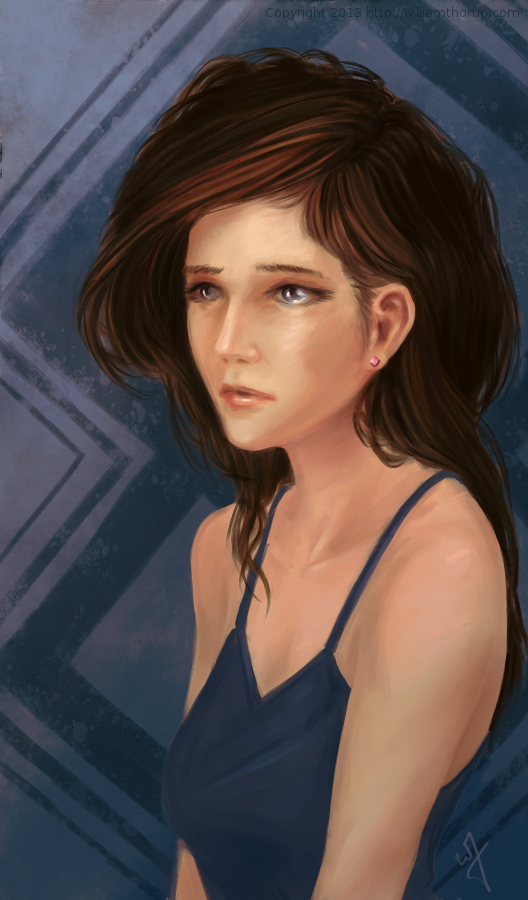
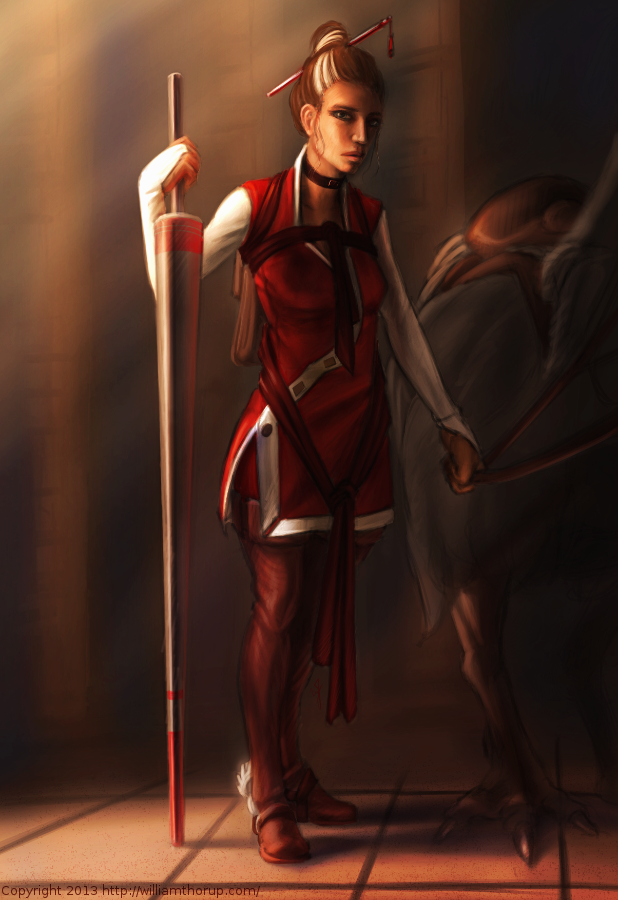
When I started this painting, it was just going to be a study on rendering light a certain way, this is why the very beginning of this painting isn’t in the video. I wasn’t planning on doing a time-lapse at all. Out of this one goal spawned an important question, what is this imaginary person like, and how can I bring that personality into the painting, and make it recognizable to the viewer?
A portrait not only contains the physical appearance of a person, but can also portray what kind of person they might be. So, about 20 or 30 minutes into the painting I realized that I had a greater goal in this painting, that was to evoke specific feelings in the viewer. The goal also included really focusing, through the entire process of the painting, to make sure the former goal was reached.
Ask yourself this, what do I want people to think or feel when they see my work? See what happens when you really focus on the answer to that question while you are painting or drawing.
Because of the subjective nature of art, I won’t say what I want you to feel when you look at this piece, but, as an artist, my hope is, is that you feel something similar to what I felt while working on this painting, and when it was finished.
Look forward to some more time lapse videos in the future, and Thanks for watching.
Krita was primarily used, with Gimp for some post color correction.
I should probably start calling these bi-monthly sketch reviews, considering how much time that has elapsed since the last sketch review. I am drawing quite a bit, it’s just getting around to putting these posts together. It’s more time consuming than I expect.
I have been working in both Krita and Gimp lately, and I definitely lean towards using Krita for my study. Smoother workflow and all. I mainly use gimp for its more intended purpose of post processing now. Adjusting color curves, sharpening, etc.
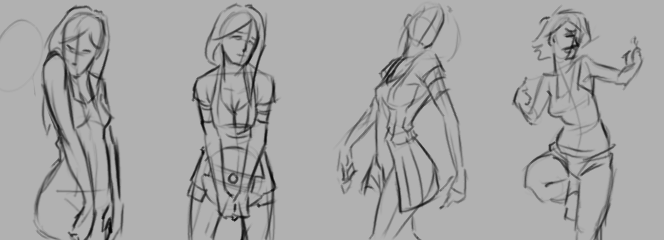
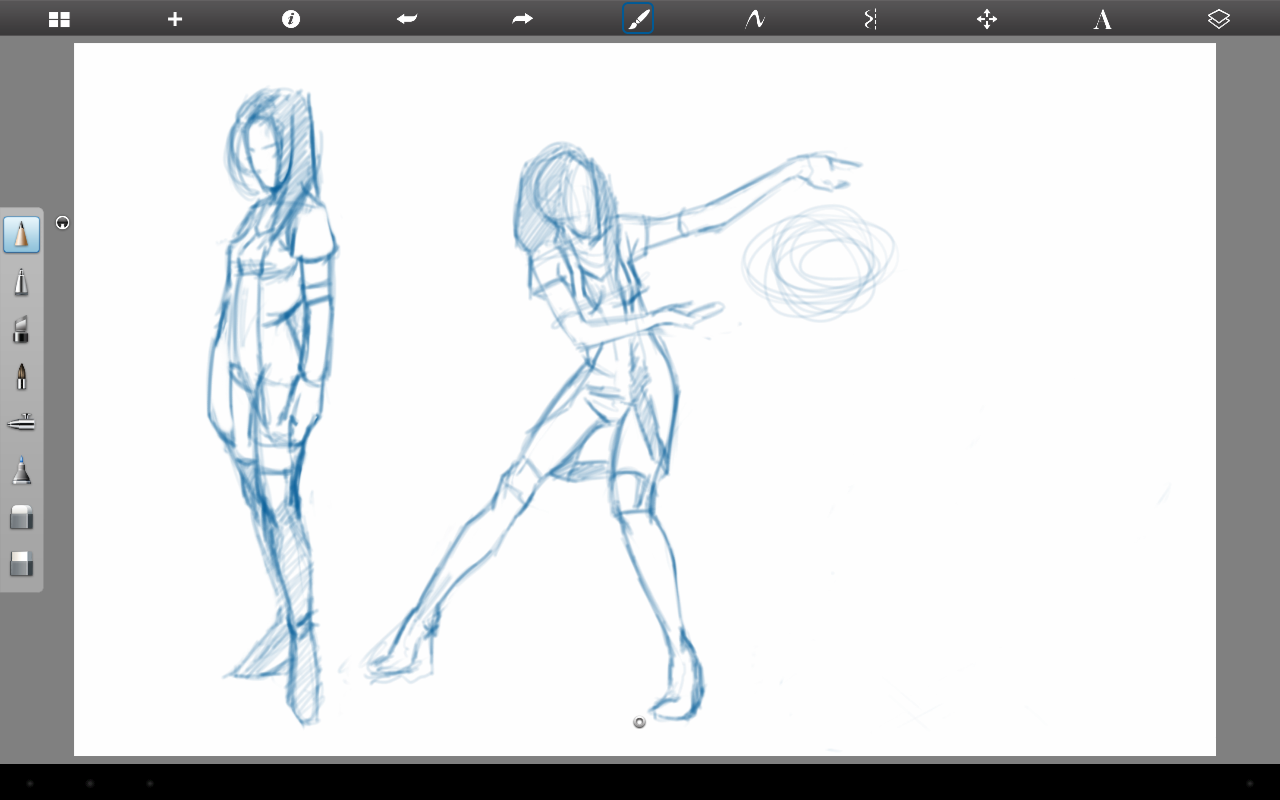
The first few poses that are drawn in the video are actually from an illustration, I did over a year ago, here. I liked the original and I wanted to draw poses, so, I tried fleshing out the character a bit with some different poses.
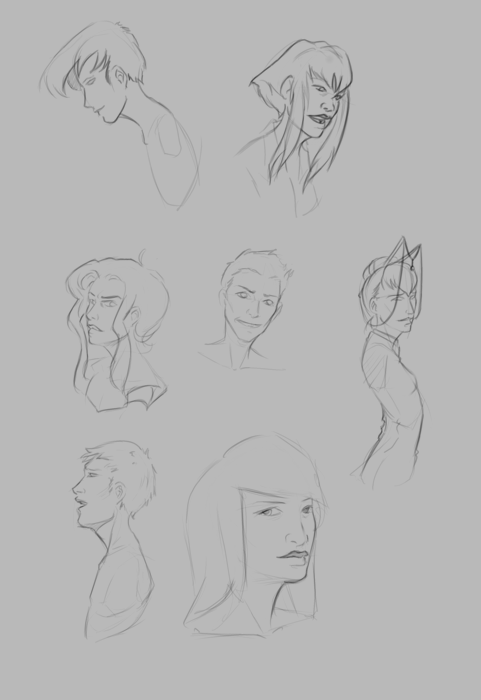
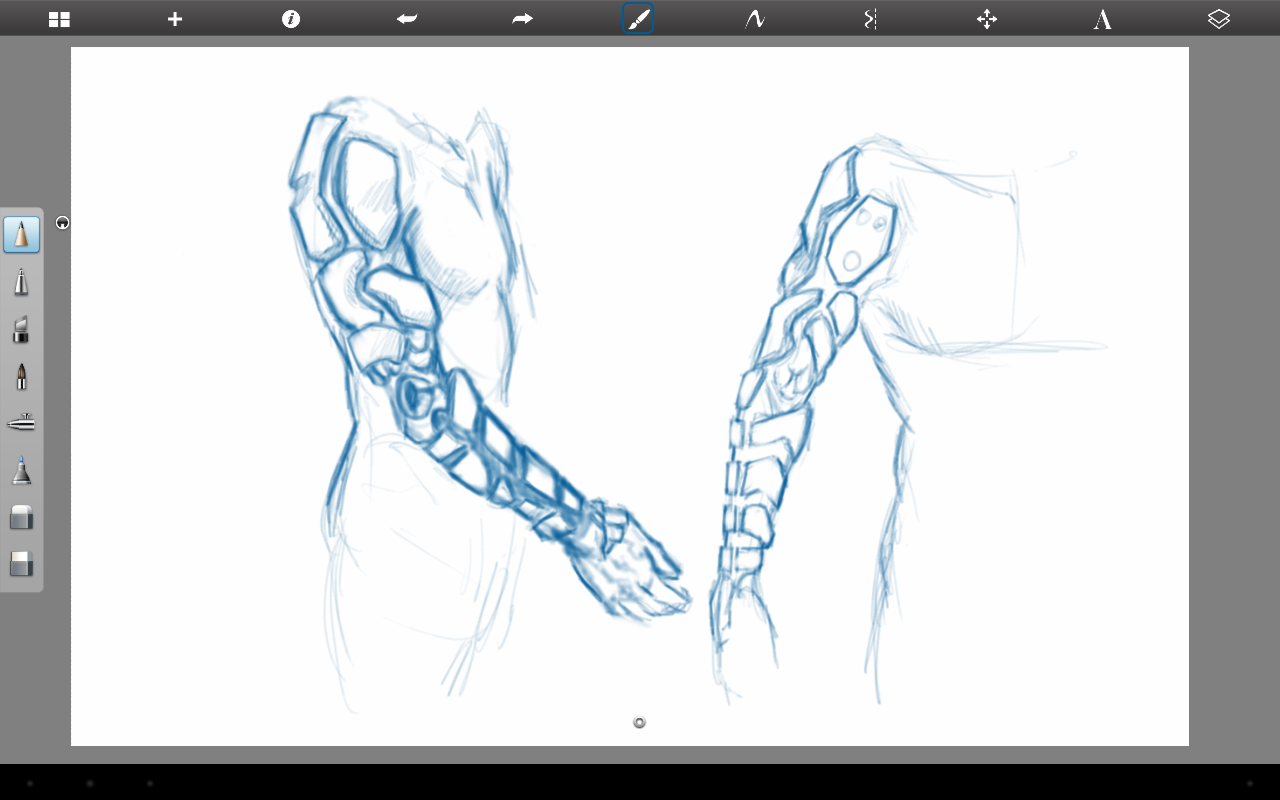
The faces in the middle of the video are purely study. Then the last set of drawings are a character concept for one of our Jaguar games.
At the end of my vacation week in San Diego California, I have had plenty of time to paint. Here is what I have been able to put together this last week.
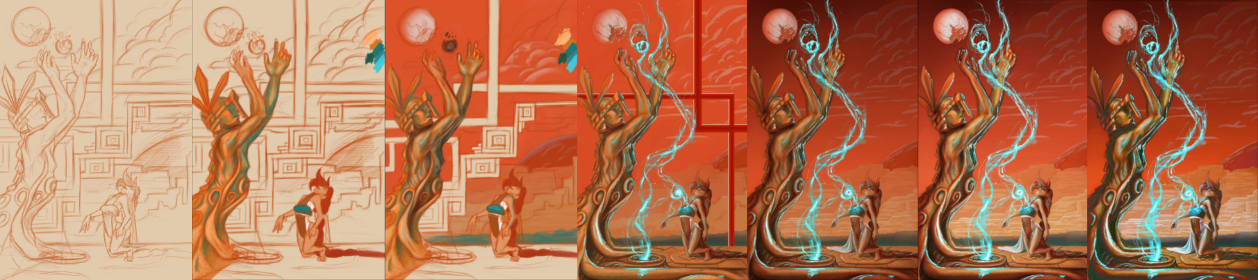
I recently went to a seminar about cinematography, which talked about composition in film, among other things, and the speaker talked about color schemes a little bit, and he pointed out something very interesting. Apparently Hollywood is really into teal and orange color schemes. He showed examples of posters from Tron, Transformers, Ender’s Game, etc. and his point was really well established. He showed video clips from movies that used this color scheme all over the place, and what’s cool about it, is that it is a very appealing color scheme. People really like it, and I decided to give it a try, with a twist.
I didn’t stick to that exact color scheme in this piece, but I did have it in mind. What I was leaning towards was something more like what Pascal Blanché produces. I Love his color schemes, to me they come across as a distinct dark sci-fi/fantasy feel that is hard to achieve any other way. So with that style and a more orange and teal/orange color scheme, I think a came up with a good result. It isn’t as refined as Blanché’s technique, but it still produced a good result with my current skill level.
Some more stuff for our Atari Jaguar project. I have been working on story ideas and concept drawings for our jousting game, and this design came to mind.
If you haven’t already, head over to http://bitjag.com/ and check out the three projects that we have in the works. Not a whole lot of visual concepts yet, but stories are being put together and their general concepts are listed on that site.
What I enjoyed most a about this painting was the lighting. The composition and the pose could be better, but I think the good lighting helps make up for that. It really brings the viewer’s eyes to key and attractive points in the painting, and overall, it is very comfortable to look at.
On another note, if you haven’t noticed already, most of my most recent paintings have all been done in Krita. I am in love with the program, the interface and default shortcuts work great with my Cintiq 13 HD, and overall it seems like a much smoother experience than Gimp lately. Gimp has been having some serious issues with my hybrid ATI graphics setup, and so, I mainly use gimp for my graphic design work.
Don’t get me wrong though. Gimp is a great program, and it has been especially useful lately because of all the web graphics that I have been doing. Krita just provides a workflow that feels smoother and faster to me, and I think that I will be using it for many of my paintings in the future.
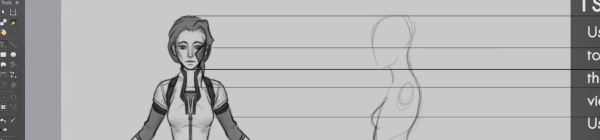
Here is something that I put together a few weeks ago, and just got around to finishing it. This small tutorial covers a couple different methods of creating an accurate representation of a character’s profile, based on a previously draw front view of that character. Enjoy.
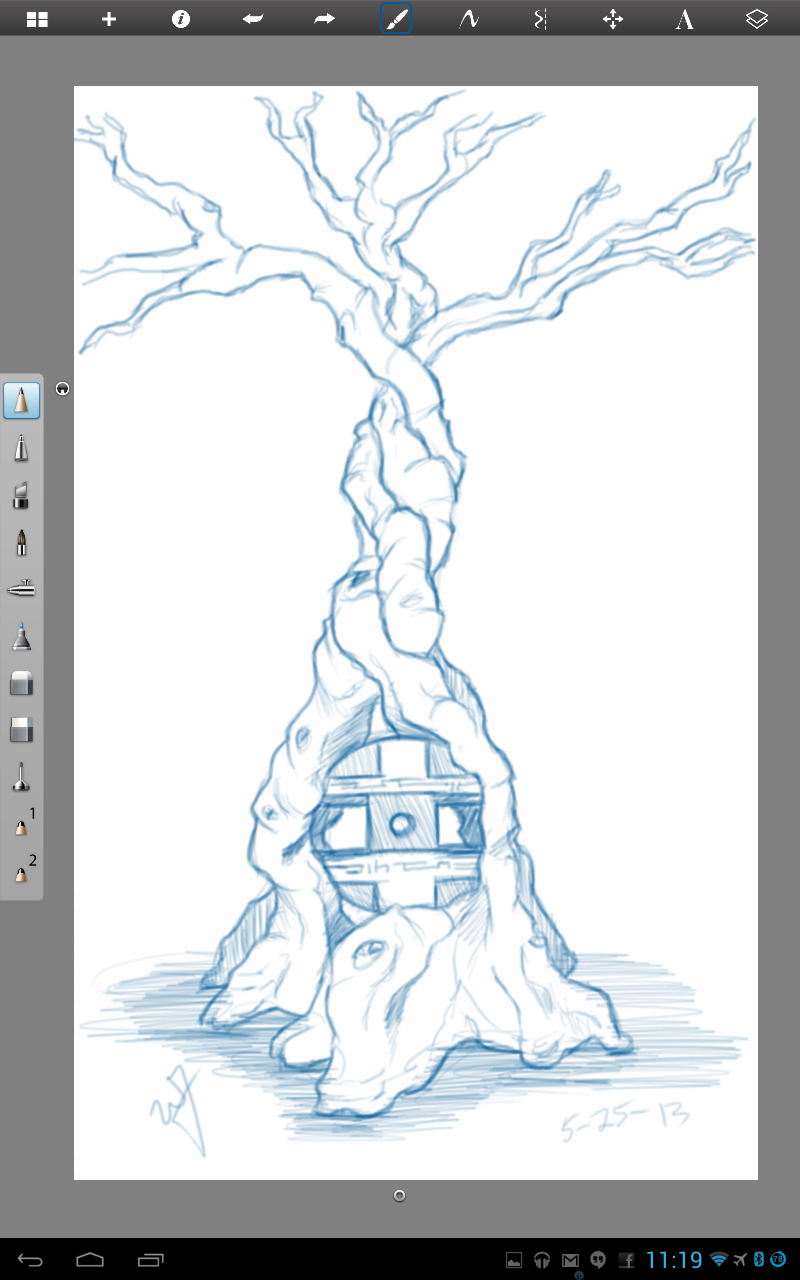
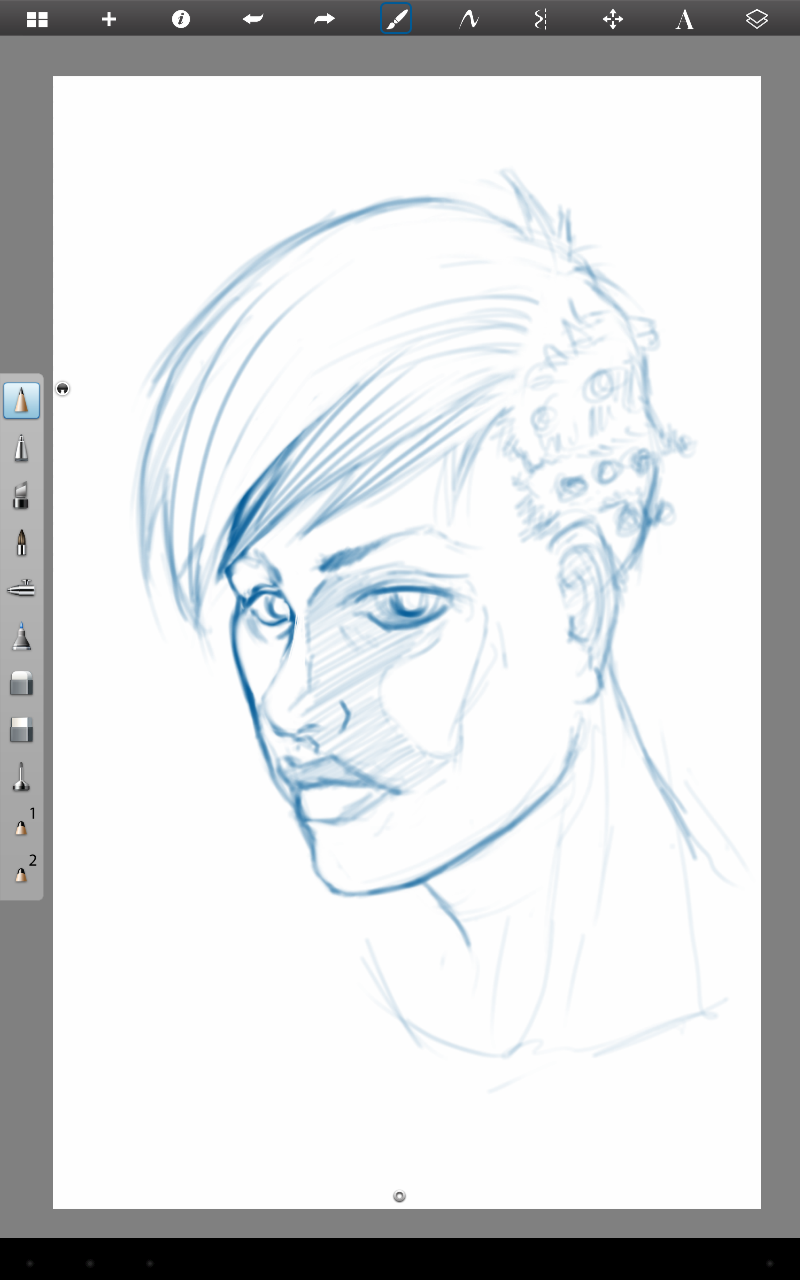
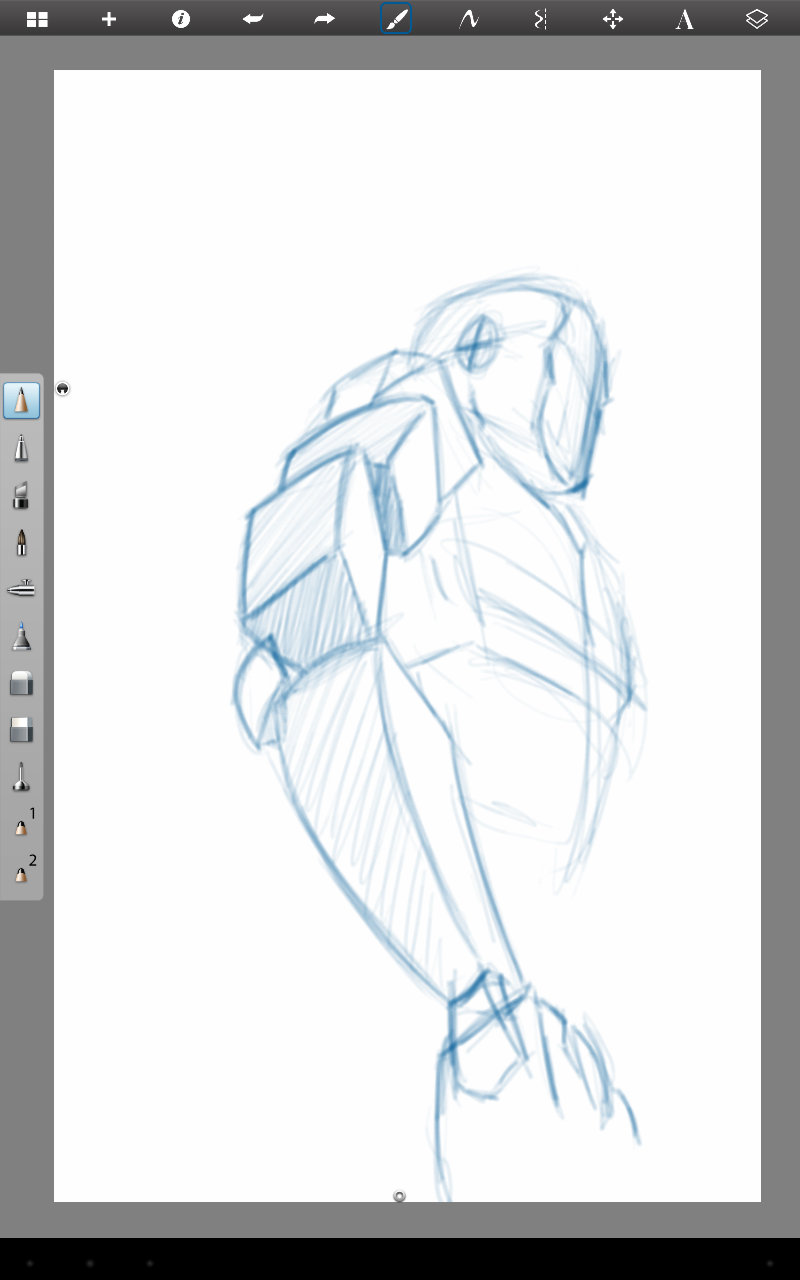
I have been able to do some casual sketching here and there, and I would like to just share a few sketches that I have done over the last few weeks. No real focus, but I am sure you will enjoy them anyways. These where all done through Sketchbook Pro on my Lenovo Thinkpad tablet.
The portrait sketch above isn’t completely mine. At Draw Night, Michael, Ethan and I began talking about how difficult it is to draw the eye, furthest from the viewer, in a 3/4 portrait. I handed my tablet over to Mike, so he could adjust my handiwork. Thanks Mike!
Sorry about no weekly sketch reviews. I have been doing allot of sketching, just haven’t taken the time to put some posts together. Maybe Friday or Saturday perhaps.
Been busy with things, looking to get Josh the Whale released, other video production projects, etc. In my free time though, I have been doing written and visual concept for mine and Bryce’s Jag game. The visual stuff is easy, it’s the writing part that is kicking me in the butt.
I would never confess to having any real skill in writing. I am hoping that these side projects, along with company projects, will give me the practice I need to change that.
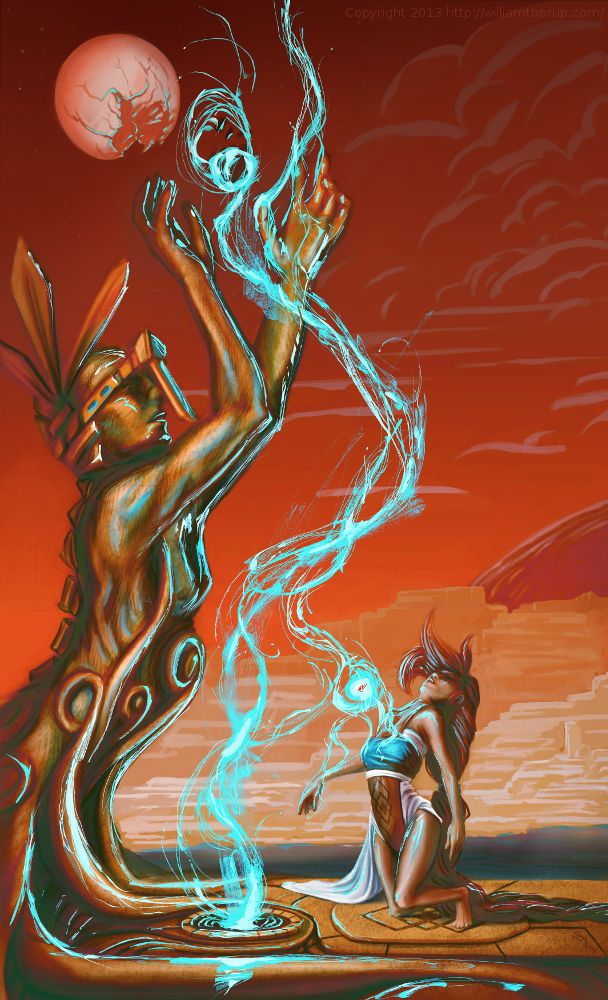
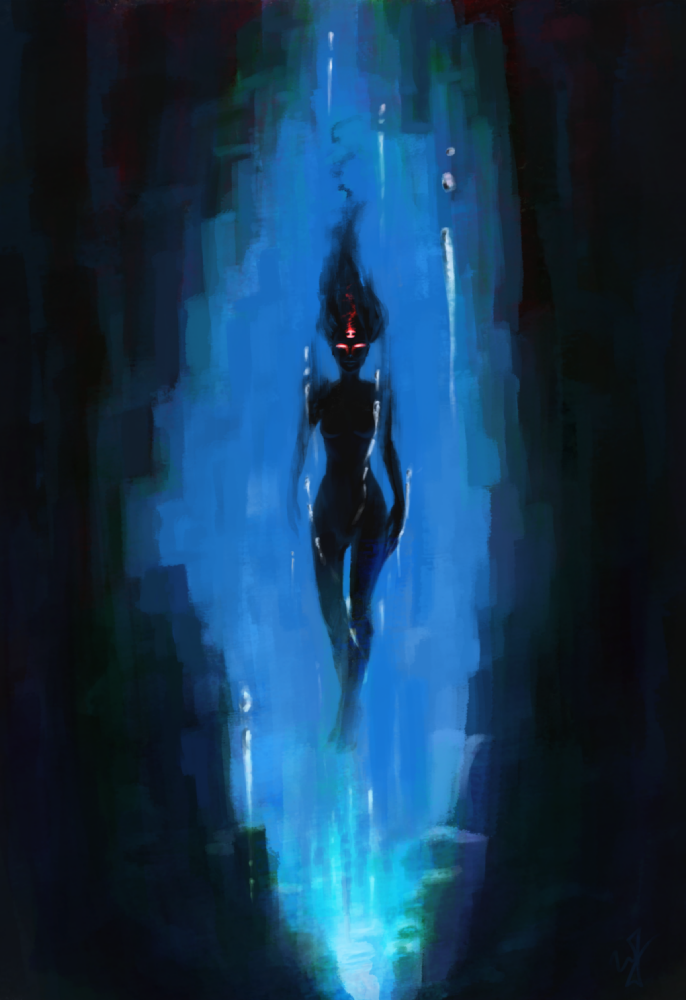
So to give you a bit of an introduction to this piece, without diving into undeveloped ideas. This character is one of 6 gods that govern the world and it’s time. She is the very essence of the absence of time. The opposite of existence.
That is the idea that drove this painting, and that is all that I have so far. Maybe I will post more about these characters in future paintings. Yet again, maybe not. This is just a side project, so we will see how far it goes.
My brother Bryce and I are putting together a game for the Atari Jaguar, and I have been working on character design, game assets, and getting a story together for the project.
This piece was spontaneous, coming out a sketch session. It was also very fun to work on. I want to thank my a few of my friends, Ethan, Micheal, and April for the critique. Your help is needed and always appreciated.
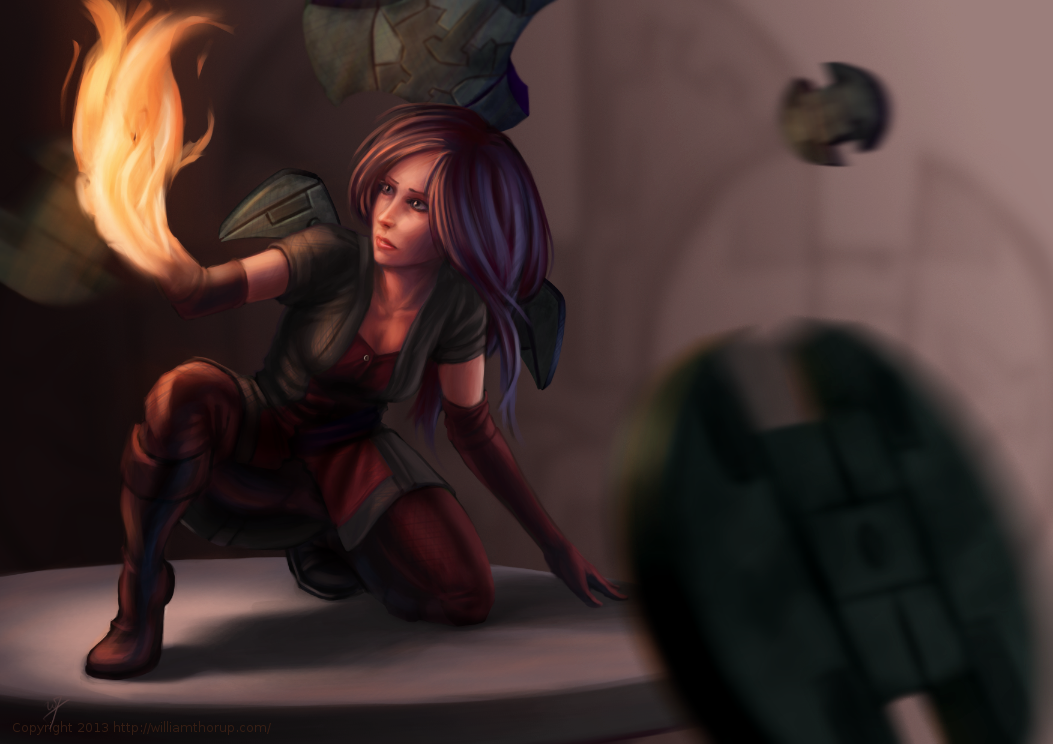
One part a really enjoyed was additional programs, on top of the Gimp, to get to the final piece. You will notice that in the video, I just out to Krita and Blender. I used Krita’s mirror functions to come up with a concept for the weapons spinning around the character, and I used Blender to model, place, and light the weapon. I have used similar processes in the past, although this time felt like it was really good decision making on my part. It sped up the overall process of the painting, and I think I achieved a better result than if I had done it all in the Gimp.
There will definitely be more of about this game in the future. I have already put together some turn based battle mock-ups with sprites, and Bryce has been putting some of these assets to use with actual programs on the Jaguar. It’s awesome to see this stuff actually turn into a playable form.
I don’t do allot of fan art, in fact, this piece originally didn’t start out as fan art. I was watching an episode of from the first season of Robotech, and sketching at the same time on my Lenovo tablet, when I did the initial sketch. (The costume is somewhat Robotech inspired). The one you see at the beginning of the time lapse video. It wasn’t until after I started refining the sketch in Krita, did I decide to turn it into fan art.
Don’t get me wrong, I think fan art is awesome, and an awesome way to express you appreciation for something (Isn’t that what art is kind of about?). And I wish I would take more time to do some fan art. But I tend to avoid it, because I have the feeling that I won’t be able to do it justice. So, I put off most of the fan art I would like to do for a later day and time.
This time around, though, I feel I did a fairly good job, and feel comfortable in posting and receive feedback for this piece of fan art.
But enough of that, lets go over some stuff that I think is worth talking about, and might be a bit educational. I am just going to start at the beginning of the video and mention a few interesting things I noticed in my process.
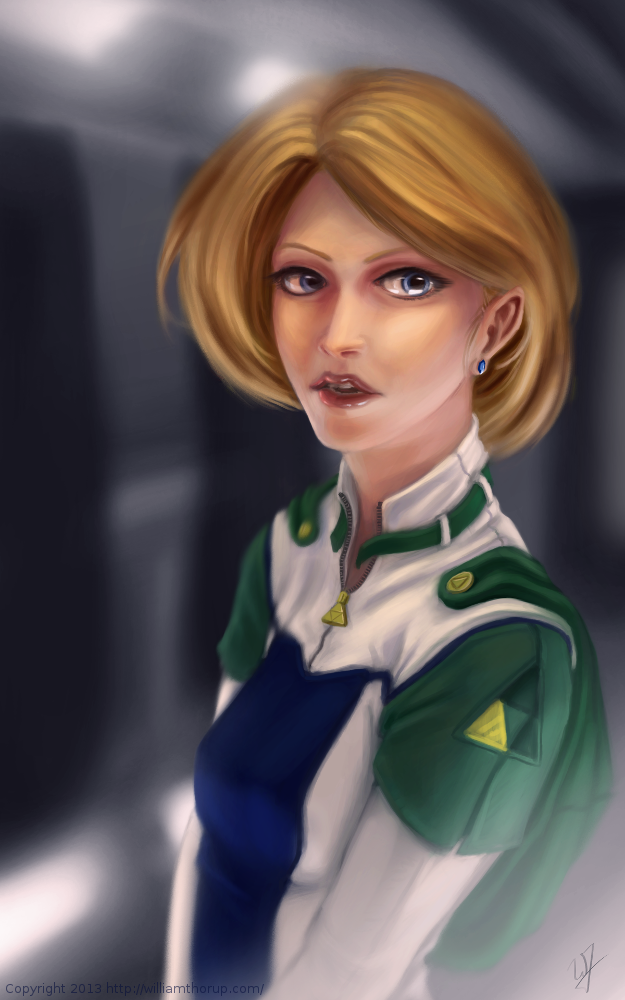
First, a bit of an explanation on content and style. This is a re-imagining of the character Princess Zelda, from the Legend of Zelda video game series. When I decided that this was going to be a fan art piece, I wanted to stick to the poofy hair and a somewhat military uniform as seen with many of the characters in the first season of Robotech, but with a bit of Zelda seasoning. There are actually only a handful of things that tie this piece into the Zelda universe.
The most obvious things are probably the colors. The blue rupee, green hood and shoulders, and the golden triforce all point to the Legend of Zelda. But there is also the character herself. Zelda is often portrayed as someone beautiful, with a sense of innocence, which is something I stuck to here. But the costume was chosen to depict the strong side of her character as well. A less obvious sign of her character is that her mouth is open, as if she were speaking to you. Zelda is often used in the Zelda series as a mentor character, and if she lived in a more futuristic or sci-fi world, I see her playing more of the mentor character than royalty.
There are a few other things I could mention, content wise, but for the sake of keeping things short, I will let you jump on the Zelda Wiki to figure some of the other imagery out.
As for my processes. Most of my planning was done in the line art. At this point I didn’t have a really good sense of the lighting, until I sat back and thought about it later, but I had a good idea of what I wanted the subject to look like.
I decided to skip doing a value painting, and go straight into color and value. I try to avoid this nowadays, and stick to a value painting before I ever jump into color, but in this case, I wanted to try something new.
I wanted to try to create a simple color palette to lay the foundation for my colors and values. I don’t include this step in the video, but it is something that I learned from a post by Nasan Hardcastle. A great digital artist, that I suggest that you all follow. But having a simple palette like this can help keep your colors and values organized in the foundation of the painting.
Something unique in this painting, that I have never done before, is the light setup. If you include ambient light, I have a total of 4 different light sources in this painting. This was one of my stretch goals for this painting, to use that many light sources without loosing the form of the subject, and adding appeal to the painting overall.
But not all was fine with this painting. I messed up on the proportion of the nose, and had to readjust that half way through. Not too difficult, but I feel it’s something that I shouldn’t have to deal with and definitely need to practice more on. Also, another proportion problem was the width of the head, which I eventually had to fix.
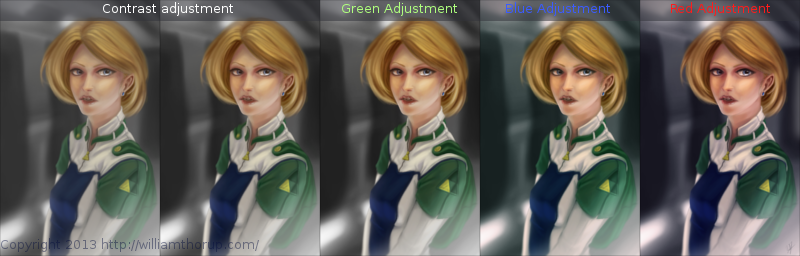
But with the good and bad of this painting aside, there is one tip I would like to share. Color Grading. One of the huge advantages to digital art.
I have never been good with color, this is probably because I don’t have a solid base in traditional painting. But, “color curves” an “levels” make up with this shortcoming with ease. Using some reference images that I wanted to match color with, I did several stages of color correction, as depicted above, using both “color curves” and “levels“, and selection the specific color channel I wanted to modify.
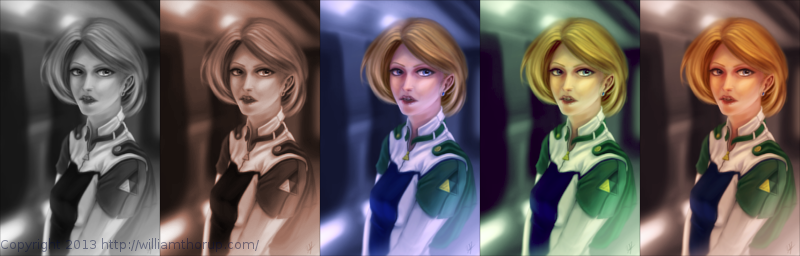
These two options can also be used to quickly change the feel of a painting. A good way to explain this is how a sepia toned image and a black and white image create very different feelings, even though content may be the same. This is pretty basic stuff, especially if your into photography, but it is fun to take an image you created from scratch and see how it transfers to these different color schemes.
I have a few more paintings coming down the line, we should be starting a new app project soon, and a Weekly Sketch Review is just around the corner. Stay tuned.