The motion graphics work for Thor Media continues. This time, a complete 3D piece (done in Blender) with some minor character design and animation, with allot of motion graphics design. Join me on the “silicon slopes” and lets talk about the thorough process this piece went through.
Before I get deep into this one, I must credit Brek Bulton with the initial concept of the video, and for bringing the job to Thor Media. He wanted to show a skier progressing through a day trip on the slopes. This was to be the backdrop of the for the heavy legal verbiage used for the voice of the video, while highlighting the contemporary nature of the client’s service with the idea of the “silicon slopes”.
With the scripting we were fortunate that Brek was handling that as well. After a few meetings hashing out the details, and pulling back to fit in the client’s budget, we got a near final script. I say near because the script was technically not locked down until the near finish of the project.
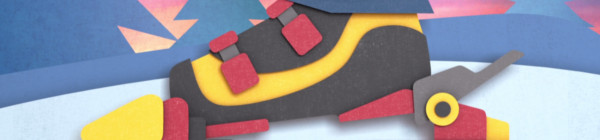
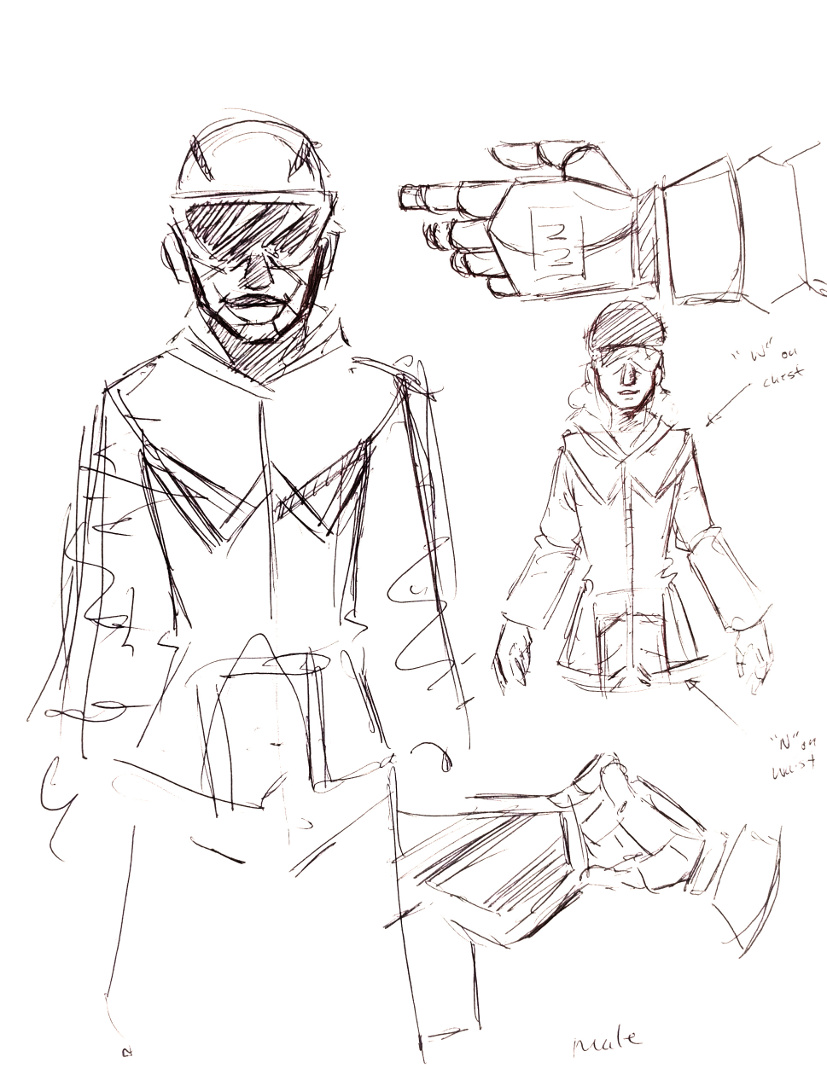
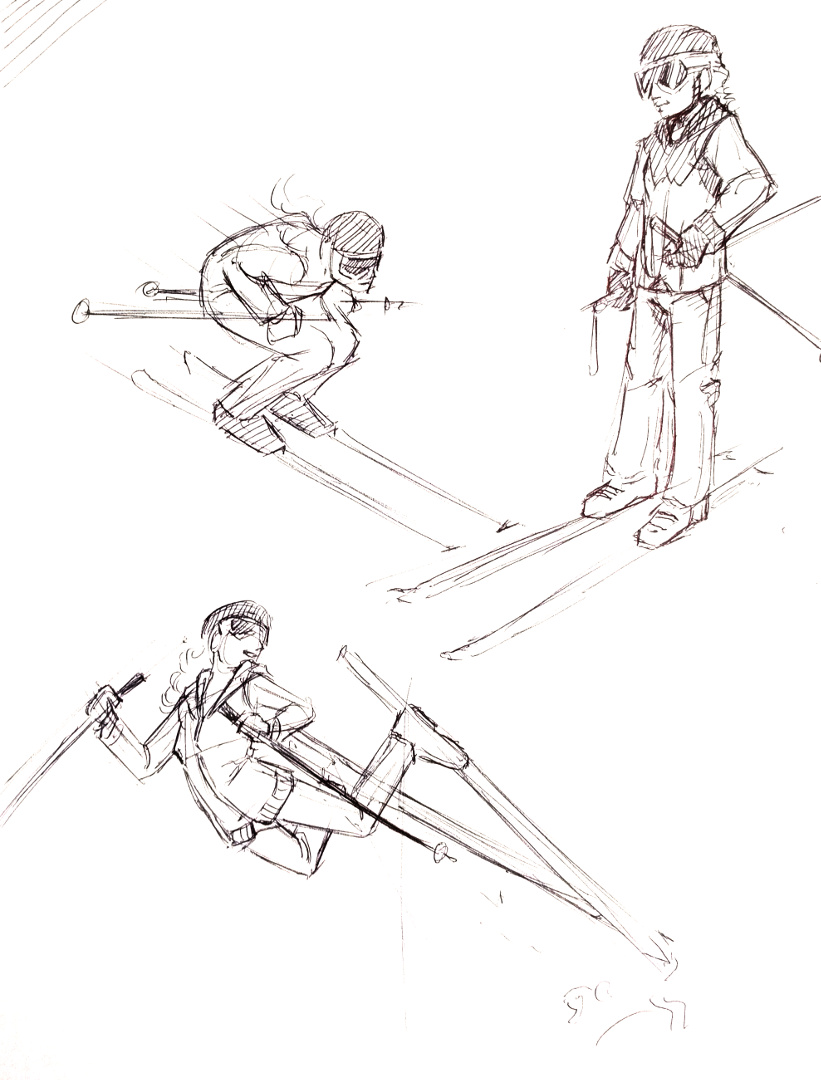
After the a final version of the script was in place, we had to make a bit of extra effort to convince the client of the concept, and present a visual motif that they would be happy with. This is where motif and character design came in. Because of the budget, I had to come up with a simple but attractive character design to minimize animation work. Inspired by allot of current motion graphics character animation (see Kurzgesagt), South Park, and Google’s paper design, I found a solution. I decided to stick to a 2.5 dimension paper cutout feel, which created a great sense of depth and interest in the image, while minimizing animation work (primarily 2 axis to animate instead of 3).
With a start on the visual design, I put together two shots to show how the video could look along with a temporary voice over. A long story short, the visual concept was accepted, and now it was time to approach the rest of the video.
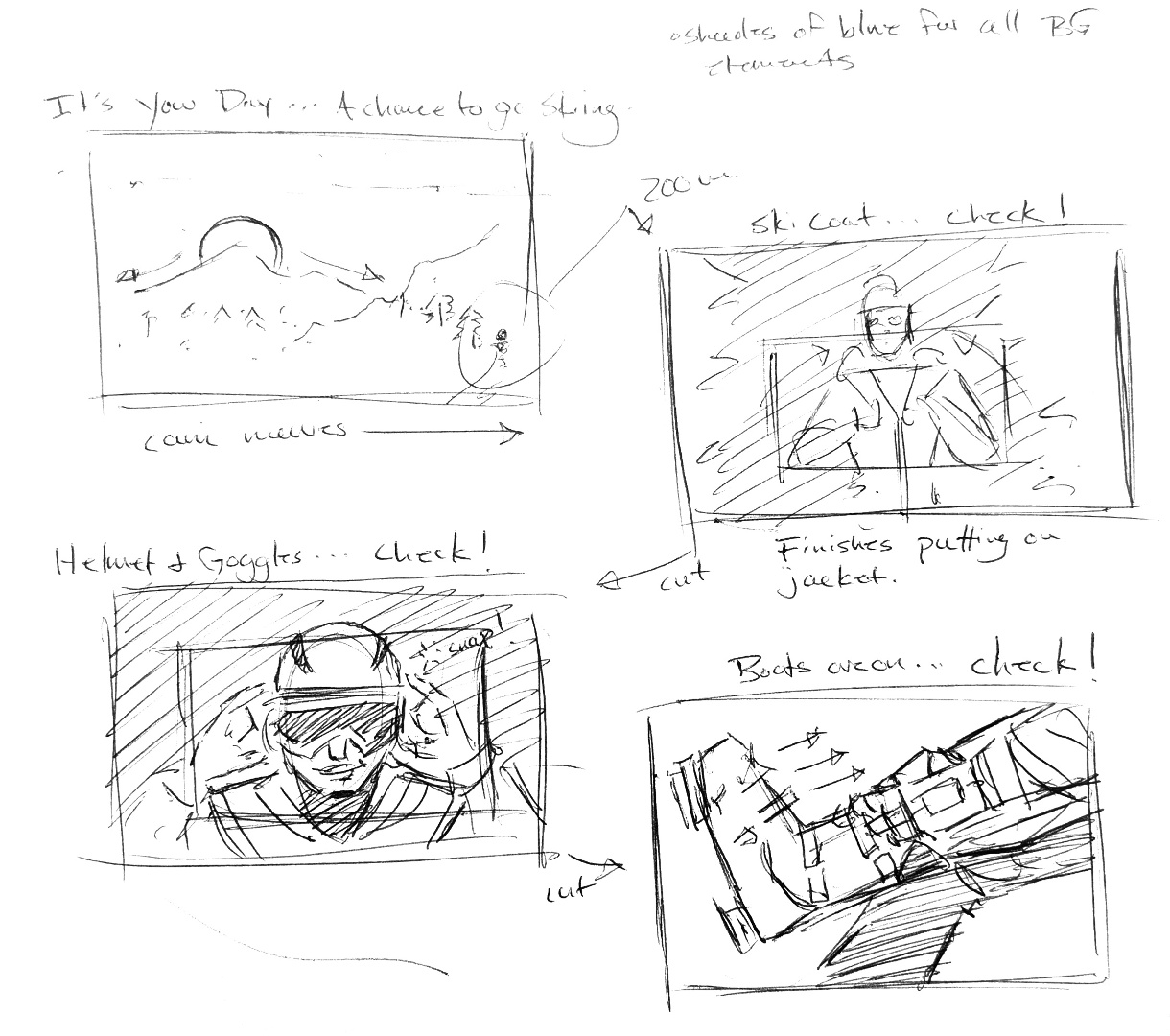
At this point, problems began to crop up when it came to finalizing the script. So, in an effort to keep the good momentum on the project, while accommodating an indecisive client, I decided that an animated storyboard would be needed to check the changing script against planned visuals to help the client to make final decisions in the script. This decision turned out to save everyone allot of time and allowed for flexibility in the visuals, almost right up to the end of production.
After some minor back and forth on some of the text and visuals in the video, and putting together a small vanity logo for the client to use in another video content, the final video was finished. Even though the project went a bit longer than expected, the final product came out well, and the client was very happy with the final result.
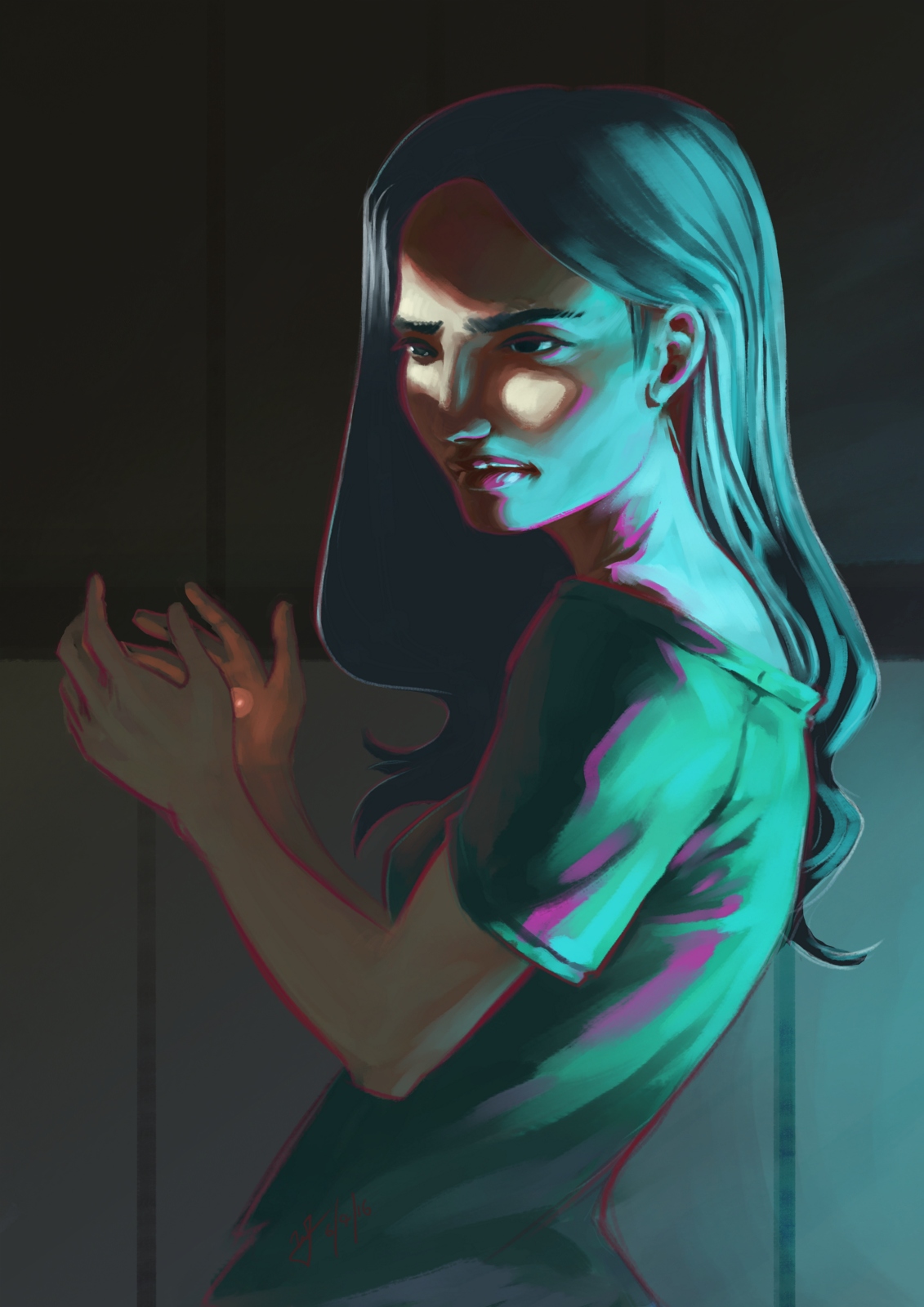
Working with some different brushes in Krita, and pushing myself a bit with some different kind of lighting challenges. This piece was also a bit inspired by the The Art of Loish, a recent Kickstarter art book I received.
I really enjoy Loish’s style, with her use of a stark outline colors to break her subjects away from the rest of the painting. She also shows a clever use of color in general, and again, very appealing all around. Some of the elements in my painting were inspired by these things, in the sense of picking an interesting palette to work with, and a unusual lighting setup to help push those colors a bit.
This post has been a long time in the making. Some time around the beginning of February of 2015, we approached the James brothers ( a utah local film crew, and artists) who currently involved with a locally made Star Wars Fan film called “Star Wars: Legacy of the Force”, primarily produced by Tye Nelson and directed by Danny James. We asked if they might have something that we could work on in regards to VFX, and they had something big that needed work on.
A quick thank you to Jacob Thorup and Bryce Thorup for letting me work on this at work, and also for providing critique. Micheal and Heather Buhler for their feedback. And finally Tye Nelson and the James brothers for allowing me to work on this project. Thank you!
(Note, my details about what has happened in the production are very slim, I was third-party primarily, and most of my details come from conversations and emails from both the James brothers and Tye Nelson.)
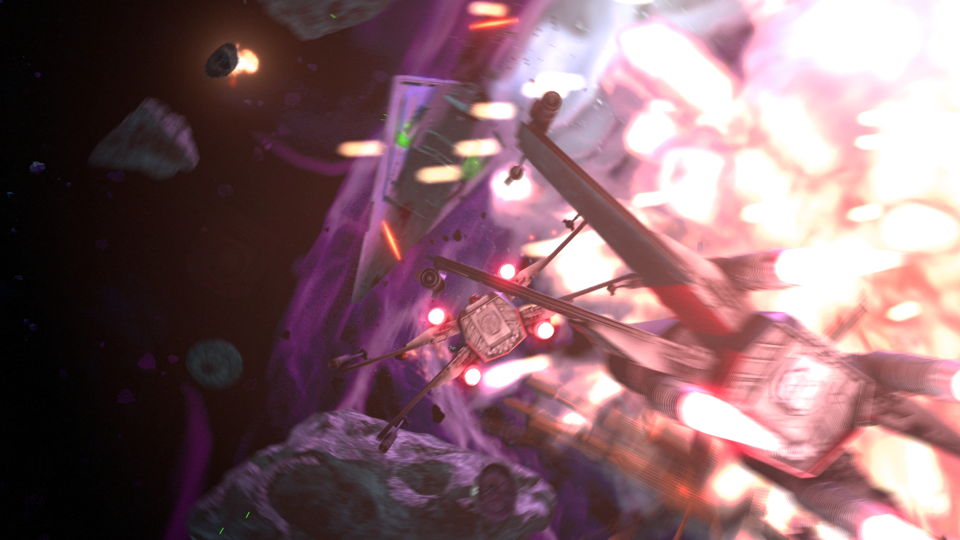
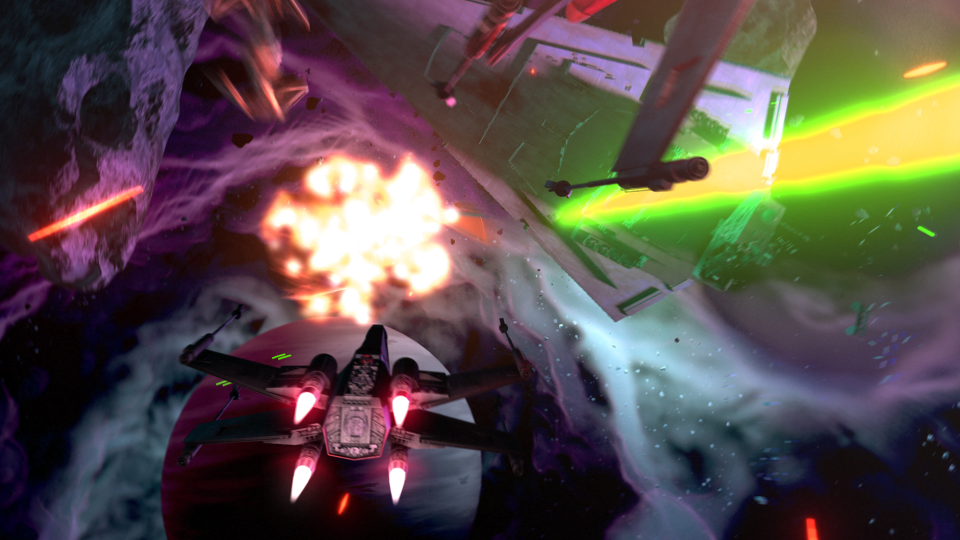
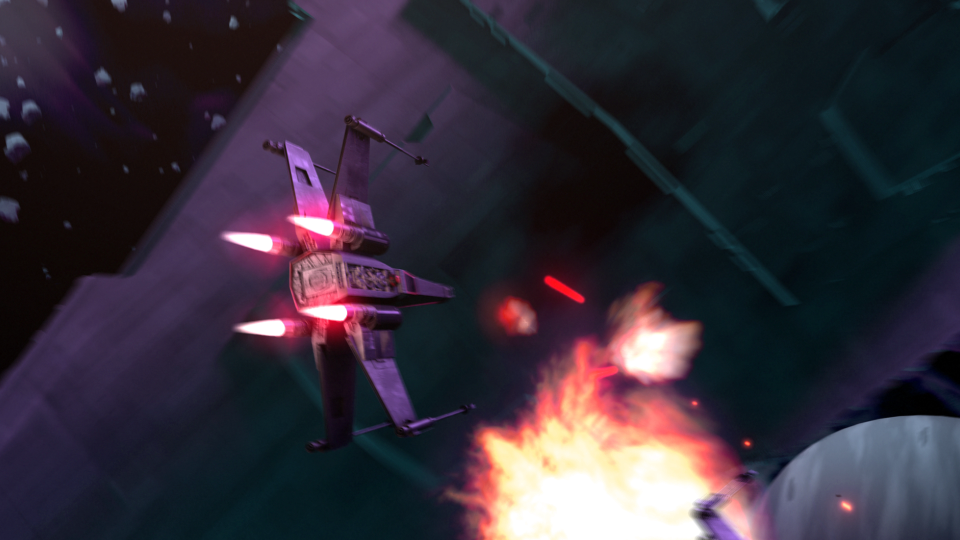
At this point in production of the fan film, everything was shot, and basic edits had been put together. This rough cut also featured a rough intro battle sequence which was strictly CG. You can see a what this looked like through this video at the 00:09 second mark, hosted on the creator’s channel. The producers and directors were not completely satisfied by this product, that was produced by another artists, other than myself. Because of this, the James Brothers offered to have me take a shot at it. I said yes.
In case you don’t wish to spend the time to go through the rest of the article, I put together a quick video that goes through a bit of the development process, along with a break down of the final shot.
Pre-Production
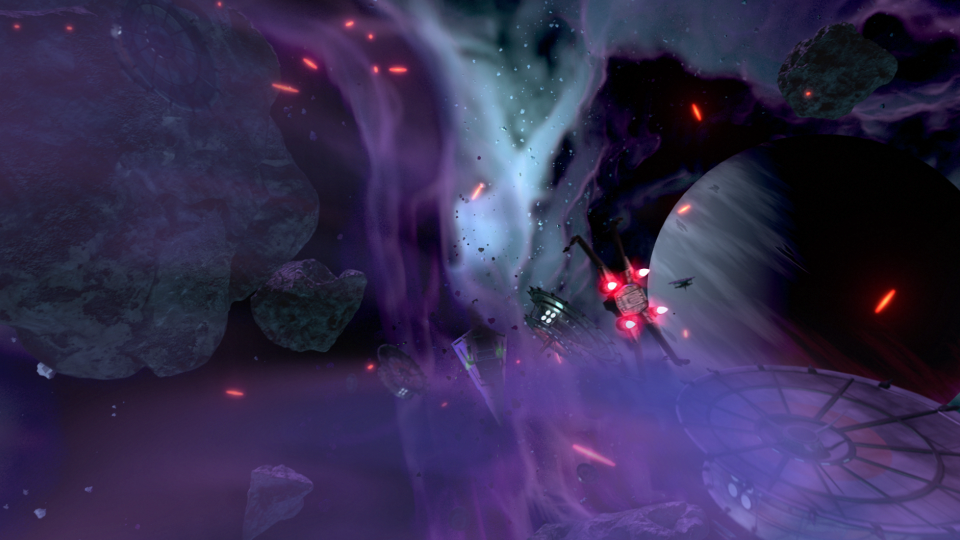
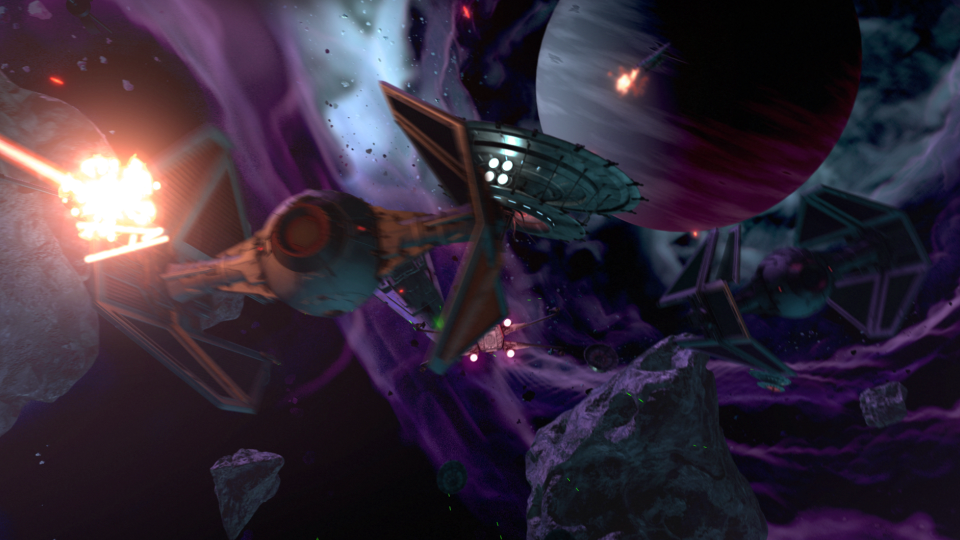
So began a fun, frustration, enlightening, and enjoyable adventure of the most complicated CG shot I have done to date. I used Blender as my primary tool, and I eventually moved into After Effects for my final compositing.
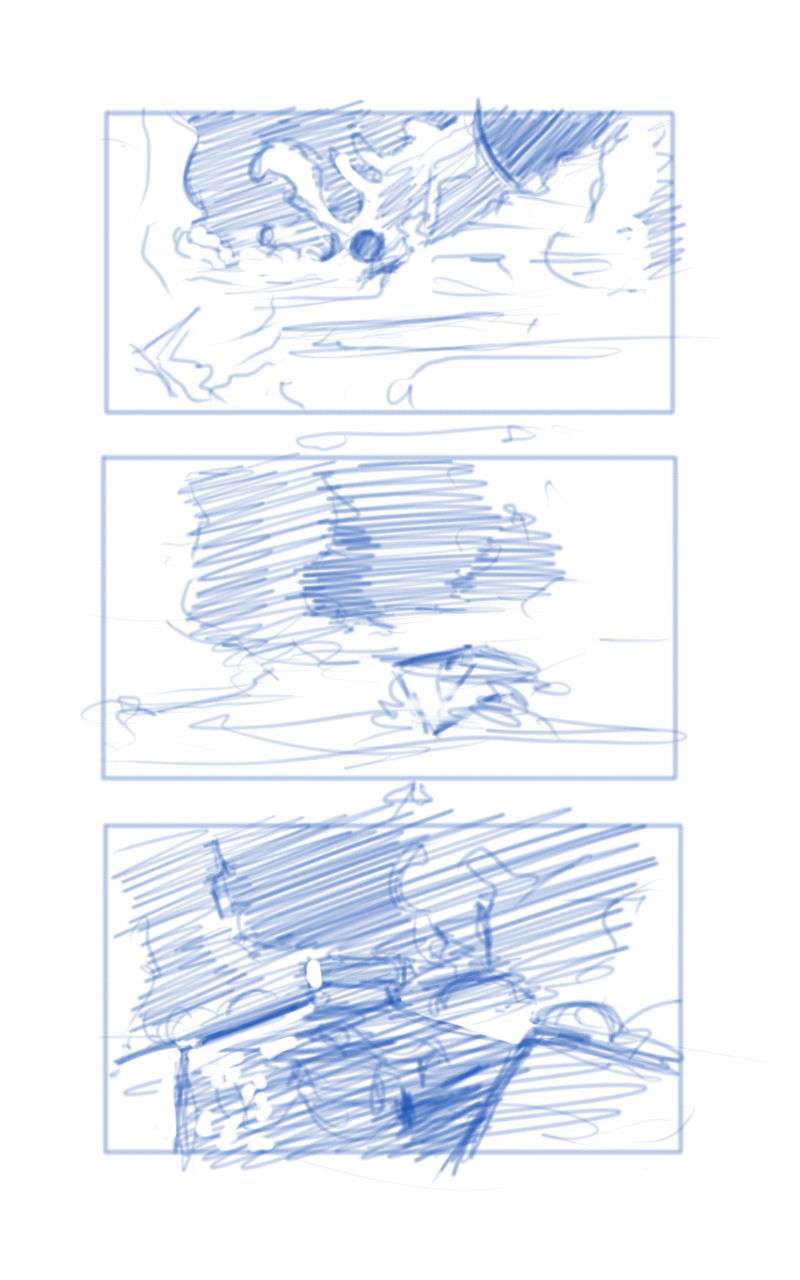
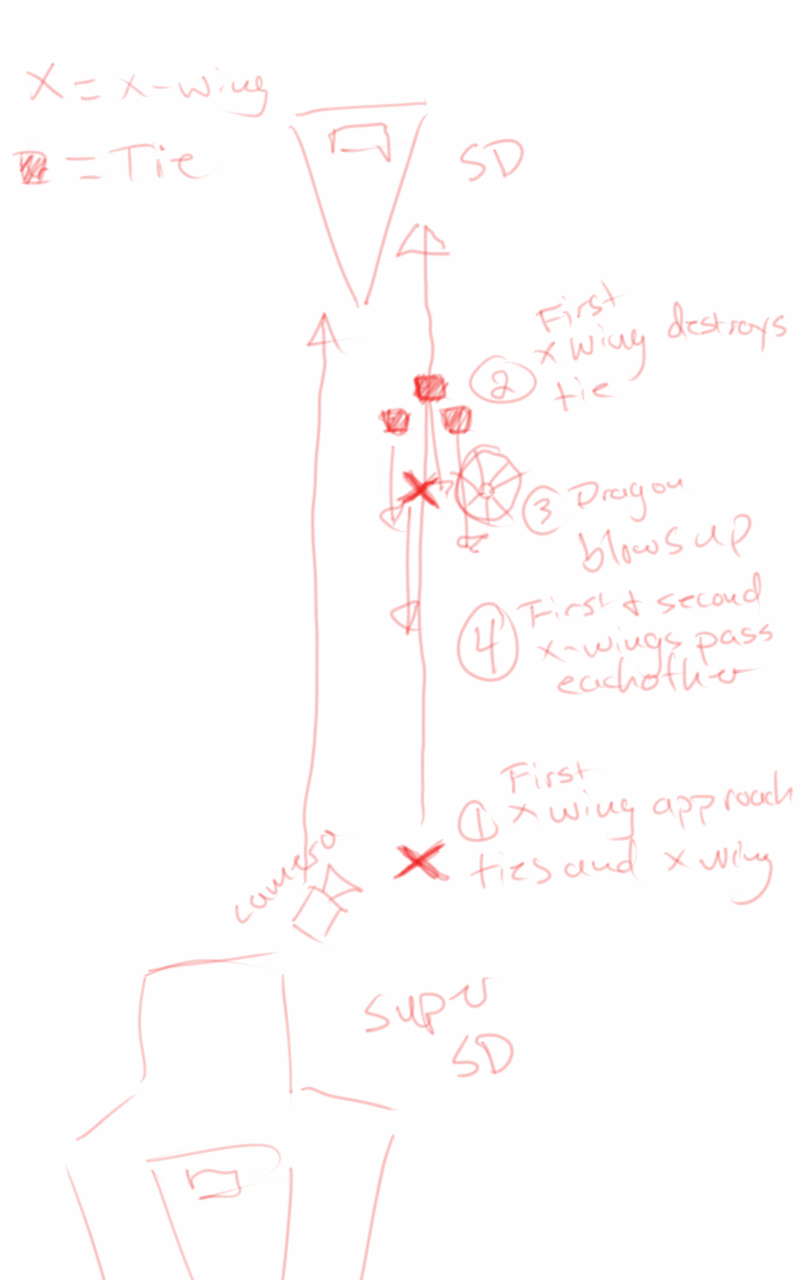
Based on some notes from the James Brothers I began reworking the current sequence to be something a bit more dynamic and interesting. I started off with just a small piece of artwork produced for the Star Wars official card game, and with some ideas of making it look like the fight was taking place just in upper orbit around a planet.
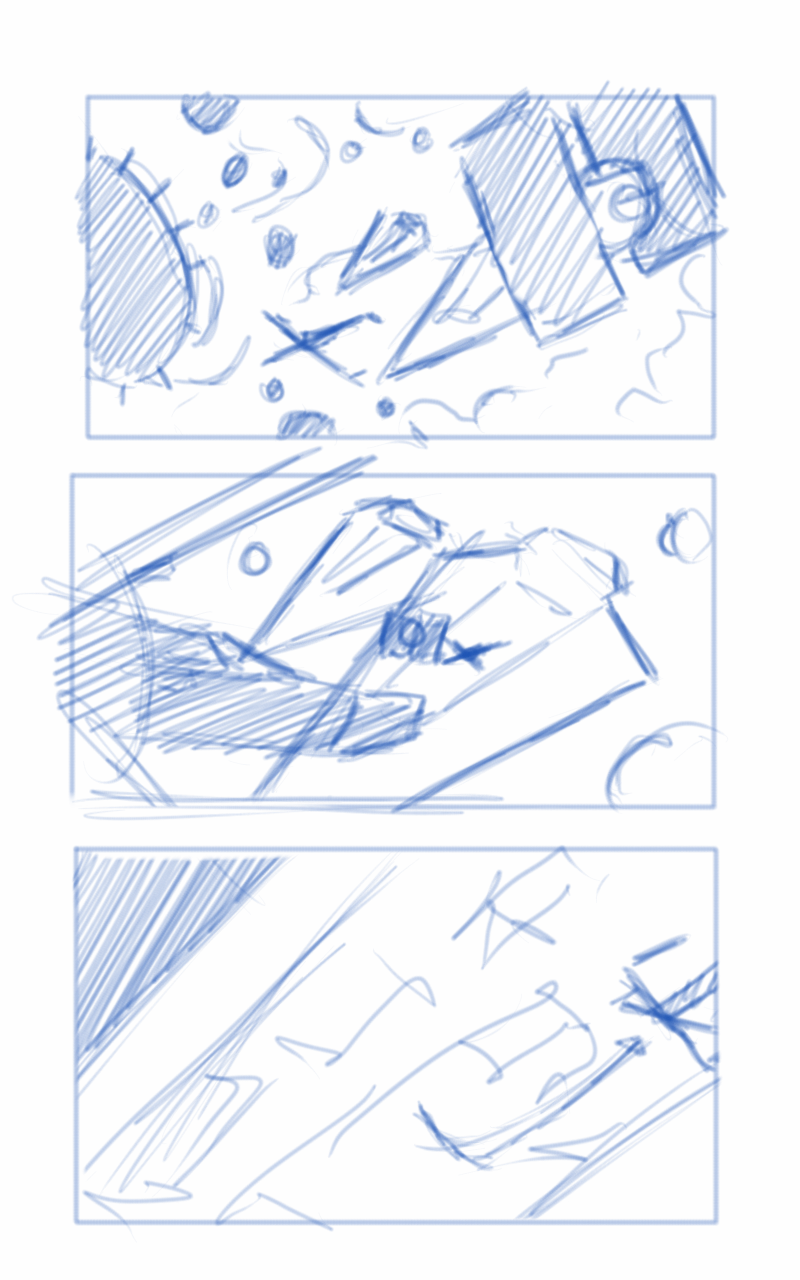
This is where the first animatic came into play. This was largely shooting from the hip, and I put a little too much effort into the background and lighting, which should have been left for later in the process. I enjoyed this idea, but it wasn’t what the producer was looking for at the end of the day. It was ultimately scrapped.
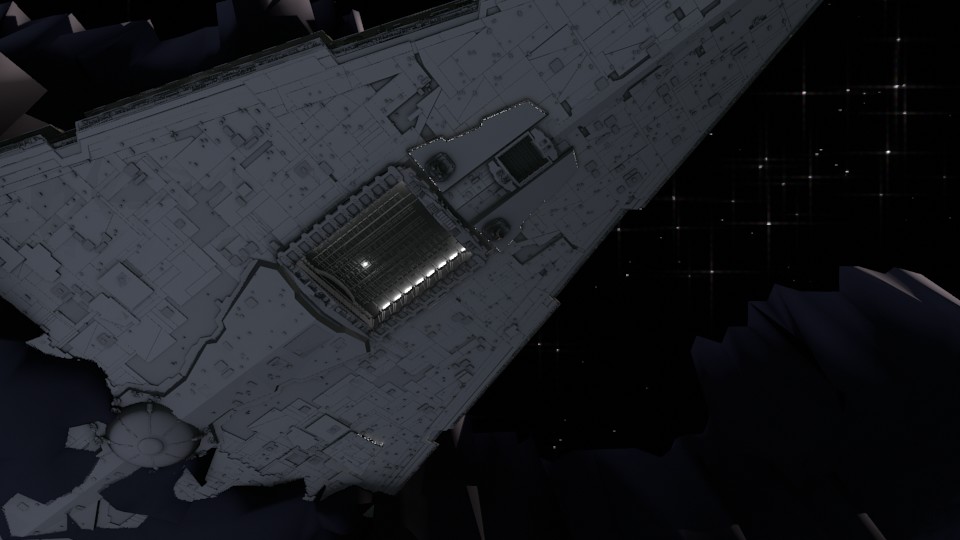
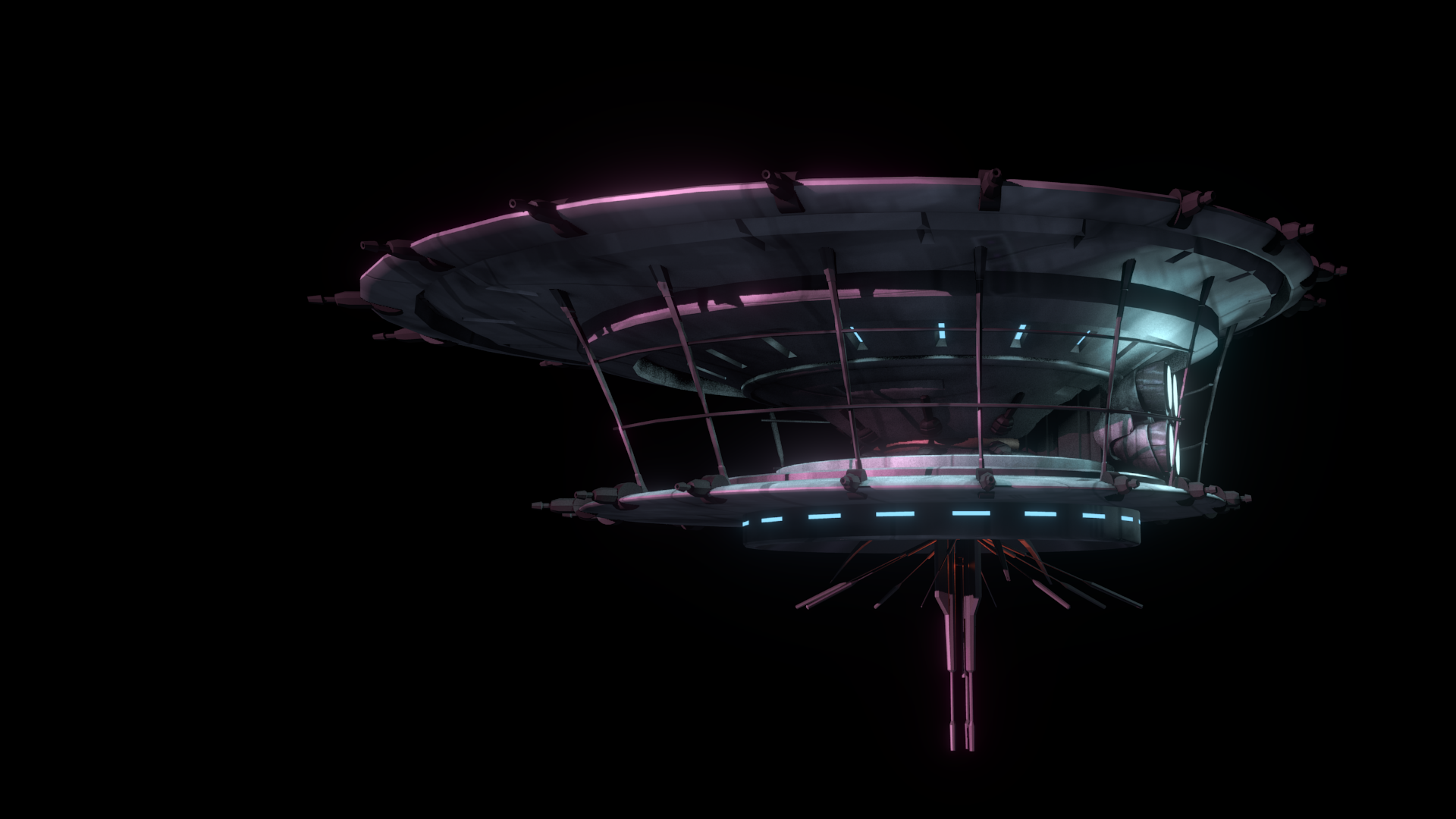
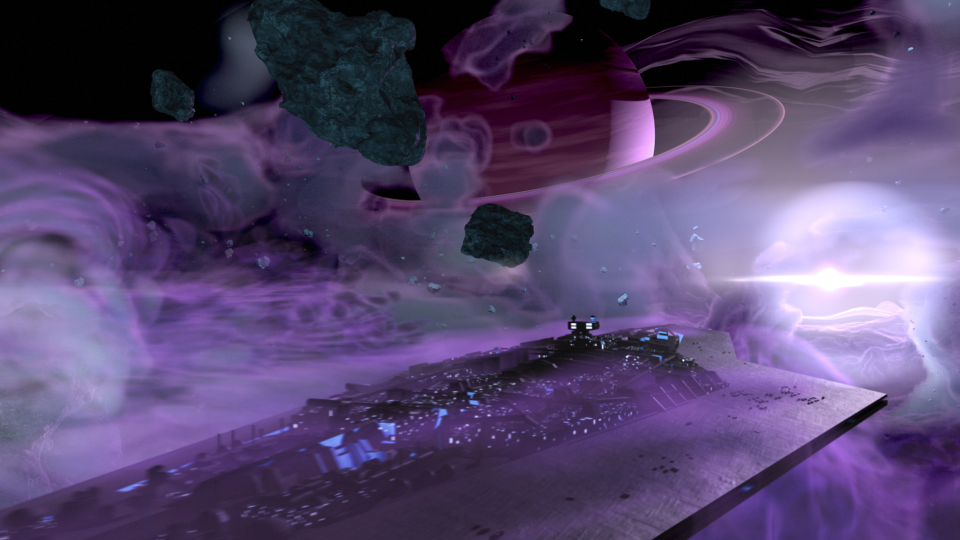
The second animatic took to the original sequence, and basically mimics it for the most part. I decided to adjust the introduction of the Super Star Destroyer, as I thought a rising from the dark mists would feel a bit more ominous, and letting the viewer take in its vast size would help to maintain the brooding force that it is.
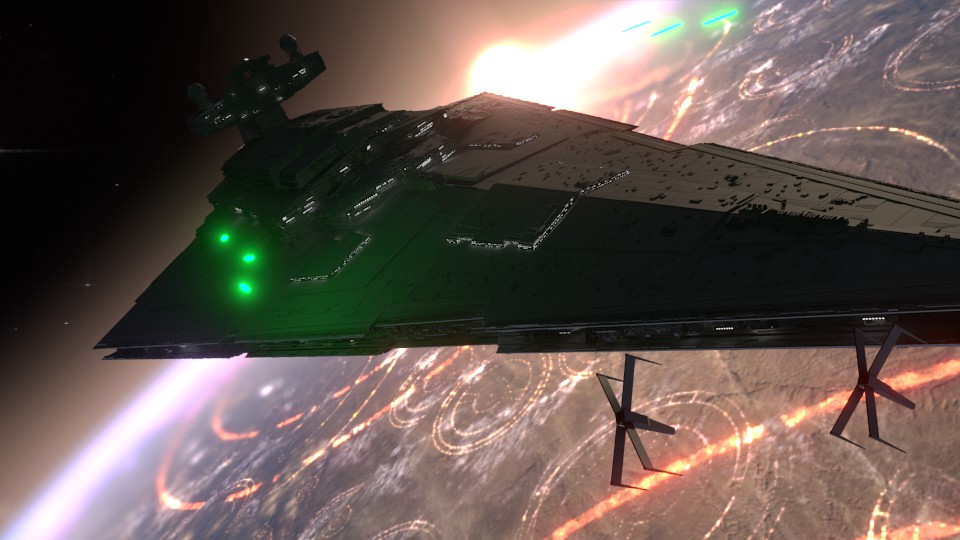
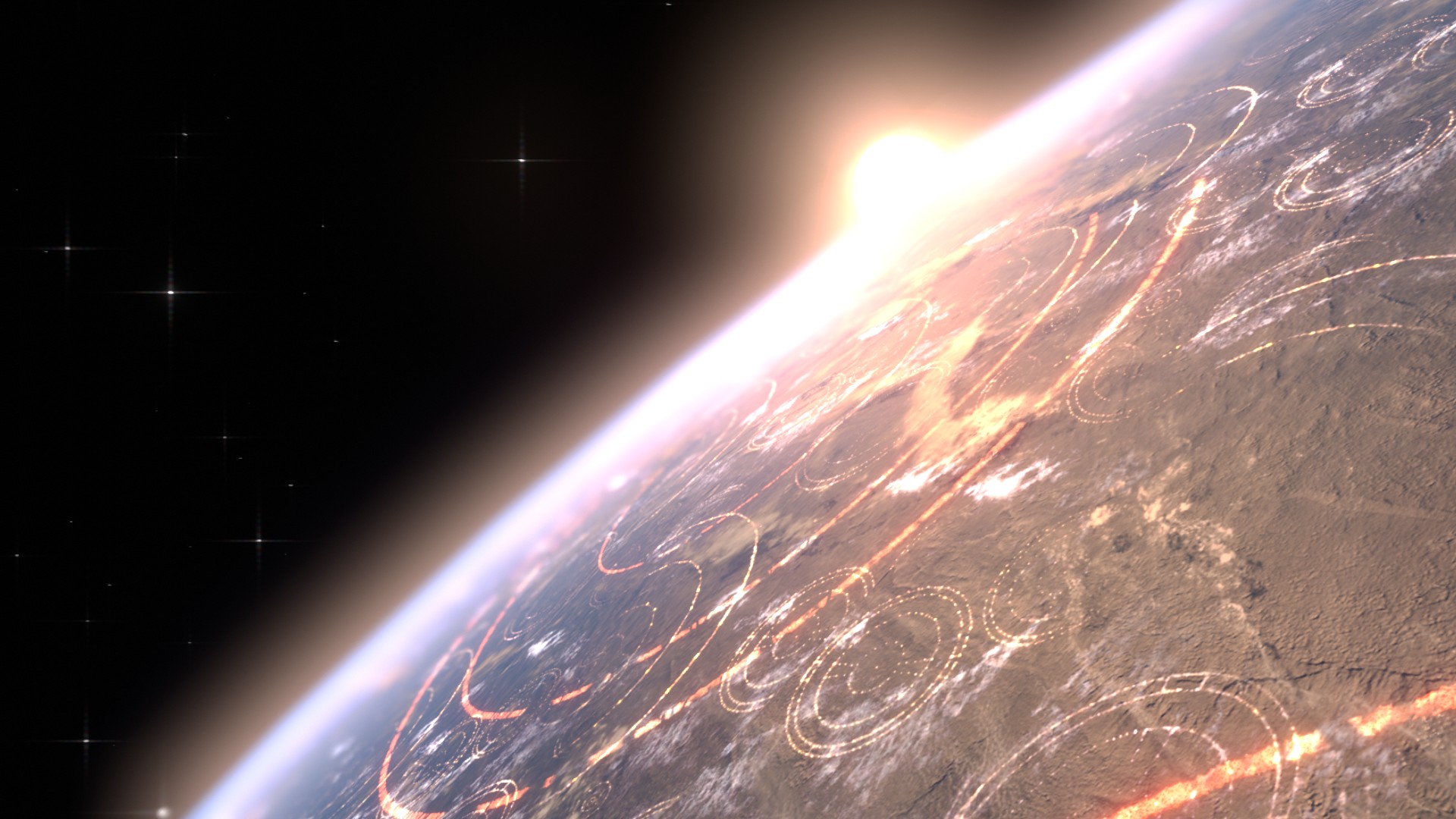
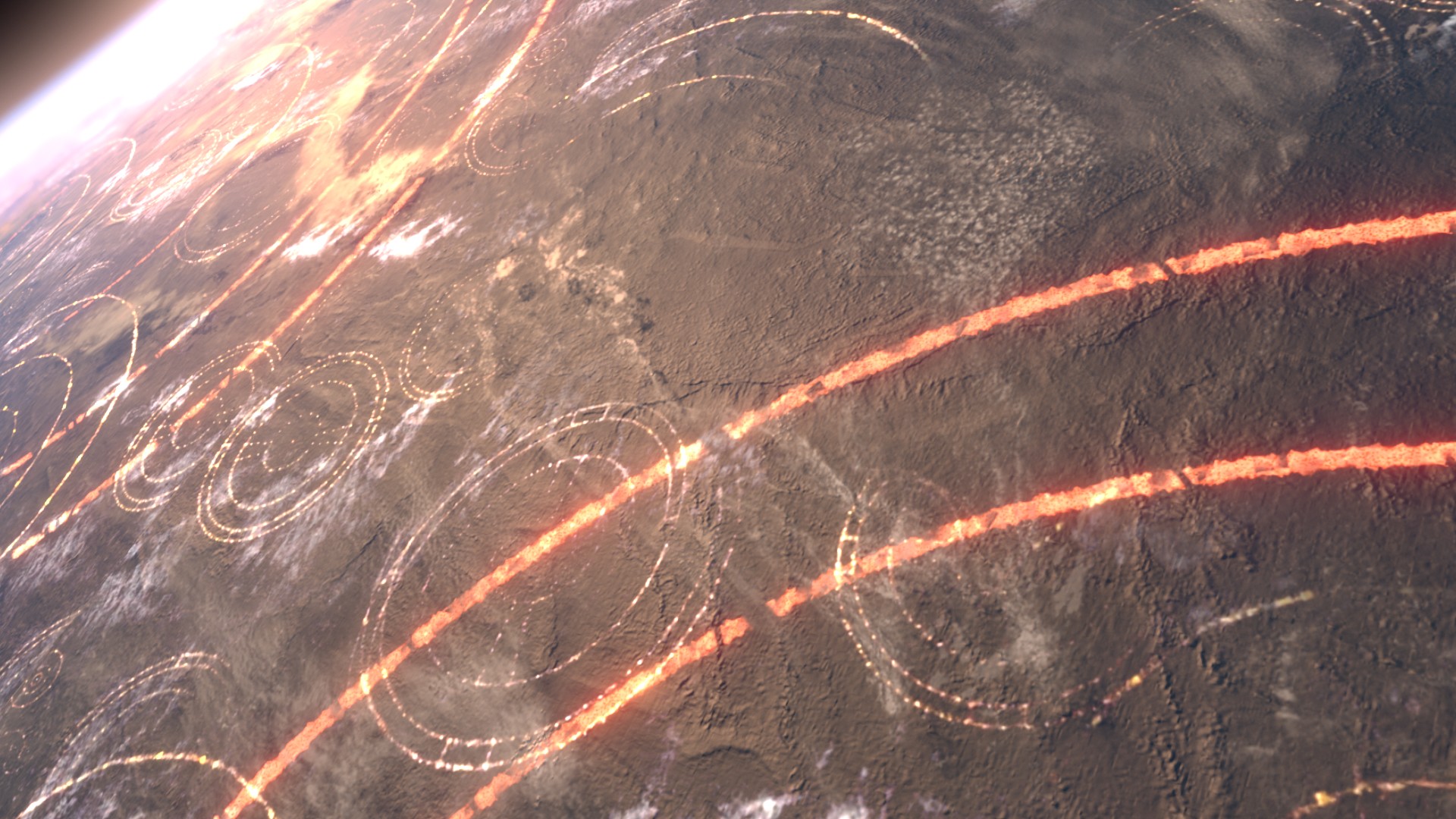
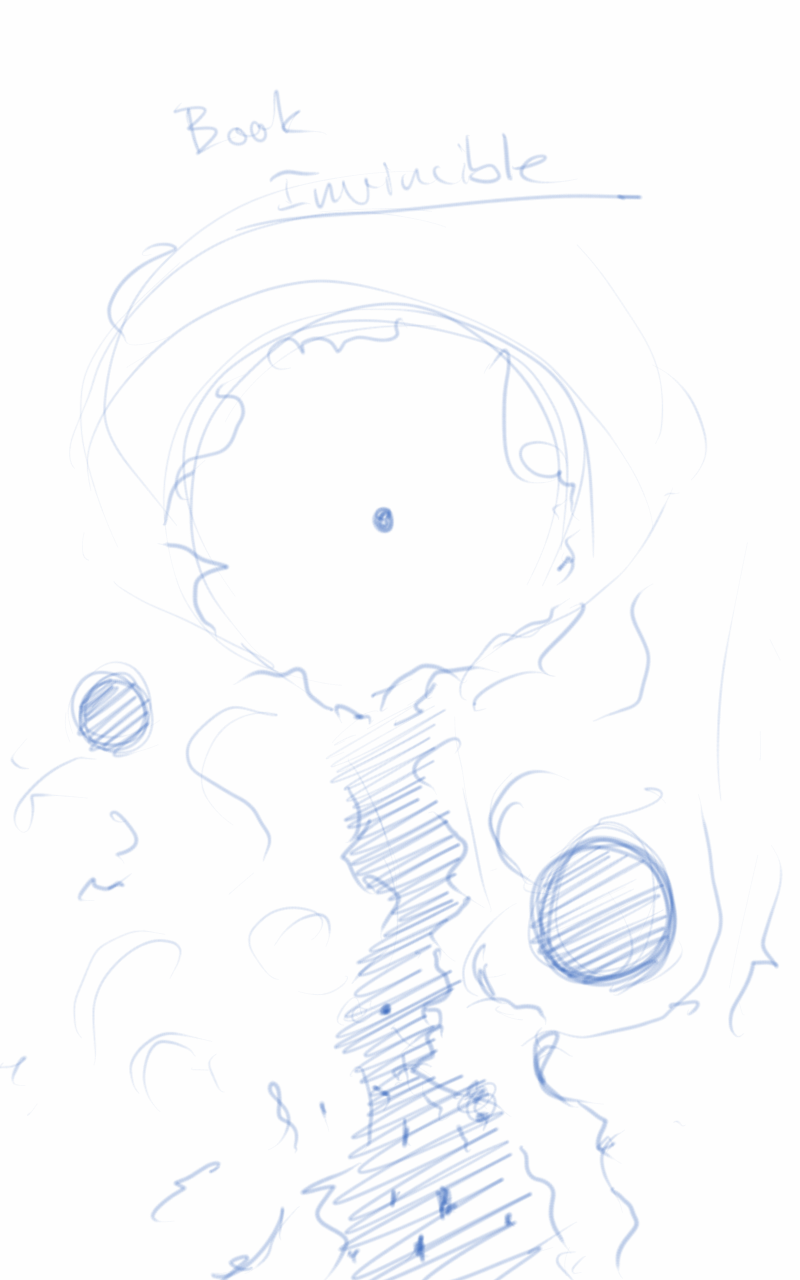
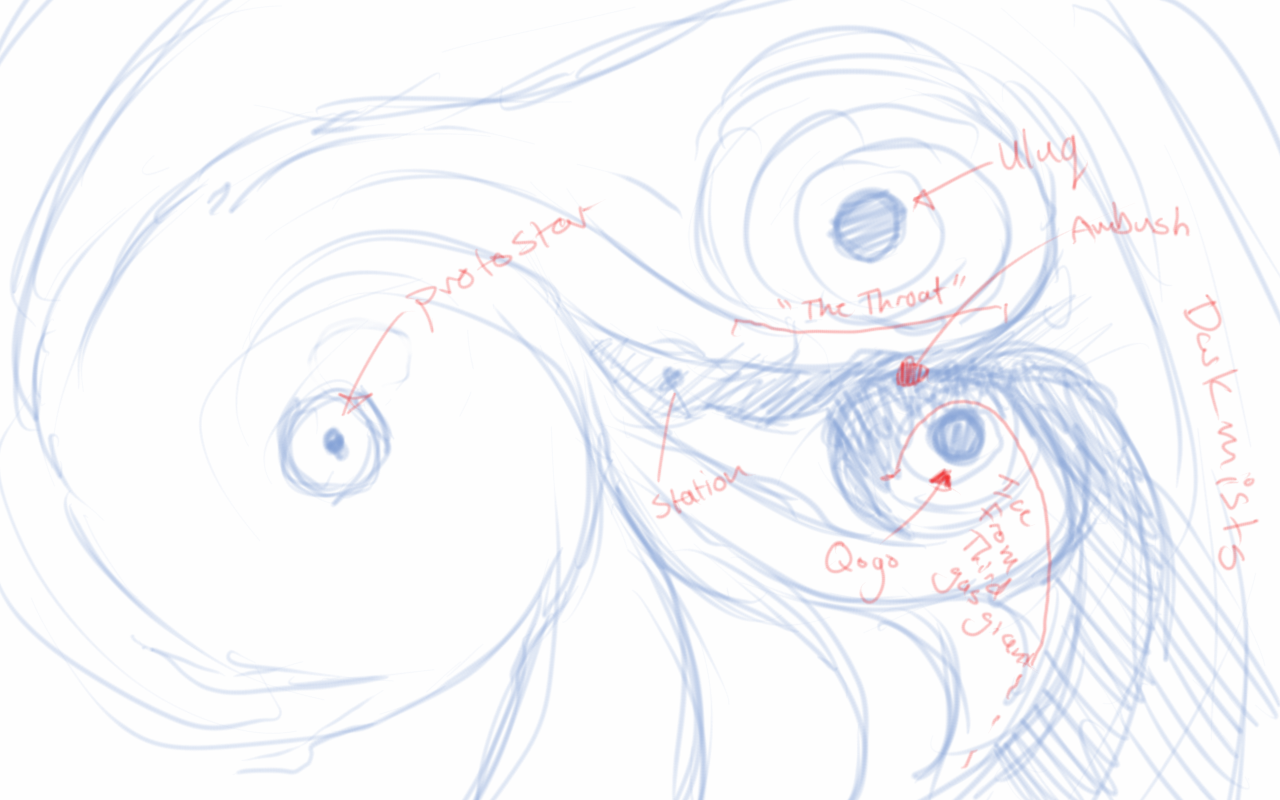
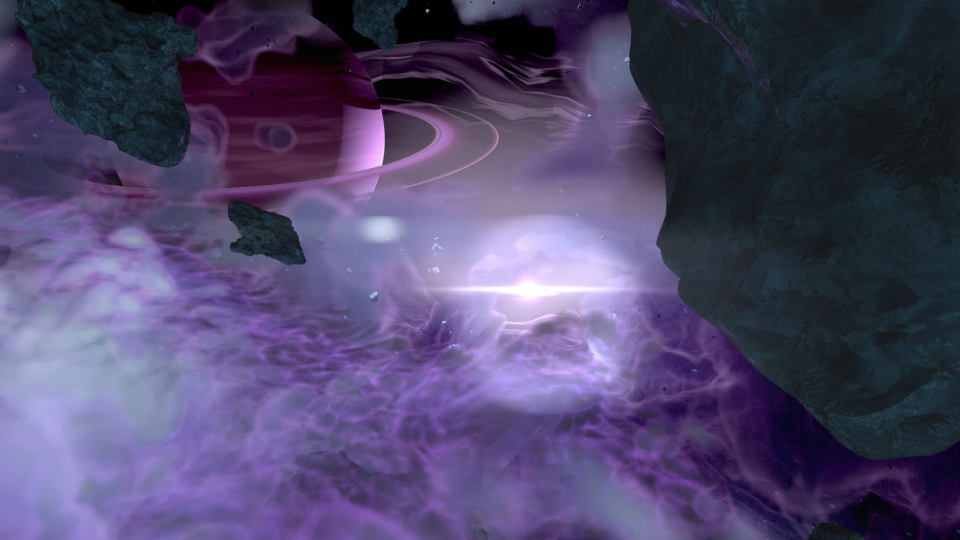
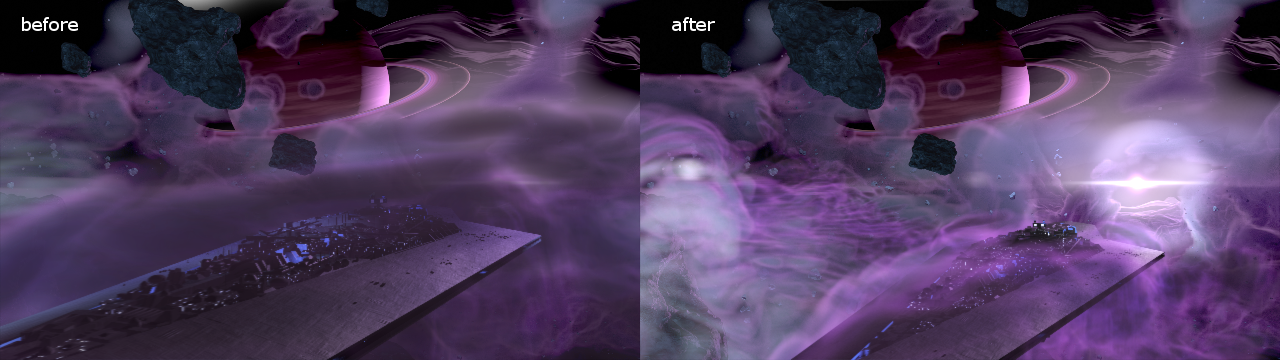
The third animatic is much more refined. If I remember correctly, I had been given source material to work with, and I had already begun creating the environment at based on that material. In essence, the environment was created by one gas giant colliding with another, creating a large mass of debris and material between the remaining two gas giants. These all orbited around a proto-star. The source materials paints a darker environment on the page. I deviated from these details to help created a vast sense of scale with the nebula, and how small all the space craft were in relation to it. This required more light, so I made the star brighter than what is described in the book.
After the movement of the main players in the sequence was locked down, and the animation for the main space craft was finished, I set to work on the actual spacecraft themselves.
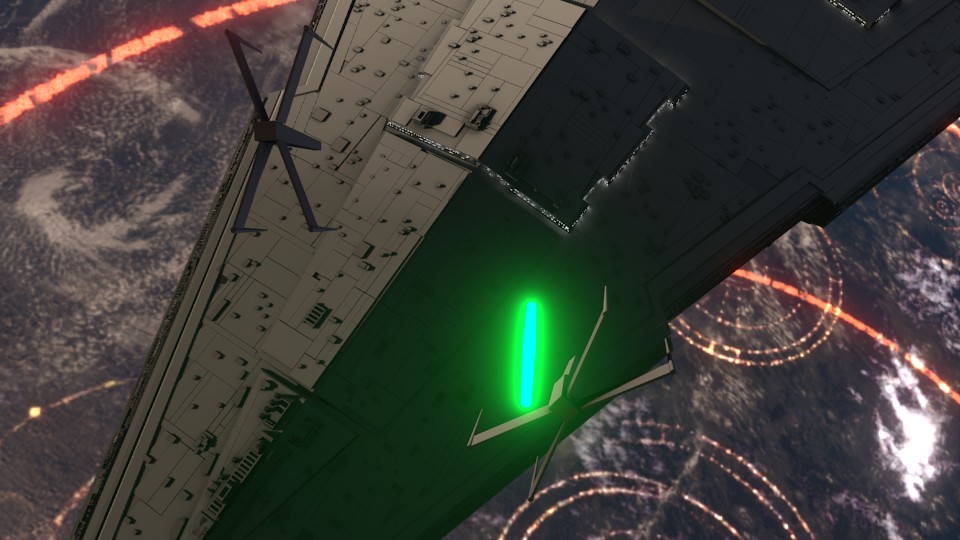
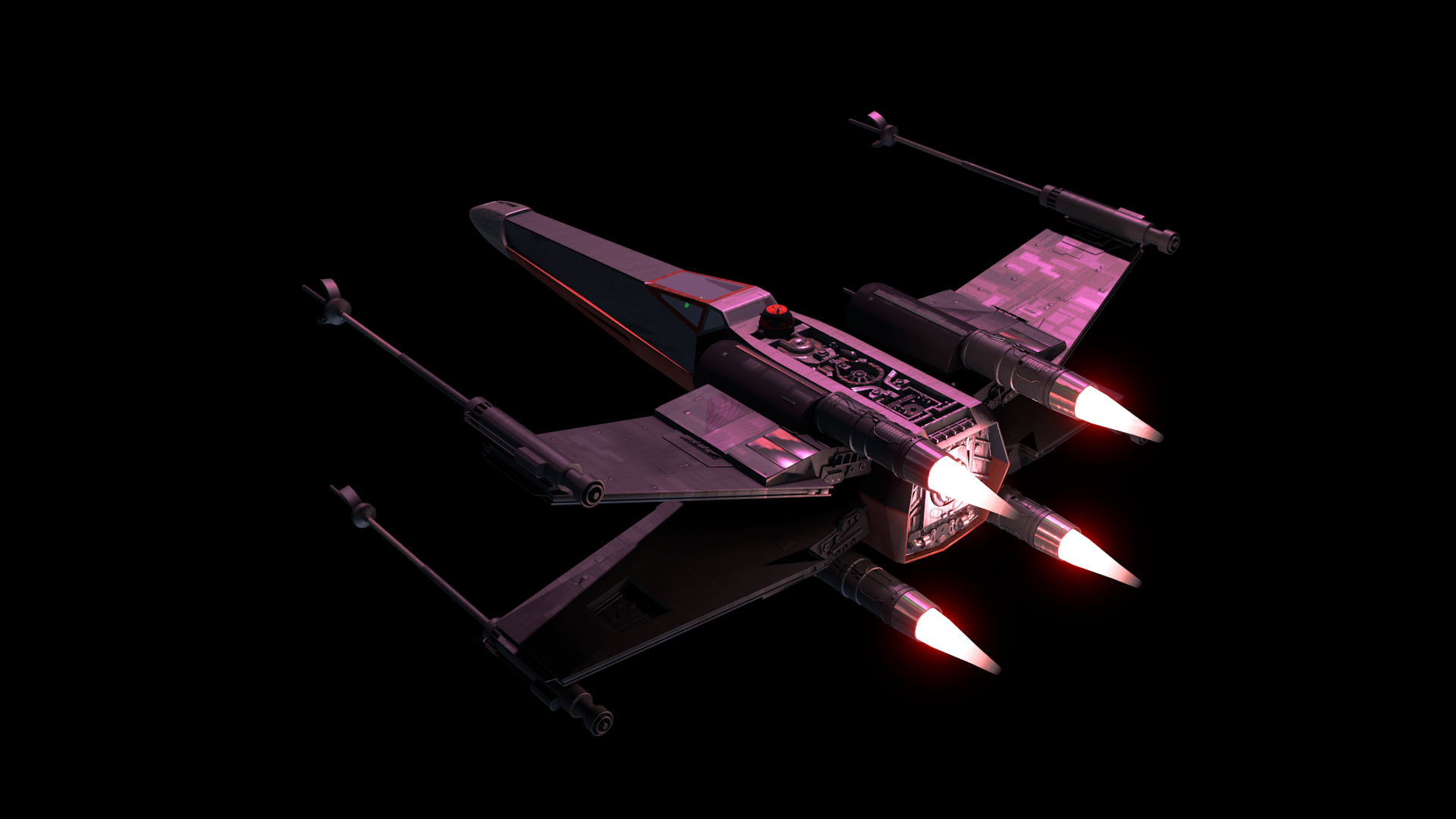
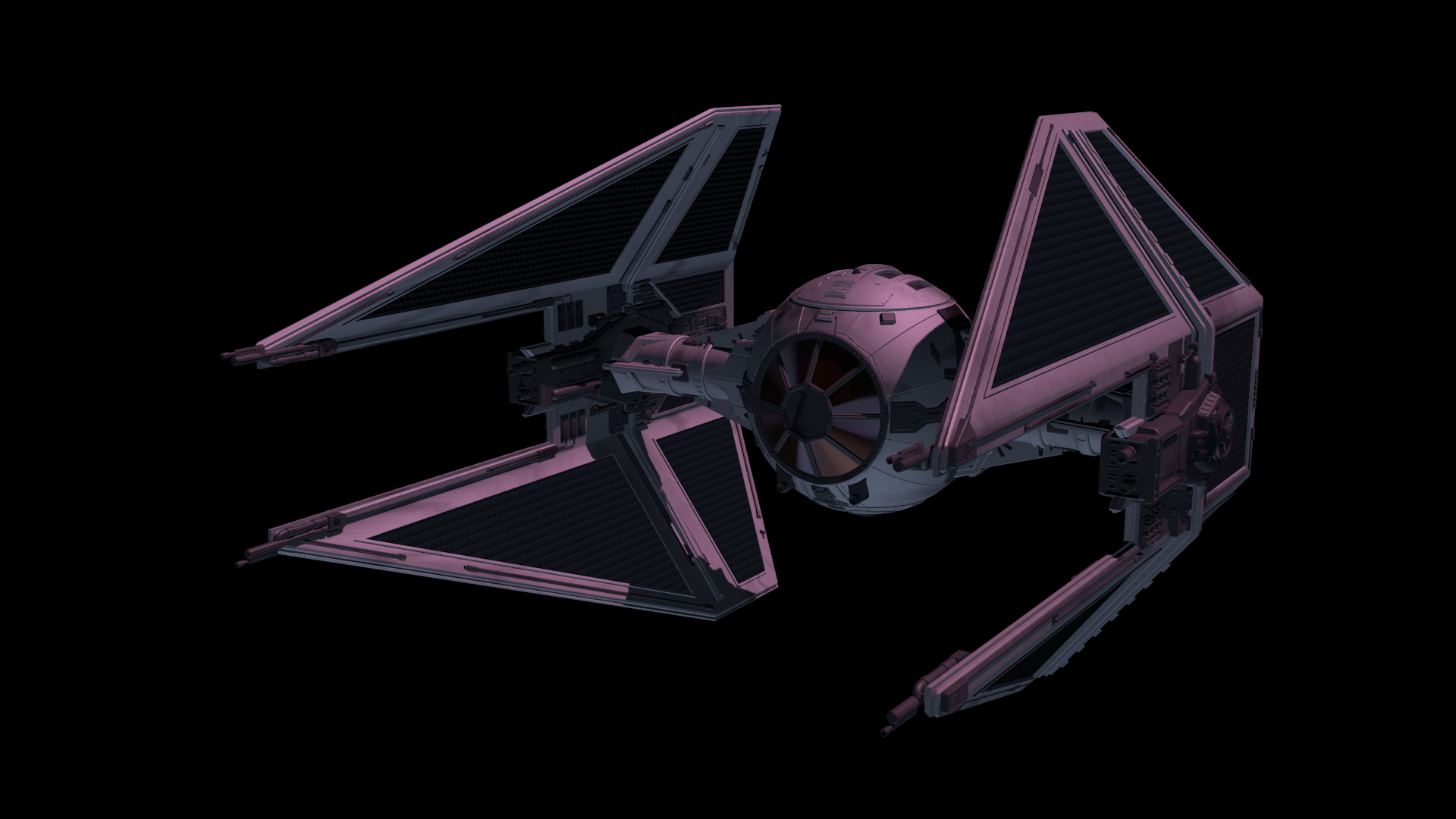
The base models were downloaded from scifi3d.com. This site hosts donated models from a ton of different sci-fi universes, and it had everything I needed for the sequence. After getting the models, I spent a good chunk of time cleaning them up in Blender, texturing, and additional modeling, before bringing them into the final scene to replace the proxy models I used for the animatics.
After the models were brought in, simulations for fire/smoke and other debris were done, along with blaster fire. Then came rendering everything out for compositing.
Each render layer was done separately. The x-wings on one layer, the tie fighters on one layer, the planets on one layer, etc… This was to accommodate any possible changes without having to render the whole scene again. The only requirement to this workflow was to make sure that the animation for the camera never changed. This allowed all the separate layers to match move with each other, and if a layer needed changes and rerender, all you needed to do was replace the frames for that single layer in the final composite.
I moved my scene layers over to After Effects to composite there. I was originally planning on compositing completely in Blender, but there was a possibility that I wasn’t going to be able to finish things myself. I needed to move into a program that someone else could use in case I couldn’t finish. This did help speed things up though, as I didn’t have to render motion blur out of Blender (really slow…), as I was able to replace this with a much quicker effect in After Effects called Pixel Motion Blur.
Due to time constraints, and because of the amount of time I had spent on the project, I wasn’t able to add specific post effects like heat distortion. But at this point it is time to move onto other things. Overall the experience was gratifying. I ran into a ton of situations I have not encountered before, and I was able to successfully navigate through them, and learn a host of new things along the way. I have gained a deeper appreciation for the work that goes into a shot like this, and I know why it takes more than one person to pull it off well.
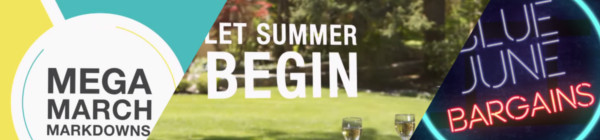
Over the last few months Overstock.com has given me the opportunity to work on a few 15 second broadcast motion graphic spots/commercials for Overstock.com. These covered three separate sales that aired on national television between March and July of 2015.
I first want to thank the branding team at Overstock.com for their help in putting this together with me. They usually have me come into their office to work, in order to speed things up. These spots are as good as they are because of their input and critique. Thanks guys!
Mega March Markdown | 15sec broadcast commercial – Based heavily on the in-house design teams playbook, with addtional consulting from Trevor Rimmasch. Thanks Trev!
Most of the work done on these was in After Effects, due to time constraints (all of these were put together withing 2-3 days!). I would have rather had done these in Blender, as I would have had more options available to me. Overall the experience was good working on these commercials, and the highlight was to see some of the designers faces light up when they first say their work animated in a final commercial.
Generic Summer Sale Spot | 15sec broadcast commercial – Again, based on an in-house Play Book. The title card is one of the first photo maps I have done. Cutting out pieces of a photo and placing them within 3D space to give the illusion of parallax and depth.
Something that made these so different from previous work I have done, is the inclusion of a “Play Book” or “Style Guide” put together by their in-house designers and artists, for their web departments. These guides are awesome in that they reduce the amount of questions needed to be answered when approaching the commercial, and debate is brought to a minimum as well. If there is a question about what something should look like, color to use, typeface, etc… no guess work, just look at the Play Book. A huge help when working as a team on something.
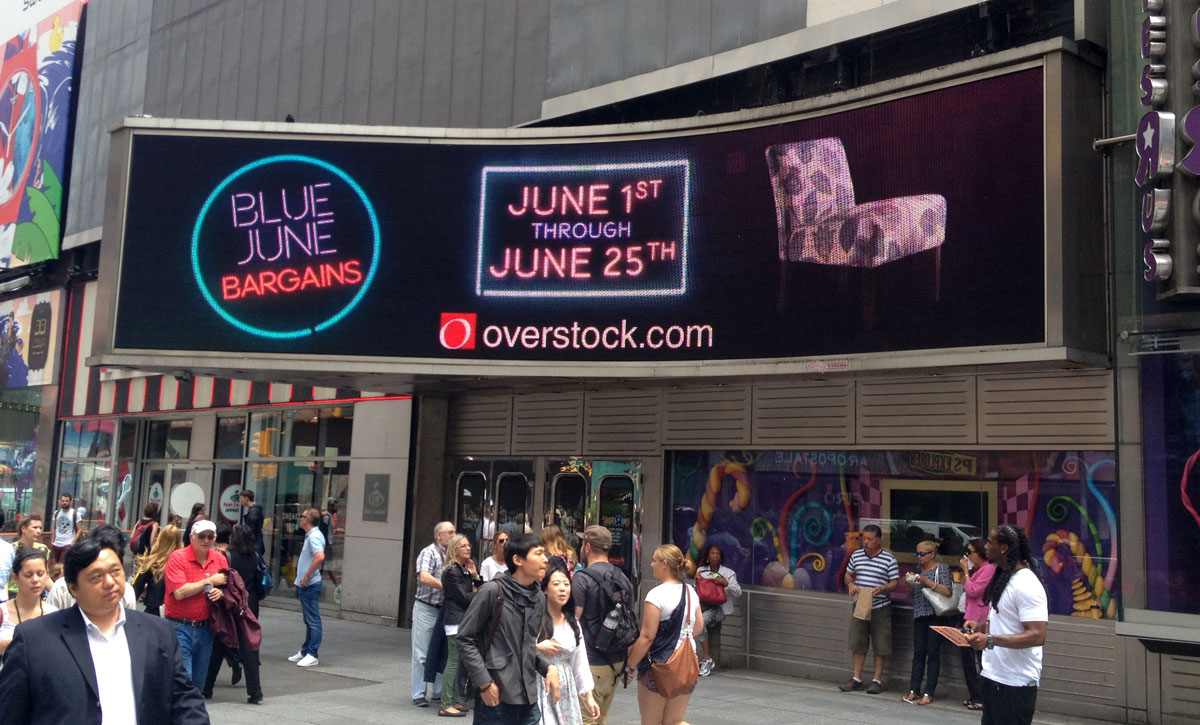
Once in a Blue June Sale | 15sec broadcast commercial – There wasn’t much of a Play Book for this one, but it was still based on the designs of an in-house designer, with additional input by Aaron Syrett and Trevor Rimmasch.
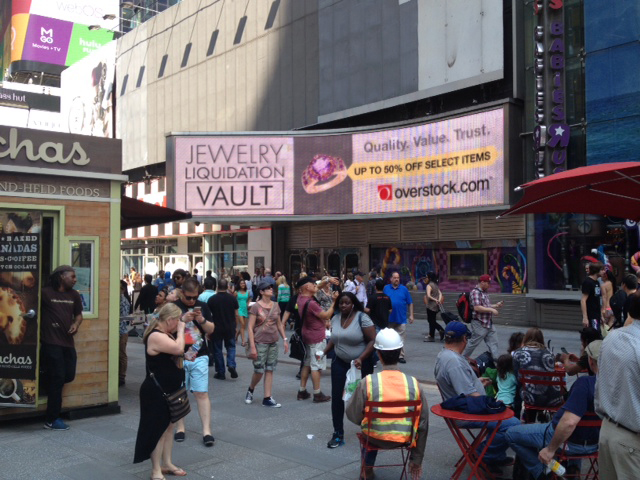
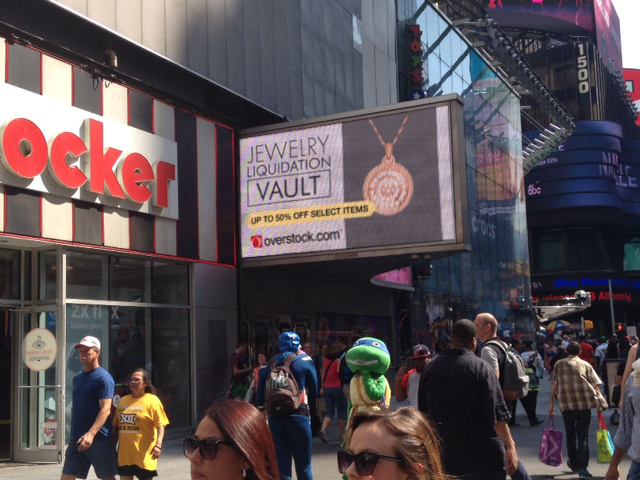
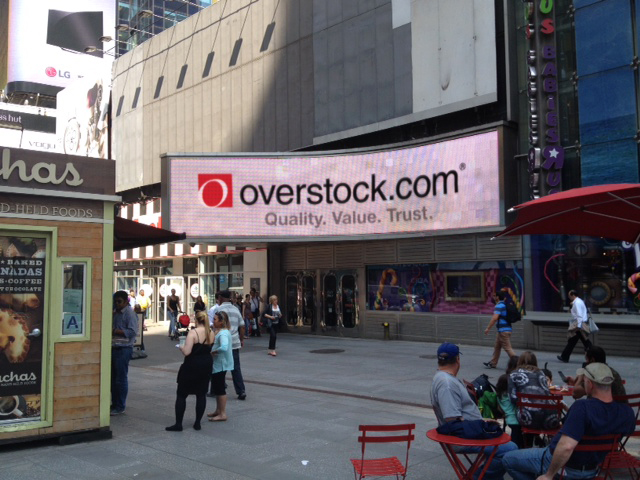
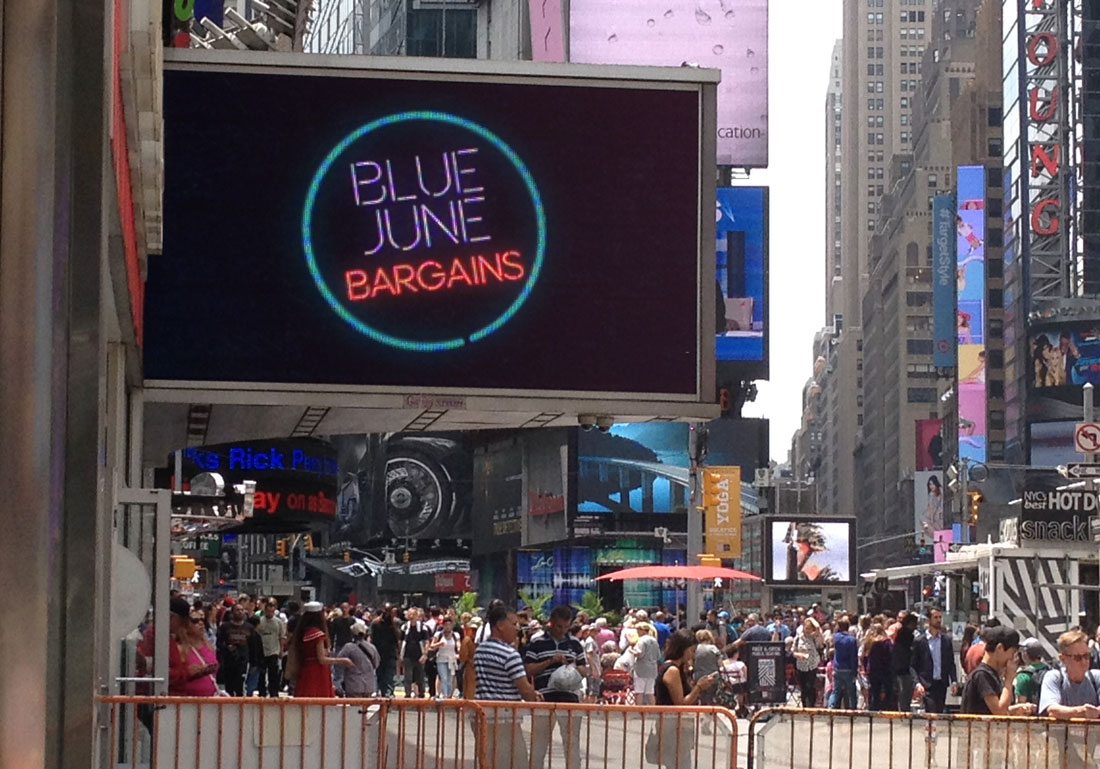
And to top it all off, I also had to edit down the Once in a Blue June spot, and an additional Jewelry Sale Spot, for the Geoffrey Tron at Time’s Square in New York City. It is an awesome feeling knowing that some of my work is getting exposure in Time’s Square.
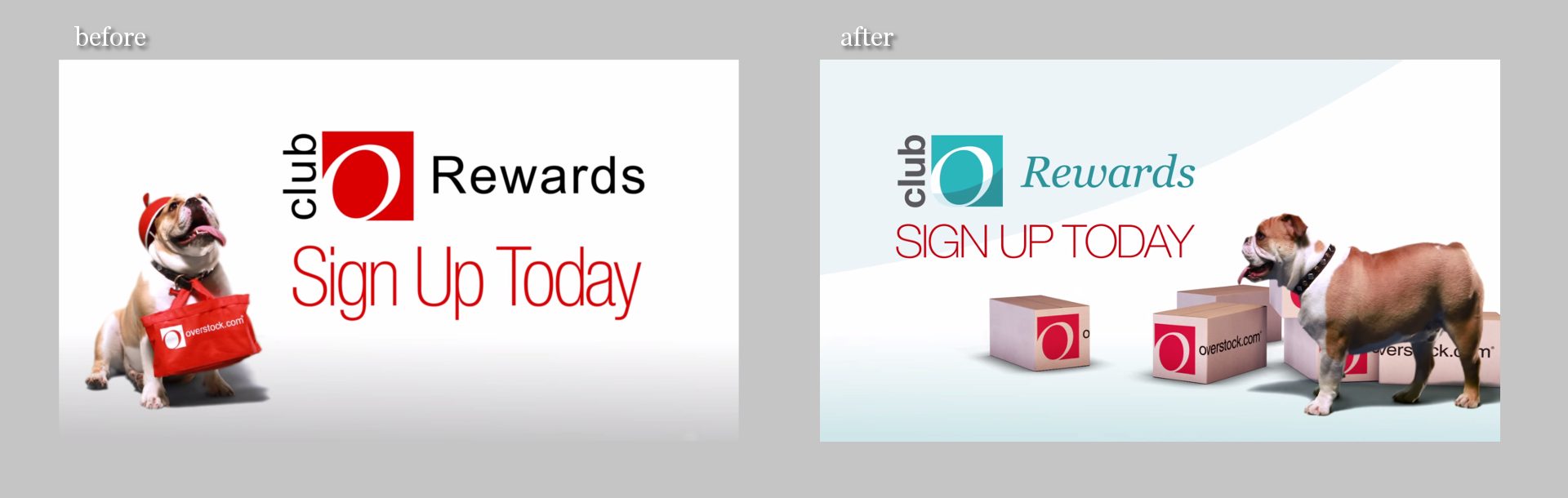
Club O, the membership/rewards program portion of Overstock.com, did a rebrand. Different colors and designs, and they asked if we would take the old version of their Club O introduction video and revise it to fit the new branding.
At first glance, this seemed like something fairly easy to pull off, but once we began discussing more about what they wanted, what the new script entailed, and additional shots of the dog were needed, turned out to be allot more work than expected.
It was interesting to revisit green screen keys we did over two years ago. There were quite a few things I didn’t quite understand about keying, and it is amazing that we were able to get the key as good as we did back then. Time was spent cleaning up these old keys, and also keying additional shots of the dog. This was made more difficult since they didn’t want to have any shots of the dog with the red cap. Shots without the red cap were limited, as at the time it seemed like the cap was the way to go. So, there just wasn’t a whole lot of the capless dog to chose from.
Most of the video was composited in After Effects. The 3D percentages were originally done in After Effects, but because of file path issues with Elements 3D working between a Windows and Mac machine, I ended up doing the percentages in Blender. Another portion done in Blender were the shipping boxes. This was a last minute addition suggested by Trevor Rimmasch. The boxes help fill and anchor some of the shots, as well as create a consistent visual thread throughout the video.
Some of the issues when approaching an older project and “re branding” it that the foundation of the original is based off of key components. Such as music, colors, and script. The original expectation when I was asked to do this was that there was going to be some timing adjustments, along with some color changes. As we dug into it though, because some of the key components changed, it was almost more economical to start from scratch. The end product could have been rethought and something better could have been produced, and it felt like some of the elements were just bandages to keep the video together (the shipping boxes).
As it stands, it is a good video, and certainly nothing that I am ashamed of. But the lesson learned was when you change key components of a production, like color, music, and script, exception to make major changes throughout.
Neil Bryce of Bryce Media has been keeping me busy the past while with jobs here and there. Bryce is an awesome person to work with, and is always concerned with getting things right, if you are in the Salt Lake City area, I highly suggest getting in touch with him, definitely someone you want to know if you are involved with video in the Salt Lake area.
This vanity logo for Bolt Construction had a really quick turn around (about a day) and the creative is simple but effective. This video features a stone wall background with wood shingles in the upper third, but a few more versions were rendered out without the background, with a blue background, and one without movement.
The background assets used were from a website that hosts public domain photography, vectors, and other graphics, called Pixabay. Definitely a site you want to add to your bookmarks in case you need some quick assets on a budget. There is no guarantee that all the content is public domain, as there are no actor/actress release forms. But images without people should be fairly safe.
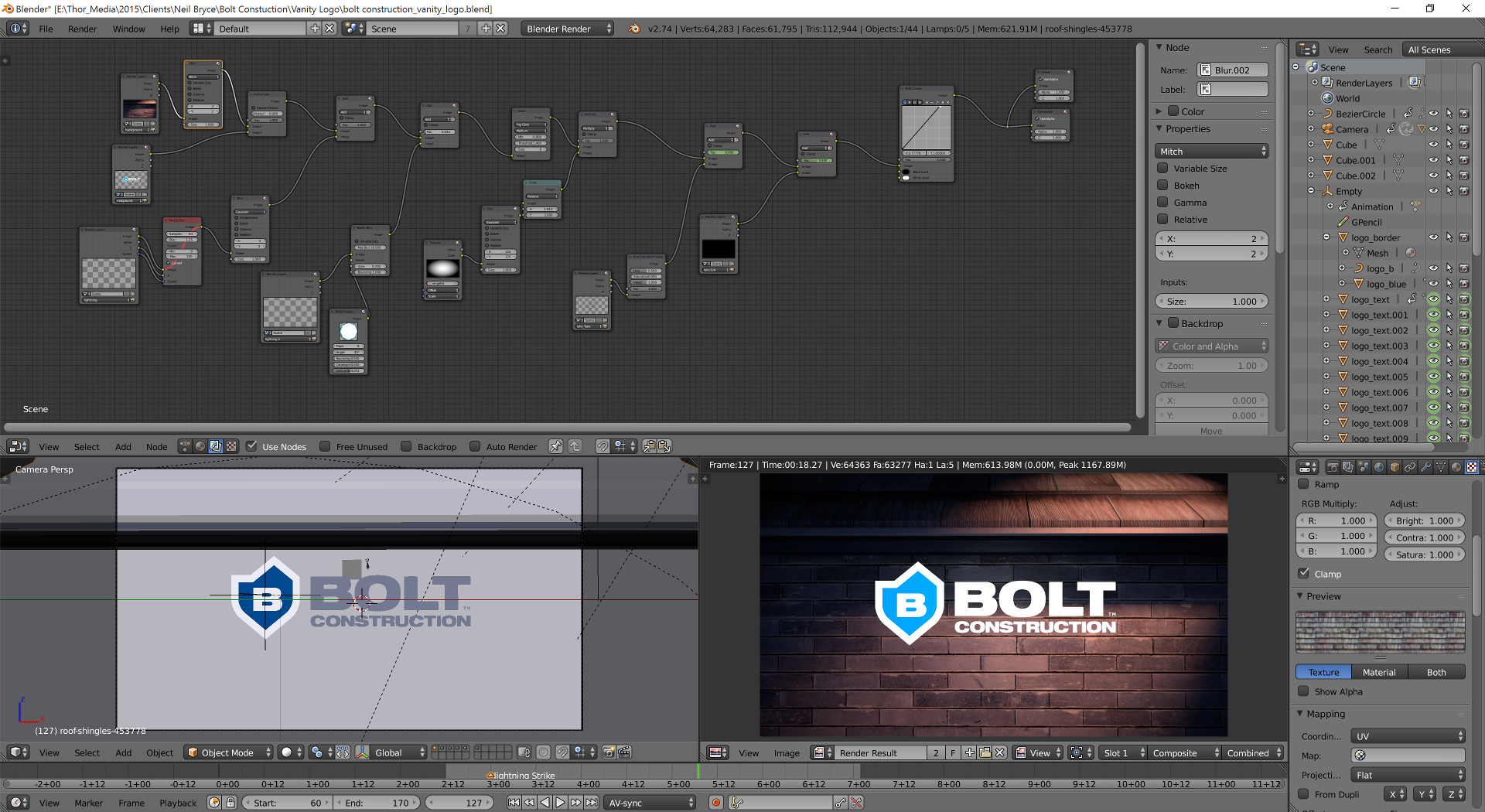
For those who are interested, here is a screen capture of the my Blender compositor. A fairly easy setup. Background, logo, a couple of particle effects, and lighting.
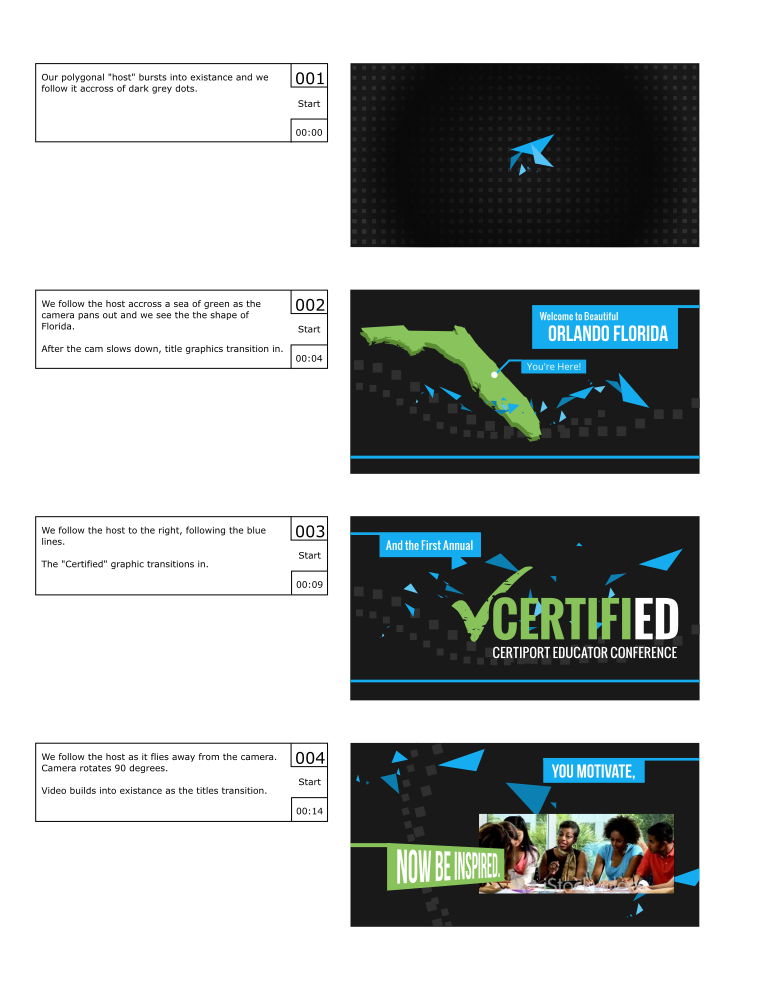
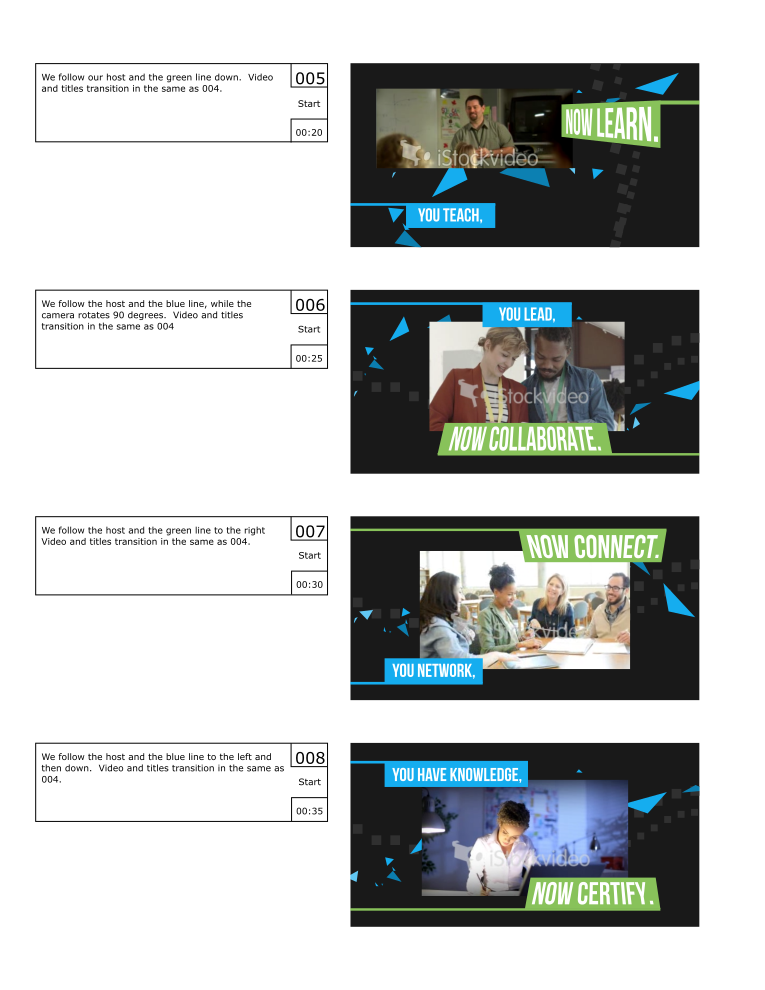
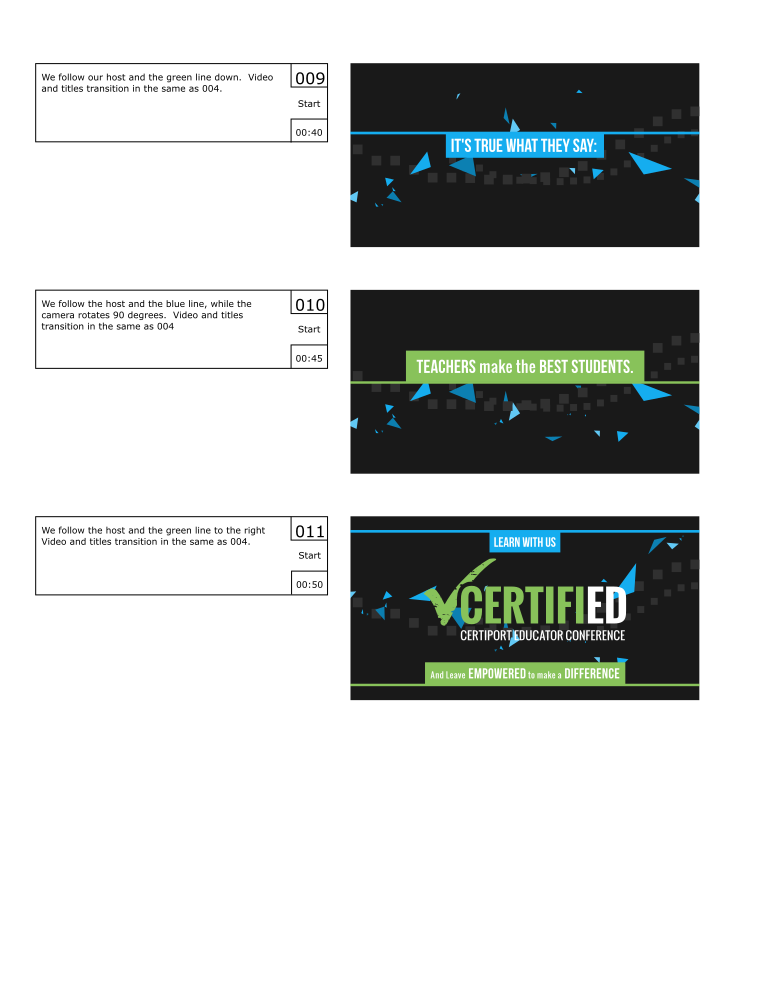
With only about a week and half, Neil Bryce asked me to get a creative together based solely based on a website and a few suggestions on what it should feel like. Not much to go on. With this in mind, and with that much freedom, I decided to put a bit more effort in this one by prepping a storyboard. Allowing the client to get a clear picture of what I had in mind, in order to make the most out of the coming week. (If you have 4k, be sure to change the YouTube settings.)
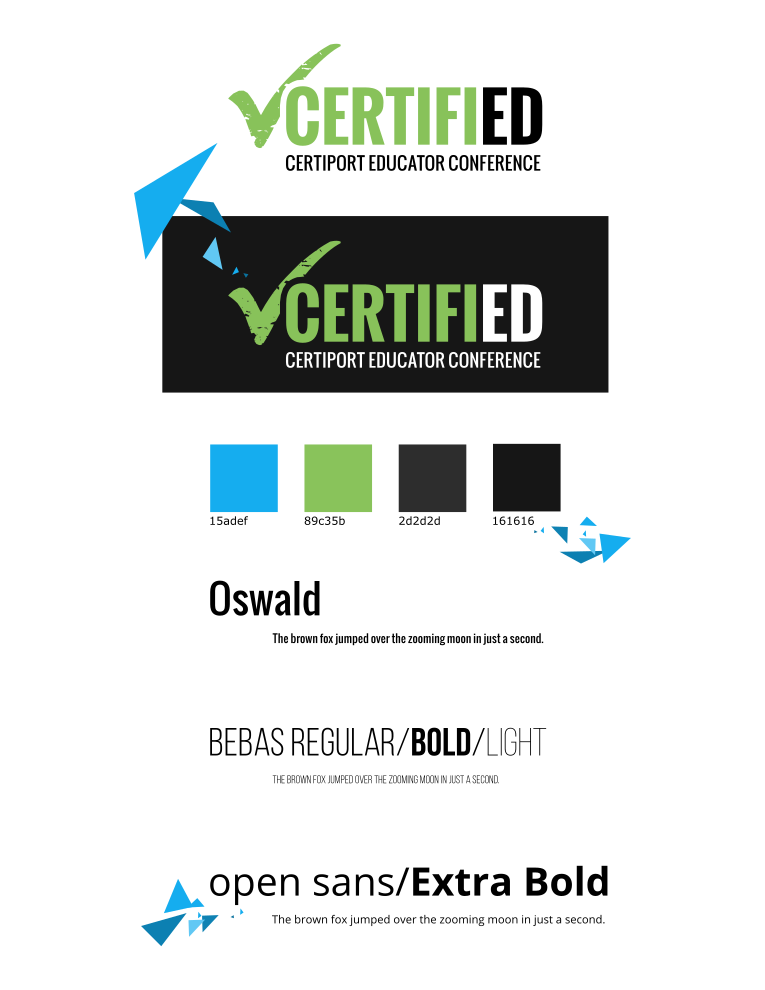
Very simple creative based primarily off the website for the conference. The first day I put a simple style guide together along with a storyboard for the video. The storyboard was quickly accepted by the client, and I was able to move into picking out music that I could mock something up to.
The music was the first and only bump in the road during the week long production. They had chosen one song, and I had begun to mock something up, and about 3 days into production, we all decided that the song needed to change. This forced us to have to re-time things, and make some other small adjustments to movement. Other than that though, the video flew together, and result that everyone was happy with was born. I am not sure if the 4k version was actually used at the conference, but it is still pretty awesome to see it playing on a 4k monitor.
Putting together a storyboard was the best part of the project. Because the creative was wide open for whatever, I had allot of freedom in what the final result would look like. It is an awesome feeling when people just trust you as an artist to make something cool.
The storyboards and style guide below were assembled in Inkscape for the sake of speed and clarity.
I used Blender to put the entire video together, and final encoding with FFMpeg. Because of the simplicity of the content, editing in 4k and rendering out previews was smooth. Compositing was simple, with everything essentially on one layer. But there was a final glow added to the music drop on the end, this was done in the Blender Video Sequence Editor before the final render.
The blue polygon, or what I like to call the “host”, was a simple particle system, with a blend texture applied to the particle size to make the particles come in and out of existence smoothly. The host was added to help create a consistency to the video, or a thread that binds it all together, but to also add energy and urgency to the video with the seemingly erratic movement and the natural corners of the polygon.
So, during my long hiatus from posting, many projects, many new pieces of art, have been brought into existence, through the sacrifice of time. By myself and others. Unfortunately, this includes the time that is spent putting together videos and posting on my blog. If you are consistent to my blog, or my YouTube Channel, thank you, and sorry for not being more consistent. But enough of the excuses, lets get on to the good stuff.
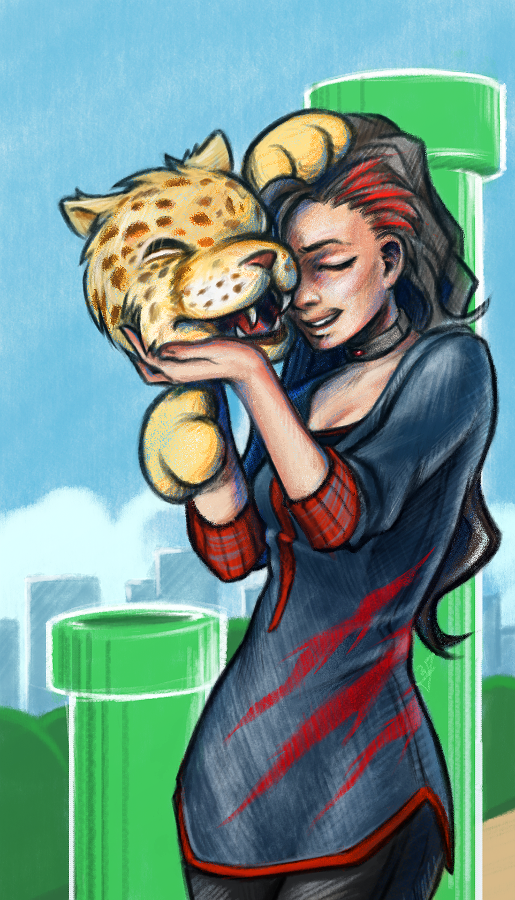
This time around more Jaguar projects, and this will be the first of a few posts. As you already know, my brother and I are involved in homebrew development for the Atari Jaguar. One of the projects we are working on is a Flappy Bird clone called Flappy McFur. There is more information on the project page, if your interested. In a nutshell, we are about halfway through development, and I am in the process of getting some art together for packaging and inserts, while my brother closes in on our end goals for the game. This is the first piece of official artwork for Flappy McFur.
Before I get started though, just a thank you to everyone in the Thor Media office for feedback on the piece. It is always great to get feedback on my work, when I am too blind to see the mistakes.
Because of the light nature of the game, certain design choices for maintaining a consistency across the artwork became apparent. First, match the saturation of game. Simple enough, yellows, greens, and reds are saturated, while everything else not so much (I guess that leaves my blues…) Which medium to use was a simple choice for me as well, colored pencils. I love working in colored pencil, probably the first medium I truly dove into and experimented with. Because of it’s affinity to the the look of crayons, but still maintaining the ability to create the detail I want in my drawings, I feel that it will match the mood of the game well. Also, Krita simulates pencils pretty darn well, and it feels almost as good as the real thing.
With these few design choices, I believe the next 3 or 4 pieces will maintain a consistent feel.
Speaking of the next pieces. I want to go with a cute and sometimes funny theme for each. Where McFur and his friend are in a playful mood. We might be incorporating McFur’s friend in the game some how. I like her design so far, but it may need a few tweaks for the game. I am hoping to put together a small comic for the game manual as well, but we we’ll see what happens there. Stay nearby, I will have a few more of theses over the next few weeks.
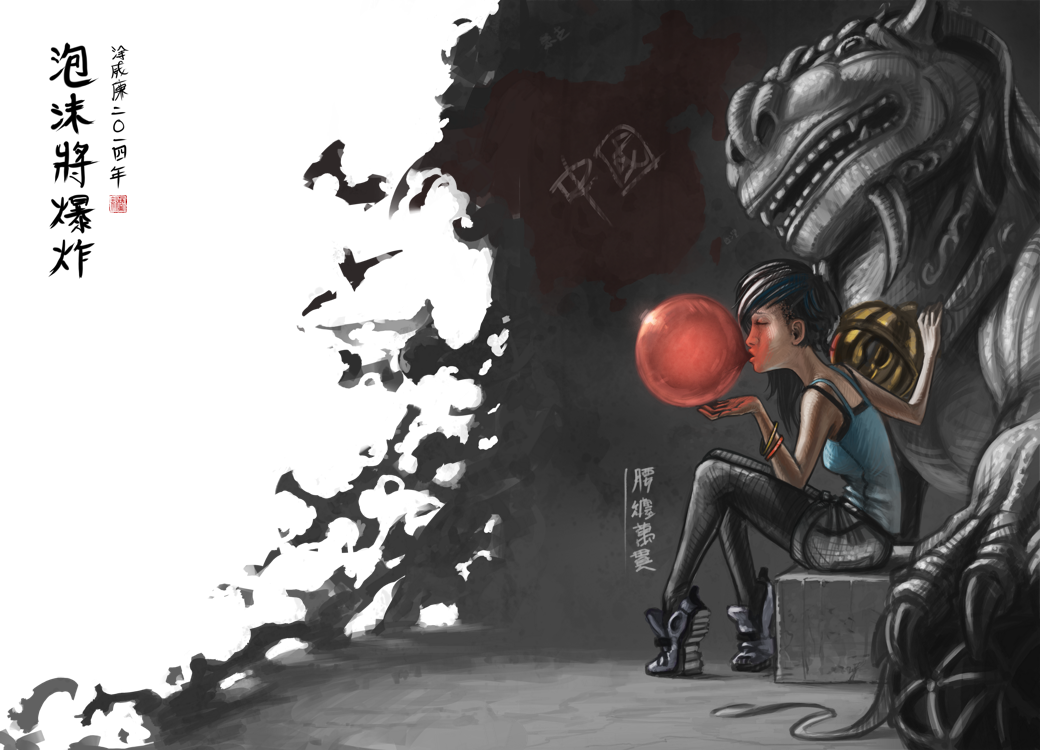
I have been meaning to write about this one for a while. I put this one together about a month ago, and it has been posted in my portfolio and other galleries. No time lapse video, but I was able to put together a small snapshot video with the different revisions I had saved. Also, before we continue, I have to thank Michael Buhler for his input on color, lighting, anatomy, and proportions.
There were a few things I wanted to focus on for this one. First, color was priority. I wanted to keep my color pallet very specific. At first, I was trying to go for something a bit more abstract, overall blue line art with pinks and reds. I was struggling to get it to work, so, I decided to revert to something a bit more comfortable, and realistic. And, I decided to focus on the overall message I wish to portray in the piece, making sure that the composition, pose, lighting and color, all tell the story well.
From a skill building perspective, I focused on rendering various materials. There is the bubble, obviously, but also the rock, clothing, hair, and skin were focused on to create the subtle differences each material has. While still maintaining my current style, I believe that I pulled this off fairly well, but there is still room for improvement.
As for the story I was trying to tell. I wanted to make a something political, focused on China’s booming economy, and how every bubble eventually pops. The characters on the left basically say that, and the characters on the right hand side of the piece are a Chinese idiom for someone who is loaded. The use a bubble gum not only covers the idea of a bubble growing, and establish anticipation with the inevitable pop, but gum tends to be something that is sweet and enjoyable. All good things must come to an end, right? The girl is dressed in very casual, and somewhat immodest clothing, to represent the adoption of many western trends. But as things are with transitions like this, she still holds on to whats familiar in traditional Chinese culture, shown by her gripping the lion towering over her.
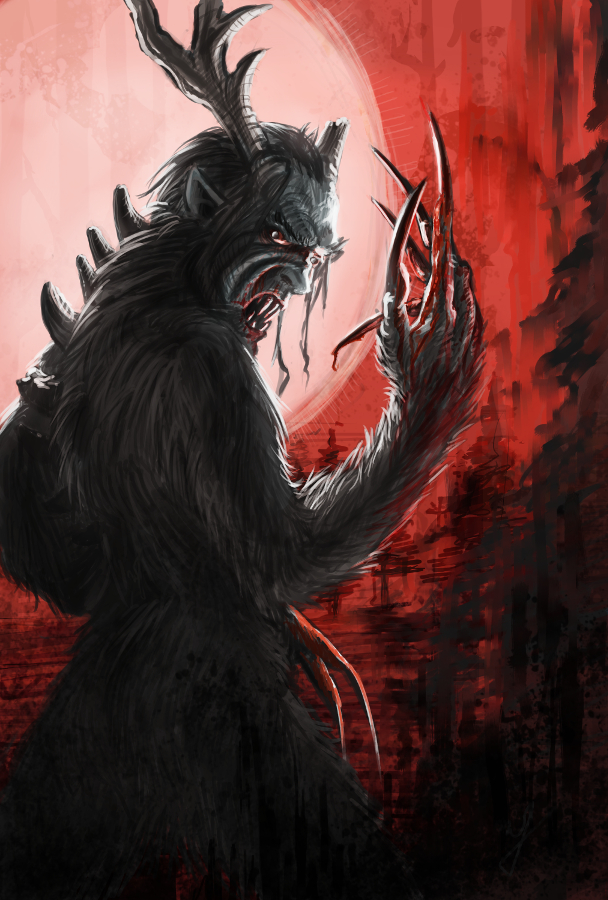
Here is another piece for your eyes, a treat. You may be thinking to yourself that this isn’t the kind of work I usually do. You would be right in thinking that, this is definitely off the beaten path for me, and here is why.
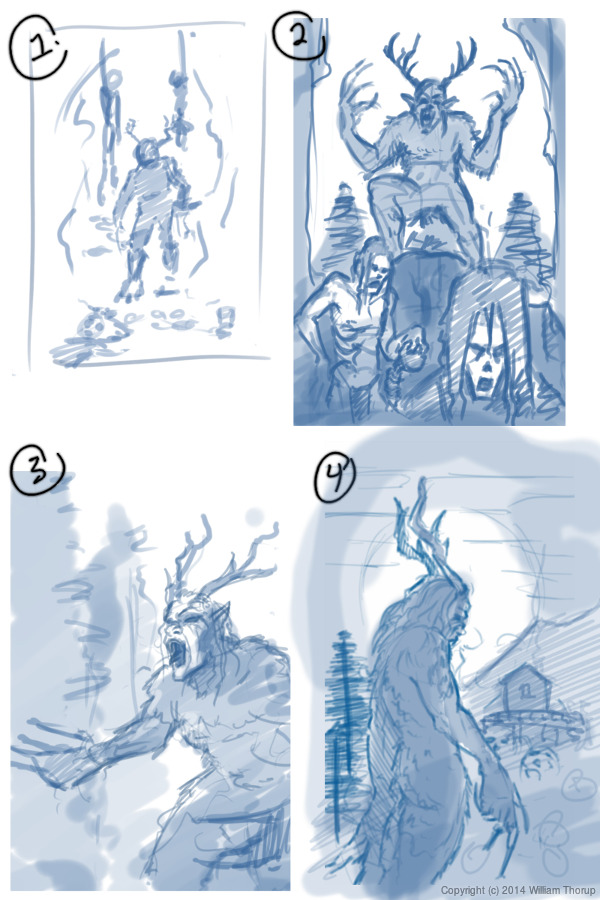
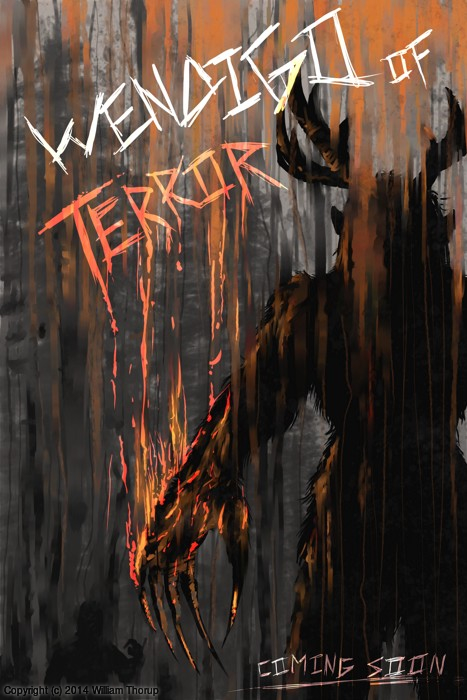
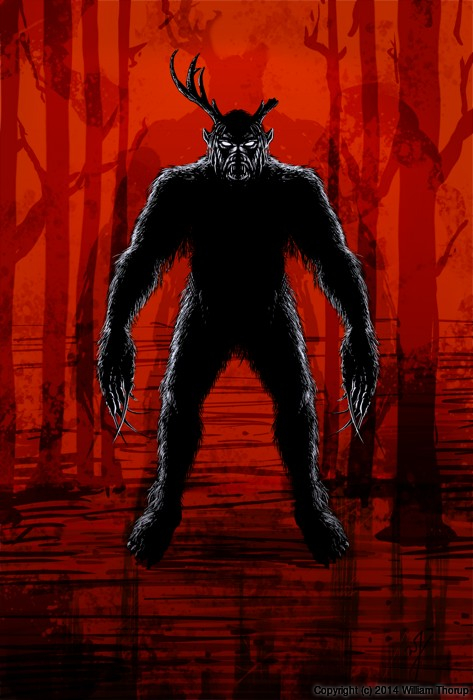
We have been in some minor communication with someone who works at Arrowstorm Entertainment. A movie studio here in Northern Utah that focuses on fantasy and science fiction films. This person asked if I could put together a concept piece for a possible B horror film monster. A Wendigo creature that originates from the Great Lakes area of the United States, and is usually centered around myths that deal with the, pseudo, adverse effects of cannibalism. The content isn’t my favorite, but the job paid good, and it gave me a change to stretch out of my usual bubble.
I did quite a few thumbnails for this piece (20+) and actually did three complete paintings, before we found what the client liked most. The process was very enlightening, and had allot of momentum. Really, the momentum is what made this painting fun. The client was in constant communication with me, and gave feedback when I needed it.
Overall, I spent too much time on the painting though. I was trying to keep my total work hours under 6, but ended up going over 9. This was for a few reasons. First, and foremost, when I was first presented the job, I should have asked a bit more about the production and where it was currently at. This leads to the second problem. The project had hardly been refined, and the story, background, and other details about the creature, where watery. This is why so much time was put into thumbs and other paintings.
I should have stepped back, asked the client to refine their ideas a bit more, and then approach the painting after a bit more forethought was applied.
I am happy with the end result, and the client was as well. I hope to have a bit more work with them in the future, and hopefully work on some of their movie posters and other concept work.