William Thorup

Illustrator, Motion Graphics Designer, Animator, and VFX Artist

Tag: digital art

  • Blender VFX | “Spaceman” Shortfilm

    Blender VFX | “Spaceman” Shortfilm

    This has been a long one in the making. I guess I shouldn’t put it that way, though. It took only a week or so to actually finish the work. I have just been waiting for the release of the actual short film, to get permission to post about it.

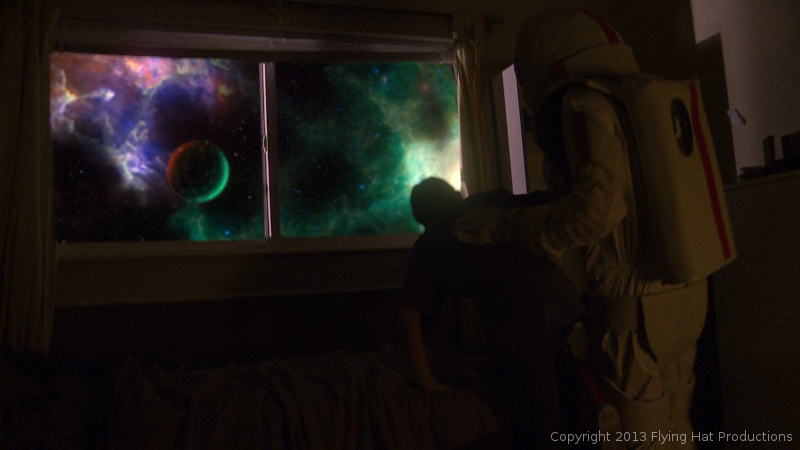
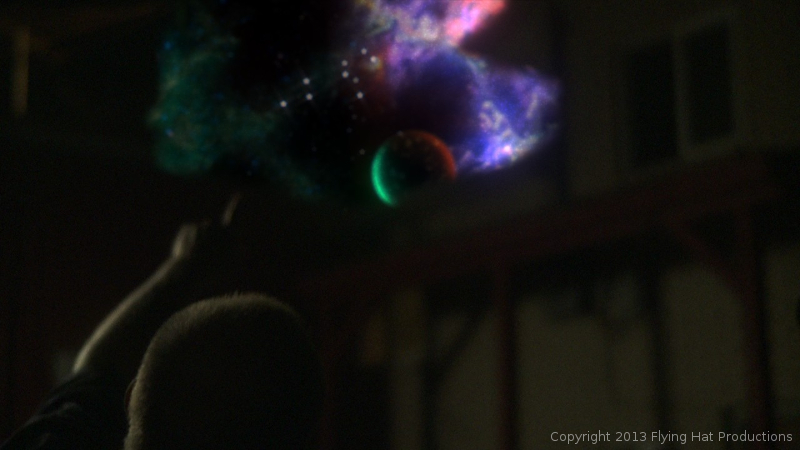
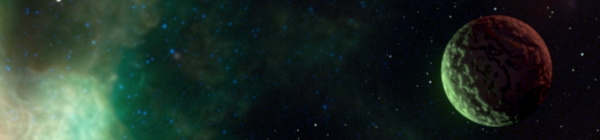
    Over the last year and a half, I have had allot of opportunity to work with the Blender compositor, and it has given me the chance to learn, in detail some of the things needed, to pull off some simple effects. One of these projects was “Spaceman“. A short film by producer Holly Tuckett and writer/director Jaron Kent Hermansen. Their short film required some visual effects work, and they asked Thor Media to step in and do the job. Here is a short breakdown video of a few of the shots that I worked with.


    spacemand composite nodes_1

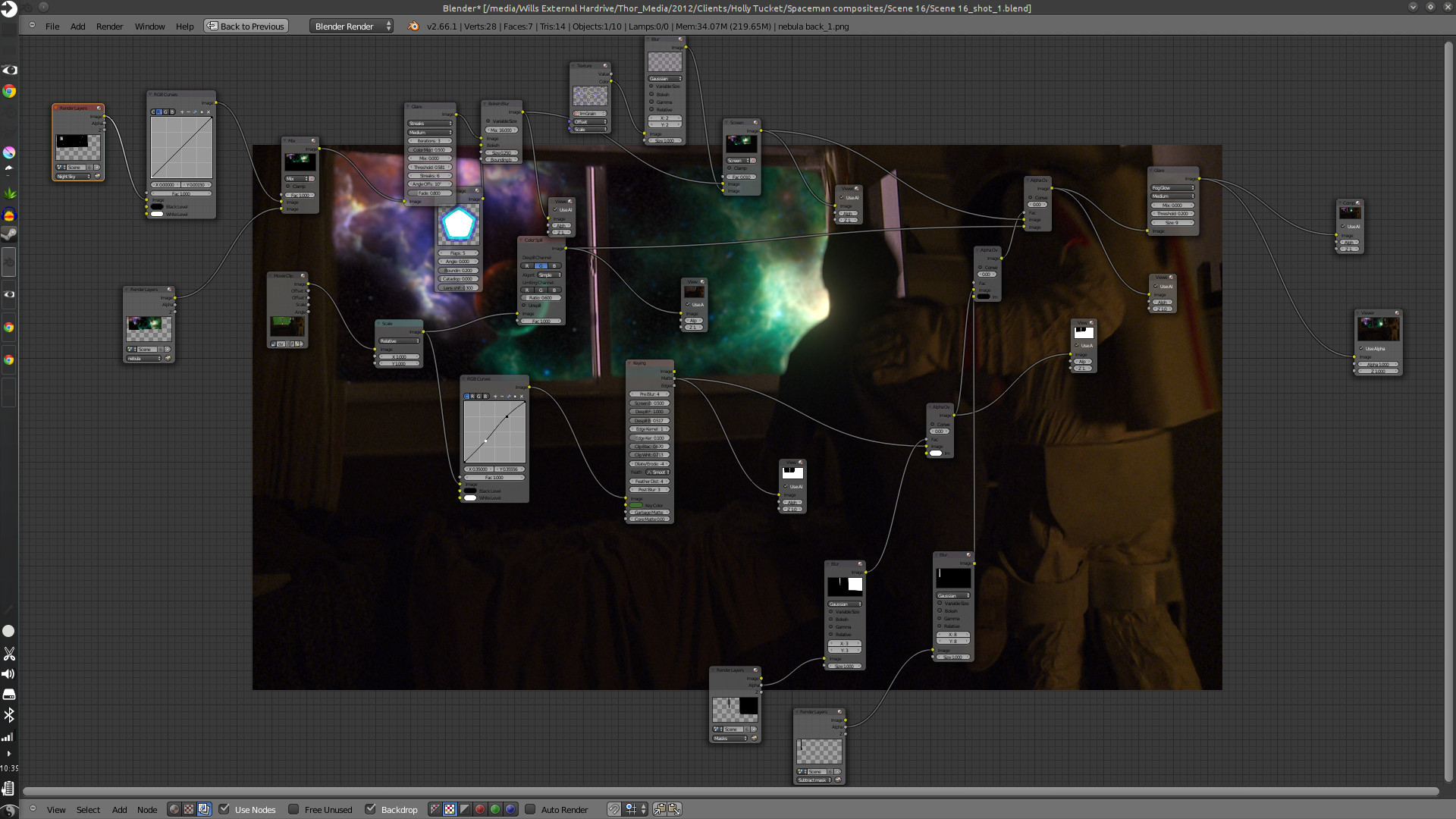
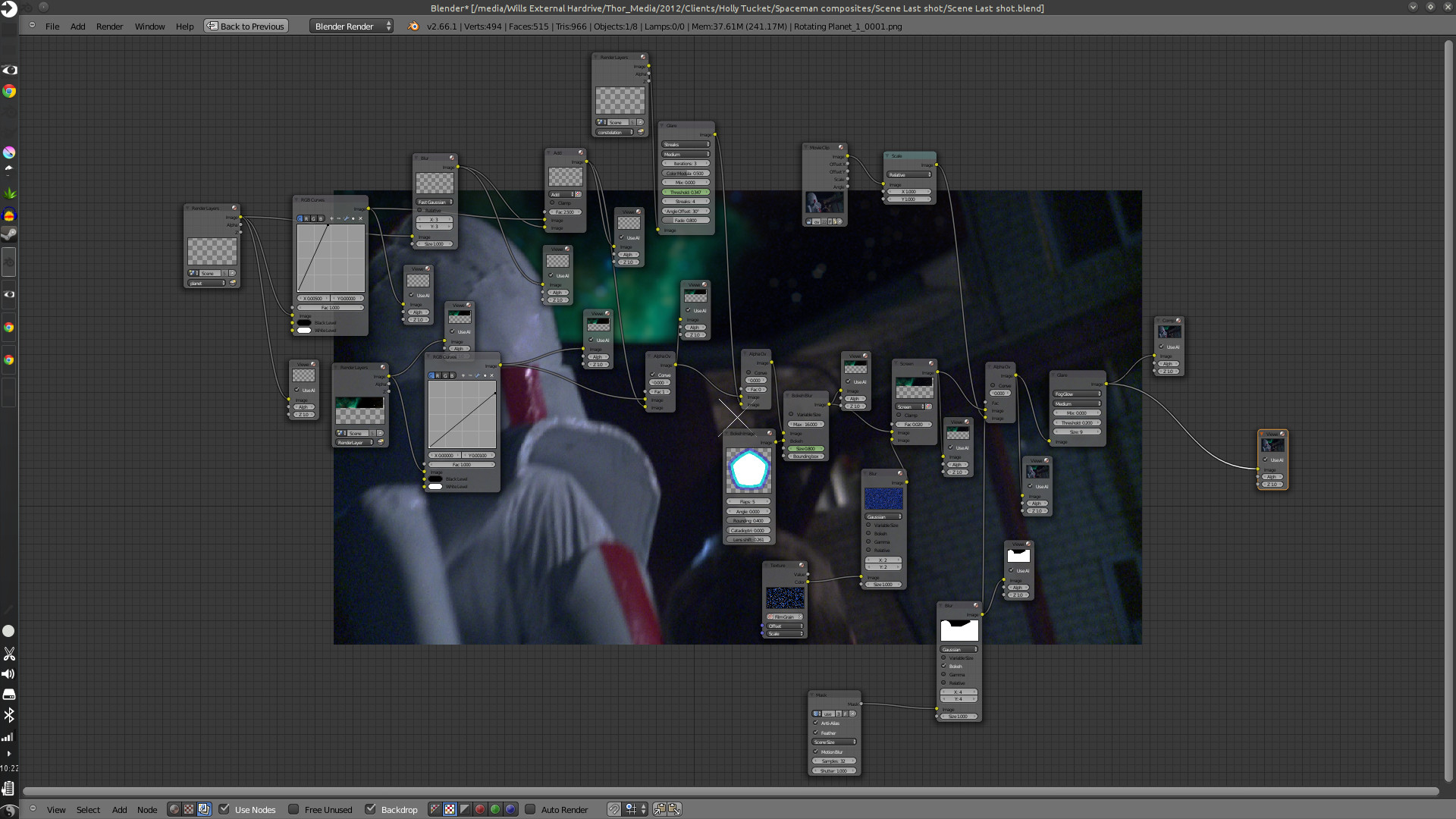
    Here are some of the compositing trees. It looks allot more complicated than it actually is. And to put in new backgrounds only takes a few steps.

    First thing is to track the footage, whether the camera is moving or not. The camera is always moving, whether its the wind blowing, or the heartbeat of the camera man, the image will always move. Next is keying the green screen, and creating any masks that are needed to maintain what you want out of the original footage. And attaching those masks to the camera tracking data.

    spacemand composite nodes_2

    After which you build your background and attach it to your camera tracking data, and adjust to make the movement look good. Then comes any color correction, adding other effects like glows or motion blur, adding film grain, and then the final composite.

    The hard part is getting the new, digitally created elements to look good with the real stuff, speaking of style and lighting. This takes allot of patience, critique from other people, and just playing around with the options that are at your disposal.

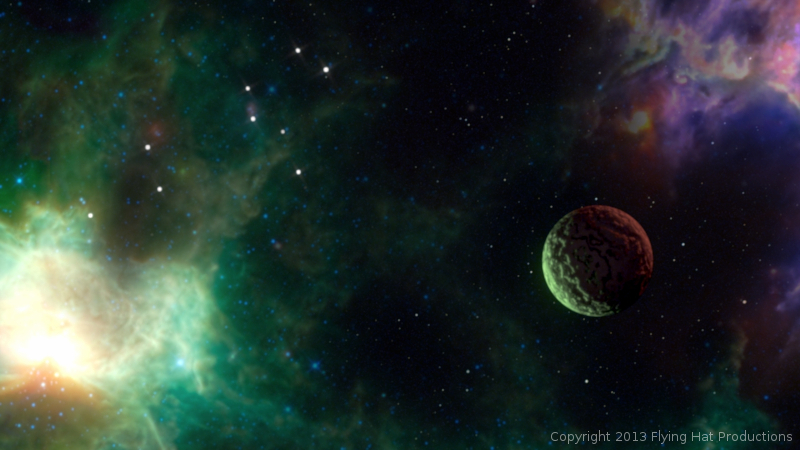
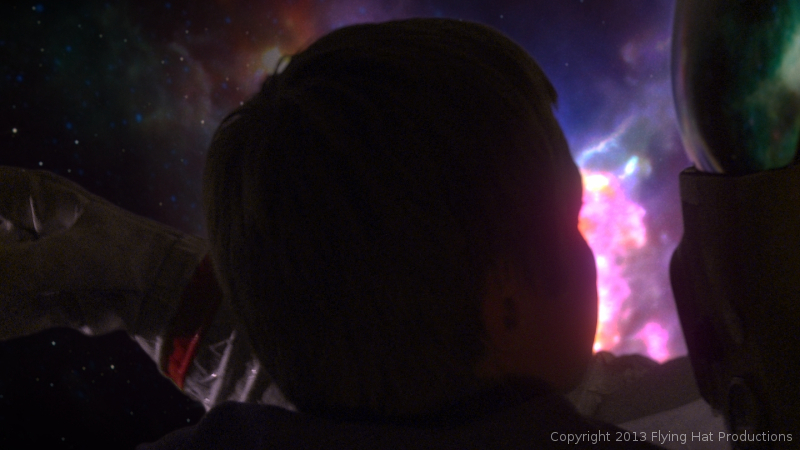
    This was especially hard with this project, because most of the visual effects take place in the boy’s dream, and are meant to be exaggerated a bit. But at the same time, I had to get a look that fit with the mood and style of the story, without making it feel like the visual effects were making light of the situation.


    spaceman_blog_image_1spaceman_blog_image_2spaceman_blog_image_3spaceman_blog_image_4

    Overall it was a very fun project to work on. Jaron and Holly at Flying Hat Productions, are great people to work with, and gave me good feedback and direction on the project. And, also, my brothers Jacob and Bryce gave great feedback and critique. I hope there are similar job like this in the future for Thor Media. Free, fun and creative.

    The short film hasn’t had an official release yet, but they have trailers and all sorts of content on the film’s blog. Click on this link, http://spacemanthemovie.blogspot.com/, to learn more about the short film and it’s creators. They did a great job putting it together, and would love to see your support.

  • Draw Night | Value Painting Tips

    Draw Night | Value Painting Tips

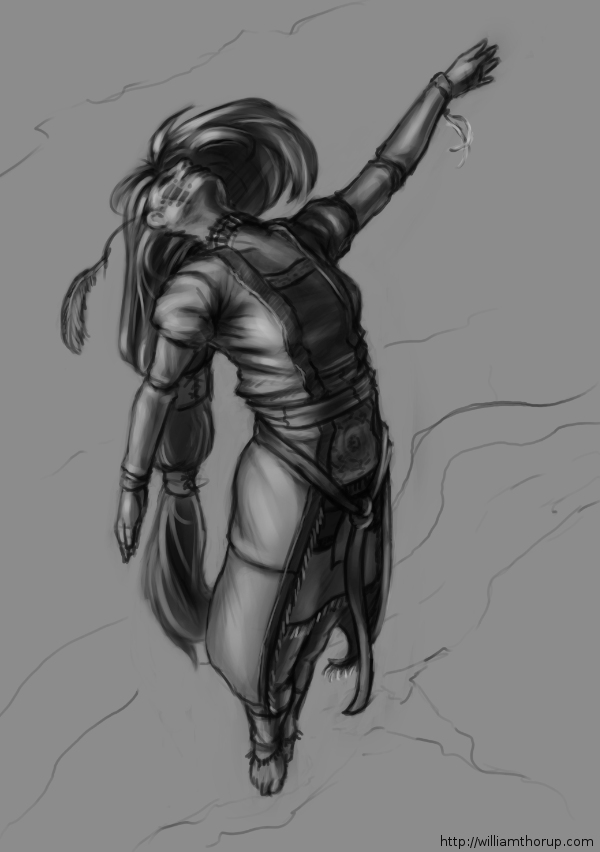
    ascension_Value Sketch_web

    We had a good draw night yesterday evening. Good to see friends and draw a few things as well.

    During the few hours I was there, I worked on a sketch that I had started the day before, that I enjoyed, and I thought I would push it into a value painting. And, as I was recording my desktop, I thought that it would be good to not only have the time lapse, but also include a few tips and things that go through my mind while I paint. For my benefit and for yours.

    The video is fairly short and to the point, and I hope it helps. And if it doesn’t help, I also recorded myself through the webcam. So, at least you can laugh at me, as I get ridiculously close the screen and perform all sorts of weird expressions.

    If you are interested in joining us for draw night and live in the greater Salt Lake City Utah area, drop by our Facebook page and let us know. The location sometimes changes, so keeping tabs on the Facebook page will keep you up to date on the location.


  • Josh the Whale | Official Trailer

    Josh the Whale | Official Trailer

    Thor Media is coming up on the release of there latest project Josh the Whale. And during the last few days, I have been working on the official trailer for the app. Here it is.


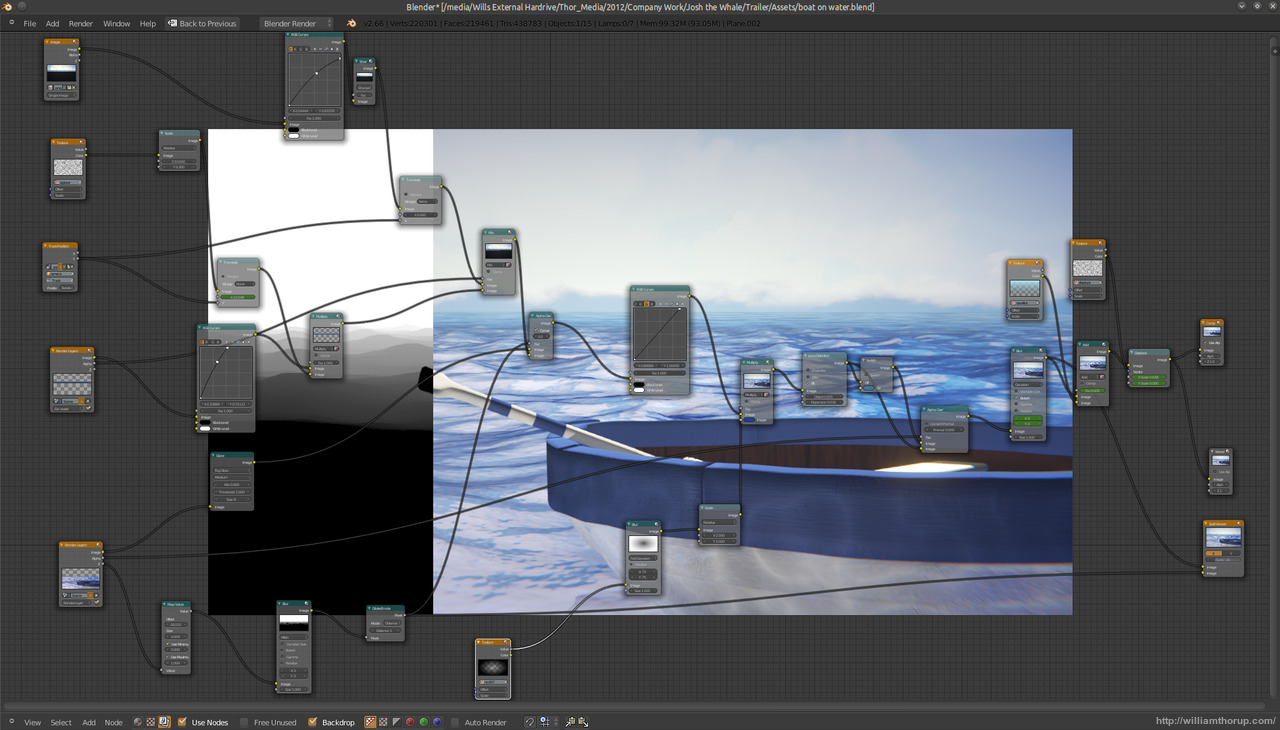
    josh surface composite_yourname

    It has been fun getting the last touches together for this app. One thing that has been especially interesting for me is the music. We have my sister in law putting together the music for the app, and even though she doesn’t compose professionally, she has done a fantastic job so far. Her music fits the moods that we are trying to get across in the app very well.  The trailer itself came together really easy.


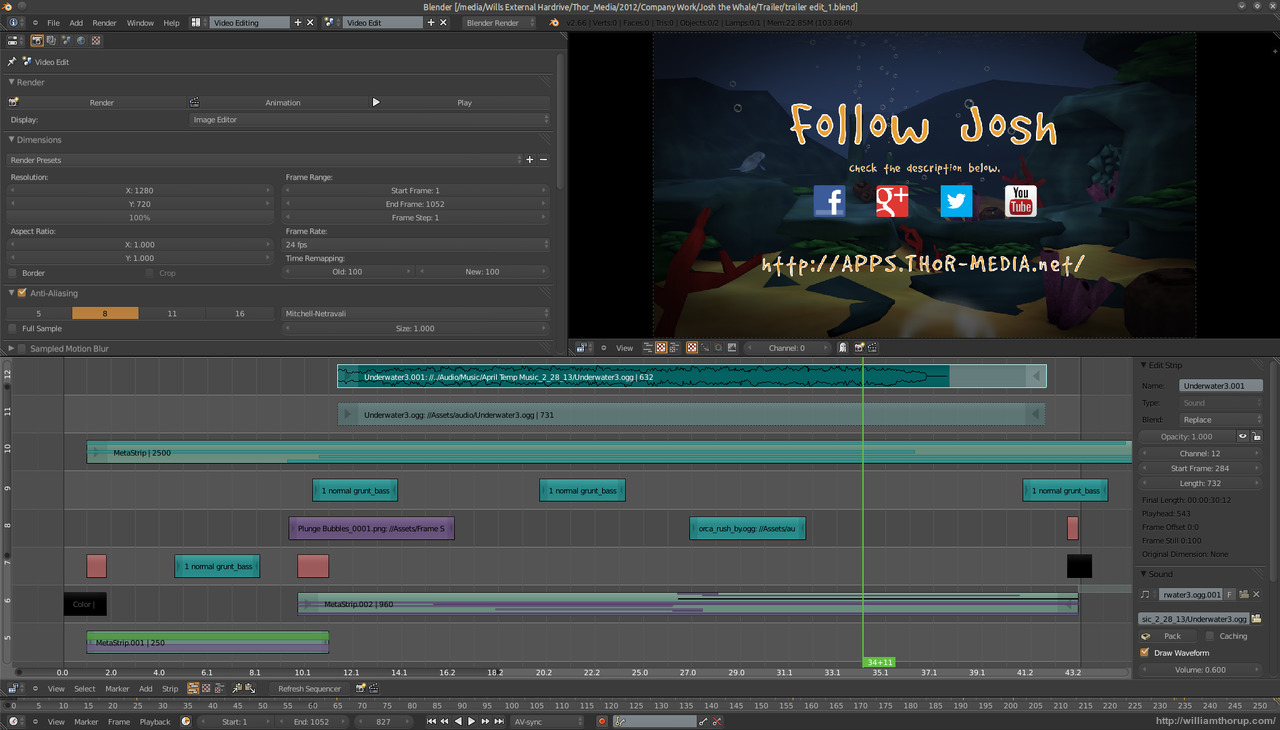
    josh surface video edit

    Most of the assets were already prepared. All the underwater scenery was practically done, because we used it in the initial concepts for the game. I had to do another animation for Josh, and do some simple compositing in the Blender video sequence editor. The only part that I had to put allot of time into was the beginning. I struggled with compositing distant water, before discovering how easy it is to add it in by using the z-buffer to create a fade between the distant water and the foreground water. Everything else was a cinch.


    If you want to check out some beta screen shots of the app in action, head over to the official page HERE. We should be releasing the app in a few weeks or so, on both Android and iOS.

  • Krita 2.6 Illustration | In the Park

    Krita 2.6 Illustration | In the Park

    Jumped back on to the Krita bandwagon the other day, and it was good. It’s fun to be in a new program and learn new keyboard shortcuts and tools. And I love the rotate canvas feature, I sure hope Gimp eventually gets that feature because it invaluable when editing, not just drawing or painting.

    In the Park


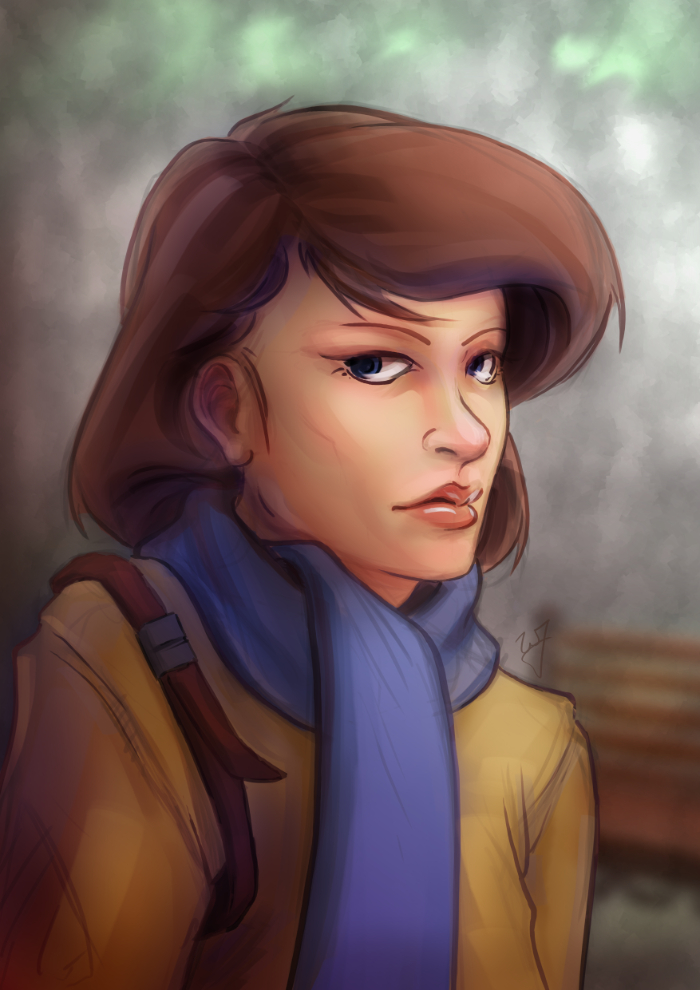
    This piece was really enjoyable. There were some points of doubt and uncertainty, especially when I started coloring, but overall I like the final result. I wanted to do something a bit more cartoon oriented, but keeping my focus on color and composition.

    One thing in particular I kept in the forefront of my mind was the rule of thirds. Not in with the painting as a whole, but with the subject instead. Focusing on the silhouette of the character, you will see that the left and right sides of the subject have 3 major hills or bumps. This, along with the backwards “S” curve in the hair, was used to create symmetry at the focal point (the face) and a softer look towards the face.

    Look at this in contrast with the subjects jacket. Her shoulders, and other lines on the jacket, are sharper. Which makes most viewers follow the blue scarf (a softer shape) up to the face.


    As a side note. If you haven’t had the time to check out my latest tutorial, Using Gradients, I highly suggest it. Good reading. I use this painting in most of the examples, and show how I added depth, color diversity, and a focal point, by using two simple gradients.

  • Tutorial | Using Gradients

    Tutorial | Using Gradients

    In the Park

    I have been using allot of gradients in my work lately. Because of this, I thought it might be good to put together a tutorial of how I have used them so far.

    As for what I want to come across to the reader, I want you to learn how to use gradients to create a focal point in your image, diversify and images color, and create a sense of depth.

    Also, in order to help bring my points across, I have included a project file that can downloaded by clicking on the buttons below. I will be referring to this file throughout the tutorial.

    Download
    XCF_Download_ButtonPSD_Download_Button
    [expand title=”Download Notes”]

    Note: The Photoshop file should work to the best of my knowledge. The only thing that might not work are specific layer’s blending modes. Here is a list of the layers and the blending modes they should be on:

      • “Gradient Painted” –> Multiply
      • “Gradient Tool” –> Overlay
      • “Subject” –> Normal
      • “Background” –> Normal

    Another option is to download a copy of Gimp, HERE. IF you are using Windows or a Mac, about halfway down is a link that says “Show other Downloads”, click this and you will find versions for those platforms. It’s free, and small, and you will be able to open up the project file without a problem.


    [/expand]

    A bit of disclaimer. I consider myself in the professional work field, but I am not a master at the craft. This tutorial is to share knowledge and a few tips to other artists who may not know what I am about to teach.

    Also, if you don’t know how to use the gradient tool, or blending modes for layers, in your given program, go ahead and do a Google search about these two things. Having a basic knowledge of these two tools is essential for this tutorial.


    I feel Like I’m Cheating

    When I first started doing digital artwork, for some reason I had it in my head that using gradients was kind of shortcut, and it was something that professional artists tend to avoid. Gradients, along with some other tools (dodge and burn tools) almost seemed taboo, and were used by beginners to add shading in a cheap and quick way. I can’t remember were I got these ideas, but I couldn’t have been more wrong.

    The years rolled by, since I started in digital art, and I began watching tutorials, seeing time lapse videos of paintings, and talking with other digital artists. And I began to realize that these tools were not a way to cheat, but instead to speed things up. These artists are professionals, on a deadline, and in order to get a large body of work done quickly and effectively, they would need these tools to speed up their work. This is one of the advantages of digital art, within a production environment.

    I learned that these tools, if used properly, can be used to enhance and speed up your overall workflow, without having to sacrifice quality.


    Adding Depth

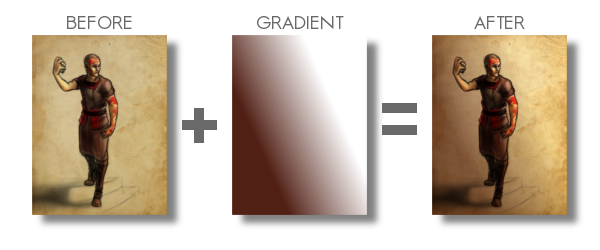
    Here is a recent example of a gradient used to create depth in my work. You can see the original post for this piece HERE, along with a time lapse video.
    example_1

    By creating a gradient, that matches the angle of my light source, I turned this somewhat “flat” looking piece, into something that gives you a sense of depth. Yes, I could have taken the time to go and paint that subtle change from light to dark manually on my character, and then the background. But, because this is a concept piece, the less time spent on it the better. I turned a potential 3 hour long piece, down to 1 and half hours. More time to do other work, with out sacrificing quality, is good in my book.

    Also, you might have noticed, the gradient doesn’t go from a black to a white. There are cases when you will use just a black to white gradient, but I found by adding color to the black or white can introduce new colors to the piece.
    Ted_concept_1_webcooper_websarah_web

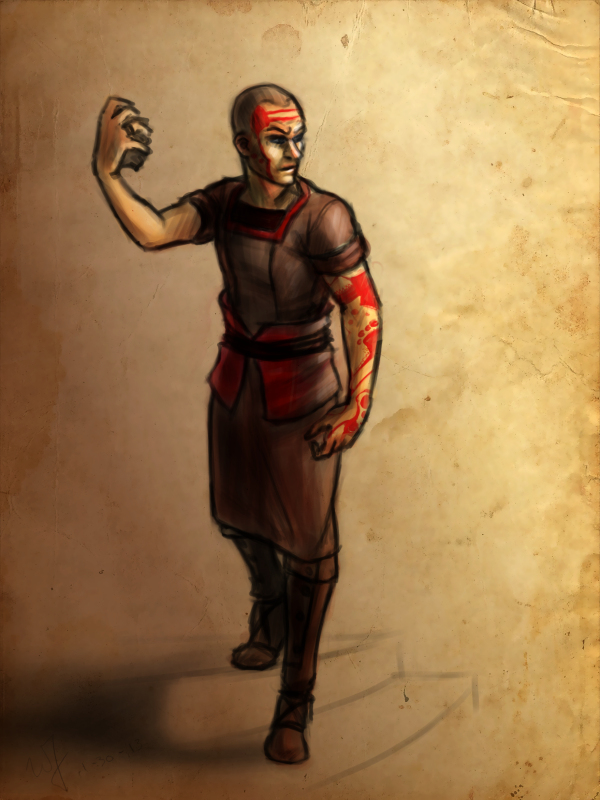
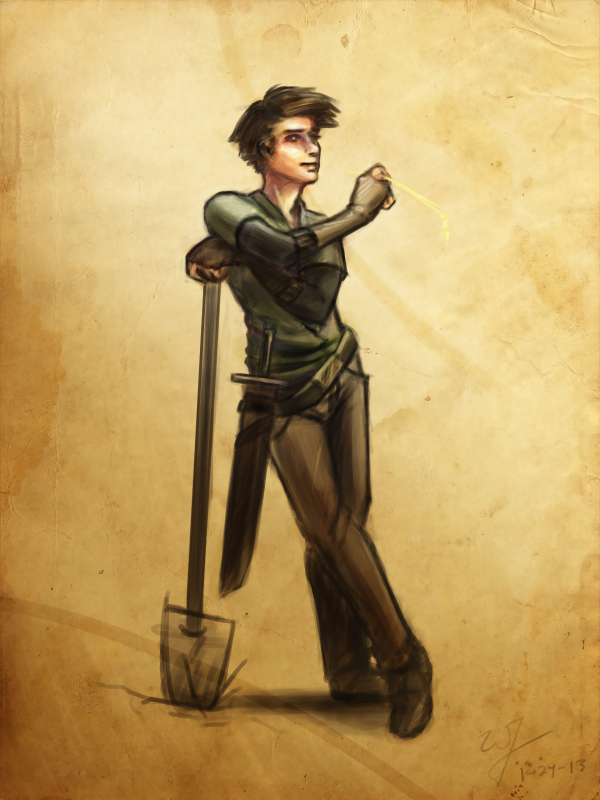
    By the way, I used this same technique in all three of these paintings. But notice how I used a different color for the gradient to match the colors of costume for the character on the left. Also, notice how subtle the change is. Often you don’t need to have your overlayed gradient at full opacity. I usually end up dropping the opacity of my gradient layer down to around %50.

    Try this out. In the project file make sure you have the “Gradient Tool” layer selected, and try adjusting the brightness and contrast. See how this changes the sense of depth in the image.


    Color Diversity

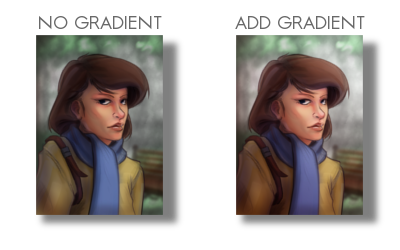
    Adding color to the gradient, while using the “Overlay” blend mode, can add additional colors to your painting. If you examine the project file you downloaded, I did this in that painting. Go ahead and turn the “Gradient Tool”  layer off. A huge change will occur. Not only do we lose the depth, and the focal point in the painting, but the colors don’t seem to work as well.
    example_2

    I am using a tertiary color scheme with this piece. Brown, yellow, and blue, to put it simply. So by changing the black of my gradient to a brown, similar to the subjects hair, I am able to introduce those brown colors to other parts of the painting.

    Especial her right shoulder. Originally, it’s a flat yellow color, nothing that interesting to look at. But, by adding that brown gradient and using the blend mode “Overlay“, it adds body and life to those yellows on the jacket, and ties it to the focal point.

    Try this little experiment in the project file. Select the “Gradient Tool” layer, adjust the hue, along with the saturation, and the brightness and contrast. See how this changes the mood, and overall liveliness of the image.
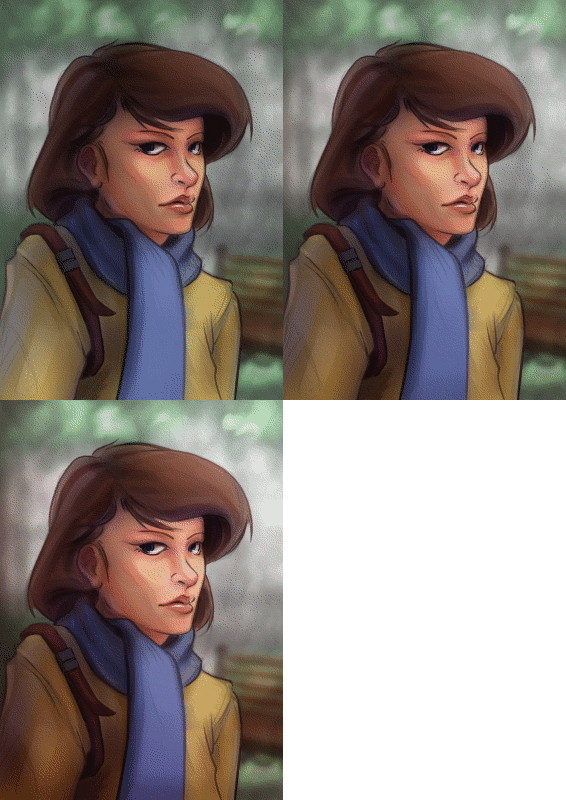

    In the Park_focal point gif

    Creating a Focal Point

    If you are doing any type of illustration, or a piece with a central idea or subject, focal points are important. And this is where gradients can be very helpful to create a focal point very early in the painting.

    As you can see in the project file, the focal point is the face and the right edge next to it. There are several theories of composition I followed to achieve this, but the most important and the easiest to include at any point during a painting, is the change of values from light to dark, or contrast.

    If you turn off the two top most layers, “Gradient Painted” and “Gradient Tool”. The change from light to dark, or the value contrast, has become flat. Very uninteresting, largely because there isn’t a focal point. But, if you turn those two layers back on, you eye is immediately drawn to the face of the subject.


    Final Notes

    Few things I would like to mention. In the project file, the top layer “Gradient Painted”, isn’t a gradient made with the gradient tool. I just used a large soft brush to add some contrast to the left side of the painting. Sometimes, using the gradient tool will seem too consistent or perfect for your painting. So, depending on what style your going for, painting a large gradient by hand will give you a better effect.

    Also, experiment with blending modes and gradients. Experiment with taking away and adding contrast using this technique. You might stumble on a look or feel that you like, but weren’t expecting.

    With that being said, I hope you enjoyed this tutorial, and I hope it helped in some way. Any questions or comments are welcome.

    I have a timelapse of the painting used in this tutorial HERE. Also, here is a list of time lapse videos and paintings of this technique in action. Sometimes it is better to see a technique in action than trying to talk about it.
  • Project Nebula | Desert Coast City Concept

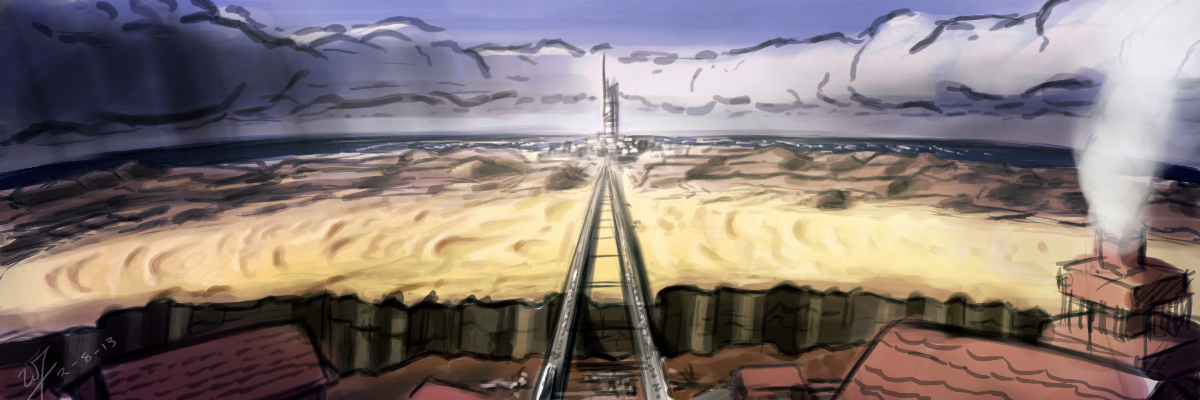
    Project Nebula | Desert Coast City Concept

    Desert to ocean_web

    I won’t be able to get a weekly sketch review together this week.  I have been swamped with finishing up Josh the Whale, and getting near future projects organized.


    Luckily, with the spare time that I made today, I was able to get something together for the blog, and just break away from the paper work that I have been focusing so much on lately.

    Unable to give any details in copy at the moment, but I had this image in my head since I have had conversations with Ryan Thatcher about the world our next project will take place in.  And, well…  That’s about all I can say without given too much away.

    Enjoy the video, and look forward to some good news in the future.  We will be releasing Josh the Whale soon, and deciding on the next five months or work for Thor Media LLC.

  • Weekly Sketch Review | Environments

    Weekly Sketch Review | Environments

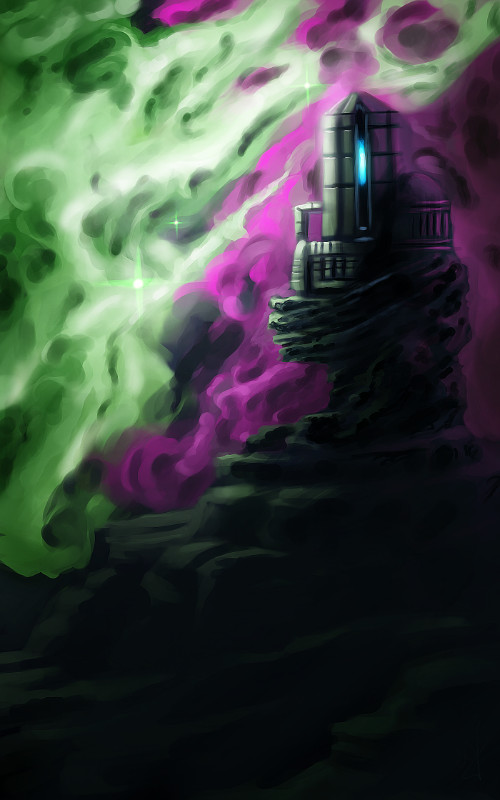
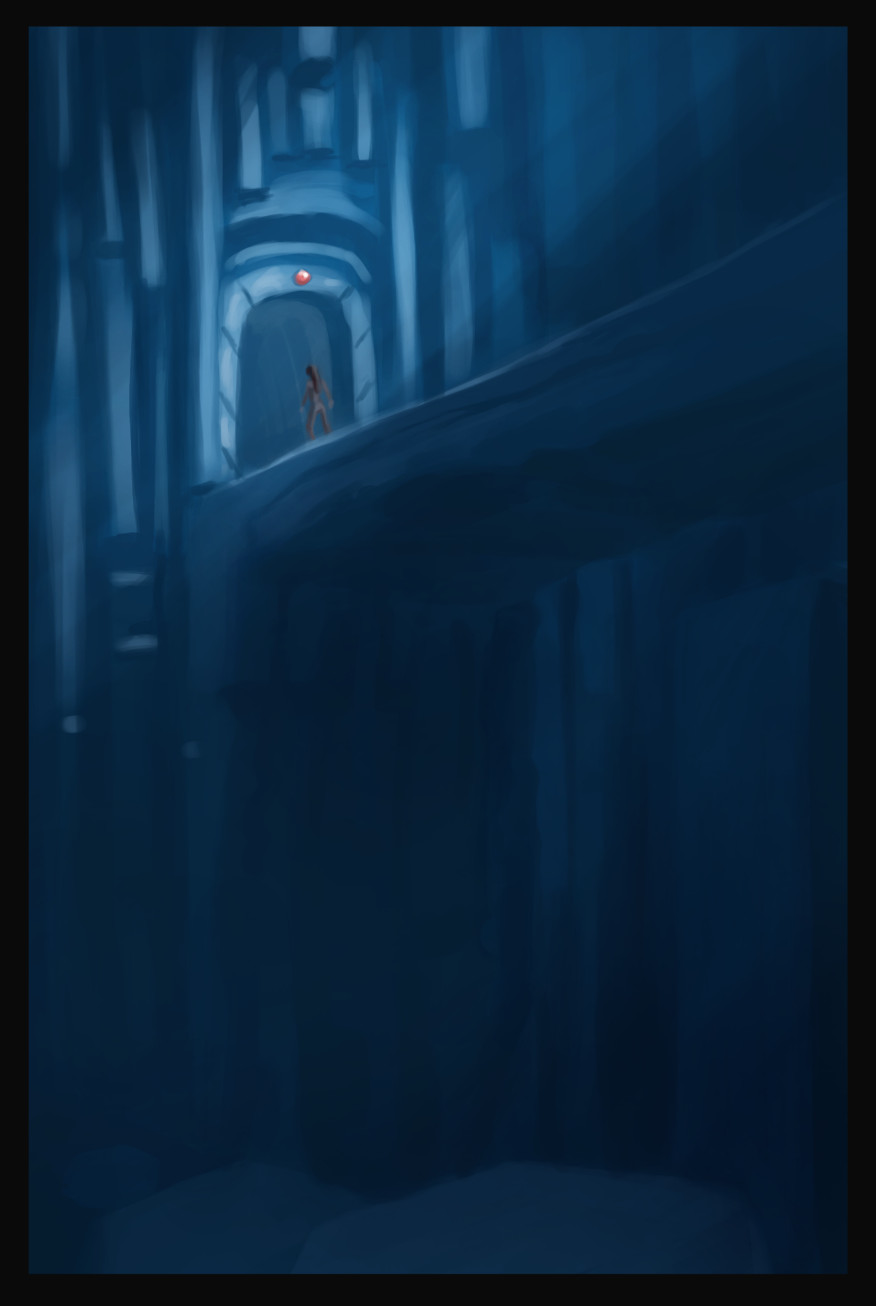
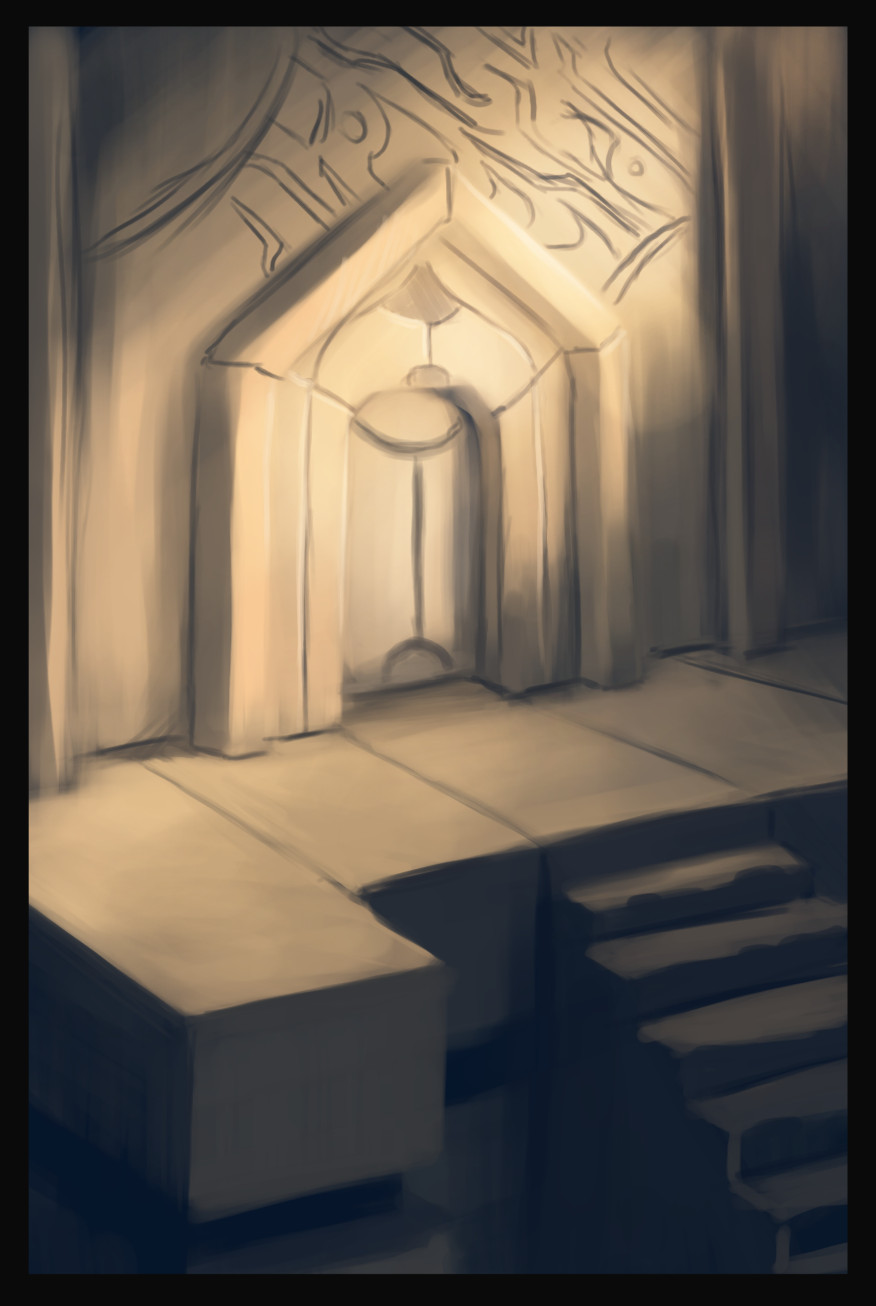
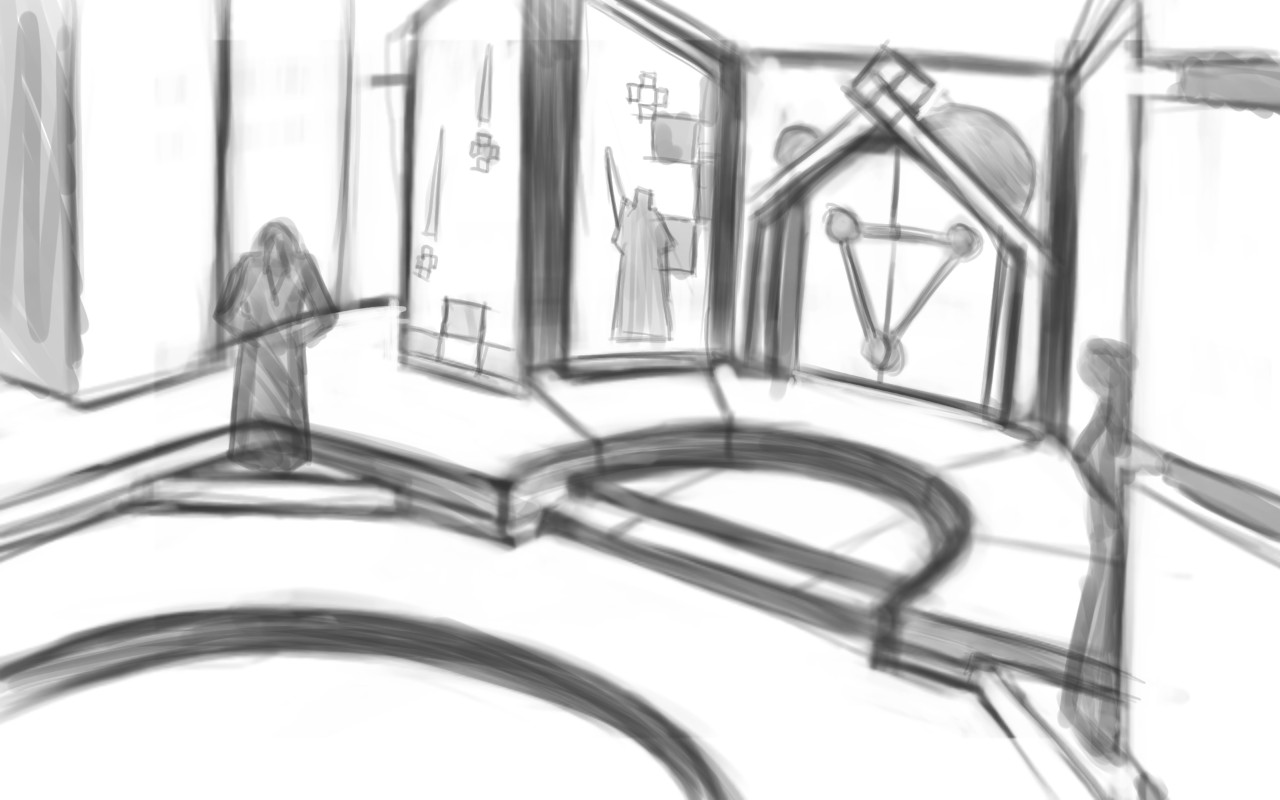
    observatoryunderground bridgeancient doorway


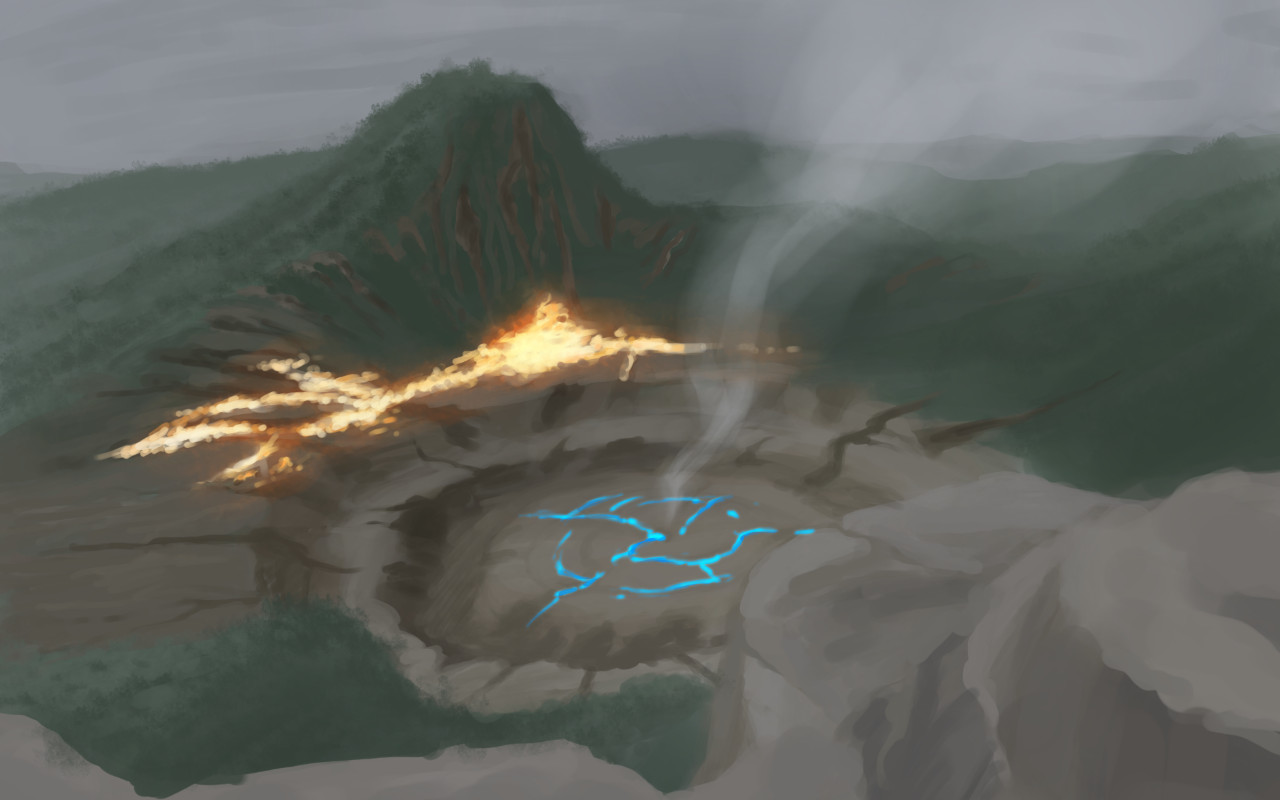
    I had some time this week to do some environment paintings/drawings for project Nebula.  And it has been great to have a project like this to help motivate me to do these sketch reviews.

    I really enjoy the nebula painting, above and to the left. I like the composition, plus it gets a unique idea across to the viewer. The other two paintings, I don’t know. It was fun to play with a monochromatic blue values. But the painting doesn’t really stick out.


    aftershock

    I have the feeling, when I am painting environments, that I don’t know quite where I am going with it. This isn’t a new feeling, but it tells me a few things.portal room

    I need lots of practice in this area. Been focusing too much on characters over the last while. This project is definitely going to stretch me though.

    It also tells me I need to do more research. Research always comes in handy when broadening your skills and imagination. Whether you are looking at other artist’s paintings, photographs, or going outside. Studying others examples can be the best way to learn. And also add a few things to that bag of tricks of yours.

    Next week’s sketch review will probably be more of the same. I am having a hard time eyeballing perspective, so, I think that I will focus on line drawing, to avoid being distracted by color and lighting.


    I wish I had the mind to record all of these paintings, but here are a few of them, sped up, for your enjoyment.

  • Project Nebula | Character Concept

    Project Nebula | Character Concept

    Been hard at it the past few days.  We have a good rough of Josh the Whale finished, just waiting on music before we start the polishing stage.  Really looking forward to topping that project off.

    Also, I have been doing allot of concept work for Project Nebula.  Been working with Ryan to work out world details, and a little bit of character design.

    Speaking of which.  This design is mostly Ryan’s, but I adjusted some of the ideas, seeing where it would take me.  I also took the time to put together a time lapse video, something that I regrettably haven’t done in a while.

    I love to look back on my processes.  Most of the time during painting, it is a blur.  I can’t distinguish one moment from the next.  So recording it, and comparing my technique to previous paintings is fun, as well as enlightening.

  • Project Nebula | Concept Art

    Project Nebula | Concept Art

    The discussions, and what not, continue with project Nebula.  This is the next app project coming out of Thor Media LLC.

    After doing a Google hangout this morning, I decided to spend the rest of the day doing some well rendered character designs.  This by no means is a representation of the final characters or look of the project, but just to get a few ideas out.  A launch platform of sorts.

    cooper_websarah_web

    We have a new person on board to help us with the writing and dialogue,  Sterling.  Good to have him aboard, and to help bare some of the weight for a project this big.   We are excited to have him on and we are excited for this project.  It is a bit lofty, but we believe that we are introducing somethings that haven’t been seen on the Android market yet, which will help gain attention, and hopefully bring in some income.

    Look forward to some more concept art, other details on project Nebula, and also a weekly sketch review this weekend.

  • Article | The Music of Final Fantasy

    Article | The Music of Final Fantasy

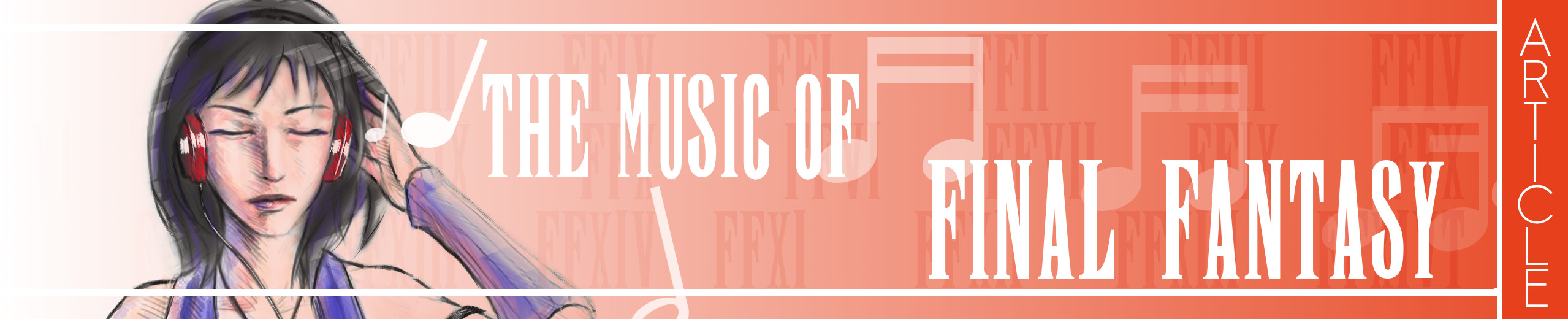
    Intro main image

    Click HERE to start reading an article I put together as tribute to some of the great music in Final Fantasy.

    This article was written for a contest at 1up.com, HERE.  Check it out, there are some other really good posts there, definitely worth reading.  It’s great to see how many people this music inspires.

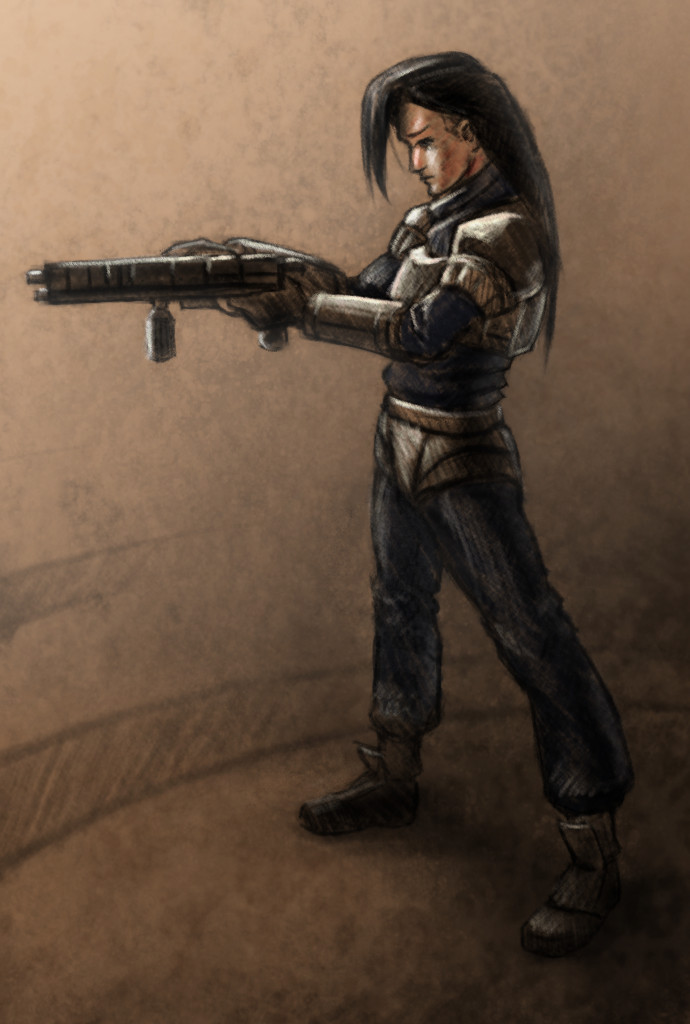
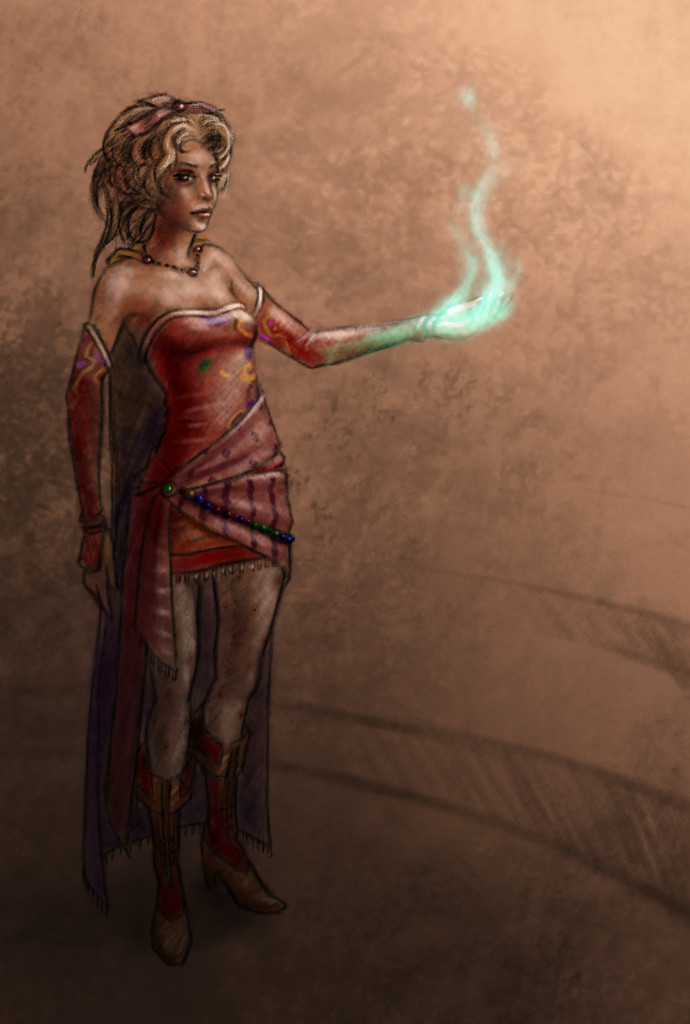
    When I started writting the article, I knew I would want to do a few illustrations for it as well.  Seeing that this blog and portfolio was created to represent my art.  Here are a few things that I learned during this process.

    I should have set some better goals.  I though about the music allot, and what I wanted to talk about, but I sacrificed not setting goals with the illustrations.  When I was done with my first draft, I tried to go through the article and think of what scenes or characters would best represent that part of the article.  The problem with this thinking was, I had no idea how many illustrations I wanted to do.  In turn, I had no idea how long it would take to get them finished, and what style I should do them in.

    So I rushed the last couple days, finding out that I do better work when I am rushed, at least.  And I ended up settling on two different styles for the illustrations.  A vector monochromatic and full color pencil mediums.  I won’t post the vector illustrations here, but you can see them on page one, by clicking HERE. Overall I though that they came out good, and do contribute to the article overall.

    These three color pencil pieces were done in Gimp,  I was surprised at how close I could get it to look like the real medium.  I looks like color pencil but enhanced by the pure colors brought by digital.

    Overall, the experience was good, and I am planning on doing some other project articles with illustrations in the future.  Anyone here like Myst?

    Again, enjoy the article, and let me know what you think.