


William Thorup

Illustrator, Motion Graphics Designer, Animator, and VFX Artist

Tag: video

  • Josh the Whale | Project Review

    Josh the Whale | Project Review

    Josh_the_whale_V3_FEATURE

    icon_128x128android app on google playApp_Store_Badge_EN

    My brothers and I really like video games, and we are trying to get to the point where we can bring our creative visions to life. The process of learning, building,  and refining has been great for us, and it’s not as easy as some may think.

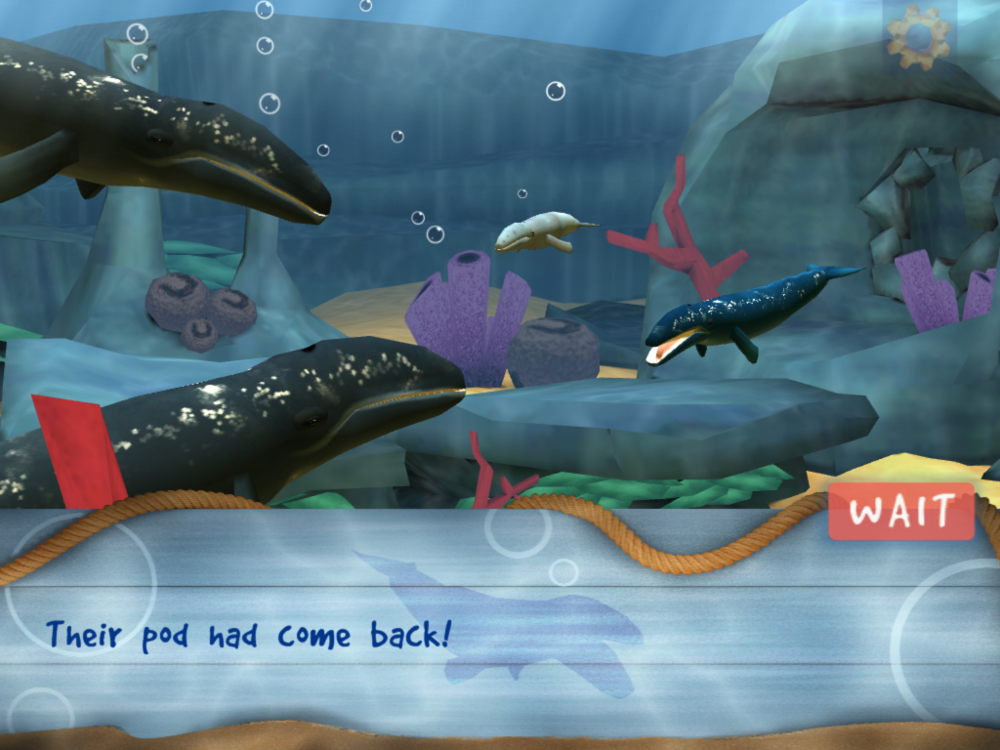
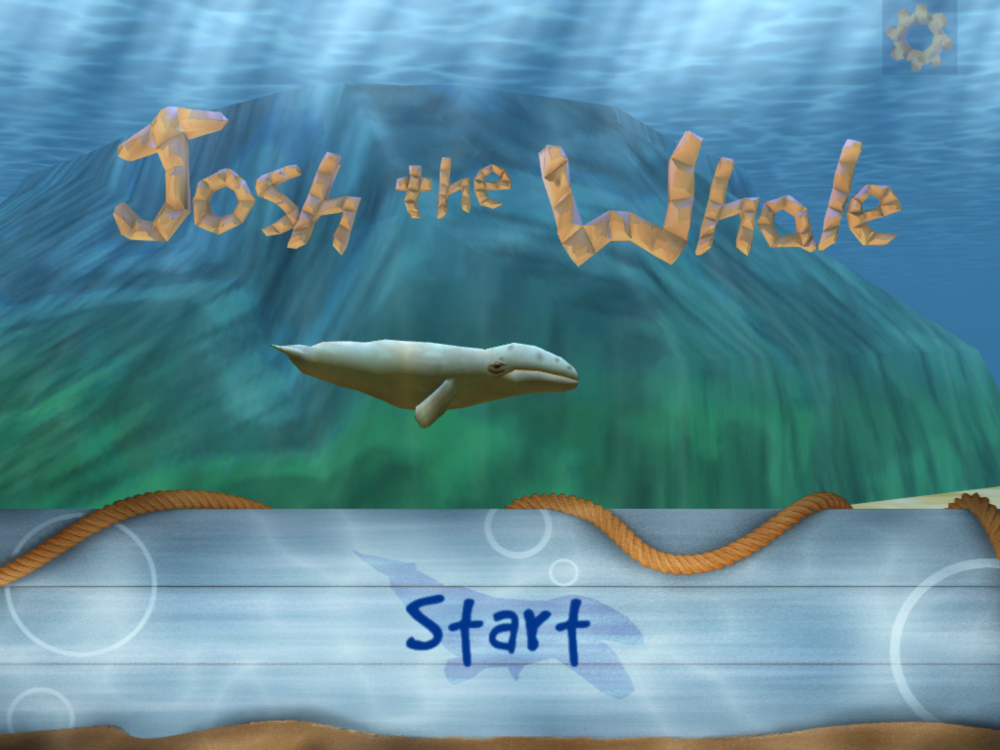
    The project “Josh the Whale” started soon after trying to land another app project for another children’s story book and not getting it. We thought that kids books might be the way to get the attention of local children’s book illustrators and writers, and so we began the search for a story. We wanted a project that we could use, not only to attract clients, but to also use as a template for future projects. We also wanted it to be something that we really cared about in order to motivate ourselves to create a good finished product.
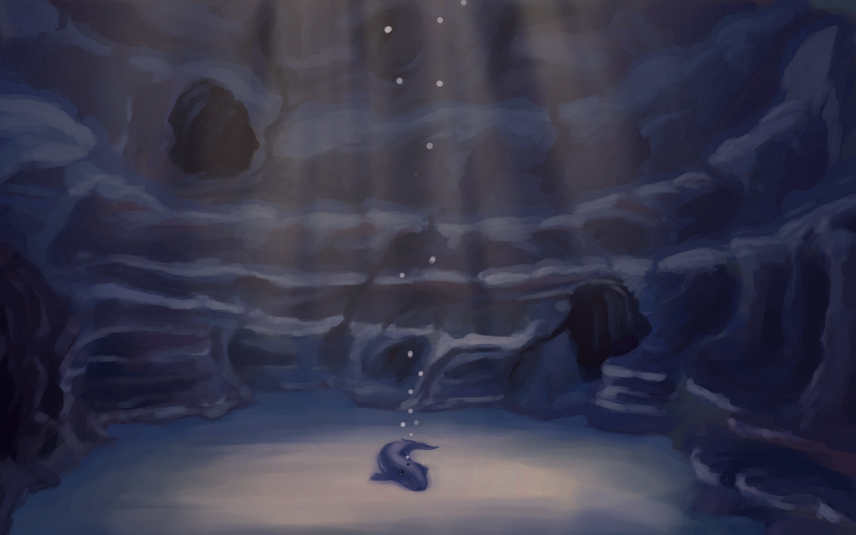
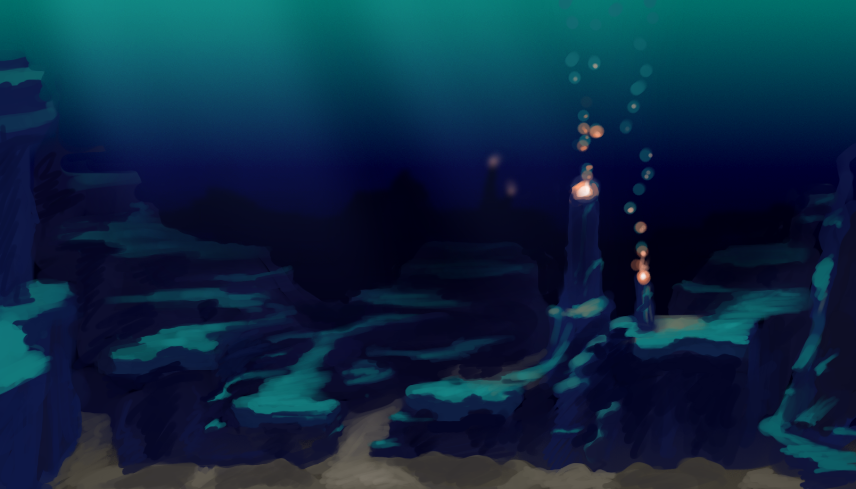
    Play cave Concept_1explore zone


    This is really the reason that we chose Josh the Whale. Originally a short illustrated story that our older brother, Aaron Thorup, wrote when he was in the third grade, we thought that it wasn’t just a good story about self-worth and perseverance, but it also had a good selling point. Whales and underwater stuff seem to go well with children, so, not only were we planning on entering the kids entertainment market, but we also had an attractive theme that should sell.

    So we started. The first step was to get a solid script, based on the original story, written to base all the programming and visual aspects of the game on. The rewritten story, and the script, came together pretty fast, and with Aaron’s approval, I was able to begin on visual concept, and Bryce was able to start working with Shiva 3D (our 3D engine).
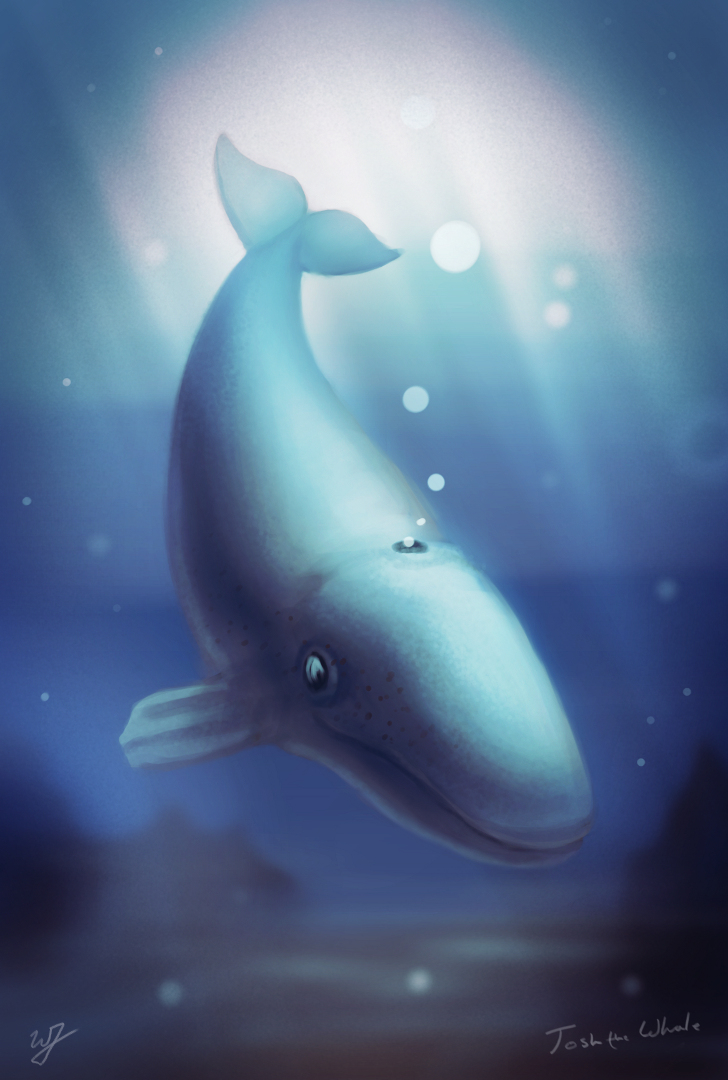

    josh concept_web

    Mainly because of a lack of experience on my part, we planned to have a finished product by December. Basically, we did not take into account the learning curve Bryce would have with Shiva 3D. Bryce was picking up the new API, which was quite a bit different from what we were using for our live wallpapers. So, it turned into 6 months instead. We also had other video projects mixed into that schedule, but overall it was just the amount of learning needed that extended the schedule.

    Concept work began, assets were being built, and Bryce began building code to use those assets with. Some specifics of that work can be viewed in previous posts HERE and HERE. Though progress was slow, it was steady, and from the beginning to the end of the project, there were no real stressful moments in the production. Just allot of trial and error in figuring out workflows in relation to the programming and asset creation.

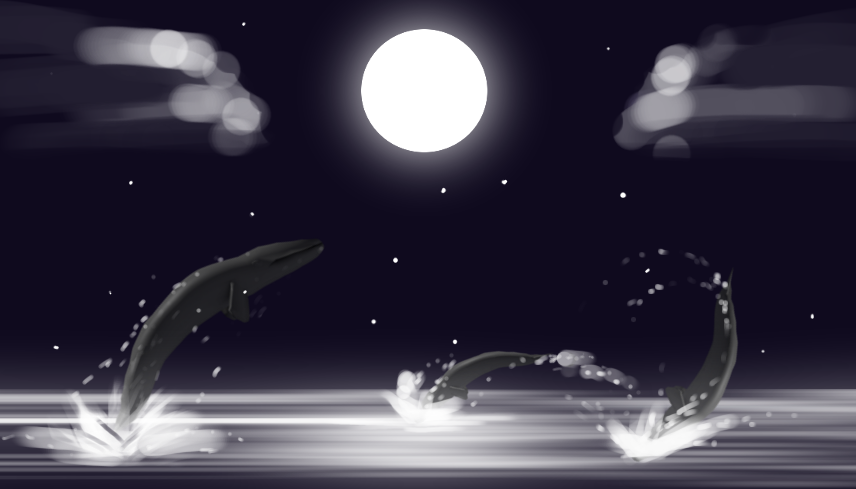
    Only minor changes were made to script and the original sequence of the game during production. In fact, only one scene was taken out of the game for programming reasons. Here is a really basic concept image of that scene. It had to do with the whales jumping out of the water at night, and the player helps Josh jump high enough to touch the moon.
    Page 3_a


    Recording the narration was fun. Bryce and I decided that we wanted to have Aaron do the voice acting for the narration. This was a great choice because Aaron’s voice seemed to fit right inside Josh’s world, and complements the whole feeling of the book very well. This also made the project feel allot more personal to me, turning it into a family project. Jacob helped us out with the recording in a quite room over at my Grandma’s and Grandpa’s home. We used Audacity for the audio, and it all came out beautifully.
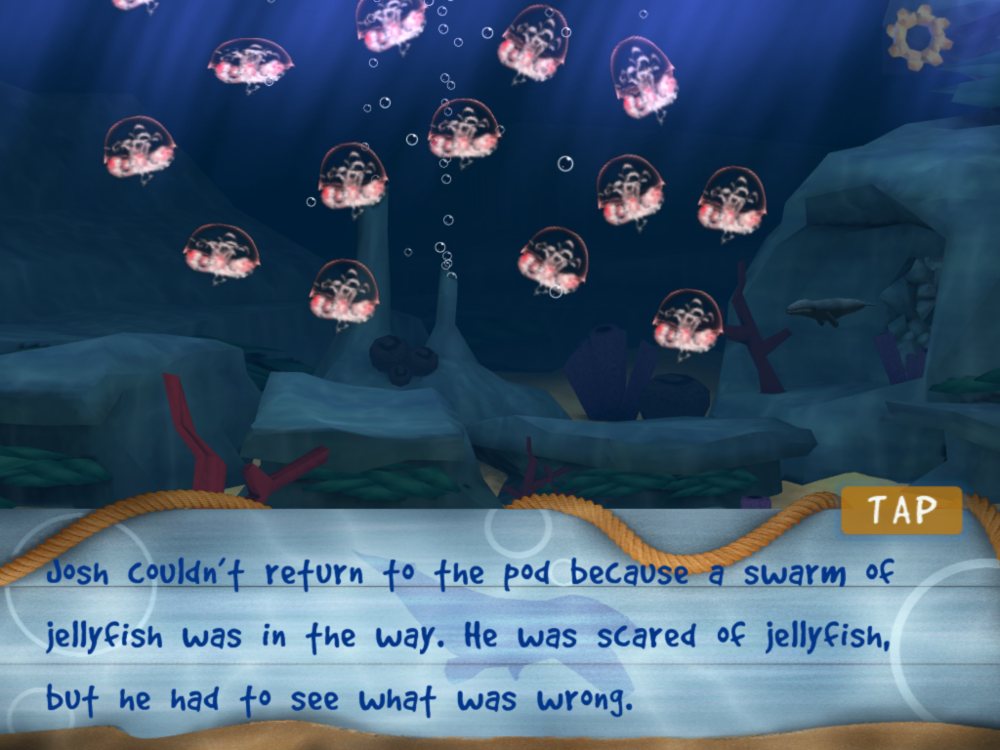
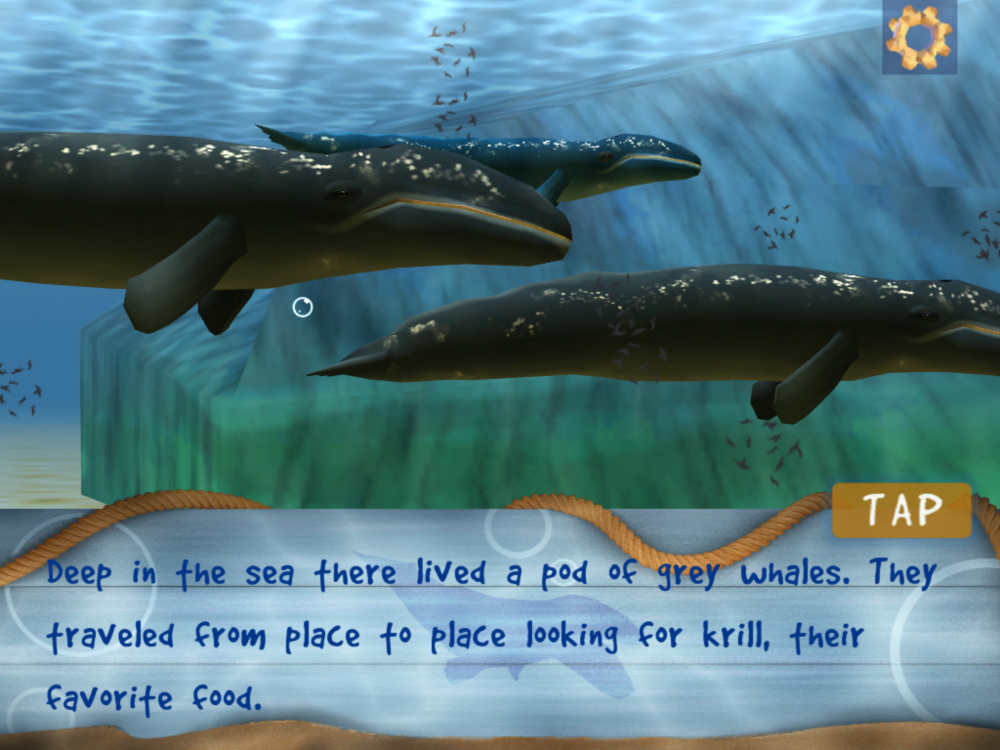
    jellyfishpodreunitedtitle

    A little side note about the audio recording, most of the interactive moments of the game were conceptualized when I was preparing a script for lines that needed to be rerecorded or new lines, our second recording session. I felt that the game wasn’t quite balanced enough between the strictly narrative moments and the interactive moments of the game.

    The music was done by April Thorup. She is not a professional composer, but she did a wonderful job on the music. Her playful styling fit into Josh’s world so well, and keeps the app interesting for kids. When we first started to drop the music into the app itself, the feeling of Josh’s world completely changed. Suddenly this small lonely whale had a story to tell, not only by the narrator, but by the music as well.


    When it came to testing the app during the project, we usually just had one of our nieces or nephews take a peek at what we had, and payed attention to their reactions. Because of this “bug testing” we knew from the start that children responded well to the visual style and game play. And, towards the end of the project, we had an official bug testing session, that also brought back good results from children, and assured that we had a solid app structurally.

    The app icon and other graphics were interesting to put together. The original thought was to stick to the same icon template and banner styles that we had used for our previous live wallpapers. As you can see from the images below, they weren’t the most impressive images to look at. But, after sifting through Google’s and Apple’s quality guide lines, we decided to redo all of the graphics for the app, creating a simpler style for the icon and banners.
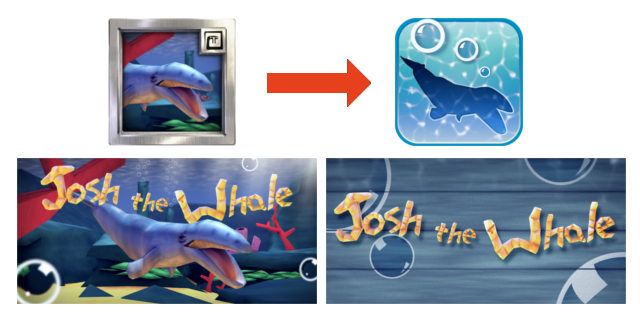
    old graphics to new graphics


    For the final steps of the project, like marketing, I was put in charge. Gathering information on review websites that tailor to the audience we wanted to reach was important, and putting together a trailer and other material to show the app in action was done as well. This moment was probably the most educational for us as a company, mainly because I had never really done any marketing before, and because we have learned that hiring someone to handle the marketing is probably the best way to make sure that it is executed effectively.

    One of the huge pluses to this whole project though, was the cost. I believe that the cost for a Shiva 3D license was $200, which covered porting the game to bother Android and iOS. Marketing was about $1000, but besides that there was no additional cost to the project besides our time. We used open source software for all asset creation and editing. This includes Blender, Gimp, Audacity, and Inkscape. Software that we have allot of experience with, and are all great programs.


    We have only just released this app, and we have had a really good responses from reviewers, family, friends, and strangers, so far. We are proud of Josh the Whale, and so thankful for everyone that helped make it a reality. It represents our commitment to making products that we can be proud off and that others can enjoy. It represents our first step into the game development realm. And most of all, it shows that even a small whale can do great things, our goal for the future.


    Josh the Whale on our corporate page: http://goo.gl/lWhtT

    Josh the Whale on Google Play: http://goo.gl/RQEXe

    Josh the Whale on iTunes: http://goo.gl/kyTDD
  • Gimp 2.8 Time Lapse | Quick Portrait | The Scientist

    Gimp 2.8 Time Lapse | Quick Portrait | The Scientist

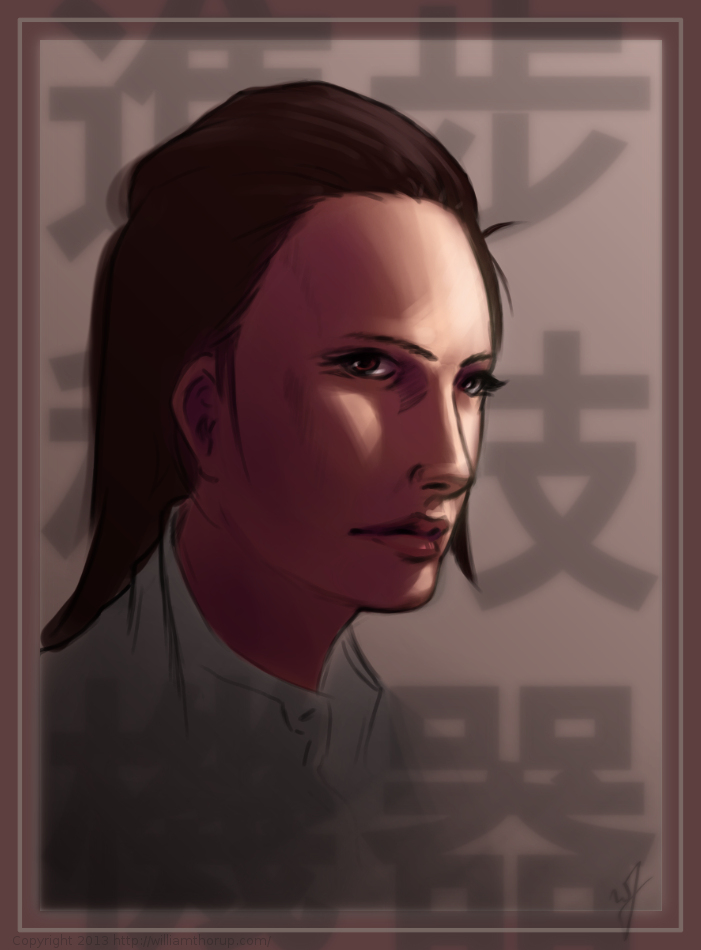
    This one might count as a weekly sketch review, since it was really just a study in lighting. This face was actually from a sketch session of many faces I started a couple weeks ago. I decided to go back and pick one of those faces and push it a bit further.


    The Scientist_Process_web


    head sketch_web

    I think that I have been using Krita a bit too much. The shortcuts, like the shift+drag to adjust brush size, have spoiled me. I keep thinking that they should include the option in the Gimp. But I also understand that Krita is more geared for an artist like me, while Gimp is more built for photography. Both programs have their good and bad qualities, and I still enjoy using both programs.

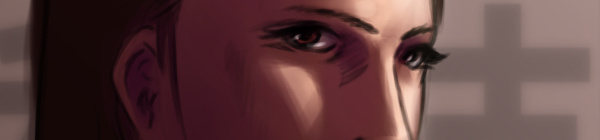
    A little about this painting though. I have been studying a bit about photography and lighting for portraits, and I wanted to try my hand at a Rembrandt lighting. Using this kind of light seems to create allot of depth in the subjects face. I wanted her to feel more ominous by dropping the bounced light, creating a starker contrast between the right and left sides of the face.

    I like her somewhat “I’m better than you.” expression, adds to the character. The background says things like “Science” and “Progress”. Her character kind of reminded me of something that you might see in a Final Fantasy game. Overall, I believe the portrait does it job. Enjoy the video!


  • Krita | Character Concept | Void

    Krita | Character Concept | Void

    Void_web

    Sorry about no weekly sketch reviews. I have been doing allot of sketching, just haven’t taken the time to put some posts together. Maybe Friday or Saturday perhaps.

    Been busy with things, looking to get Josh the Whale released, other video production projects, etc. In my free time though, I have been doing written and visual concept for mine and Bryce’s Jag game. The visual stuff is easy, it’s the writing part that is kicking me in the butt.

    I would never confess to having any real skill in writing. I am hoping that these side projects, along with company projects, will give me the practice I need to change that.

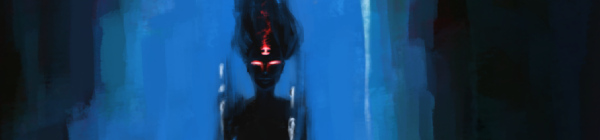
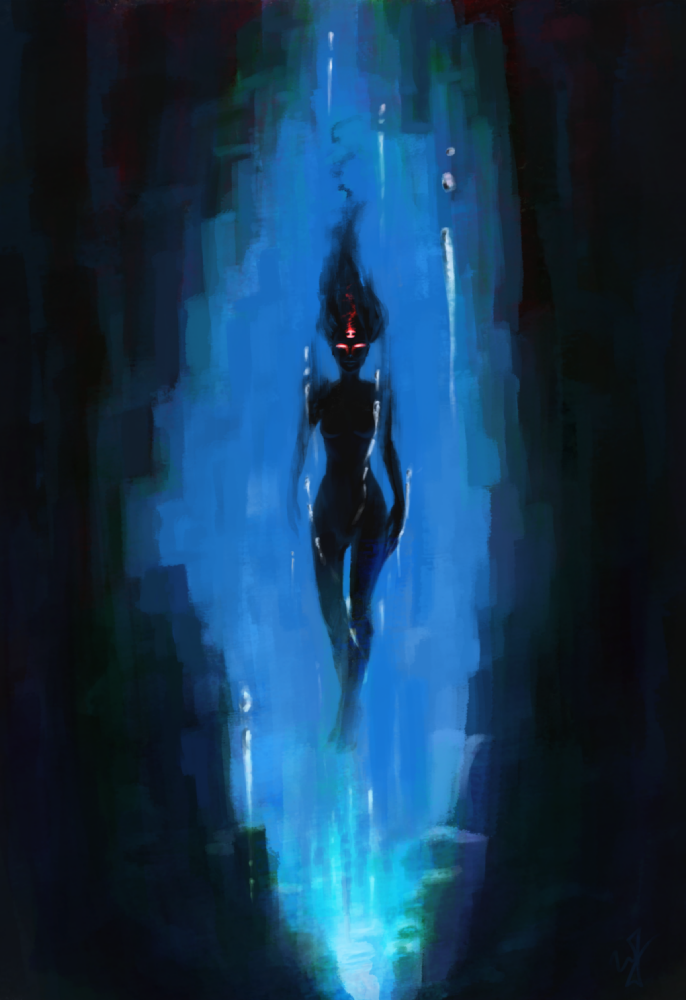
    So to give you a bit of an introduction to this piece, without diving into undeveloped ideas. This character is one of 6 gods that govern the world and it’s time. She is the very essence of the absence of time. The opposite of existence.


    That is the idea that drove this painting, and that is all that I have so far. Maybe I will post more about these characters in future paintings. Yet again, maybe not. This is just a side project, so we will see how far it goes.

  • A New Focus | Concept Art

    A New Focus | Concept Art

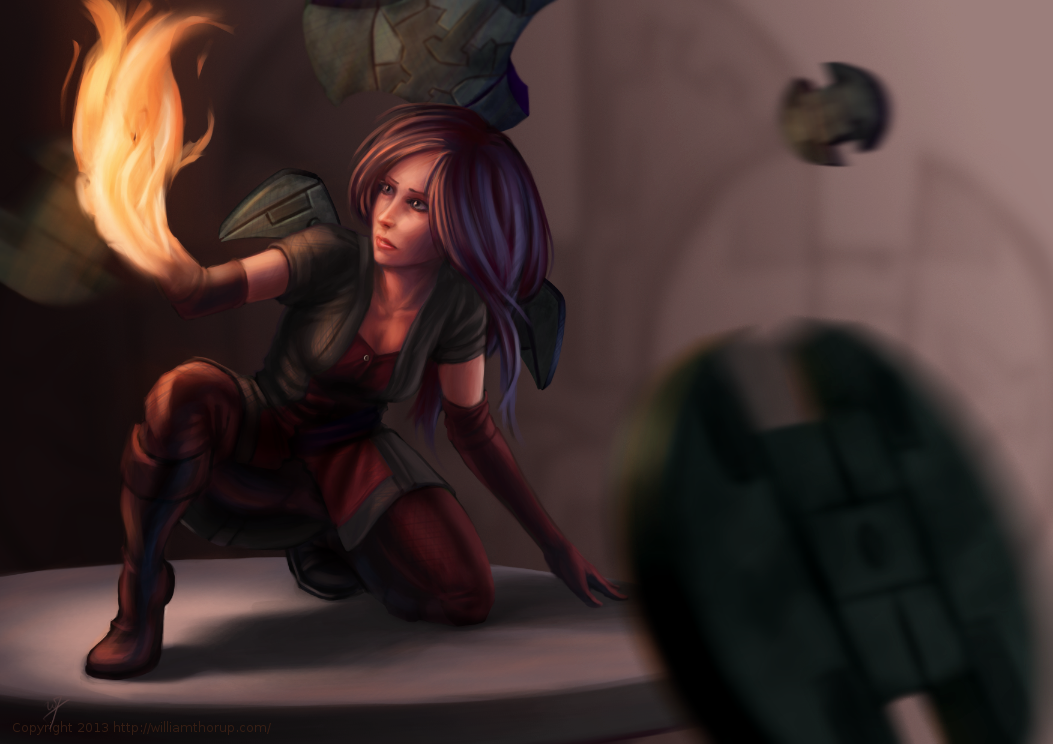
    My brother Bryce and I are putting together a game for the Atari Jaguar, and I have been working on character design, game assets, and getting a story together for the project.

    This piece was spontaneous, coming out a sketch session. It was also very fun to work on. I want to thank my a few of my friends, Ethan, Micheal, and April for the critique. Your help is needed and always appreciated.


    A New Focus_final_web


    One part a really enjoyed was additional programs, on top of the Gimp, to get to the final piece. You will notice that in the video, I just out to Krita and Blender. I used Krita’s mirror functions to come up with a concept for the weapons spinning around the character, and I used Blender to model, place, and light the weapon. I have used similar processes in the past, although this time felt like it was really good decision making on my part. It sped up the overall process of the painting, and I think I achieved a better result than if I had done it all in the Gimp.

    There will definitely be more of about this game in the future. I have already put together some turn based battle mock-ups with sprites, and Bryce has been putting some of these assets to use with actual programs on the Jaguar. It’s awesome to see this stuff actually turn into a playable form.

  • Krita & Gimp Illustration | Zelda

    Krita & Gimp Illustration | Zelda

    zelda final_web

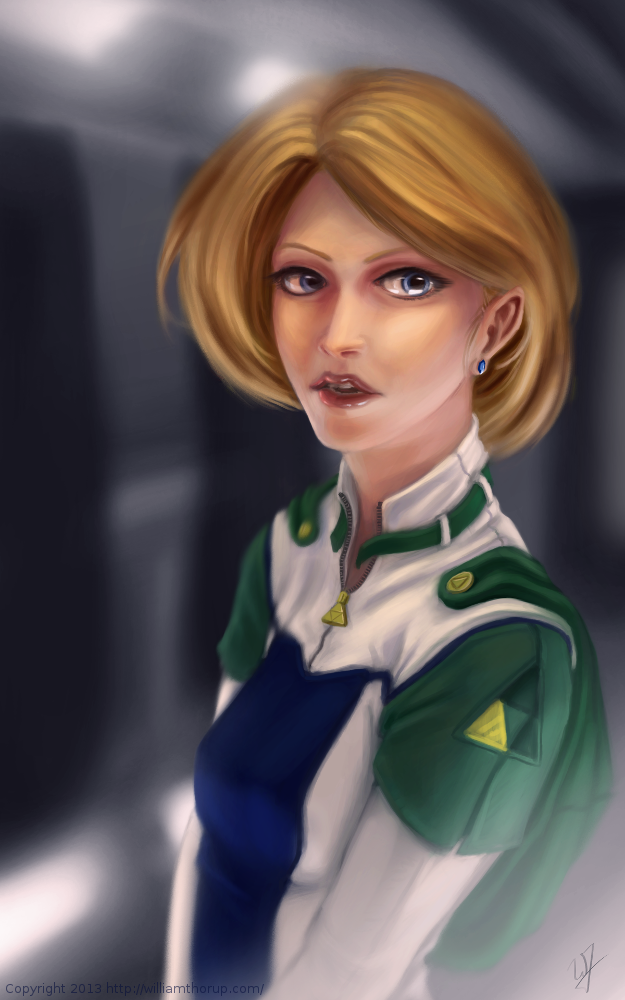
    I don’t do allot of fan art, in fact, this piece originally didn’t start out as fan art. I was watching an episode of from the first season of Robotech, and sketching at the same time on my Lenovo tablet, when I did the initial sketch. (The costume is somewhat Robotech inspired). The one you see at the beginning of the time lapse video. It wasn’t until after I started refining the sketch in Krita, did I decide to turn it into fan art.

    Don’t get me wrong, I think fan art is awesome, and an awesome way to express you appreciation for something (Isn’t that what art is kind of about?). And I wish I would take more time to do some fan art. But I tend to avoid it, because I have the feeling that I won’t be able to do it justice. So, I put off most of the fan art I would like to do for a later day and time.

    This time around, though, I feel I did a fairly good job, and feel comfortable in posting and receive feedback for this piece of fan art.

    But enough of that, lets go over some stuff that I think is worth talking about, and might be a bit educational. I am just going to start at the beginning of the video and mention a few interesting things I noticed in my process.


    First, a bit of an explanation on content and style. This is a re-imagining of the character Princess Zelda, from the Legend of Zelda video game series. When I decided that this was going to be a fan art piece, I wanted to stick to the poofy hair and a somewhat military uniform as seen with many of the characters in the first season of Robotech, but with a bit of Zelda seasoning. There are actually only a handful of things that tie this piece into the Zelda universe.

    The most obvious things are probably the colors. The blue rupee, green hood and shoulders, and the golden triforce all point to the Legend of Zelda. But there is also the character herself. Zelda is often portrayed as someone beautiful, with a sense of innocence, which is something I stuck to here. But the costume was chosen to depict the strong side of her character as well. A less obvious sign of her character is that her mouth is open, as if she were speaking to you. Zelda is often used in the Zelda series as a mentor character, and if she lived in a more futuristic or sci-fi world, I see her playing more of the mentor character than royalty.

    There are a few other things I could mention, content wise, but for the sake of keeping things short, I will let you jump on the Zelda Wiki to figure some of the other imagery out.


    zelda_palette_1.png

    As for my processes. Most of my planning was done in the line art. At this point I didn’t have a really good sense of the lighting, until I sat back and thought about it later, but I had a good idea of what I wanted the subject to look like.

    I decided to skip doing a value painting, and go straight into color and value. I try to avoid this nowadays, and stick to a value painting before I ever jump into color, but in this case, I wanted to try something new.

    I wanted to try to create a simple color palette to lay the foundation for my colors and values. I don’t include this step in the video, but it is something that I learned from a post by Nasan Hardcastle. A great digital artist, that I suggest that you all follow. But having a simple palette like this can help keep your colors and values organized in the foundation of the painting.

    Something unique in this painting, that I have never done before, is the light setup. If you include ambient light, I have a total of 4 different light sources in this painting. This was one of my stretch goals for this painting, to use that many light sources without loosing the form of the subject, and adding appeal to the painting overall.

    But not all was fine with this painting. I messed up on the proportion of the nose, and had to readjust that half way through. Not too difficult, but I feel it’s something that I shouldn’t have to deal with and definitely need to practice more on. Also, another proportion problem was the width of the head, which I eventually had to fix.


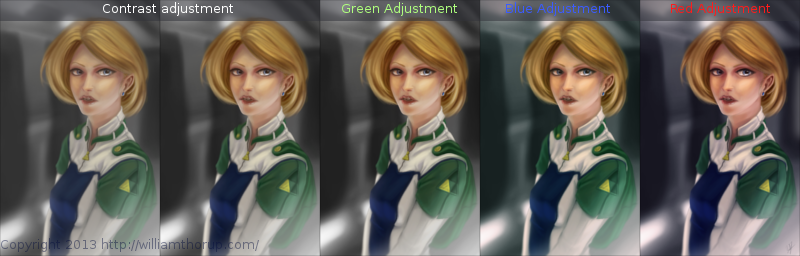
    But with the good and bad of this painting aside, there is one tip I would like to share. Color Grading. One of the huge advantages to digital art.

    Zelda_Color correction

    I have never been good with color, this is probably because I don’t have a solid base in traditional painting. But, “color curves” an “levels” make up with this shortcoming with ease. Using some reference images that I wanted to match color with, I did several stages of color correction, as depicted above, using both “color curves” and “levels“, and selection the specific color channel I wanted to modify.

    Zelda_Color moods

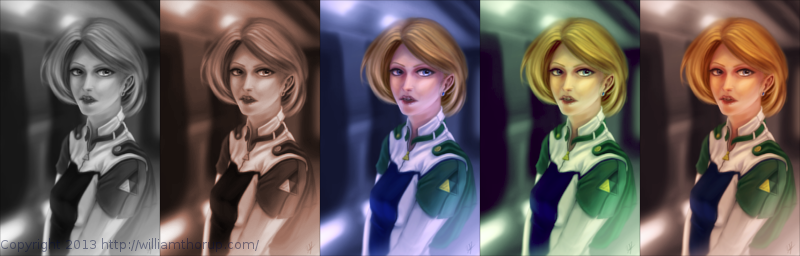
    These two options can also be used to quickly change the feel of a painting. A good way to explain this is how a sepia toned image and a black and white image create very different feelings, even though content may be the same. This is pretty basic stuff, especially if your into photography, but it is fun to take an image you created from scratch and see how it transfers to these different color schemes.


    I have a few more paintings coming down the line, we should be starting a new app project soon, and a Weekly Sketch Review is just around the corner. Stay tuned.

  • Illustration | On the Rail

    Illustration | On the Rail

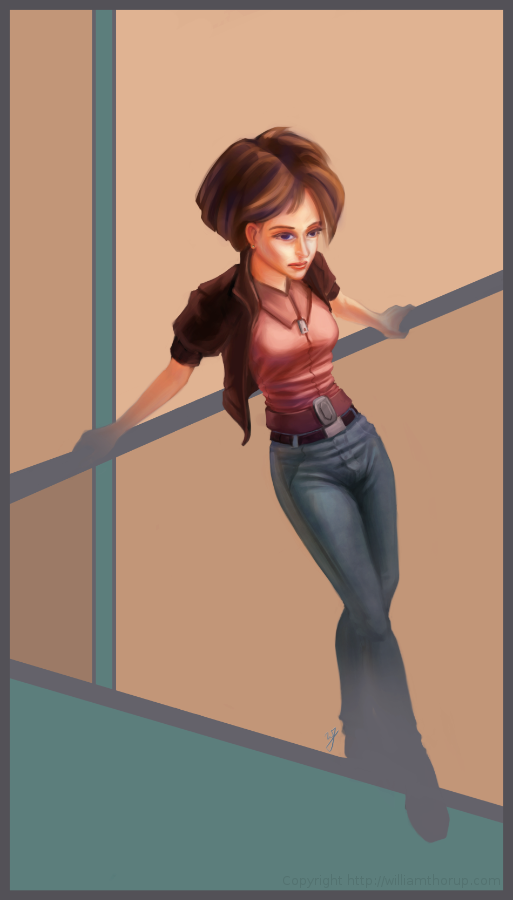
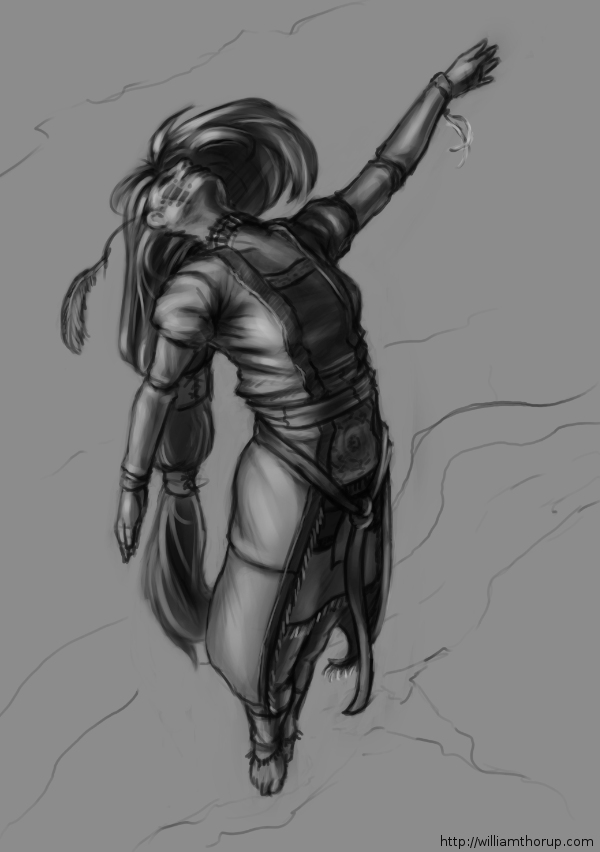
    on the rail_

    The last few weeks I have been trying to reach outside of my box a little.  Been reading allot about visual style, and developing a visual style as an artist.

    The 16-bit portrait I did earlier, and this piece have been practice in what I am reading.  and it has been fun so far.


    I was just sketching when this one came out to me.  I liked the pose, and the silhouette that it makes was really strong. I decided to carry it to a finished piece.   The outfit she is wearing is really random, and for me, kind of weird. Feels a bit western. But, in the end, I think it feels good with the rest of the image, and it definitely helps the silhouette as well.  I stuck with a split-complementary color scheme to keep things simple. and wanted to focus on basic skin tones to present a warm feeling in the painting overall.

    As for what I struggled with in this painting.  The background was killing me.  At first I was leaning towards a style that fit the character.  Something that fits the perspective and shaded similar the woman.  Going over this in my head, I couldn’t really think of an environment that would work with the subject to create a stronger piece.  So, in the end, I decided to do something abstract, and focus on composition and color.  Something that would strengthen the main subject, but at the same time wouldn’t be distracting.


    Again, overall, it was and interesting piece to work on. Definitely not in my usually ball field, but it was good to stretch a little. Its also good to feel like shading is becoming second nature. I am doing better with drawing hands, but still have a long way to go. I struggled with the face a bit, so we’ll seem more faces in my Weekly Sketch Reviews for sure. Speaking of, one of those should pop up soon.

  • Blender VFX | “Spaceman” Shortfilm

    Blender VFX | “Spaceman” Shortfilm

    This has been a long one in the making. I guess I shouldn’t put it that way, though. It took only a week or so to actually finish the work. I have just been waiting for the release of the actual short film, to get permission to post about it.

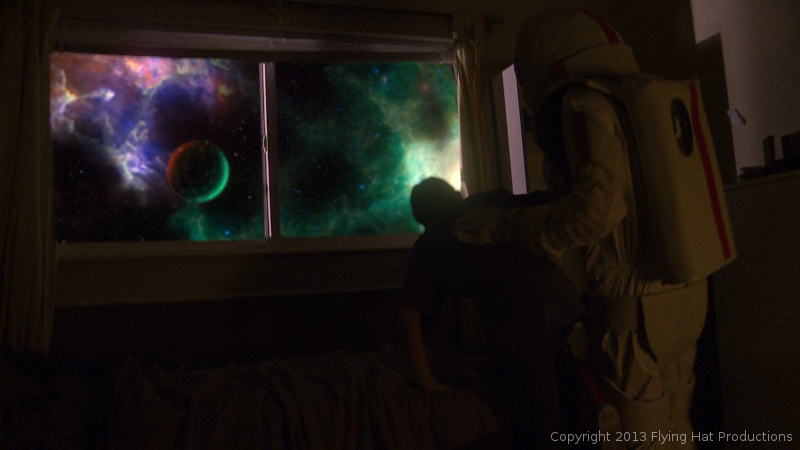
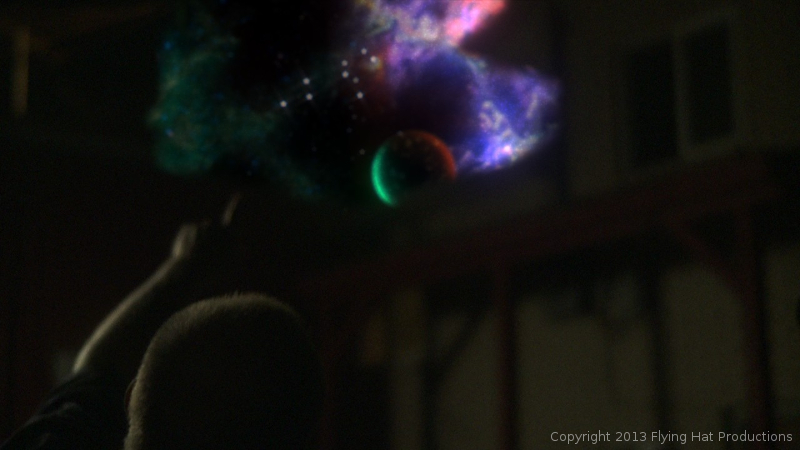
    Over the last year and a half, I have had allot of opportunity to work with the Blender compositor, and it has given me the chance to learn, in detail some of the things needed, to pull off some simple effects. One of these projects was “Spaceman“. A short film by producer Holly Tuckett and writer/director Jaron Kent Hermansen. Their short film required some visual effects work, and they asked Thor Media to step in and do the job. Here is a short breakdown video of a few of the shots that I worked with.


    spacemand composite nodes_1

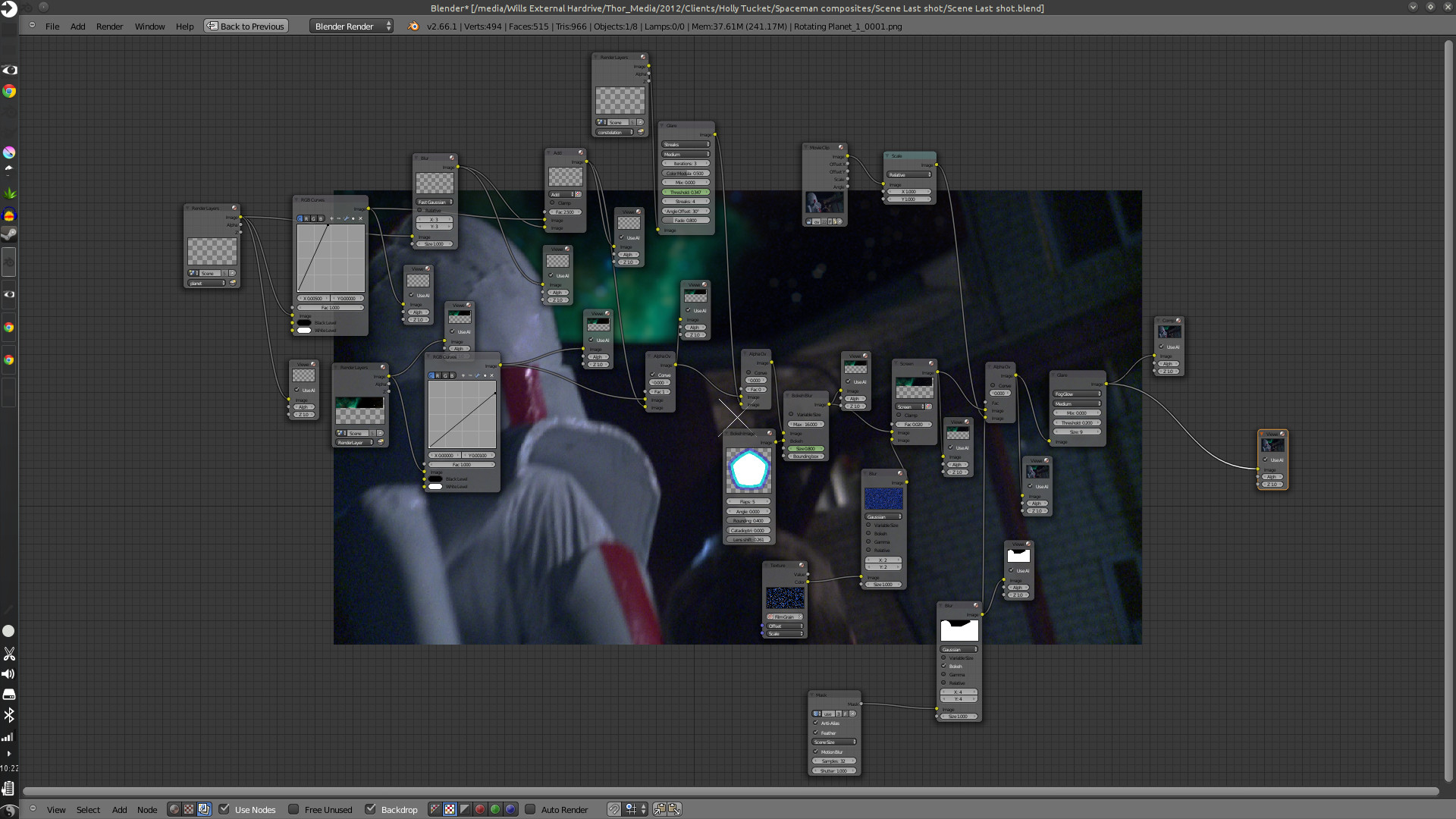
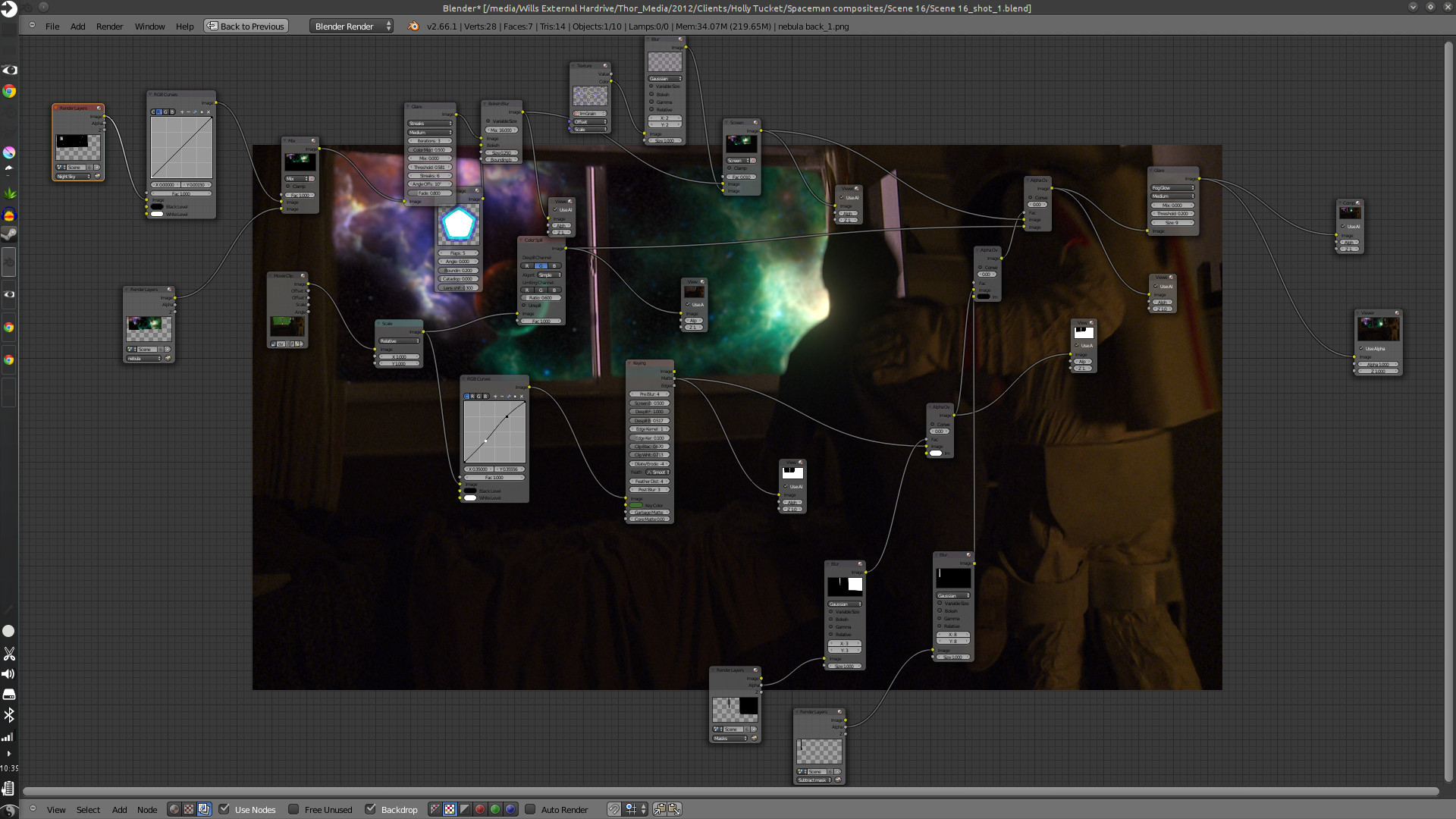
    Here are some of the compositing trees. It looks allot more complicated than it actually is. And to put in new backgrounds only takes a few steps.

    First thing is to track the footage, whether the camera is moving or not. The camera is always moving, whether its the wind blowing, or the heartbeat of the camera man, the image will always move. Next is keying the green screen, and creating any masks that are needed to maintain what you want out of the original footage. And attaching those masks to the camera tracking data.

    spacemand composite nodes_2

    After which you build your background and attach it to your camera tracking data, and adjust to make the movement look good. Then comes any color correction, adding other effects like glows or motion blur, adding film grain, and then the final composite.

    The hard part is getting the new, digitally created elements to look good with the real stuff, speaking of style and lighting. This takes allot of patience, critique from other people, and just playing around with the options that are at your disposal.

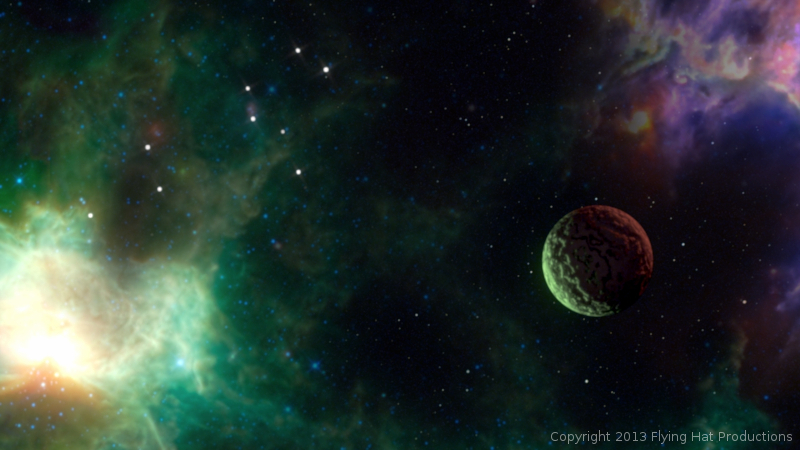
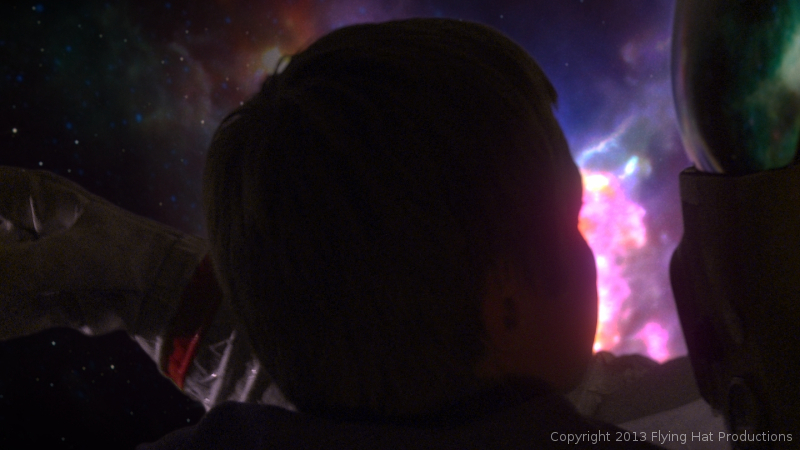
    This was especially hard with this project, because most of the visual effects take place in the boy’s dream, and are meant to be exaggerated a bit. But at the same time, I had to get a look that fit with the mood and style of the story, without making it feel like the visual effects were making light of the situation.


    spaceman_blog_image_1spaceman_blog_image_2spaceman_blog_image_3spaceman_blog_image_4

    Overall it was a very fun project to work on. Jaron and Holly at Flying Hat Productions, are great people to work with, and gave me good feedback and direction on the project. And, also, my brothers Jacob and Bryce gave great feedback and critique. I hope there are similar job like this in the future for Thor Media. Free, fun and creative.

    The short film hasn’t had an official release yet, but they have trailers and all sorts of content on the film’s blog. Click on this link, http://spacemanthemovie.blogspot.com/, to learn more about the short film and it’s creators. They did a great job putting it together, and would love to see your support.

  • Draw Night | Value Painting Tips

    Draw Night | Value Painting Tips

    ascension_Value Sketch_web

    We had a good draw night yesterday evening. Good to see friends and draw a few things as well.

    During the few hours I was there, I worked on a sketch that I had started the day before, that I enjoyed, and I thought I would push it into a value painting. And, as I was recording my desktop, I thought that it would be good to not only have the time lapse, but also include a few tips and things that go through my mind while I paint. For my benefit and for yours.

    The video is fairly short and to the point, and I hope it helps. And if it doesn’t help, I also recorded myself through the webcam. So, at least you can laugh at me, as I get ridiculously close the screen and perform all sorts of weird expressions.

    If you are interested in joining us for draw night and live in the greater Salt Lake City Utah area, drop by our Facebook page and let us know. The location sometimes changes, so keeping tabs on the Facebook page will keep you up to date on the location.


  • Josh the Whale | Official Trailer

    Josh the Whale | Official Trailer

    Thor Media is coming up on the release of there latest project Josh the Whale. And during the last few days, I have been working on the official trailer for the app. Here it is.


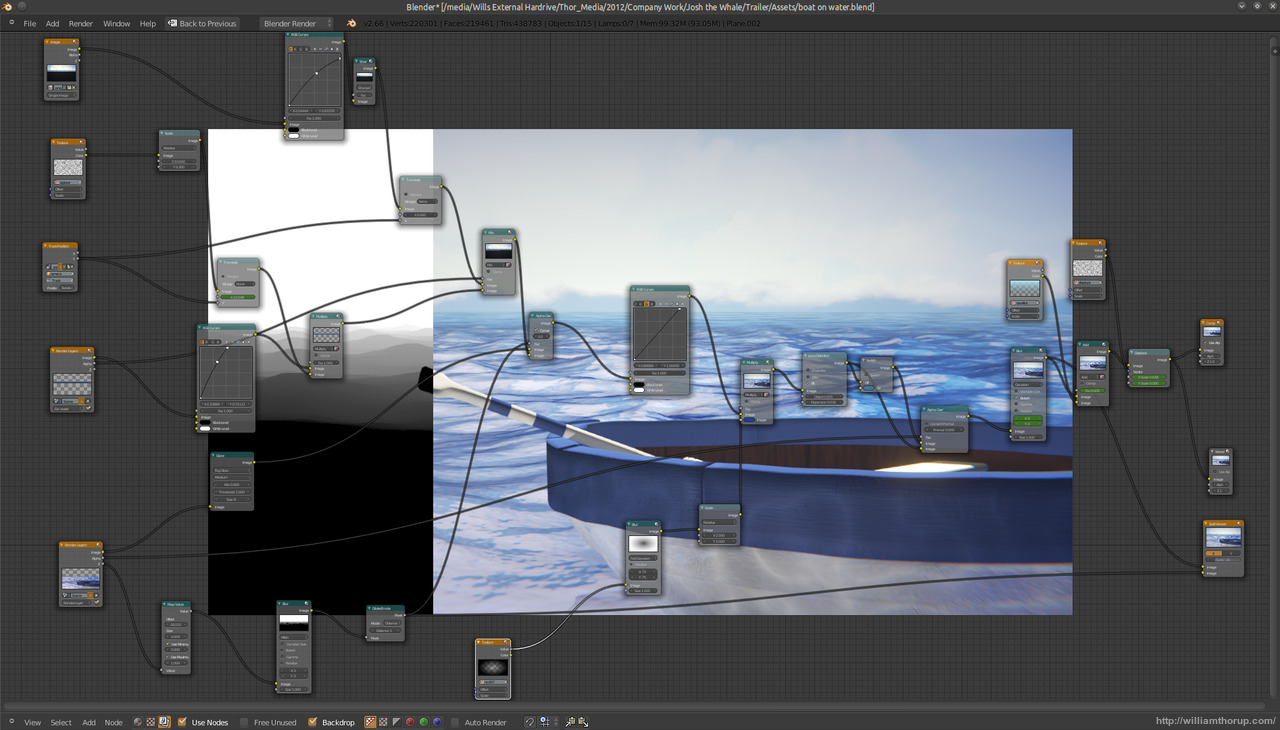
    josh surface composite_yourname

    It has been fun getting the last touches together for this app. One thing that has been especially interesting for me is the music. We have my sister in law putting together the music for the app, and even though she doesn’t compose professionally, she has done a fantastic job so far. Her music fits the moods that we are trying to get across in the app very well.  The trailer itself came together really easy.


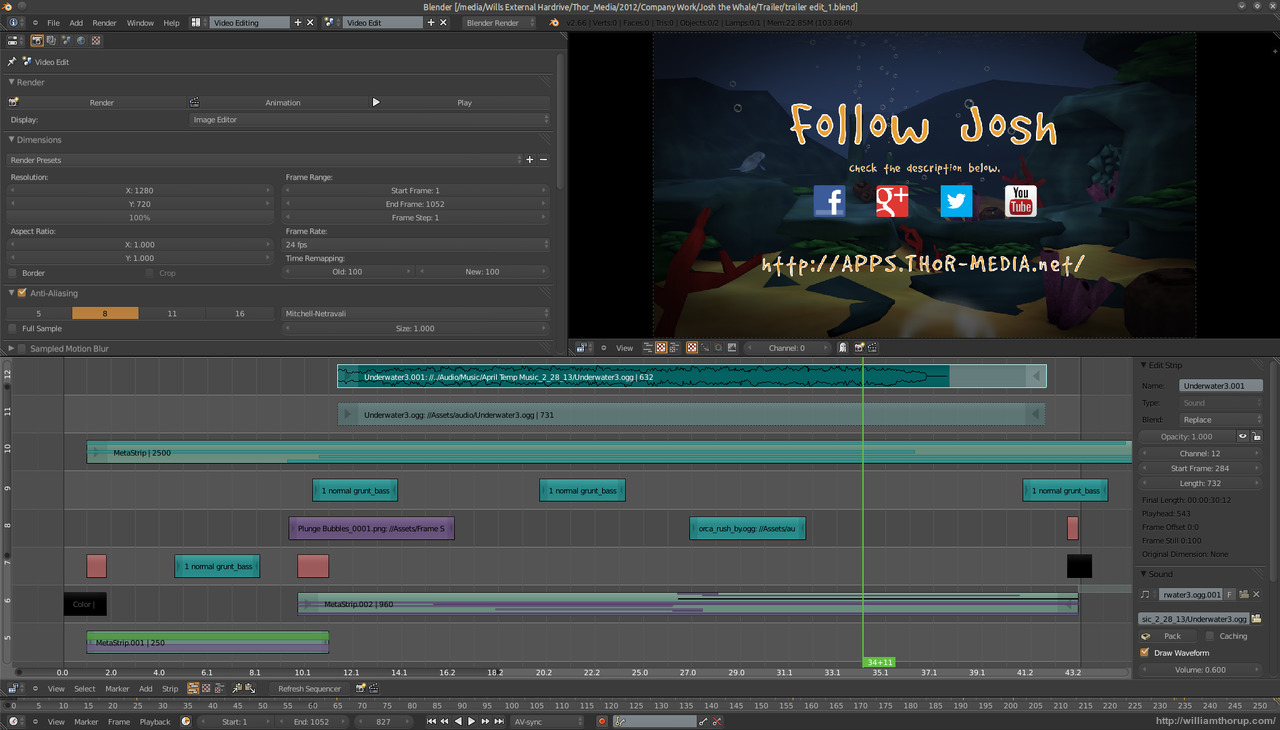
    josh surface video edit

    Most of the assets were already prepared. All the underwater scenery was practically done, because we used it in the initial concepts for the game. I had to do another animation for Josh, and do some simple compositing in the Blender video sequence editor. The only part that I had to put allot of time into was the beginning. I struggled with compositing distant water, before discovering how easy it is to add it in by using the z-buffer to create a fade between the distant water and the foreground water. Everything else was a cinch.


    If you want to check out some beta screen shots of the app in action, head over to the official page HERE. We should be releasing the app in a few weeks or so, on both Android and iOS.

  • Krita 2.6 Illustration | In the Park

    Krita 2.6 Illustration | In the Park

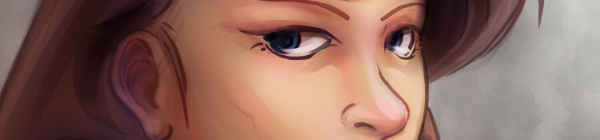
    Jumped back on to the Krita bandwagon the other day, and it was good. It’s fun to be in a new program and learn new keyboard shortcuts and tools. And I love the rotate canvas feature, I sure hope Gimp eventually gets that feature because it invaluable when editing, not just drawing or painting.

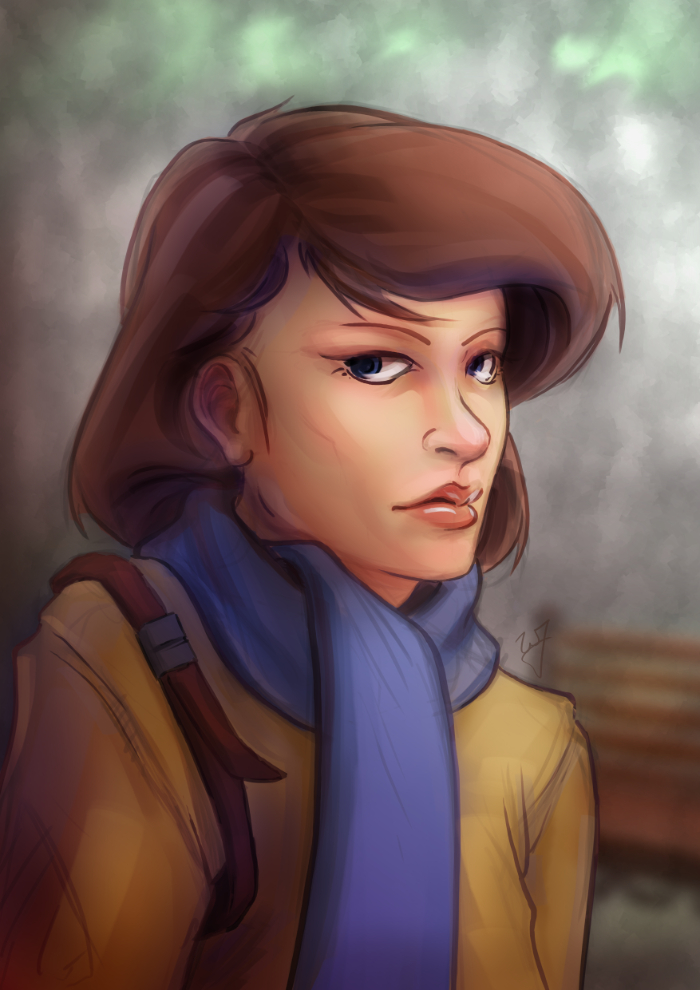
    In the Park


    This piece was really enjoyable. There were some points of doubt and uncertainty, especially when I started coloring, but overall I like the final result. I wanted to do something a bit more cartoon oriented, but keeping my focus on color and composition.

    One thing in particular I kept in the forefront of my mind was the rule of thirds. Not in with the painting as a whole, but with the subject instead. Focusing on the silhouette of the character, you will see that the left and right sides of the subject have 3 major hills or bumps. This, along with the backwards “S” curve in the hair, was used to create symmetry at the focal point (the face) and a softer look towards the face.

    Look at this in contrast with the subjects jacket. Her shoulders, and other lines on the jacket, are sharper. Which makes most viewers follow the blue scarf (a softer shape) up to the face.


    As a side note. If you haven’t had the time to check out my latest tutorial, Using Gradients, I highly suggest it. Good reading. I use this painting in most of the examples, and show how I added depth, color diversity, and a focal point, by using two simple gradients.