William Thorup

Illustrator, Motion Graphics Designer, Animator, and VFX Artist

Author: William

  • Commercial | Empowered Life Solutions | Logo and Bumper

    Commercial | Empowered Life Solutions | Logo and Bumper

    This one has been one a while in the making.  And I am very happy to post about it.
    Thor Media was approached by Josh Lee.  Someone who we have done work for before.  Specifically some CG work for a short film based on the book “Alliance” by Gerald Lund (I posted about it here).  And Josh asked if we could put together a logo and a bumper for Empowered Life Solutions LLC.

    It was slow going, because of different scheduling difficulties.  But, so far, this has been one of the best work situations I have been in.  And learned allot on how to deal with timing and other issues that may arise with a client.
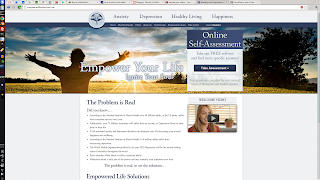
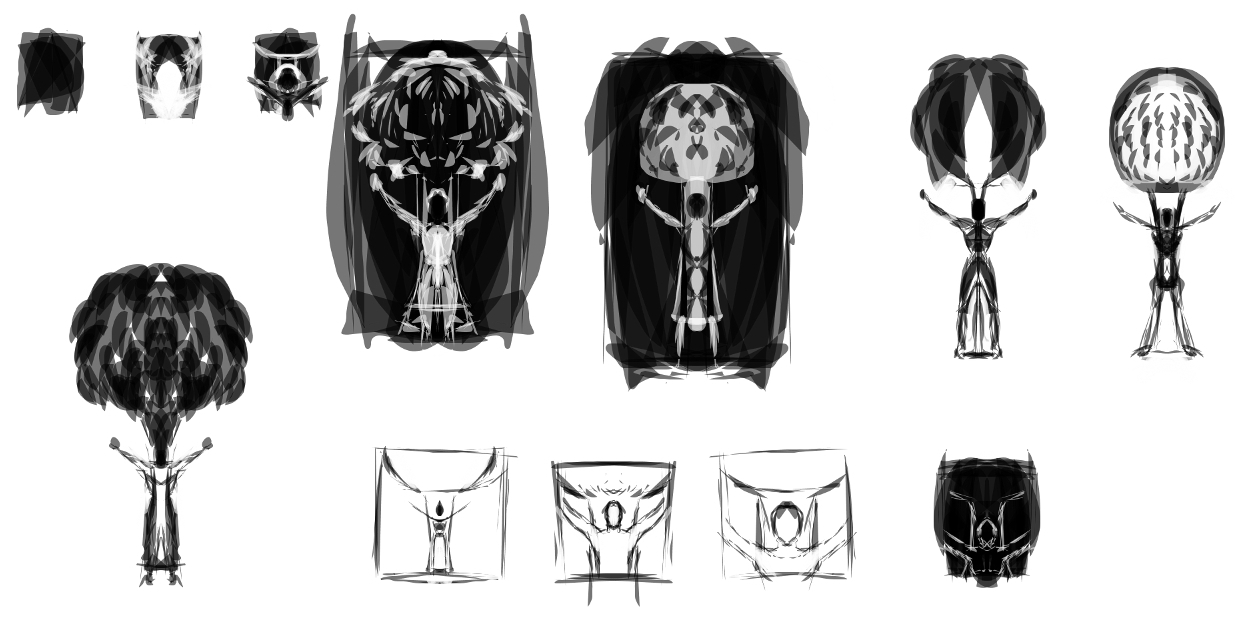
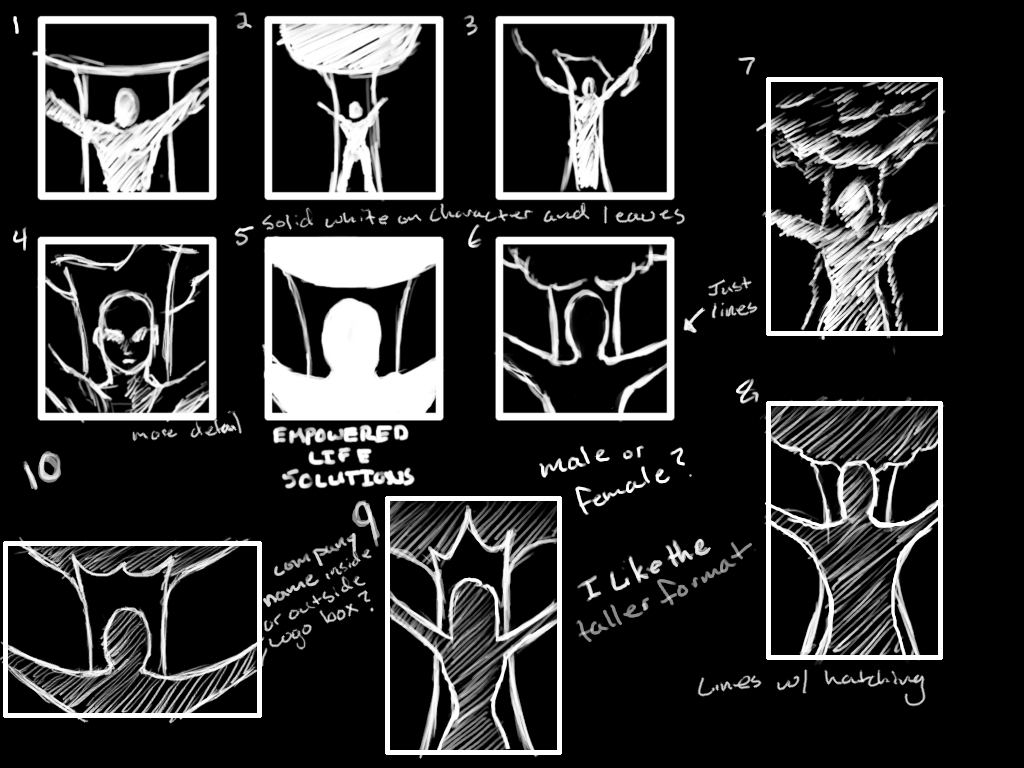
    Here are some of the process sketches and other ideas that we played with. Also a shot of website with the new logo.

  • The Lack Thereof | Things are coming

    The Lack Thereof | Things are coming

    Some of you might be thinking, that Will has passed away.  Or, how dare He leave us in the dark on what is happening in his world.  Well, there probably isn’t anyone out there who thinks that, but I do feel bad, some days, for not consistently posting.


    Things are happening though, and that is a good sign for me.  I got another commercial to post, two more Android apps by Thor Media, and some art as well.  Also, as I have mentioned before, I still want to do some videos for the Lenovo Thinkpad Tablet.  And focus on Sketchbook Pro and Photoshop touch with an artist/illustrator’s perspective.  I truly am in love with the device.  It has made such a good digital sketchbook.

    Also, on that note, I am planning on writing about some of the pros and cons to having a portable digitizer as a sketch book, instead of a normal sketchbook and pen/pencil.  As, I can’t find much about the subject on Google.

    And one more topic I would like to cover in the near future is my current operating system that I use for the bulk of my work.  Kubuntu.  I have bee using it for a few months now, and have a good grasp on what I like and don’t like about it.


    Then, I have one more surprise up my sleeve, that should make things feel better.  For me and for you.

    Thank you all for stopping by and taking interest in what I have to say.  Just knowing that there are people that take interest in my stuff makes all the difference.  Its encouraging, and I hope that I can return the favor.

  • Charcoal Drawing (Gimp Paint Studio 2.0)

    Charcoal Drawing (Gimp Paint Studio 2.0)

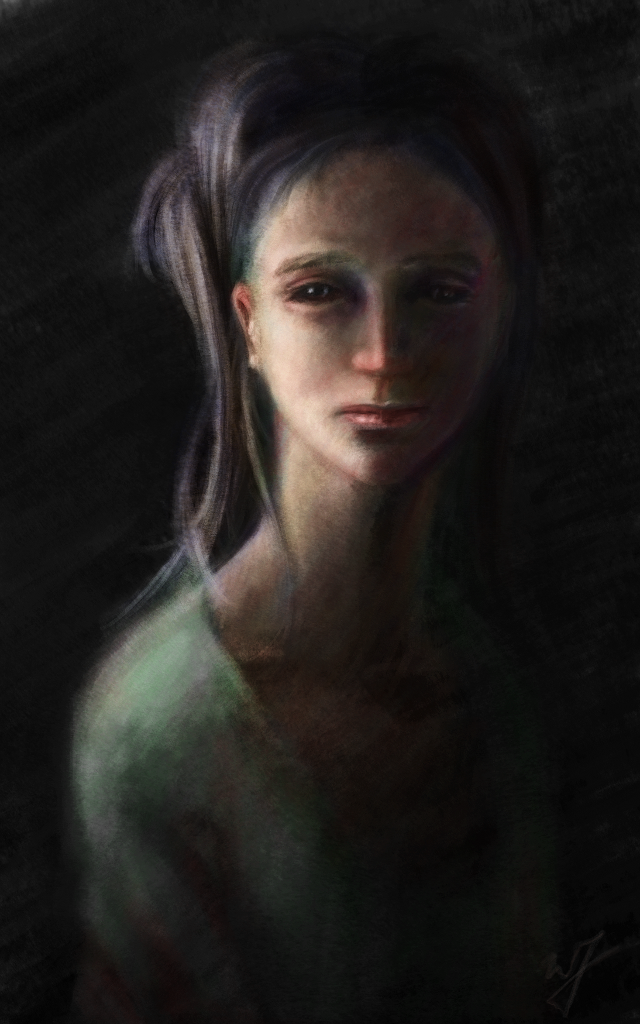
    Yes, another portrait.  I just cant’ express the feeling I get when I begin to see a face come out of the blank canvas.

    I actually tried to do a time lapse on the last painting that I did.  But I couldn’t get a desktop recorder to work correctly in Kubuntu.  But I managed to get something working this time around, so, ounce again, I can share my process with everyone.

    I really enjoyed the charcoal presets in Gimp Paint Studio 2.0.  I think I managed to get a very realistic medium look with this preset.

  • iCuff | Internet commercial

    iCuff | Internet commercial

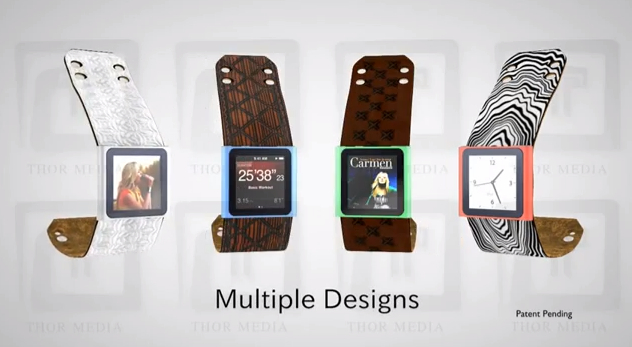
    This is a project that I started over six months ago, and just haven’t gotten around to posting yet.  I thought now would be a good time because of how long it has been since I have posted any 3D work.
    A little about this commercial.  Except for a little texture work in the Gimp, and the storyboard, this is 100% Blender.  I need to thank my brother Jacob for the advice, critique and the job.  I really enjoyed doing the manual match move of the watch coming off of her wrist, and the overall simplicity of the commercial.
    I am doing more 3D work, then I lead you all to believe.  It’s just the projects that I do VFX work for, are technically not finished yet.  This makes me unable to post that content until the final work is released.
    So I promise some somewhat impressive visuals in the future.  Things like full 3D environments with live action,  explosions, etc…

  • Rope the Beast | Gimp Paint Studio 2.0

    Rope the Beast | Gimp Paint Studio 2.0

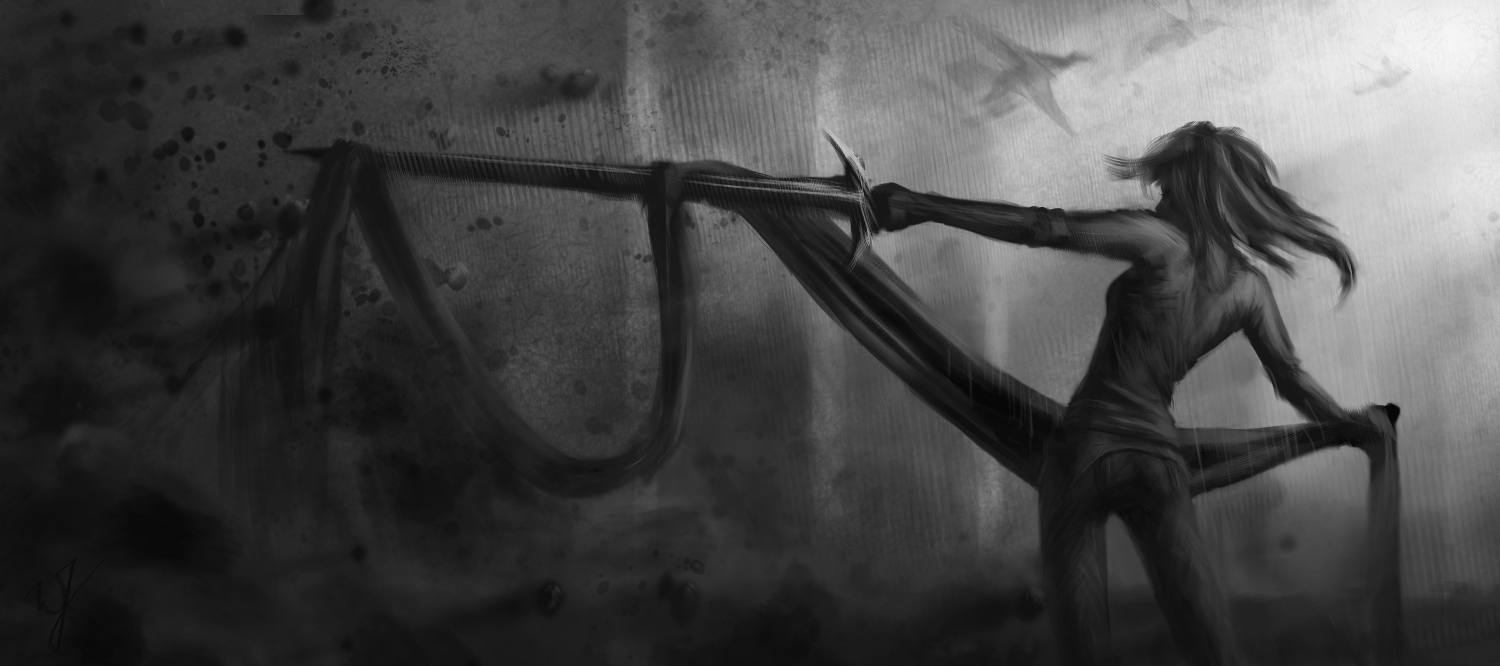
    This painting was done in Gimp Paint Studio 2.0 (GPS), and took approximately 3 hours to complete.

    This calls for celebration! Mr. Ramón Miranda was so kind to port Gimp Paint Studio (GPS) over to Gimp 2.8.

    For those of you who aren’t in the know on this. This is a wonderful set of brushes, color pallets and a slew of other stuff, geared for artists that use the Gimp. I really enjoyed using Gimp Paint Studio with Gimp 2.6, but when the move was made to Gimp 2.8, some of the functionality for the predefined brushes were broken. rendering it useless for my work flow.

    But the sun does come up in the morning, and this wonderful man has done a great favor for us all. And I dedicate this painting to him.

    ____________________________________________________________________________________________________

    For those of you who are interested in installing it, it is really easy.

    First go to the download page HERE

    And download these files:

    • sessionrc para GPS 2.0
    • GPS_Extras _old
    • GPS_Gimp_Paint_Studio_2_0
    When you are finished downloading the files, unzip them and dump them all in the Gimp 2.8 folder.
    In Linux this is located in you “Home” folder under your username, and it is hidden.  So, you will need to be able to see your hidden files.  To do this completely depends on the file browser you are using.  I suggest doing a search to find out how to make hidden files view-able for your specific file manager.
    In windows, by default, it will be located at C:\Documents and Settings\\.gimp-2.8\  .  It is also, most likely, hidden, and you will have to enable ‘view hidden files and directories’ in your view options.

  • Love’in the Lenovo

    Love’in the Lenovo


    Here is a painting (The Runner) and a few sketches I did, all on the tablet.With a total of about 3 hours of work time.  From laying down the initial sketch, painting, touch up, and making this post.  100% Android.

    The Lenovo Thinkpad tablet got its ICS update this past week, and it has made drawing that much more enjoyable.  the stylus is much more responsive, and there are some extra perks in Photoshop Touch, as well.  The button on the stylus is the color dropper tool, and you can see the cursor when you hover over the screen.  Which does help with accuracy.

    And here are some old folk studies that I sketched out on the Lenovo Thinkpad tablet.

  • Some Changes

    Some Changes

    I decided to make some changes to the layout of my blog and portfolio. I simplified the layout by removing the all the side bar stuff. The only thing that I really like about it were the label options, which would allow people to easily see certain posts in specific groups. (I might re-add the label options in the future, but I want to feel what it is like with out it for a while).

    Also, if you haven’t noticed I moved my blog to my actual domain name. If you use williamthorup.blogspot.com to get here, it should still work. But I recommend using this link from now on. http://www.williamthorup.com .

    And a few updates on future posts.

    I still want to do some recordings of my Lenovo tablet for anyone interested in getting one for a digital sketchbook. I just have to say that I am really enjoying mine, and for $300, it is a price that is very hard to beat. I will be going over some of the pro’s and con’s of the tablet, in relation to an artist, that I have noticed over the last month or so.

    Another quick note about the tablet, I predict that the price of the tablet will drop considerably in the near future, because of the the new 10.1 inch Samsung Galaxy note. It will basically be the only other 10.1 inch portible digital drawing/painting solution for artists, and it should perform allot better than the Lenovo, because of the built-in Wacom technology. But with that being said, from what I have read the starting price is going to be about $550. So, while waiting for that price to drop, I still think the Lenovo Thinkpad tablet makes a great alternative for digital sketching. Anyways, more on that when I actually get around to recording those videos.

    I will be posting about the third Android app that Thor Media LLC has just released. Just as soon as we get a walk-through video put together for it. If you want to check it now, we have a FREE and a PAIDversion. It really is awesome.

    And of course, I have other paintings, commercials and other small things I am working on, that I will definitely post about.  Also, the work on Templar Nation should be coming to a close soon, this will enable me to post allot of the work I did for that film.  Some 3D and 2D stuff.

    I want to say thank you to everyone who supports me by just coming by and enjoying my art and everything else I post about. Its good to see.
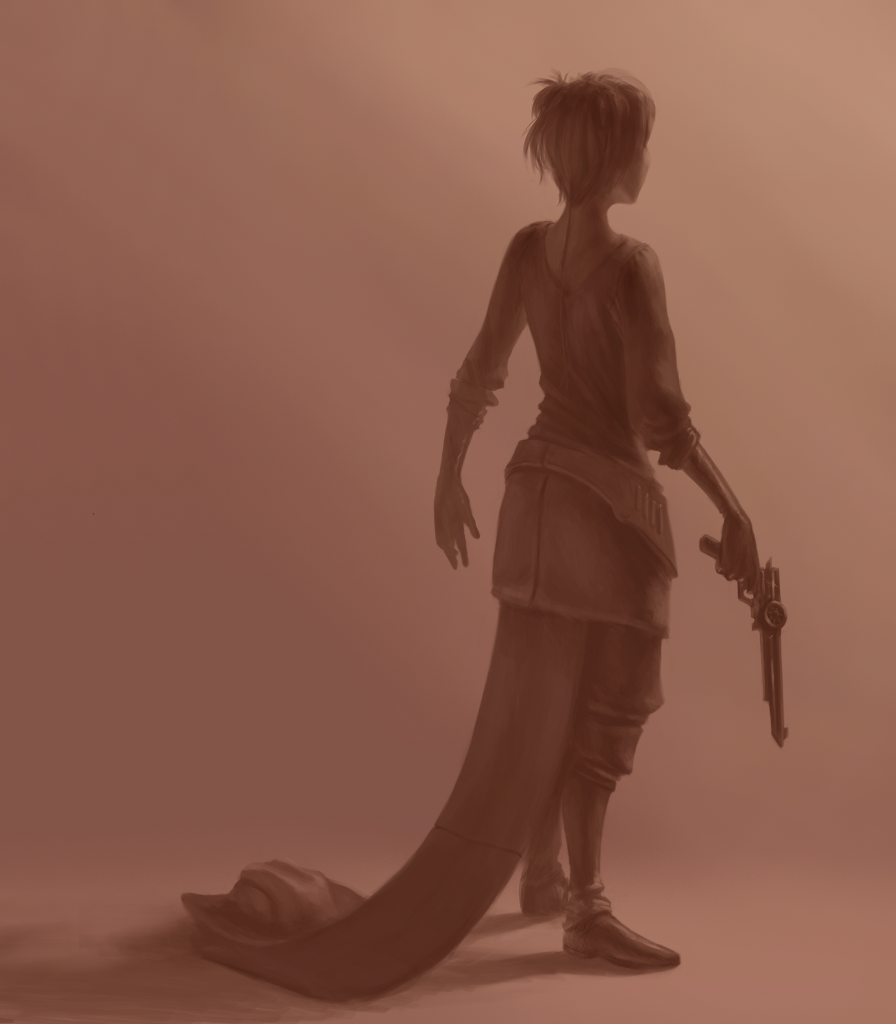
  • Pistol Whip

    Pistol Whip

    (Approx. 4 hours to completions).


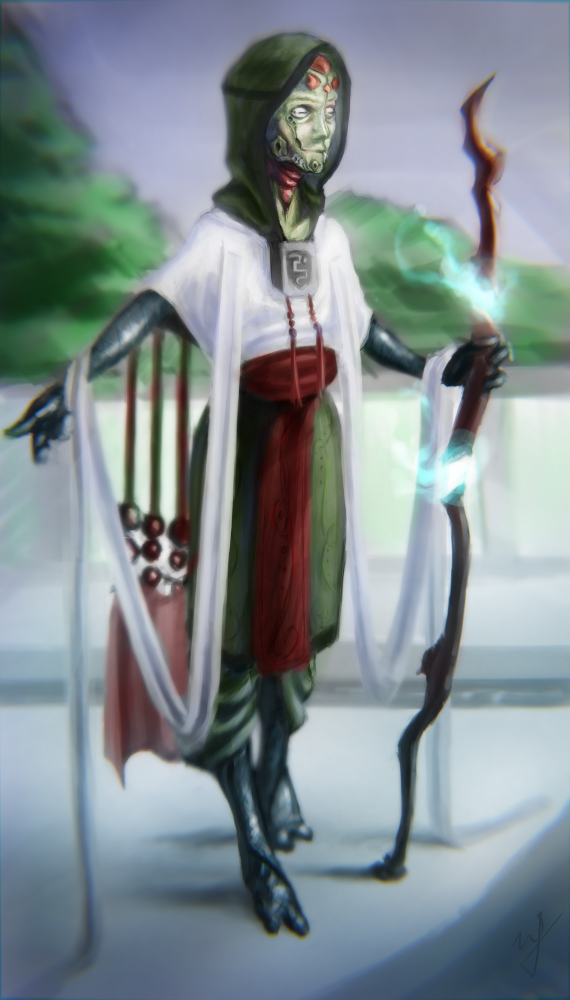
  • Terishian – Competition Piece

    Terishian – Competition Piece

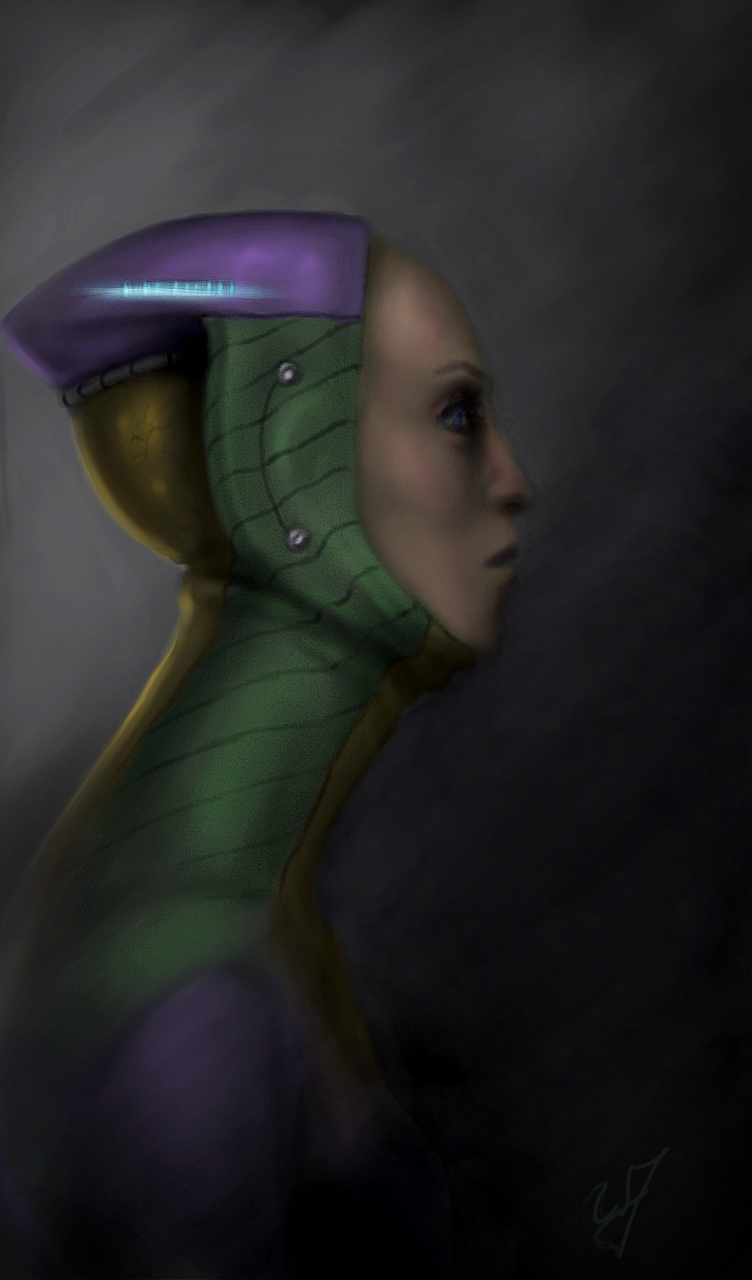
    Here is that competition piece I was talking about.  I encourage you to go and see all of the other, very impressive, submissions.  Lets just say, it was hard to post my stuff when going against artists with much more experience than I have.  But it is a good learning and humbling experience, and it helps me see where I need to improve.

    I also recorded my experience to share with you all.  Enjoy!

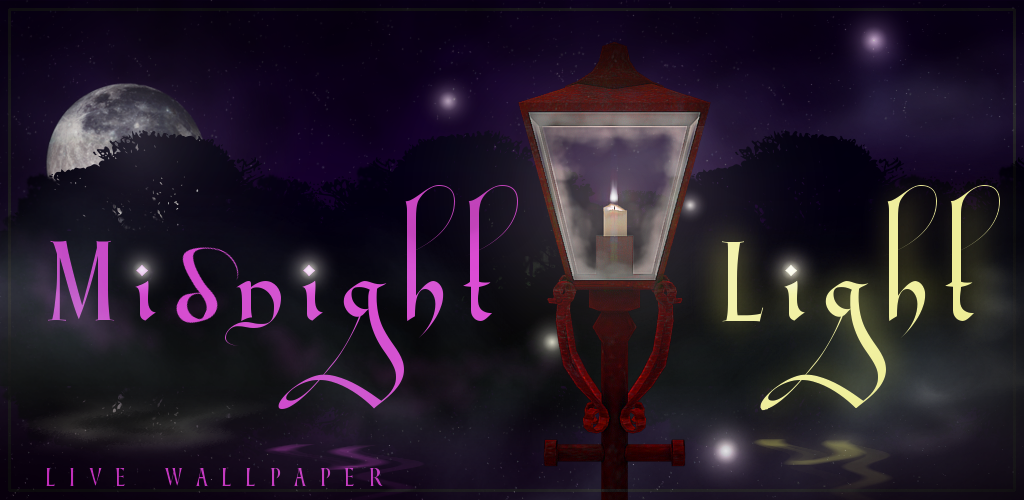
  • Midnight Light Live Wallpaper

    Midnight Light Live Wallpaper

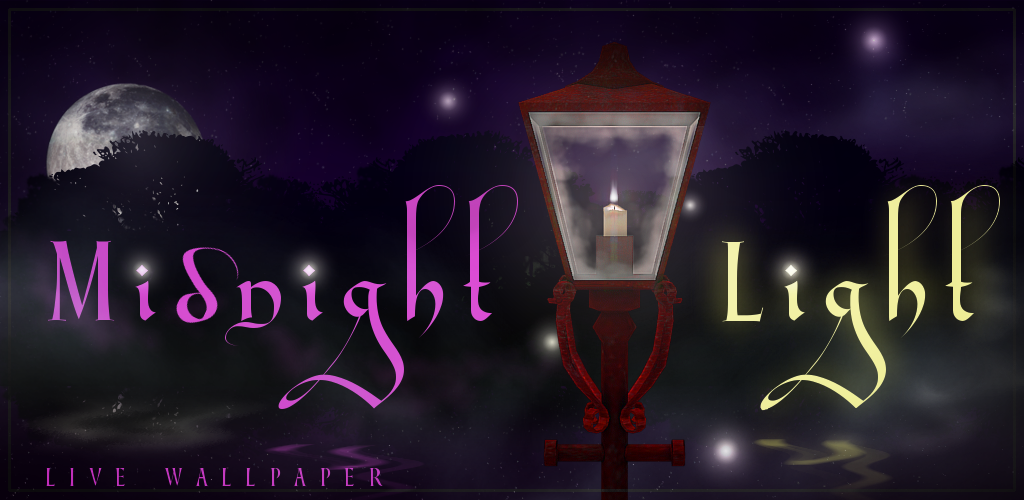
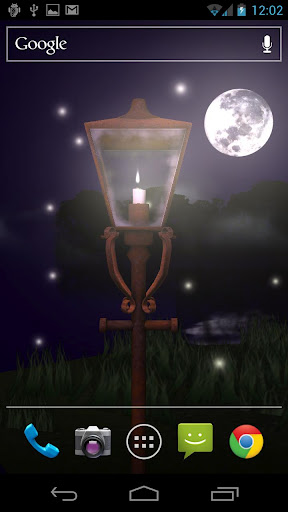
    Another Live Wallpaper out.  I did the concept and did most of the asset creation in Gimp and Blender.  Kudos to Bryce for all his hard work on the programming end of things, and getting it all put together.  He is a freakin genius.

    We at Thor media would be very grateful if you would go out of your way to purchase the app and review it. Or if you want to check out the free version and just review that, that would be great as well. Here are the links for the PAID and the FREE versions.

    Also, if you are interested, been doing some really simple web design on the the Android Development page on thor-media.net. Check it out!