William Thorup

Illustrator, Motion Graphics Designer, Animator, and VFX Artist

Category: Article

  • Bidding for a Kickstarter Job | Illustrations & Article

    Bidding for a Kickstarter Job | Illustrations & Article

    Working with Kickstarter, and people who wish to start a campaign, can be difficult. What rewards are you going to provide, how do you get people to take interest in the campaign, how does everyone get there rewards at the end of the day, and how does everyone who worked on on the campaign get paid. The questions go on.

    I had the opportunity to vie for the position as an illustrator for an upcoming Kickstarter campaign (unfortunately I can’t share more details, because I am under a non-disclosure). I didn’t get the job unfortunately, but I would like to share my experience so others who are looking to do this kind of work may have a bit of wisdom before diving in.

    no_blood_required_1_web

    Protecting Your Work

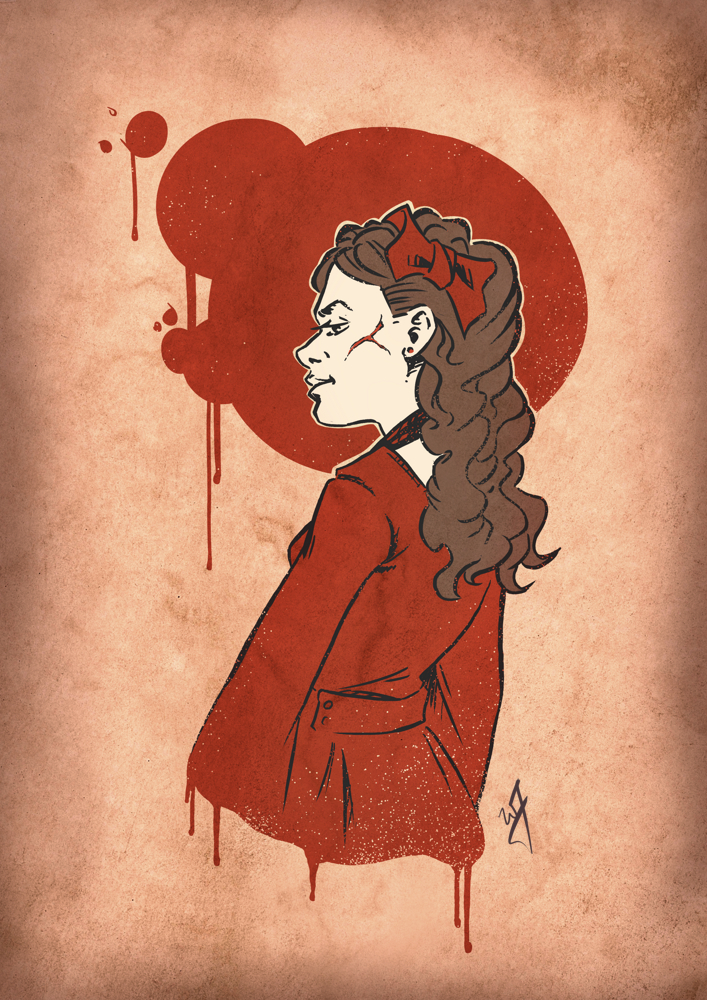
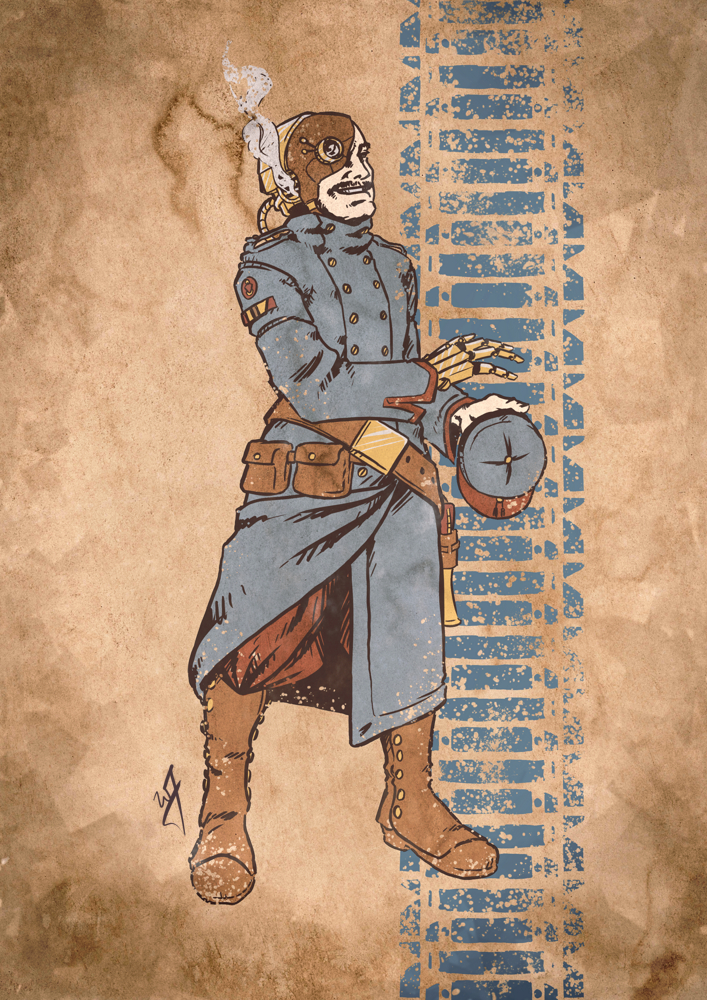
    The creator of the product, after showing me the specifics about the product, was very open with me about how he was shopping for artists to work on his project. He asked that I, along with others, would need to submit some examples of the art he was looking for.

    Naturally, when the campaign creator stars seeing all of these different character concepts will begin to hone down on the look he is going for. This is a great thing to do as a producer, but it does raise a few concerns for the artist. What if I don’t get the job, but the campaign organizer obviously uses your ideas, but with another artist, or, blatantly copies your works. What should you do to prevent and discourage this?

    “This will ensure that your work remains your own until you say otherwise.”

    First, rights to use your artwork can only be laid out with properly signed paperwork. Without paperwork they do not own anything about your artwork until you sign over the intellectual property of your artwork, or, you license the use of your artwork to them for a specific purpose. Communicate early on when working with a campaign organizer, that paperwork is required before they can use your artwork for anything, and preferably before you start moving forward with any art creation. This includes should include before prototypes of the product can be made with your work on it and marketing material that may include your artwork.

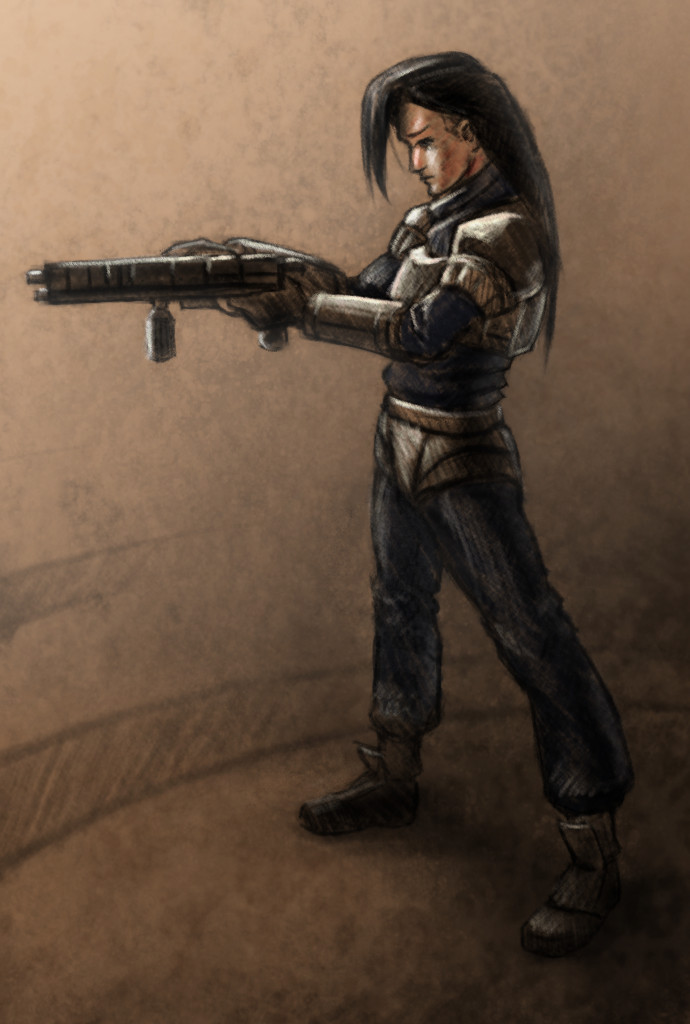
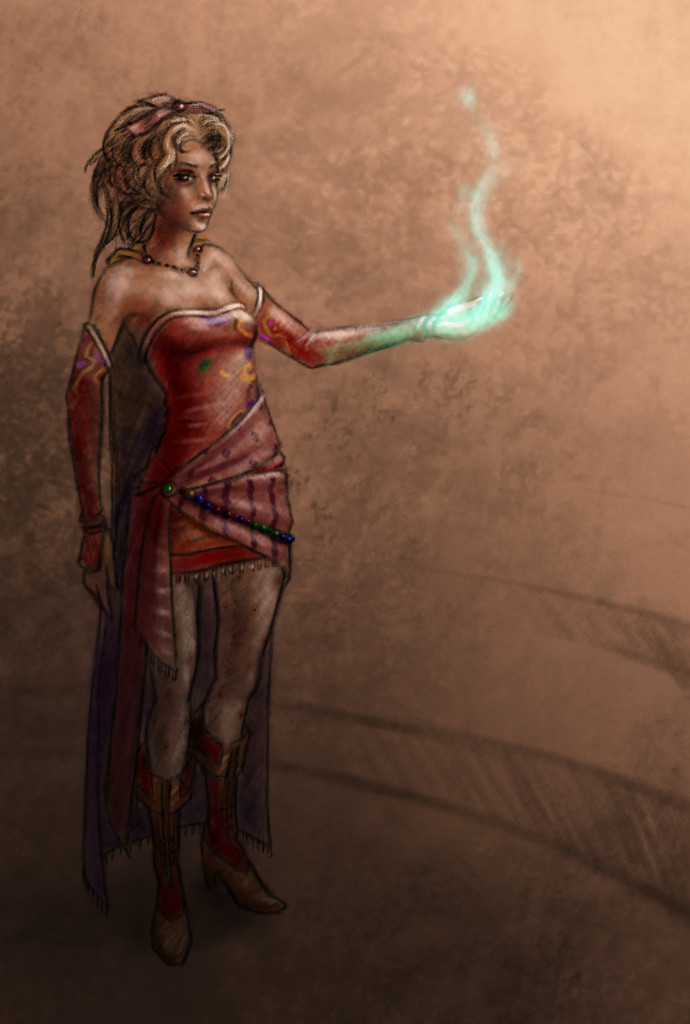
    What do you do to protect your work before paperwork. Add a watermark to your image that you send to them. It should include your name (or business name), the year, and a copyright symbol. And if there won’t be paper work for a while, I would add a message to the watermark that says “For Preview Purposes Only”. This will ensure that your work remains your own until you say otherwise, and discourage others from stealing your work. It sends a message that you are serious about your doing, that your work has value, and you are looking for an honest relationship.

    Working with other Artists on a Campaign

    It was pretty obvious that the campaign organizer I was working with had done very little planning for the Kickstarter campaign, or for a future business that may spawn from the Kickstarter. This isn’t necessarily a bad thing, and doesn’t mean they don’t know how. In fact, I am very thankful that this was the case, as it was an opportunity for both me and this individual to really explore what we wanted from the Kickstarter and beyond.

    With that in mind, here are a few questions to ask the Kickstarter Campaign owner/creator in order to better know where they might stand.

    • What is your campaign goal?
    • Who else will be gaining from the campaign funds directly? (partners, spouse advisory, close friends, etc…)
    • How will you be fulfilling campaign backer rewards?
    • After the campaign is funded and backer rewards are fulfilled, what are you planning on doing to do with your new product?

    There are more questions that can be asked, but these few will help you quickly determine how far along the planning is. Confusing answers or no answers to these questions could be a red flag for you, try to find someone you trust to talk about these answers with, to help determine how much of a risk your taking on if you do get the job.

    The Value of Art In Relation to Mechanics

    In the book illustration world, the artist along with the writer almost always receive a percentage of sales from the publisher. The percentage varies, and in this story the exact percentage doesn’t matter much. What matters is that the business world, publishers, artists, and writers alike all understand that art holds an importance in selling a product, both in marketing and in the user experience of the product. I included this concept in what I expected to receive monetarily for my work.

    “You work is not just a pretty picture, but can and should work with and improve the overall user experience.”

    At this point, I had already submitted my sample artwork, and they loved it. After this great feedback, they requested my costs. I sent them a base production cost along with an expected royalty based off of net sales of the Kickstarter product, out side of the Kickstarter campaign (future sales through distribution channels other than Kickstarter). The response I received was disappointing.

    The point of contention was the royalty. At first, the reasoning for them not wanting to give a royalty was because they considered me an non-established artist, and that asking for a royalty was inappropriate on my part. For anyone who might be wondering if valid train of though, it usually isn’t. They continued to try and talk me out of it, with the partially valid idea that I don’t bring much value to the Kickstarter, because I don’t have a large social media following. In the end I learned that this is what they were really looking for in the end, someone with an online following.

    This part of the story taught me three things. First, by sticking to my guns about the royalty, I was able to draw out what the campaign organizer was looking for, someone with an online following. This was definitely a part of the bill I couldn’t fill, and it was clear to both of us that I wouldn’t work out for his plans.

    A Kickstarter includes backer rewards that will include your artwork on other giveaways other than the product itself. This could be signed prints, your signature on on the product, unique artwork for specific backers, etc. Just remember if your artwork is going to be prominent on the product, it will probably be prominent elsewhere, and there isn’t any reason why you shouldn’t get a kickback for that.

    The third thing I learned, after counseling with other business professionals, research, and just my gut feeling, is that the value of my work can, and probably should, extend beyond just the cost of production. You work is not just a pretty picture, but can and should work with and improve the overall user experience. Not to mention it’s use in marketing materials to help sell the product. Anyone who doesn’t understand this on some level, is someone I don’t want to work with.
    tanks_and_steam_1_web

    Pricing Yourself

    What you should charge your client is always a difficult question to answer. Keep in mind I am talking about the base production cost to produce the art, or the time it takes to actually draw your pictures. When pricing yourself out, here are a few tips.

    “Getting a good sense of this information allows you to ask informative questions, and formulate an informative decision…”

    Research was a great starting point. Now you won’t find much about making artwork for a Kickstarter, but, there is standard pricing for illustration work. Everything from book covers, to card games, to children’s books. Getting a good sense of this information allows you to ask informative questions, and formulate an informative decision on how much your worth. My biggest help when finding an answer to this was getting on forums, and talking with people you who might have expectations for pricing out art, and other artists. Don’t be afraid to shoot a message to other artists that have been pricing themselves out for years.

    As for technically how I came up with a number. Doing the sample pieces actually helped out allot. Because I had done the few example pieces, I learned what the campaign organizer was looking for in a final piece, and how long it took me to create it. At this point it was a matter of counting how many paintings I needed to do for the project, multiplying that by my hourly rate, and then adding a bit on top to account for revisions, and variable research time. Don’t forget your research time.

    If the client doesn’t like your honestly calculated numbers, you have a few options. Standing your ground is what I would suggest. It tells yourself and the client that your work has value, and that you want to establish an honest relationship. This is a situation good for everyone.

    The other option is to lower your price. If you lower your prices, after calculating a number that is truly fair according to what you know, and you get the job, you will now be working with the knowlege that you aren’t being paid what you are worth. This will effect your work, most likely negatively. Your establishing, consciously or sub-consciously for both you and the client, that you aren’t actually worth the money that you think you are worth. This situation is not good for anyone or the project itself.

    Client’s will sometimes come back with comments like,”Well, this other artist is only asking for half of what you want.” If you believe that you are giving what the client wants, then this isn’t a competition with other artists, and they are saying this to drive your price down. Also, at this point things become very subjective, if they can afford every artist that has submitted artwork, they will end up picking the artist they like best. Comments like this also usually mean they like your artwork, but they don’t like the price. If they like your work, they should like your price, unless they simply don’t have the budget to afford you. In that case they should find someone else, or scale back the amount of work they need done if possible, in order to afford your work.

    no_blood_required_4

    If You Don’t Get the Job, What Do You Do?

    Ah… The best part. Dealing with rejection. My best piece of advice is to explore the experience. That is the primary reason why I am writing this article. It is an opportunity to reflect on what you learned, what future expectations should be, share what you learned with others, and a take a chance to enjoy the process.

    The work you might have done for free doesn’t have to go to waste. Include it in a portfolio targeted at similar Kickstarter projects, and go find more work. With your new found experience the next fish should be easier to catch.

    Conclusion

    Overall the experience was great for me, and I believe it was good for the campaign organizer as well. It helped me better appreciate the value of my work, how to communicate that value to others, and what to look out for when it comes to forming partnerships for specific type of project. I hope that this helps someone out, let me know if you have any questions or comments.
  • Atari ST | SatanDisk Partition Loss Fix/Modification

    Atari ST | SatanDisk Partition Loss Fix/Modification

    So I have had my SatanDisk for about a year now, and it has been an absolute joy to use. Transfering files to and from my Atari ST to a modern computer is a snap. It allows me to work on my pixel art easily (I need to post some of this some day…), and allows me to back up my programming work easily as well. If you are still and avid Atari ST owner, I highly suggest at least getting this. There are some better options out there now (like UltraSaTan and CosmosEX), but this one is so simple to use, and relatively cheap to get.

    With all that it has going for it though, there is one thorn I haven’t been able to pull out since the day I bought it. Seemingly random partition table loss on the SD card, making data hard to restore without using a hex editor. Sometimes the partition table becomes corrupted when I power everything down, or forget to power off the SatanDisk before pulling the SD card. All I know for sure is that it is happening, and I am not the only one who has had an issue with it.

    When I set out to see if others were having a similar issue as I was, information was sparse. Most people were complaining about a flaky DMA chip (way over my head kind of stuff), but all these users were dealing with STe and Mega ST’s, I am still using my lowly 520ST. Then when poking around Jookie’s site (the creator of the SatanDisk, there was a listing in the Download section about someone else having the same problem as me, and on the 520ST.

    After examining the two pictures included in the fixes ZIP file, I soon realized that the SatanDisk I had bought from this seller on Ebay (seller: darekp324 ) was using a different PCB layout than the original schematics. This is the main reason why I am doing this post, to help those who may have bought the same model of SatanDisk I did. This mod keeps the SatanDisk from ruining the partition table on the SD Card. Lets get started.


    Tools and Supplies

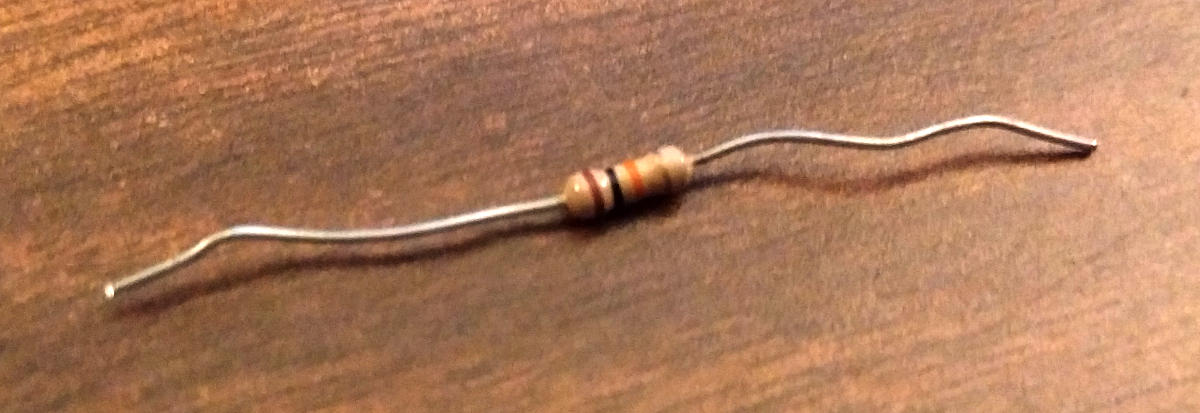
    You will need your trusty soldering iron and some solder. A pare of wire snips, and a 10K ohm resistor (colors: brown, black, orange, gold). A small flat head screw driver and a hammer.

    resistor_10kohm

    10K ohm Resistor

    Opening the Case

    The maker of this particular SatanDisk decided that a permanently sealed 3D printed case was the solution to encasing this wonderful device unfortunately. And if you are worried about damaging it a little bit, then this isn’t the tutorial for you. We will need to take the top and bottom layers of the case off.

    Put the case on it’s side and using the the flat head screw driver, find a point to split the case open about 1/2 cm from the top of the case. A couple taps of the hammer on the screw driver should begin to drive the layers apart. Now just work your way around the edges, separating the top from the rest of the case. Do this for the bottom of the case as well.

    Soldering Points

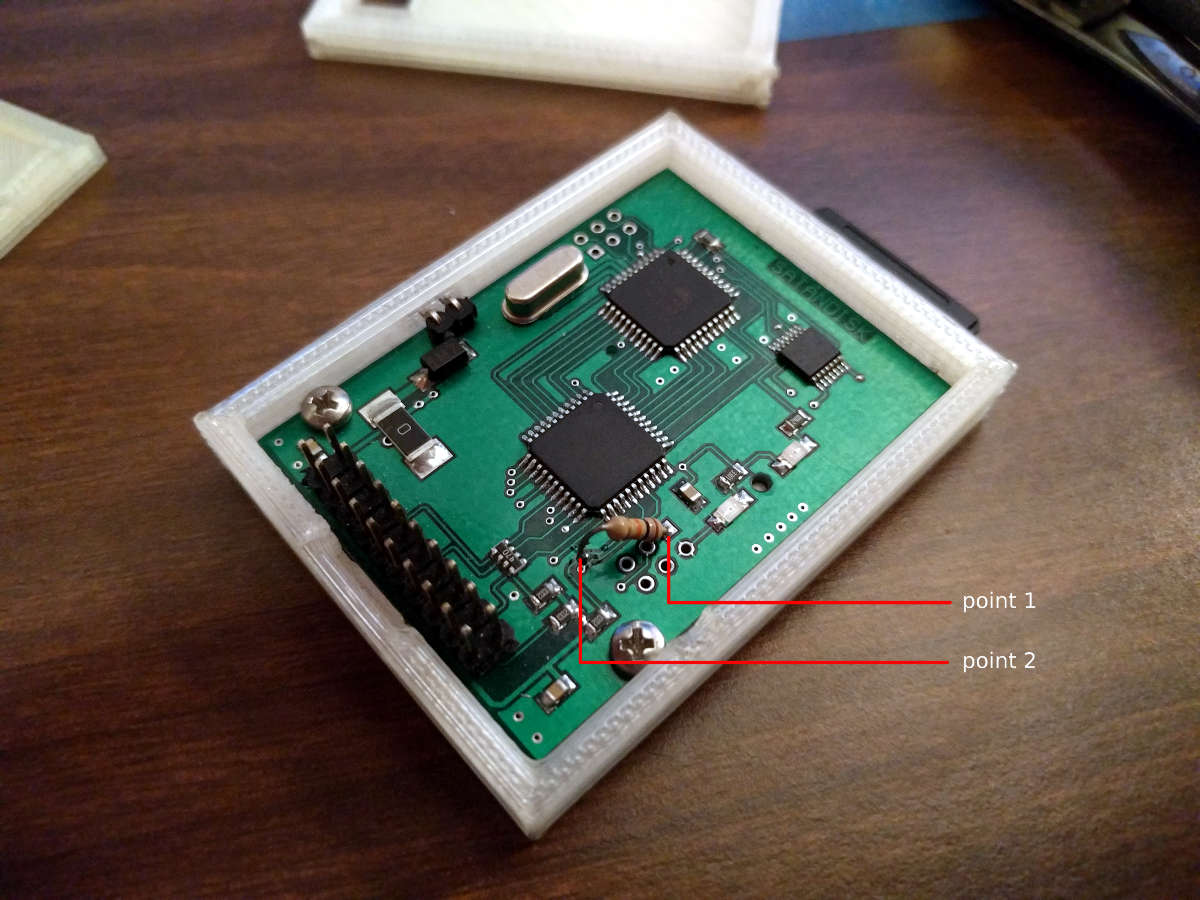
    This is where you will save a bit of time, about 10 minutes, because I was able to determine where to attach the resistor after following a few traces. Here is a picture. Solder at the points marked. Point 1 is a through-hole, and you will be soldering on the back, while point 2 is on the top surface of the PCB and will require very little solder to attach your resistor to it.

    satandisk_diagram

    Click to Enlarge

    After soldering your resistor, you will be done. I just used some tape to put the case back together, or move it to a different case, and you are good to go.


    Fairly easy, and I hope it saved you a bit of time. I have tested it somewhat thoroughly. Pulling out the SD card while everything is powered on, power cycling the SatanDisk, etc… and the partition table lived through it all. Please let me know if it didn’t work for you, so I can reassess where the resistor needs to be soldered. Time to go play some Rodland.

  • Weekly Sketch Review | Turkey Dinner

    Weekly Sketch Review | Turkey Dinner

    Another round of highlight worthy sketches for another week. Enjoy! If you wish to stay a while, this week I wanted to talk a bit about persistence and consistence. This topic comes from encountering some emotionally down points when drawing and painting recently, and an article posted by Wacom. A short interview article with an amazing Disney artist, Aaron Blaise, about his “Four Tips for Artists Who Want to Succeed”.


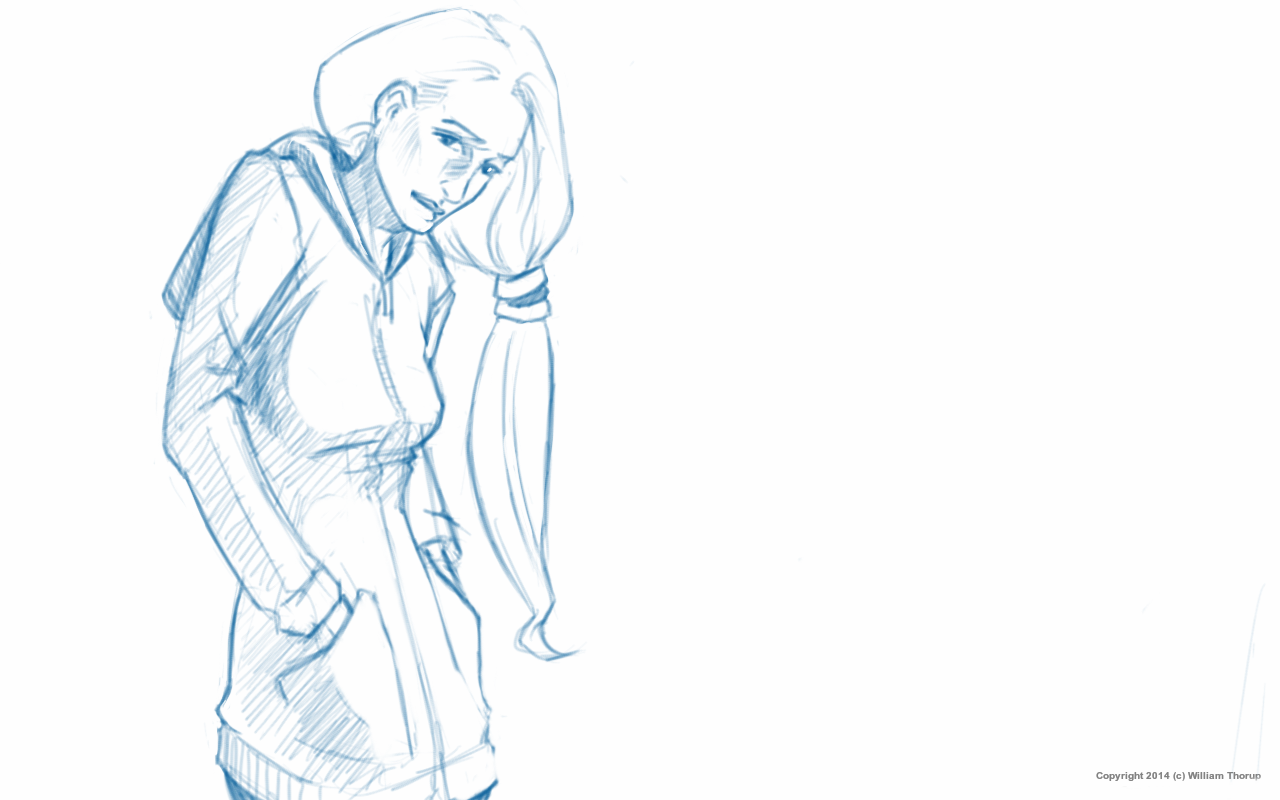
    Sketch30124719_1

    The article touches on two things that I have discussed before, but are so important that, talking about them again will help me reaffirm their importance for myself, and hopefully others. I will try to tie these into my feelings as of late, which I believe many artists, aspiring artists, go through on their, long, artistic journeys.

    Persistence

    This is my new favorite. I have found myself to be stubborn from time to time, more often then I think probably. Thankfully, this is a blessing, more than a curse most time. With that stubbornness comes the drive to continue to learn new things, and to learn them well. This has been very fulfilling in most of my endeavors, including art and programming.


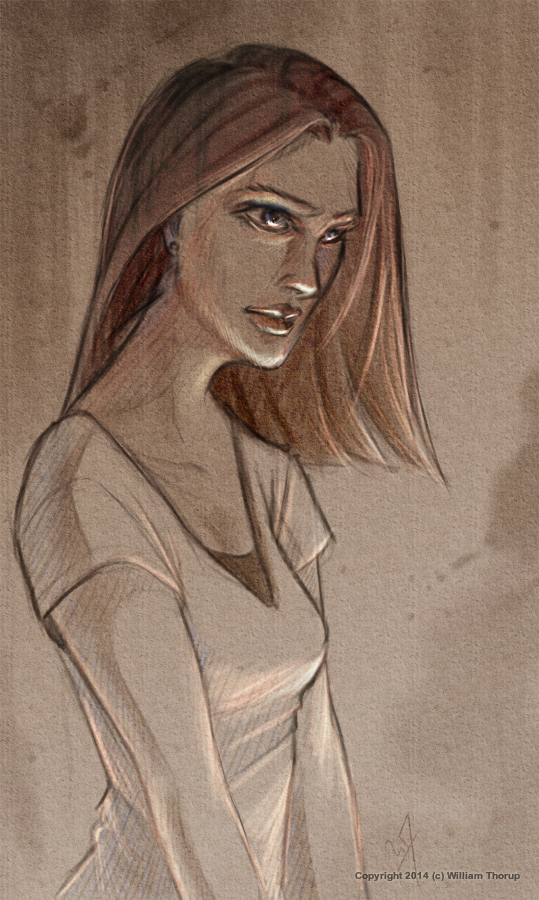
    Brown Portrait

    This stubbornness does not come without it’s down side though. The most noticeable adverse effect that I see is burning out. When I am pushing through a project, and I am churning out good results, then the end of the project rolls around, one of two things usually happen. The feeling that I have done enough, and I can take a brake (the biggest lie!), or, the feeling of zero inspiration. Of just not wanting to do what I was doing anymore.

    These two points are where I think persistence contrast stubbornness in the extreme. When one is persistent, they will continue with something with confidence in a good result. Okay, stubbornness will get us that far as well. Now here is the difference. Moderation. To push through a project is one thing, to push through a project at a steady pace is another. This leads to my other favorite point.

    Consistency

    Ah consistency. For those of us who feel we have a million things we are doing everyday (whether its true or not), consistency is like the Holy Grail. We write to-do lists, we setup reminders on our Google Calender, we try to develop habits, and 90% of the time, we fail. It’s not that we aren’t getting things done, we just are not reaping the benefits of being consistent.

    My personal experience with consistency has always been good, when I am consistent. My abilities, with whatever I am consistently doing, obviously increase. I feel better about what I am doing, and I can’t wait to see what I produce.

    So, what’s the problem with trying to be consistent, and why is it so hard for me to do? And, why do I go overboard with persistence? I have been able to narrow it down to a few things so far.


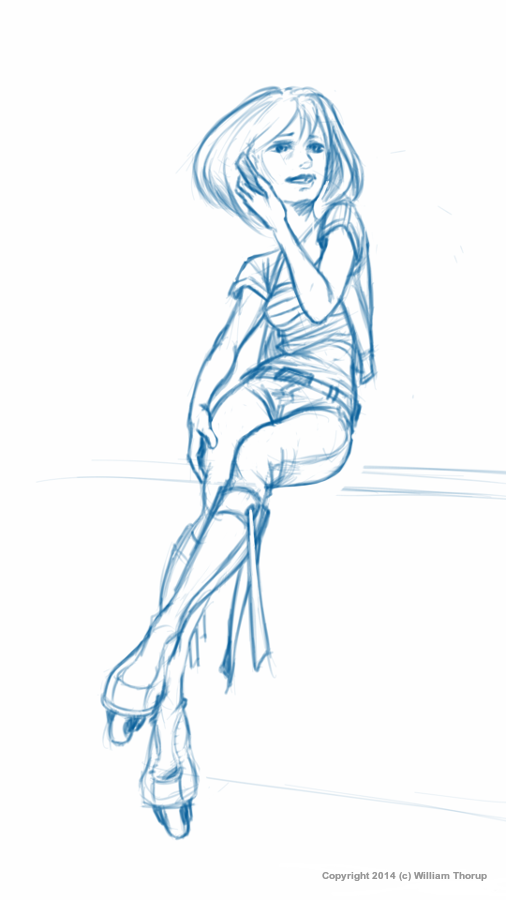
    Sketch42154448_1Sketch300191945

    Turkey Dinners Always put Me to Sleep

    It not necessarily just the turkey, but instead, how much food I put on my plate. Unfortunately, I am not talking about my dietary habits in this instance. Earlier I mentioned people who have a million different things they are trying to do, I am one of those people, and I don’t like it either. Problem number one. I have always been curious, and I was raised to try things, and fall in love with what I try. Problem number two. There is the complex anxiety of knowing that I wont be able to accomplish everything that I wish to, because there just isn’t time to do it. Just like that Turkey dinner, you may be able to get it all onto your plate, but it doesn’t mean you are going to be able to cram it all down.

    The closest artistic analogy that I can think of to fix this is to reduce your pallet. Pick out the colors that you think will tell the story the best. Now by applying that idea to what I put on my plate for dinner… Maybe I should prioritize the things that will define me best as a human being, and tell my story in the best way possible, to future generations. Easier said than done. How do I know what will tell my story the best? I don’t know. Maybe a bit too deep, but I believe it is something we should all consider on our artistic, or our non-artistic, journeys.


    Take the time to look through some of Aaron’s great instructional videos on his website. I just watched a video about straight and curved lines, nothing new for me, but definitely something I am not consistent with in my line work.

  • Atari Jaguar | 20 Years – Do the Math | Anniversary Video

    Atari Jaguar | 20 Years – Do the Math | Anniversary Video

    Isn’t it amazing? A console that was so commercially unsuccessful, is still very much alive and kicking today. This console did much worse than the Sega Saturn commercially, and for a console that is under the great Atari name, this is surprising, and was quite surprising back then as well.


    For those of you who aren’t familiar with the Atari Jaguar, click on the name to go to the wiki, or continue reading for a quick run-down of what this console generally is for many fans.

    Without going into much detail, lets just say that the Jaguar’s history is rough. It was released in November 1993, with much anticipation. At first it did well, but unfortunate set backs began to determine it’s future, early on in it’s life. There are many reasons for it’s commercial failure, but I really only one focus on one for now.

    The leading consoles of the time had something that the Jaguar couldn’t really get a handle on. A mascot, a title franchise, a symbol, to help sell the console. While Nintendo had Super Mario, and the Legend of Zelda, and Sega had Sonic the Hedgehog, Atari really didn’t have much in the way of recognizable characters or symbols or something that the player could relate to on a more personal level. Besides their logo and maybe Pacman, they didn’t have much. (Ironically there was never a Pacman game on the Jaguar.) The arcade generation was beginning to close around this time, and titles like Tempest, Centipede, Space Invaders, and Pacman didn’t appeal to a larger audience as a whole. Players wanted story, worlds, and most importantly, characters.

    Sure, Atari tried to create mascots with Bubsy and Trevor McFur, but these characters lacked appeal, not to mention, the games they were in, weren’t that much fun to play. So, as consoles with more appealing franchises took the market, the Jaguar slowly sank into the background, and eventually disappeared with the advent of the Playstation and Nintendo 64. The third party developers moved on from the console, and, in 1996, Atari was sold off. Also, official support for the Jaguar ceased.


    Willy-Wonka-Meme-oh-youre-a-retro-gamer-please-tell-me-how-great-the-nintendo-64-is_thumb

    With all of it’s faults, the Atari Jaguar was still revolutionary for its time. It was one of the first consoles to push out games that were entirely 3D. Titles such as Iron Soldier, Hover Strike, Battle Morph, all showed that the Jaguar was leagues ahead of it’s competitor’s. And while Nintendo, Sega, and Sony didn’t really have any sort of online capabilities until 1999, the Jaguar had support for online and locally networked games. Which included the only console port of Doom that had multiplayer support. As for those who grew up in the arcades, this system had amazing reincarnations of arcade classics, such as Tempest and Defender. And for the people who grew up with Atari, those who played the games, or programmed for the systems, who went to the arcades, the Atari Jaguar represents a culmination of everything that made Atari what it was.

    This brings me back to why the Jaguar is still going strong. The last system that Atari ever made, and the embodiment of everything that Atari was. For someone who grew up with Atari this means allot, and is one of the pinnacle reasons why my brother and I want to make games for the Jaguar. Not because we want to make games, but because we want to make games for a console that represents our childhoods. Proving that a console’s success isn’t based solely on sales. That a community of dedicated gamers and programmers can bring value to a system, and hopefully the bi-products of that dedication is good games.

    download

    In May of 1999, the hardware, and development code was released into the public domain. Allowing developers to make and release games without having to worry about licensing. This is the catalyst that allowed the community to grow. This along with that dedication to the Jaguar is what allowed for many titles that were initially canceled, to be restarted, and eventually release later on. That dedication, is what kept developers together, and has given us great titles like Downfall (produced by Reboot), and Elansar (produced by Orion), Games that were released 17 years after the console’s “death”. Very few consoles can tout that they have this strong of a community, many years after official support has ceased. It is a testament to the consoles quality, and the quality of people who support it.


    43223733


    I am not sure where the Atari Jaguar will be in another 20 years, but I am enjoying the great success it is seeing today. BitJag hopes to contribute to this success, and we hope to see many more people flock to this console, and many more games in the future. Here’s to 20 years of the Atari Jaguar.

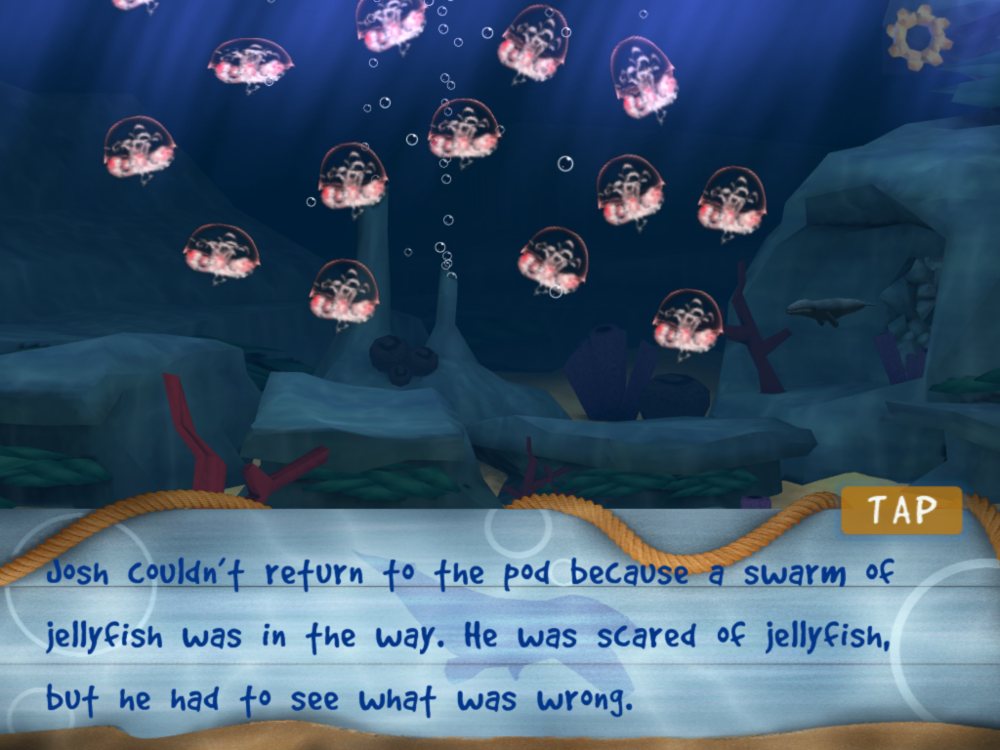
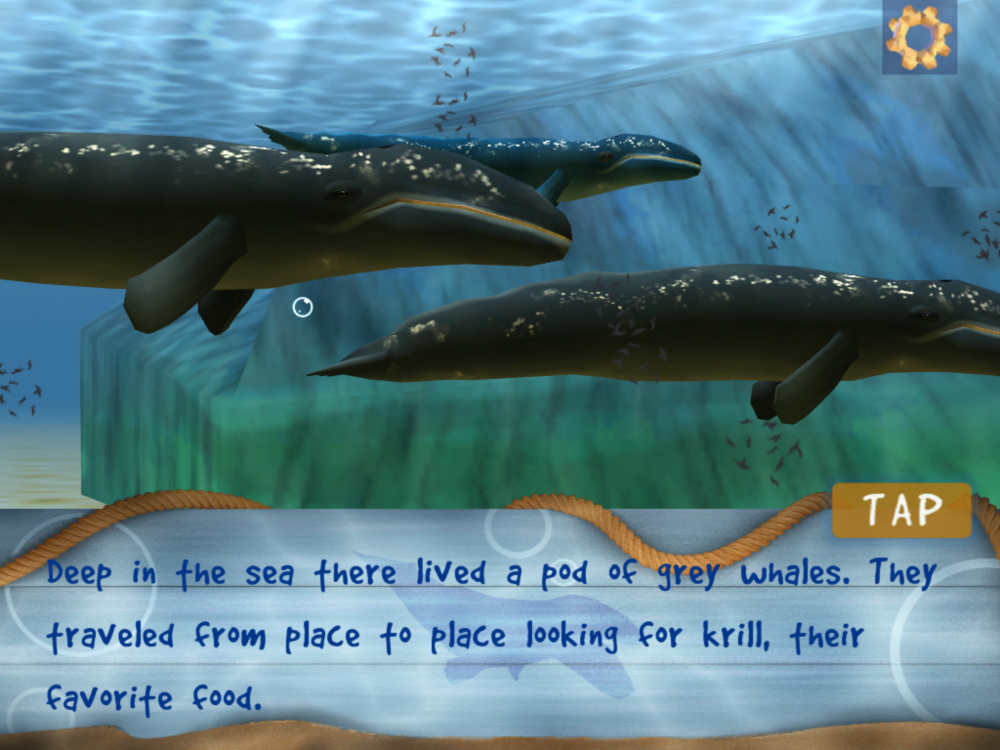
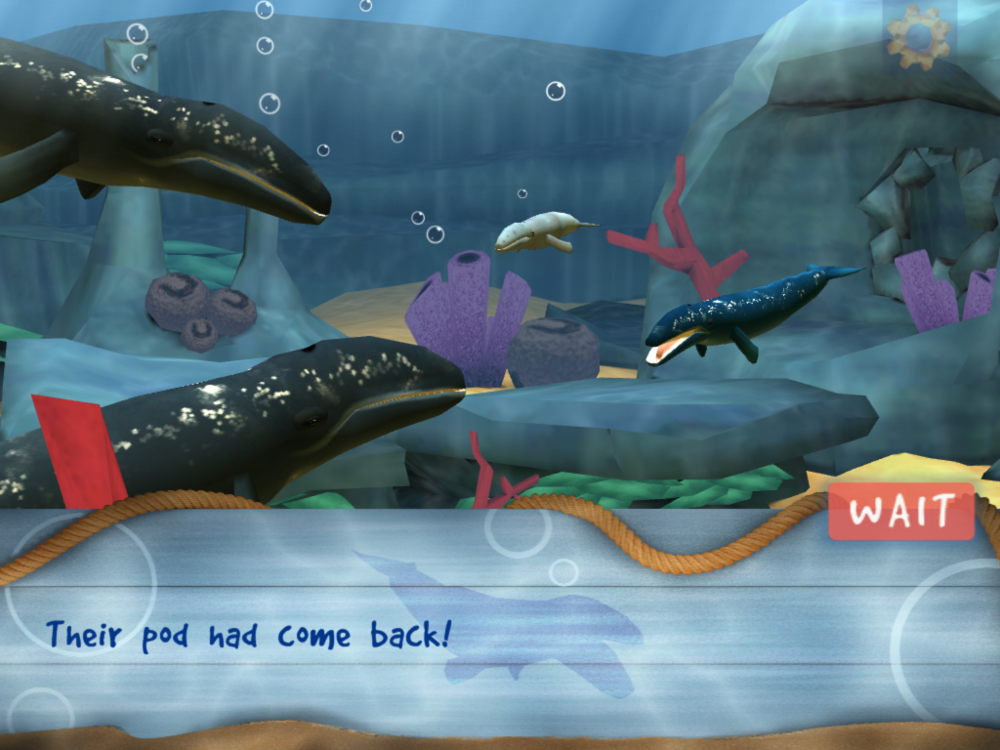
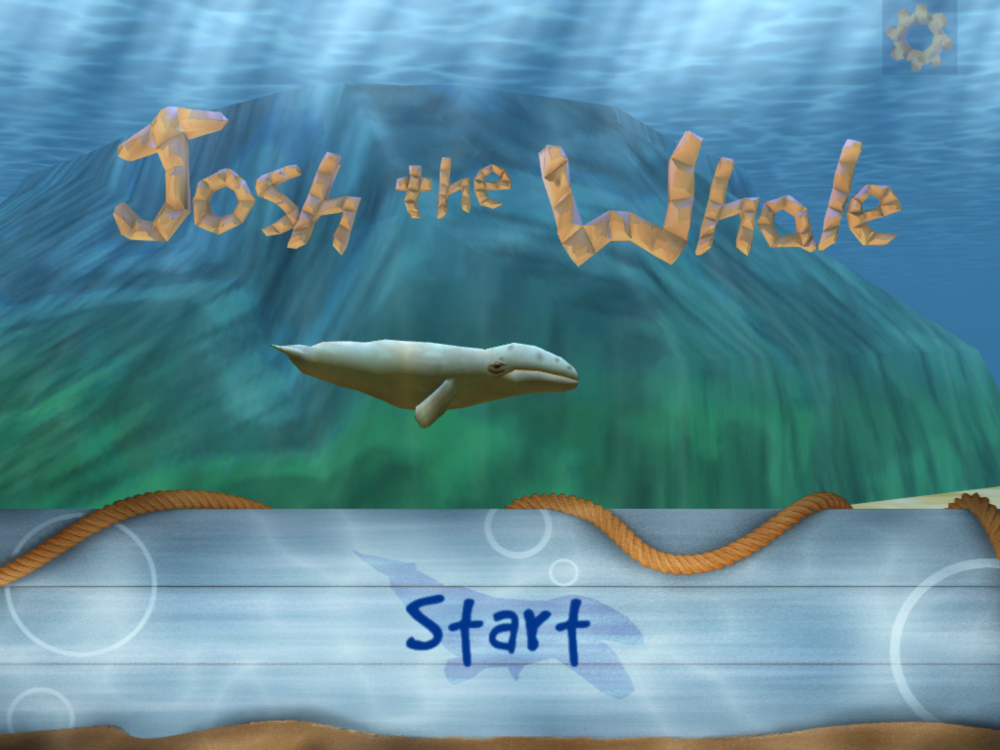
  • Josh the Whale | Project Review

    Josh the Whale | Project Review

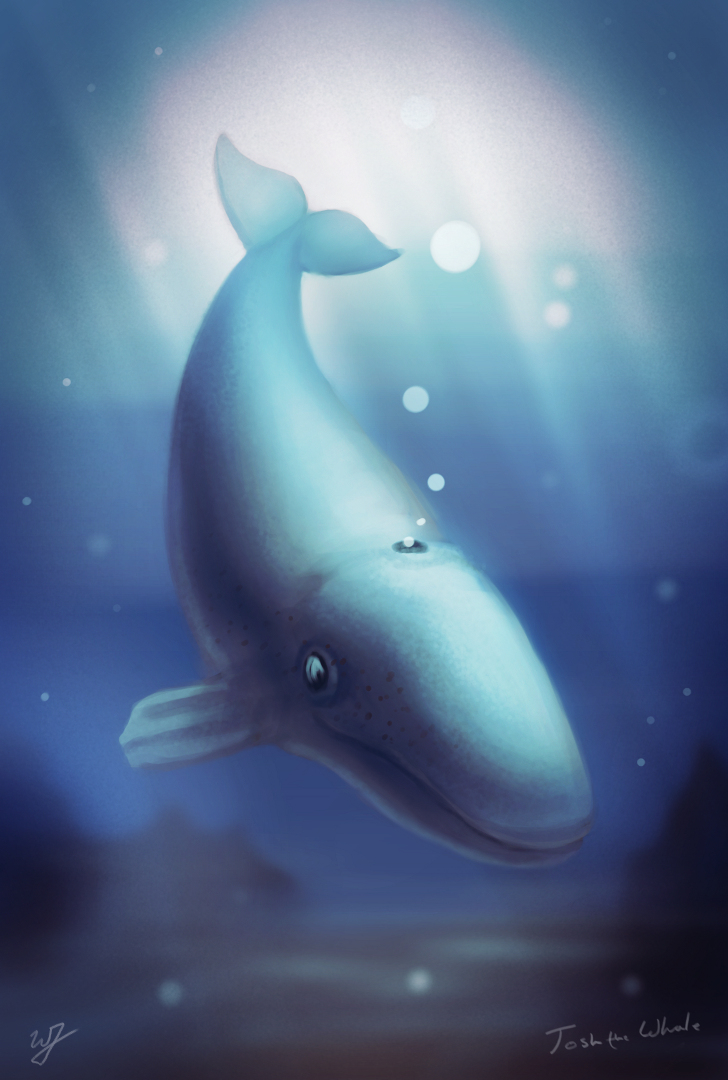
    Josh_the_whale_V3_FEATURE

    icon_128x128android app on google playApp_Store_Badge_EN

    My brothers and I really like video games, and we are trying to get to the point where we can bring our creative visions to life. The process of learning, building,  and refining has been great for us, and it’s not as easy as some may think.

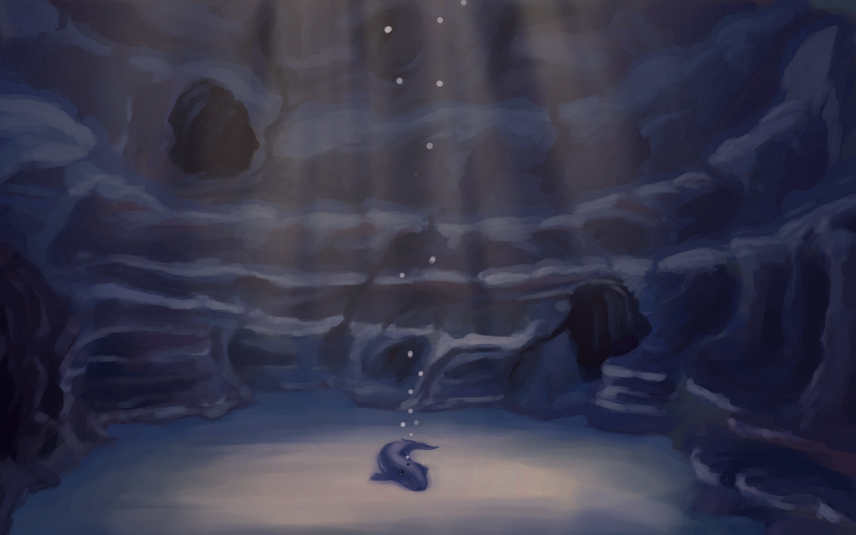
    The project “Josh the Whale” started soon after trying to land another app project for another children’s story book and not getting it. We thought that kids books might be the way to get the attention of local children’s book illustrators and writers, and so we began the search for a story. We wanted a project that we could use, not only to attract clients, but to also use as a template for future projects. We also wanted it to be something that we really cared about in order to motivate ourselves to create a good finished product.


    Play cave Concept_1explore zone


    This is really the reason that we chose Josh the Whale. Originally a short illustrated story that our older brother, Aaron Thorup, wrote when he was in the third grade, we thought that it wasn’t just a good story about self-worth and perseverance, but it also had a good selling point. Whales and underwater stuff seem to go well with children, so, not only were we planning on entering the kids entertainment market, but we also had an attractive theme that should sell.

    So we started. The first step was to get a solid script, based on the original story, written to base all the programming and visual aspects of the game on. The rewritten story, and the script, came together pretty fast, and with Aaron’s approval, I was able to begin on visual concept, and Bryce was able to start working with Shiva 3D (our 3D engine).


    josh concept_web

    Mainly because of a lack of experience on my part, we planned to have a finished product by December. Basically, we did not take into account the learning curve Bryce would have with Shiva 3D. Bryce was picking up the new API, which was quite a bit different from what we were using for our live wallpapers. So, it turned into 6 months instead. We also had other video projects mixed into that schedule, but overall it was just the amount of learning needed that extended the schedule.

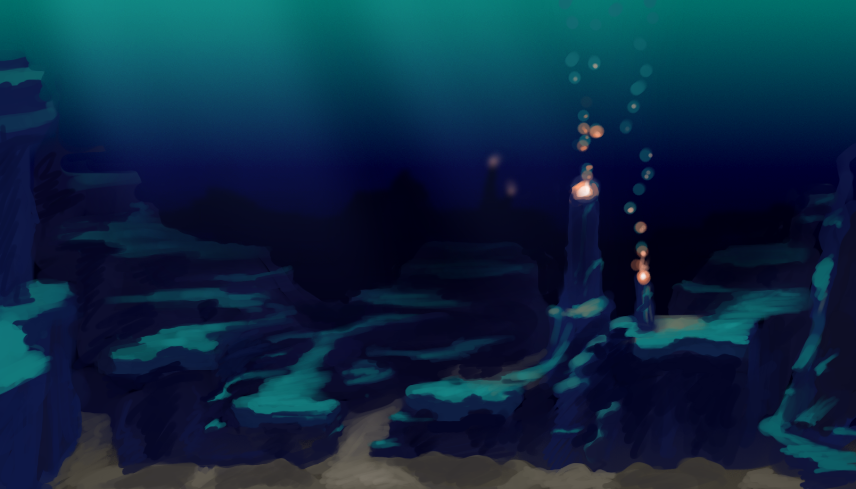
    Concept work began, assets were being built, and Bryce began building code to use those assets with. Some specifics of that work can be viewed in previous posts HERE and HERE. Though progress was slow, it was steady, and from the beginning to the end of the project, there were no real stressful moments in the production. Just allot of trial and error in figuring out workflows in relation to the programming and asset creation.

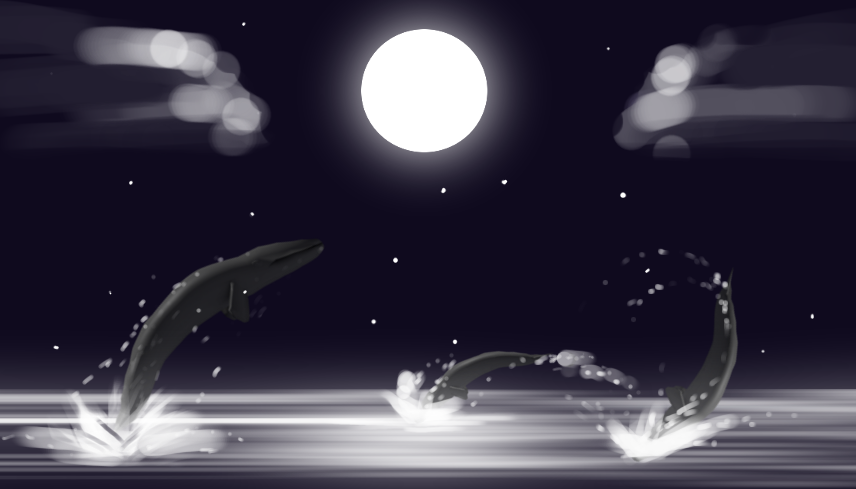
    Only minor changes were made to script and the original sequence of the game during production. In fact, only one scene was taken out of the game for programming reasons. Here is a really basic concept image of that scene. It had to do with the whales jumping out of the water at night, and the player helps Josh jump high enough to touch the moon.

    Page 3_a


    Recording the narration was fun. Bryce and I decided that we wanted to have Aaron do the voice acting for the narration. This was a great choice because Aaron’s voice seemed to fit right inside Josh’s world, and complements the whole feeling of the book very well. This also made the project feel allot more personal to me, turning it into a family project. Jacob helped us out with the recording in a quite room over at my Grandma’s and Grandpa’s home. We used Audacity for the audio, and it all came out beautifully.

    jellyfishpodreunitedtitle

    A little side note about the audio recording, most of the interactive moments of the game were conceptualized when I was preparing a script for lines that needed to be rerecorded or new lines, our second recording session. I felt that the game wasn’t quite balanced enough between the strictly narrative moments and the interactive moments of the game.

    The music was done by April Thorup. She is not a professional composer, but she did a wonderful job on the music. Her playful styling fit into Josh’s world so well, and keeps the app interesting for kids. When we first started to drop the music into the app itself, the feeling of Josh’s world completely changed. Suddenly this small lonely whale had a story to tell, not only by the narrator, but by the music as well.


    When it came to testing the app during the project, we usually just had one of our nieces or nephews take a peek at what we had, and payed attention to their reactions. Because of this “bug testing” we knew from the start that children responded well to the visual style and game play. And, towards the end of the project, we had an official bug testing session, that also brought back good results from children, and assured that we had a solid app structurally.

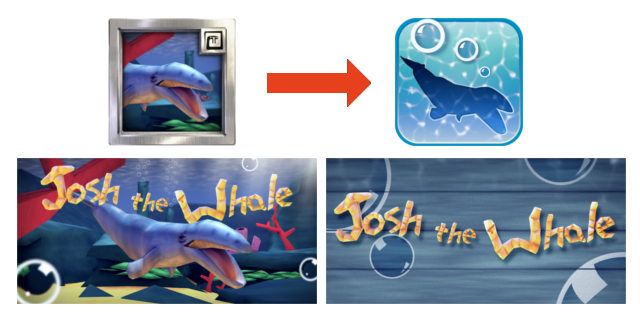
    The app icon and other graphics were interesting to put together. The original thought was to stick to the same icon template and banner styles that we had used for our previous live wallpapers. As you can see from the images below, they weren’t the most impressive images to look at. But, after sifting through Google’s and Apple’s quality guide lines, we decided to redo all of the graphics for the app, creating a simpler style for the icon and banners.

    old graphics to new graphics


    For the final steps of the project, like marketing, I was put in charge. Gathering information on review websites that tailor to the audience we wanted to reach was important, and putting together a trailer and other material to show the app in action was done as well. This moment was probably the most educational for us as a company, mainly because I had never really done any marketing before, and because we have learned that hiring someone to handle the marketing is probably the best way to make sure that it is executed effectively.

    One of the huge pluses to this whole project though, was the cost. I believe that the cost for a Shiva 3D license was $200, which covered porting the game to bother Android and iOS. Marketing was about $1000, but besides that there was no additional cost to the project besides our time. We used open source software for all asset creation and editing. This includes Blender, Gimp, Audacity, and Inkscape. Software that we have allot of experience with, and are all great programs.


    We have only just released this app, and we have had a really good responses from reviewers, family, friends, and strangers, so far. We are proud of Josh the Whale, and so thankful for everyone that helped make it a reality. It represents our commitment to making products that we can be proud off and that others can enjoy. It represents our first step into the game development realm. And most of all, it shows that even a small whale can do great things, our goal for the future.


    Josh the Whale on our corporate page: http://goo.gl/lWhtT

    Josh the Whale on Google Play: http://goo.gl/RQEXe

    Josh the Whale on iTunes: http://goo.gl/kyTDD

  • Article | The Music of Final Fantasy

    Article | The Music of Final Fantasy

    Intro main image

    Click HERE to start reading an article I put together as tribute to some of the great music in Final Fantasy.

    This article was written for a contest at 1up.com, HERE.  Check it out, there are some other really good posts there, definitely worth reading.  It’s great to see how many people this music inspires.

    When I started writting the article, I knew I would want to do a few illustrations for it as well.  Seeing that this blog and portfolio was created to represent my art.  Here are a few things that I learned during this process.

    I should have set some better goals.  I though about the music allot, and what I wanted to talk about, but I sacrificed not setting goals with the illustrations.  When I was done with my first draft, I tried to go through the article and think of what scenes or characters would best represent that part of the article.  The problem with this thinking was, I had no idea how many illustrations I wanted to do.  In turn, I had no idea how long it would take to get them finished, and what style I should do them in.

    So I rushed the last couple days, finding out that I do better work when I am rushed, at least.  And I ended up settling on two different styles for the illustrations.  A vector monochromatic and full color pencil mediums.  I won’t post the vector illustrations here, but you can see them on page one, by clicking HERE. Overall I though that they came out good, and do contribute to the article overall.

    These three color pencil pieces were done in Gimp,  I was surprised at how close I could get it to look like the real medium.  I looks like color pencil but enhanced by the pure colors brought by digital.

    Overall, the experience was good, and I am planning on doing some other project articles with illustrations in the future.  Anyone here like Myst?

    Again, enjoy the article, and let me know what you think.

  • Now, What Do You Use To Sketch?

    Now, What Do You Use To Sketch?

    Its always good to think about how we do things. Giving a little self-assessment can help us grow faster than we were before, and help us do our work more effectively, especially on how to sketch. So I thought I would present you all with my sketching structure. What I use and how I sketch currently. I will cover both my digital and real mediums. And I will provide a short list of things to consider when buying art supplies, and how to prepare to sketch.

    I hope I can spur up some thought, on your end, that might help or encourage the way you do things.  And, sorry to disappoint, but this is not about how I sketch, or my process of sketching.  But what I will be talking about will get you started, and help you get settled in a way of sketching.

    This is certainly not one of my usual, shorter posts, so take it in small chunks, and absorb it the best you can.  I tried to be as to the point, as much as possible, without leaving out things that I think might help others in their sketching processes.

    When it comes to drawing a sketch, my habits and process are constantly changing. This is my nature, as I am trying to improve my methods and discover new tricks and tips. Also, what I use and how I sketch are often influenced by what I am currently studying.

    For example. If you are focusing on gesture drawing, you might not need much more than a 8″ x 10″ sketchbook and a pencil. The pencil doesn’t really need an eraser in this case. Since you are probably trying to capture a gesture in a few seconds or less, and being outside, drawing people, there is usually no time to erase.

    But in contrast. If you are doing charcoal/graphite portraits, you will most likely have both a small and large format sketchbook, blending stub, several different pencils or charcoal sticks, kneed eraser, etc…

    And there will be times where all you need is an Etch a Sketch.

    What I am getting at, is this post is just to show how I go about sketching, currently. And my methods change constantly. Gotta stay fresh.

    • When I was Your Age…

    When I started seriously drawing and sketching, about 13 or 14 years ago, all I had was print paper and a pencil. I really had no comprehension of what kind of tools were available to artists, and really just found what I could around the house. This habit has stuck with me.

    Having loose sheets for sketching is not always the best way. Simply because you might lose that sketch and it isn’t the most convenient outside. But I have found that paper protectors, a binder and a little bit of effort will keep you from losing your sketches. I have always liked the feeling of loose sheets, it makes the sketch feel like something that could be framed, if need be. It also makes storage easier. The other reason I prefer this method is because you don’t have rings or the binding of a book to hinder the movement of your hand or arm.  A problem that I am plagued with when using smaller sketchbooks.

    Some things to keep in mind when drawing on loose sheets.

    1. No commitment.  The sketch is loose, and you don’t have to risk ruining a sketchbook removing a sketch you don’t want.
    2. Make sure that the paper you are using is acid free.  Most print paper should be, but I have been surprised too many times not to give this warning.
    3. A clean surface to draw on.  I just bought a piece of sturdy particle board, which I happen to use to attach small water color projects to, as well.  Now I don’t have to worry about the tably I am drawing on, being dirty, I brought my own table!
    4. Stick to standard paper sizes, like 8.5″x11″.  Going any bigger can be difficult to store and protect.  They do make binders and paper protector sizes for bigger and smaller formats, but these will tend to be harder to find and a bit more expensive.

    • My Basics

    The picture, to the right, is my basic setup. For when I have some time set apart for sketching. This includes a 18″x24″ sketchpad, a red lead pencil and a few other tools.  I will talk more about my tools in a moment.

    The reason I use a larger sketchpad is to practice using my shoulder more than my wrist. I have found, when I use a smaller sketch books, it is harder to use your shoulder. Simply because there is less room to make the larger movements of the shoulder.

    I also use a 24″x36″ sketchpad for detailed portraits in charcoal and graphite.  This is something that most classes will require you to have.  And it does feel cool to be drawing that big anyways.  It is always a good investment, if your planning on taking smaller sketches and making them bigger, or you are drawing from life.

    As for brand or what kind of paper you want in a sketchbook. I don’t know too much about those things. Only that there are differences in pricing.  I usually pick a mid priced sketchbook, because it seems if you invest a little bit more you get a better product.

    A fine tooth paper has worked for just about everything that I have done. But it will take a far more experienced person to explain the differences and the uses of the different paper weights available. Anyone who is reading this, if you have references or advice on this matter, please let us know.

    A few things to keep in mind when you are buying a sketchbook/pad:

    1. Think of scale and detail. Obviously you will want your drawing to be a certain size. But also keep in mind, that the larger the paper the more detail you can include in your drawing. A smaller sketchbook only allows for so much detail.
    2. Pick your binding. There are hardcover, tape bound, and ring bound sketchbooks.
      1.  Hardcover is the most permanent, and will keep the pages from rubbing together. Protecting any graphite sketches you might have. But, depending on the size of the sketch book, it might be hard to get the pages to lay flat, if the binding is really tight or the book is too thick.
      2. Tape bound is similar to hardcover, but it often allows you to remove your sketches more easily.  Good for classes and if you need to present or store your sketches separately.
      3. Ring bound sketch books make the sketching experience more enjoyable.  Simply because the pages always lay flat, and your hand will never run into anything, on the top or side of the page, that is distracting.  But the pages do have some room to slide around.  If you have any unfixed graphite sketches, they will get smeared and basically ruined.
    3. Think about how you are going to store you sketchbooks after they are used.  If your going to throw away all your hard work, don’t worry about it, but larger sketchpads can be difficult to protect.  Buying a similar size portfolio case is a good option but not always the best.  I have found the plastic storage containers are better (And cheaper).  They are ridged and mostly waterproof.  Truly protecting your larger sketchbooks.

    Hereis a simple list of some sketchbooks and their differences.

    • Tools for the Job

    There are hundreds, if not thousands, of different tools an artist can buy. So the question you have to ask yourself. What do I want to do? If you are planning on sketching, a few different pencils and pens will usually do the job.  Refer to the picture to get a look at my arsenal.

    Not very complicated huh.  In most cases, it doesn’t need to be.  I always tell myself when I am at the store looking at art supplies, it isn’t the tool, but the person who is using the tool that makes the difference.  This goes for just about any medium in any situation.  Now, I know that this little piece of advice doesn’t necessarily go for larger more serious projects and the materials you will use for them.  But for sketching, no need to get too expensive.  Its just practice.

    A small note about the red pencil in the picture.  If you have taken a 2D animation course, or read about the process of making 2D animation, you will know that they use different color pencils for various things.  It basically breaks the animation process down into visual steps.  To me, starting my sketches in red, tella me that this is not a final drawing, and changes can be made.  It also helps me not to worry about mistakes.

    Normal lead is stark.  If you lay down a line on a white piece of paper, that line will scream at you until you add some more lines.  One of the ways I avoid that feeling is by using a red pencil for my initial sketches.  Less intimidating than normal graphite.

    Another important tool for maintaining your artwork is a fixative.  This comes in an aerosol can, and is usually for charcoal, graphite, color pencil and pastel work.  You can also use hairspray to do the same thing.  But there are some things to take into consideration before you use hairspray.  Here will explain.

    • Digital Sketching | The future?

    Real mediums will never go our of style.  But if you have a little more money to spend, I highly suggest what I will talk about next.

    Portable devices are getting better, fast.  There have already been a few Windows slates that do very well at sketching.  But the one draw back that keeps most people from pursuing this kind of sketch book is the price tag.  Most, if not all of these tablets, are over $1000.  Placing these tablets a little too far out of an artist’s modest budget.

    Even the iPad is still above the mark that many artists are willing to pay, mainly because of the cost of extra accessories to get it to a point where you can use it to sketch on.

    But recently, through the mercy of Android.  The clouds have parted and the price has dropped.  And, currently, there is one 10.1″ tablet that is ideal for sketching.  The Lenovo Thinkpad 10.1″ tablet.

    I won’t get into a whole lot of details on this tablet.  But it does have pressure sensitivity, and with the Android Ice Cream Sandwich update, its pretty darn responsive as well.   And for a price tag under $300, it is hard to find anything out there comparable.  I’ll post more about this, and other future tablets, another time.

    With this tablet I have pretty much replaced my smaller sketch books.  For sketching and even for starting out a larger project it does very well for me.  I have examples here.  I don’t have a hard copy of my sketches, and sometimes battery life is a problem, but if you keep a good backup of your digital stuff, and keep the system off when you really don’t need it, these problems are nullified.

    One more thing that puts this on the top for me.  I am usually carrying this tablet around for work.  So whenever I have a little bit of free time, I have no excuse but to draw. I also use it to do preliminary sketches when I am sitting and discussing things with clients.

    Then there is sketching with a tablet digitizer.  I currently have a Wacom Intuos 4 8″x5″.  And I usually use this for sketches that I will be taking to a final product.  But there are times that I do sit down and sketch with it.  Something that I should probably do more often, since it is my primary medium right now.

    These can be pricey, depending on what brand you buy.  Wacom is top dog when it comes to these types of devices, but there are a few other companies the produce comparable tablets for less.  If you are doing any type of digital painting, a drawing tablet is a must.  And if you start getting really serious about it,  you will most likely end up with a Wacom Tablet.
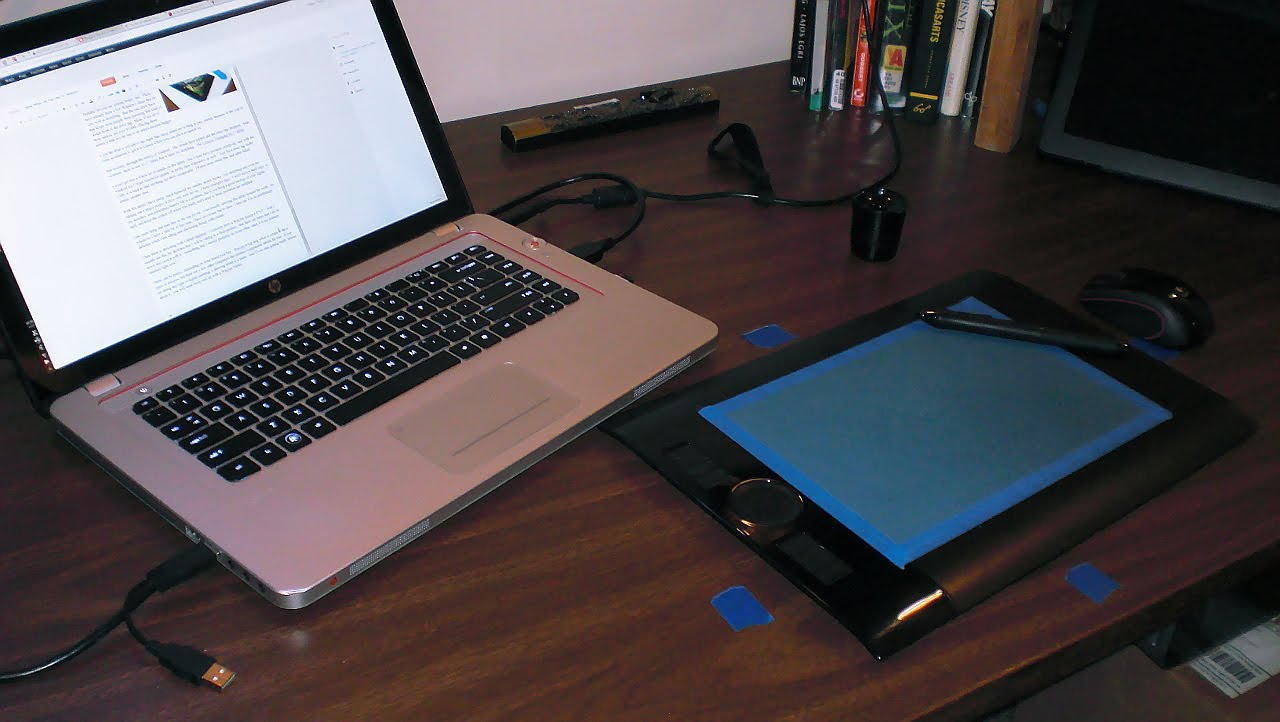
    Here is an example of one of my sketches on this drawing tablet.

    And for anyone who is interested in what software I use.  Adobe Photoshop, Adobe Illustrator, Inkscape, The Gimp, Mypaint, Alchemy, Krita and Blender.    Any one of these programs can be used for sketching, to one extent or another.  I tend to lean towards all of the open source packages, because it makes me feel better inside, helping out those communities.  But the Adobe products have many things that open source is catching up to.  If you going to be sketching digitally  though, there is no reason to drop a few hundred dollars into a professional package.  Its just practice, right?

    • Conclusion

    Sketching is such an organic process.  Both how and what you sketch with can, and probably should, change constantly.  If you are an aspiring artist, strive to be a sketch artist.  This will often be the basis of everything you produce.  And I hope that something in this article could help you something.  I know that just by writing this, I learned a few things about myself.  To teach is to learn.

    If you have any questions and comments, feel free to leave them.  I am not the most authoritative voice out there, but I will do the best I can to respond.